25 Shades of Brown in Design


Share 25 Shades of Brown in Design
Explore more from
Design basics
Master color to elevate your designs
Experiment, refine, and apply color palettes in Figma.

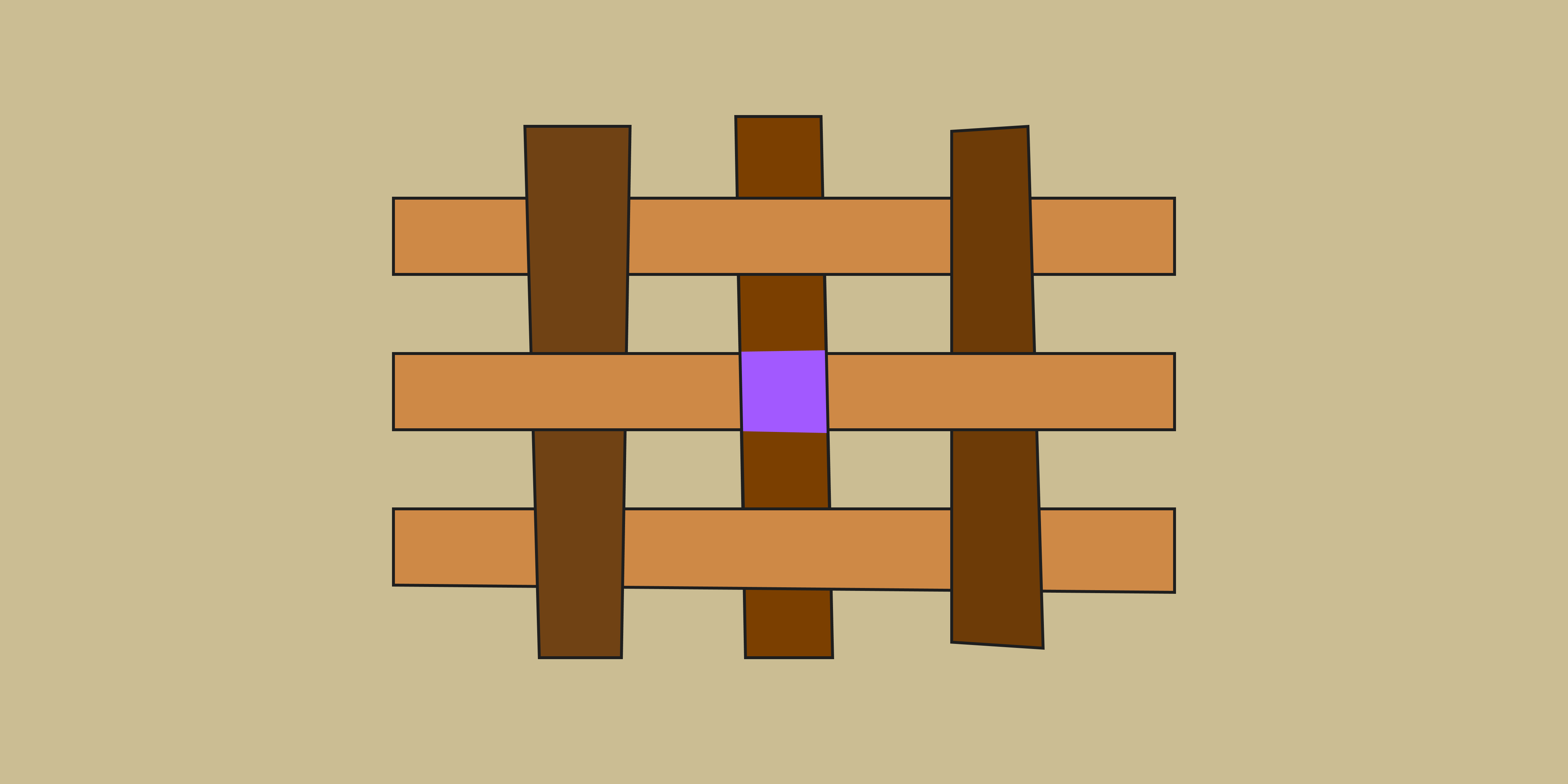
To connect with your target audience, your brand personality needs to convey warmth, dependability, and security —and shades of brown can help. Adding these natural, earthy tones to your brand color palette can tap into feelings of comfort and trust. Depending on the brown shades you choose, they can also set a rich, sophisticated tone.
Read on to learn more about:
- Brown color basics
- Benefits of using brown hues in design
- Different shades of brown to explore with FIgma—plus 4 pro tips
Brown color basics
Brown is a composite color that blends primary colors (red, yellow, or blue) with secondary ones (orange, green, or violet). In the RGB color system for digital design, mixing red, green, and blue results in brown (hex code #895129). Meanwhile, magenta, yellow, and black pigments combine to create brown in the CMYK color space for print design.
Brown doesn’t show up on the traditional color wheel. But modern color wheels include brown as a deep shade of orange. This makes brown a warm neutral color that easily complements other colors, but can also stand alone. Brands can use different shades of brown to inspire feelings of safety, stability, and strength.
Benefits of using brown in design
Creative teams across web, graphic, and interior design go with brown tones and color schemes to reap key benefits, including:
- Evoking a natural, organic vibe. Many warm brown hues represent natural elements such as rich soil and wood. This makes brown a popular choice for wholesome or eco-friendly brands.
- Building credibility. As a grounded, earthy color, deep brown can stand for reliability and trust.
- Enhancing readability. Certain brown colors can provide good contrast with white or black text when used as a neutral base for interfaces. Be sure to check your color contrast to ensure readability and accessibility.
Different shades of brown
You can use brown shades in a cozy, calming monochromatic design, or pair brown hues with complementary colors to amplify your brand’s visual appeal. Whatever your design direction, start by understanding your options to choose brown colors that attract and engage users.
Light browns
Light browns are approachable and easy on the eyes. They serve as a foil for vibrant accent colors, such as navy blue or olive green.
- Beige (#EDE8D0) blends soft brown and white to produce an understated, elegant tone. This light tint can help brands convey tranquility and stability.
- Nude (#F7D9BC) adds subtle depth and dimension to solid-colored elements. Use this warm neutral color to deliver visual cues, such as hover effects on a button or input fields when a user completes an action.
- Sand (#CBBD93) is a soft, inviting hue that reinforces a connection to the natural world—think of sandy beaches or desert landscapes. This makes sand ideal for wellness, leisure, and travel apps or websites.
- Tan (#D6B588) imparts an understated warmth to UI designs. Use tan to create subtle, yet visually distinct elements such as buttons or text.
Medium browns
Medium browns offer greater warmth and versatility for visual experiences. Choose medium browns to inject energy into your designs, from social media campaigns to home decor paint colors.
- Bronze (#CE8946) has a healthy dose of orange that adds intensity and power to this warm color. Use bronze’s rich associations and undertones to convey luxury and wealth.
- Burnt sienna (#E97451) is a lively red-brown color also known as red earth. Burnt sienna can help call attention to UI elements, such as buttons or other calls to action.
- Cinnamon (#D47E30) gives off a distinctive and welcoming energy, thanks to its orange and red undertones. Use cinnamon for headlines to turn up the warmth in your content.
- Copper (#C68346) is an earthy orange-brown shade that symbolizes strength and creativity. It pairs well with turquoise or teal to create a vivid contrast in visual designs and textiles.
- Sepia (#704214) is a muted brown-red tone that lends an old-timey quality to art, design, and photography. Use sepia for handwritten typography to tap into users' feelings of nostalgia.
Dark browns
Darker shades of brown can express refinement and elegance. Use dark browns to create a polished design with clear, vibrant contrast.
- Chocolate brown (#7B3F00) conveys comfort, stability, and elegance. This rich hue works well with a variety of colors—from lighter accents to brighter shades.
- Mocha (#6D3B07) is a rich brown that embodies warmth and sophistication. This makes mocha a great choice for premium or classic brands.
- Umber (#635147) is a medium-dark autumnal shade that contrasts well against white and black. It also pairs well with warmer colors, from tan to peach and red.
- Taupe (#54463A) infuses gray into brown for a chic, professional tone. Use taupe for typography or navigation bars to help other colors stand out.
3 brands that use brown shades effectively
Brands across a variety of industries favor brown color palettes or color combinations that include brown hues. Here are a few examples:
- Evernote: This note-taking app uses a light shade of brown as the base color for its marketing website. This neutral tone creates a sense of comfort and ease.
- UPS: From brown delivery trucks and uniforms to a mostly brown logo, UPS uses brown to send a strong message of reliability, stability, and trust.
- West Elm: This home furnishings brand leans on natural wood tones for its marketing materials to represent comfort, warmth, quality, and sustainability.
4 pro tips when using shades of brown in UI design
To use brown shades effectively in UI design, consider these four tips:
- Keep context in mind. Consider your overall brand identity and target audience when choosing a shade of brown. A traditional brand may use a richer, darker brown, while a modern, youthful brand may opt for a lighter, airier shade.
- Pair brown with complementary colors. Too much brown can make designs look dull or overly rustic. Balance brown with lighter hues or pops of color to create eye-catching, contemporary designs.
- Establish a clear visual hierarchy. Consider using medium or darker browns to highlight key actions, directing users to what’s most important or the next step in a task flow.
- Make it accessible. Create enough contrast between text and background colors for easy readability. You can use an online tool to check for color contrast, so that everyone— including people with low vision—can easily engage with your designs.
Apply shades of brown to your color palette with Figma
Want to add brown hues to your designs, but not sure where and how to use them? Figma’s expert design resources can help you land on the right color combination for your brand:
- Get insights on color theory, color meaning and symbolism, primary colors, secondary colors, RGB, CMYK, and more from Figma’s robust resource library.
- Find the ideal color scheme for your brand—work out what colors go with brown using Figma’s color palette generator.
- Browse all the inspiring professional color palettes shared by the Figma design community.
- Use Figma’s intuitive design tool to create a consistent color palette for your brand.
Keep reading

What is UI design
What is UI design today, and what role does it play in the design thinking process?
Learn more

What is visual hierarchy
If everything looks the same, then you see nothing. Visual hierarchy can change that.
Learn more

UI vs UX
Read on to find out what it takes to design engaging UI, and create a memorable UX.
Learn more