Rouge
Open in FigmaGradient Generator
Generate beautiful gradients in just a few clicks.
CSS
background: linear-gradient(90deg, rgba(255, 47, 0, 1) 0%, rgba(224, 25, 208, 1) 100%)Gradient settings
Stops
Explore gradients
Borealis
Open in FigmaCopper
Open in FigmaMeridian
Open in FigmaPhosphene
Open in FigmaAbsinthe
Open in FigmaTang
Open in FigmaGolden hour
Open in Figma
Gradients of all types
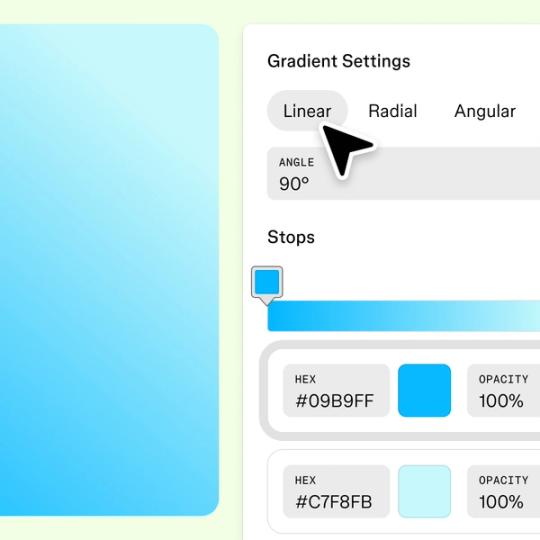
Choose from linear, radial, and angular gradients to find the right look for your project. Adjust the angle, fine-tune your colors, and preview changes in real time.


Add up to 5 stops
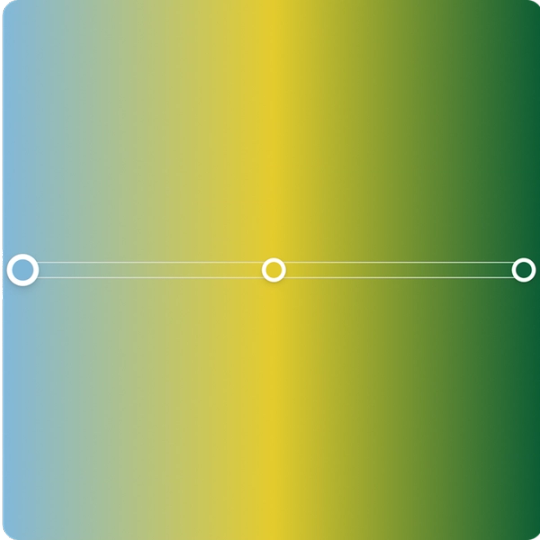
Add up to 5 color stops to build complex, multi-tone gradients. Set the hex value, opacity, and position for each stop to get the exact blend you're after.
Take gradients further in Figma Design
The gradient generator gets you started—but Figma Design gives you full control. Here's how to build gradients directly in your design files.

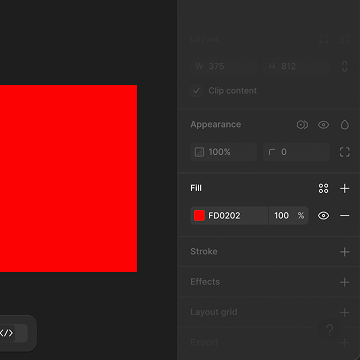
Create or select a frame or shape on the canvas and locate the Fill section in the sidebar.

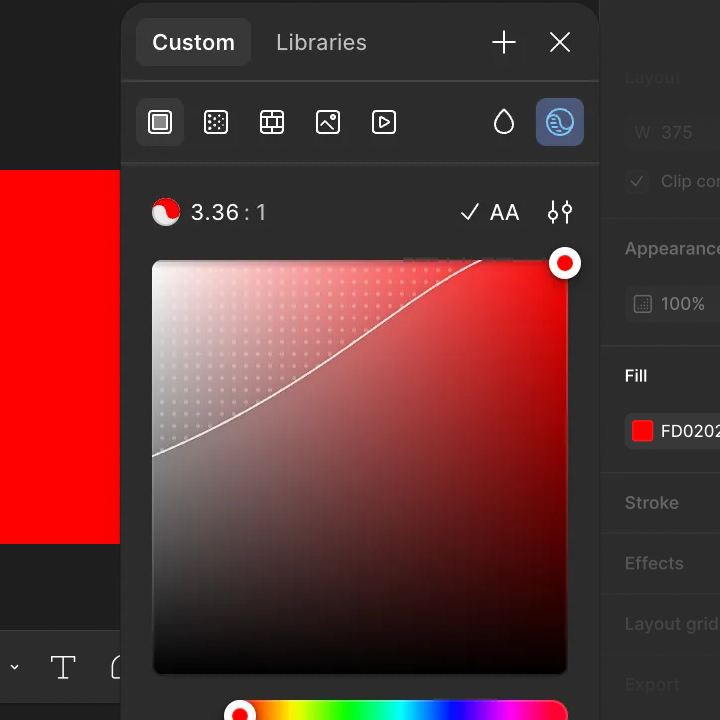
With the fill panel open, locate the row of icons at the top. The second icon represents the gradient option.

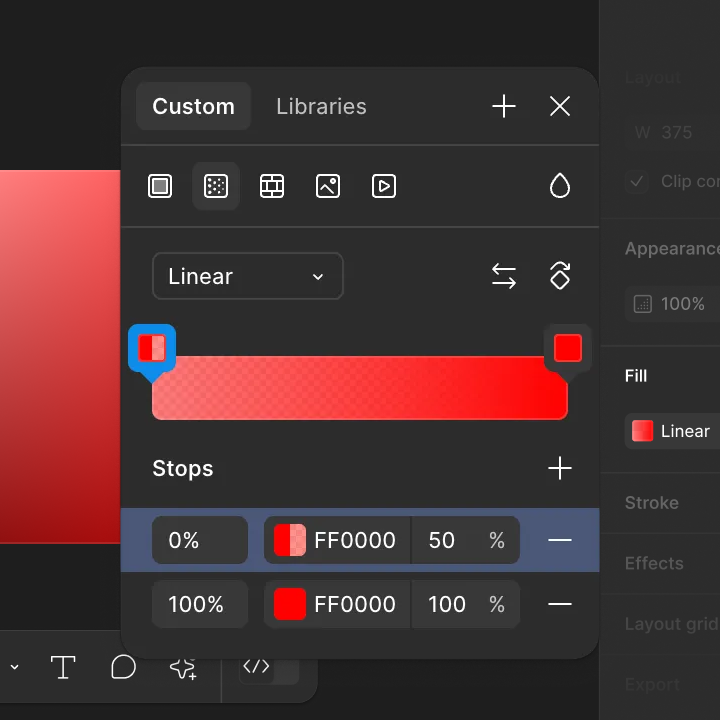
With the gradient option selected, edit your gradient.
FAQs
Explore More Tools