

AI wireframe generator in Figma Make
Go from words to interactive wireframes—just describe your dream layout.
Go from idea to wireframe instantly

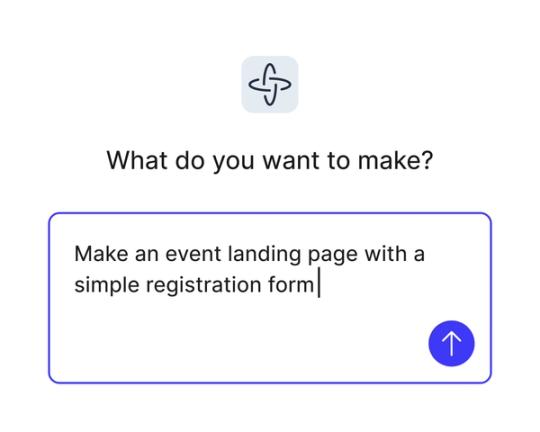
Turn ideas into reality
Skip the dev backlog and bring your concepts to life as interactive flows, dashboards, and complete apps from simple natural language prompts.

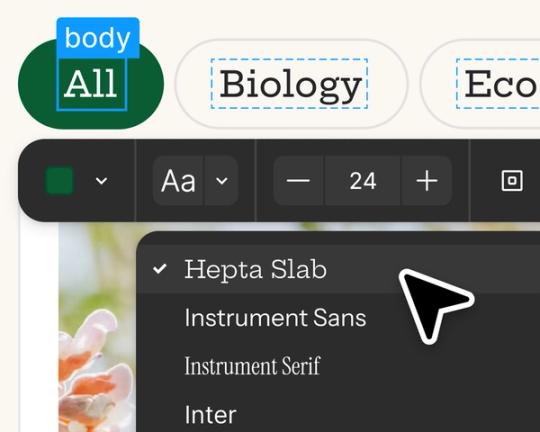
Edit and iterate with AI
Start with prompts, then refine in the visual editor, adjust the code for more control, or prompt again to explore new directions.

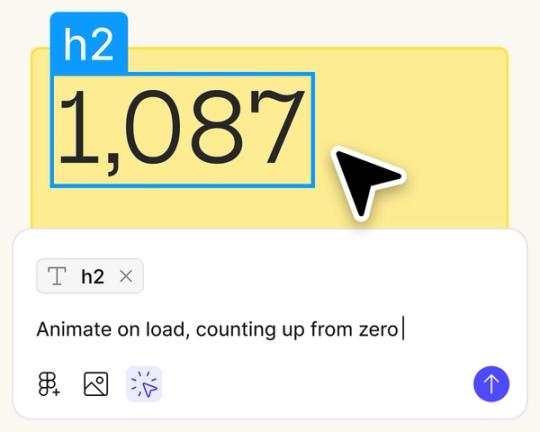
Design and build in one place
Stay in flow as you create, test, and refine in a single workspace, without switching between design and dev tools.

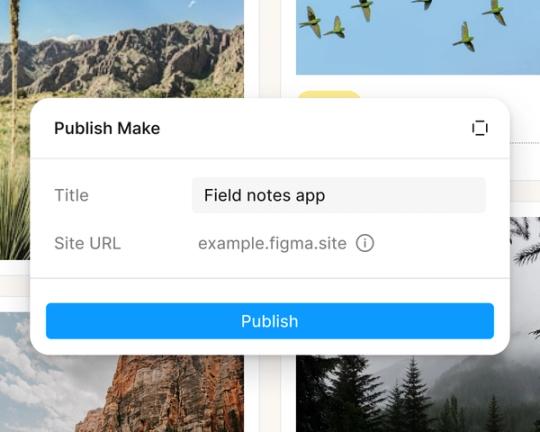
Share or publish your prototype
Share with just your team or launch publicly.
Built by real designers
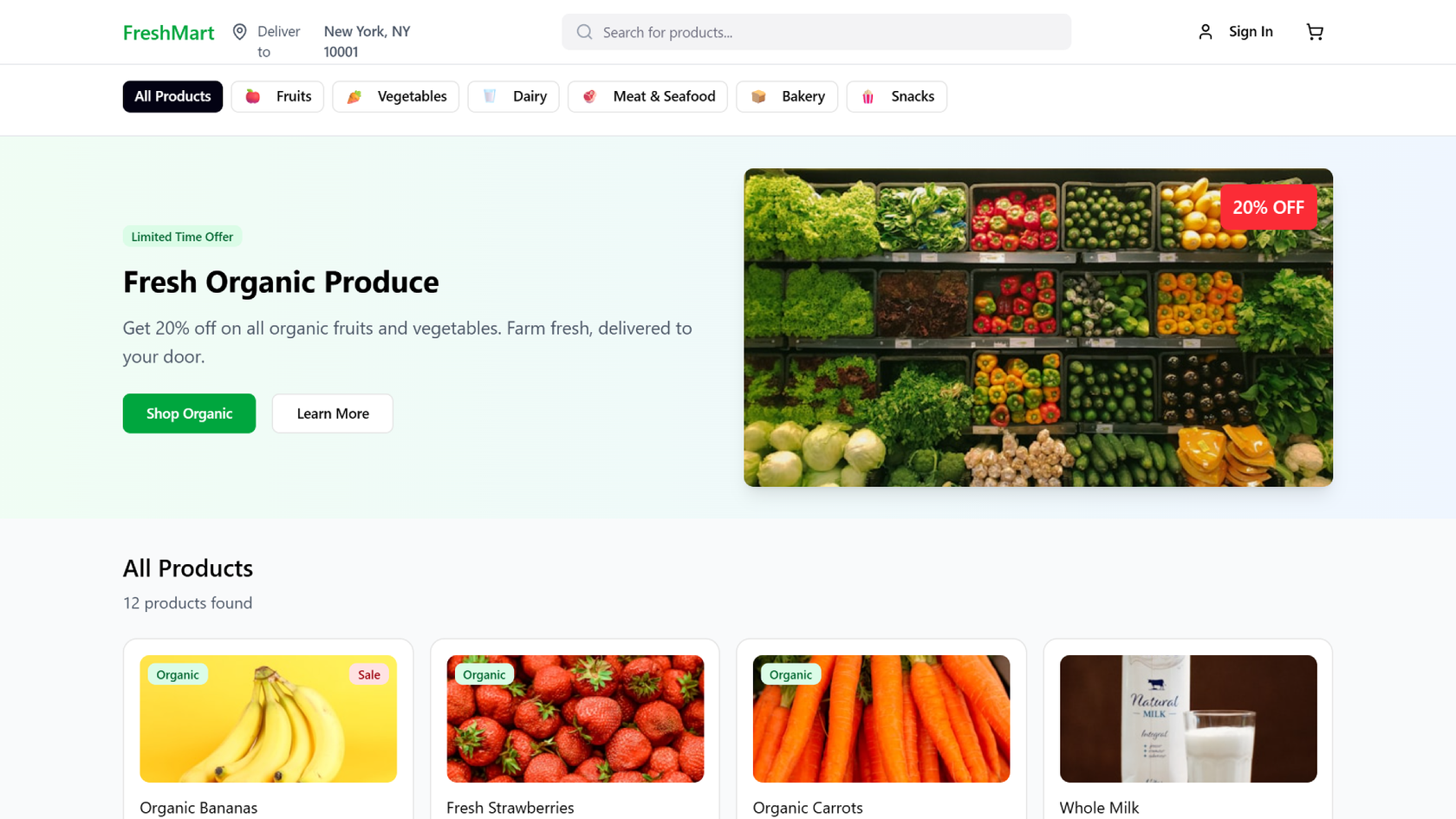
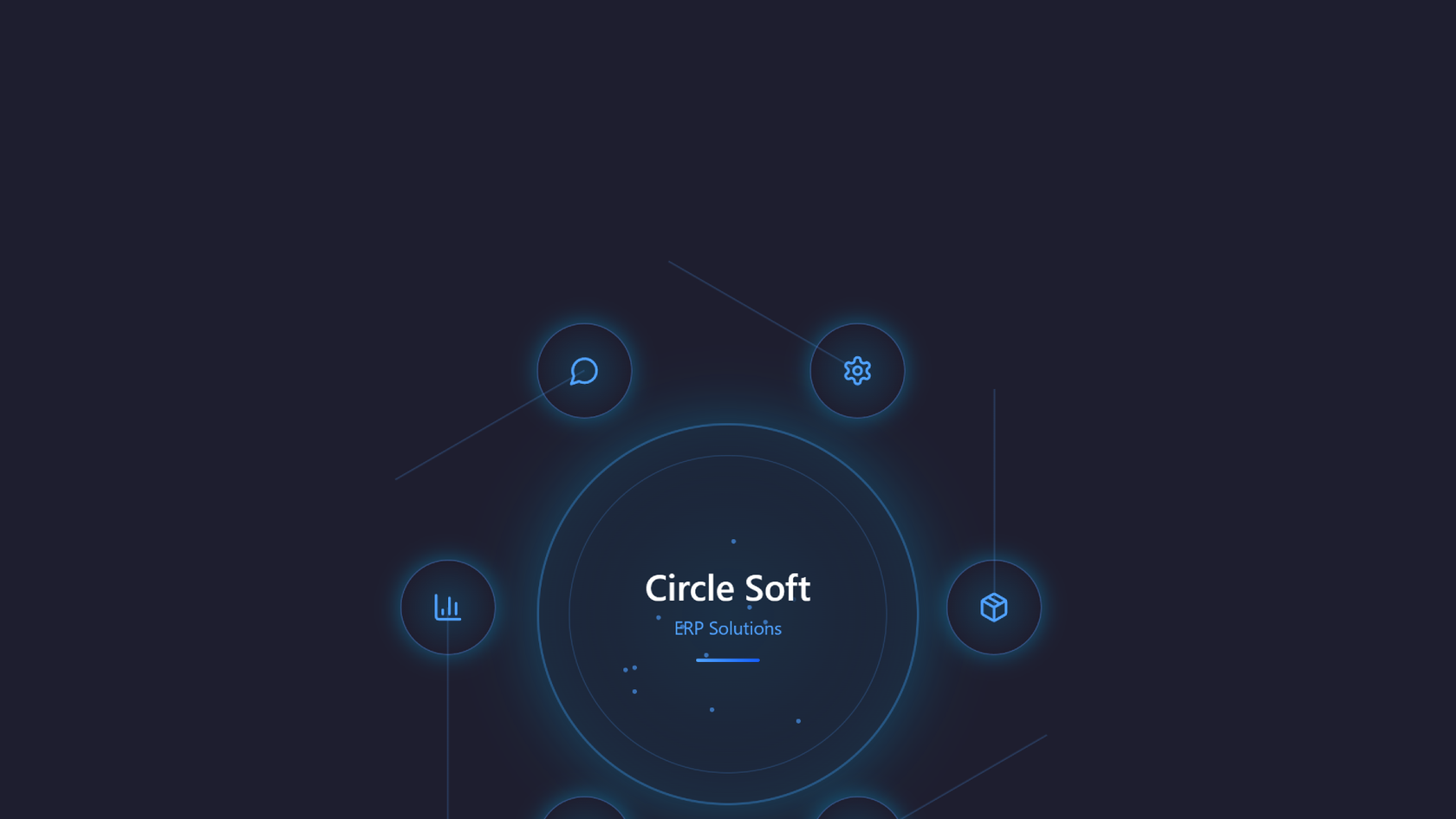
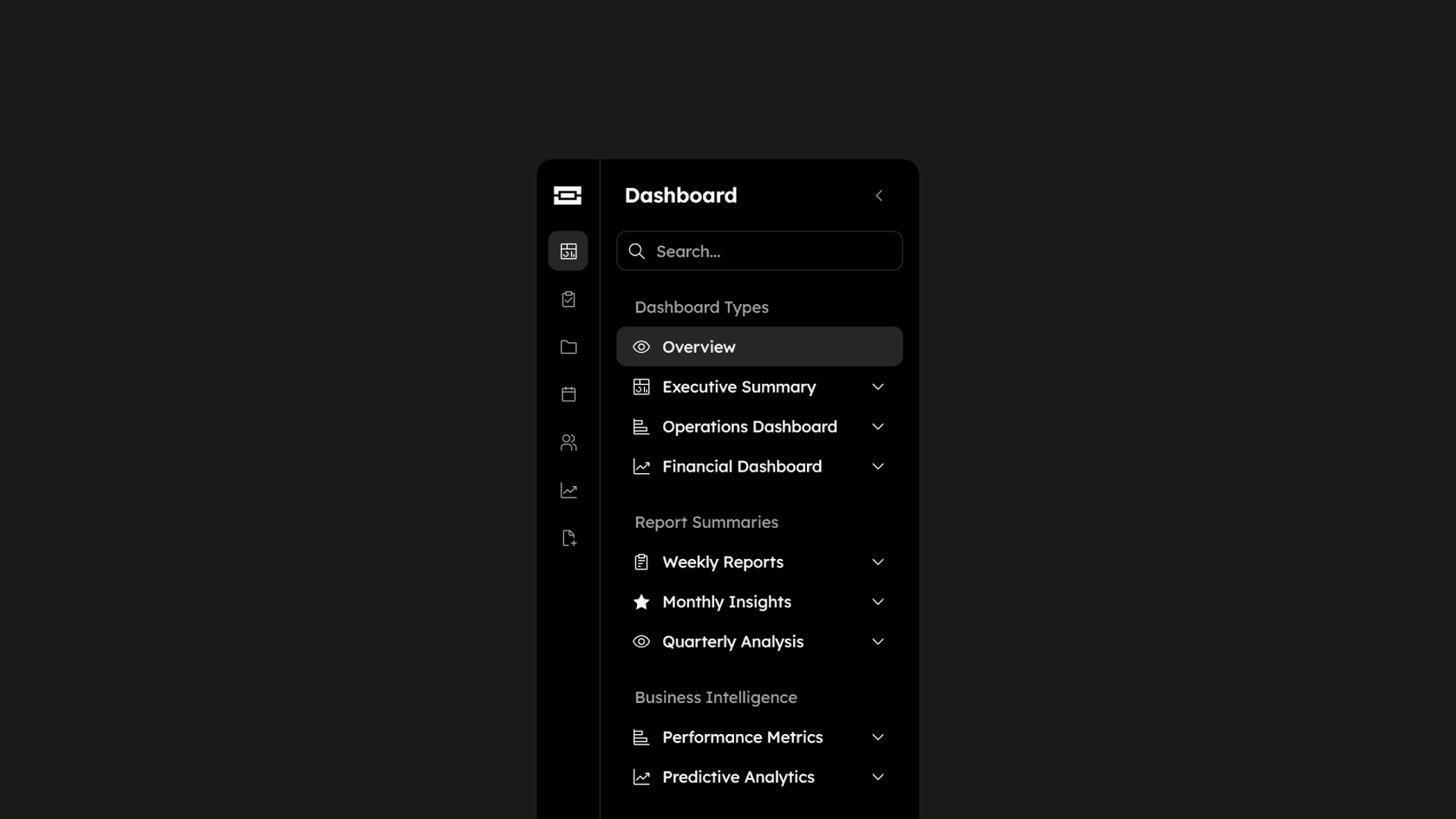
See what designers are building with AI UI tools in Figma Make—from marketing pages to product dashboards to mobile-first flows.
- Daniela Muntyan
- Abhiram Ramoju

- Yossef Saeed

- Joshua Guo







How to generate a wireframe with AI in Figma Make
FAQs
From the blog


4 new ways to go from idea to product with AI tools
AI tools are changing how teams build products—from where they start to what carries through to production. Here's what that shift looks like across four organizations.
Figma Make, now on your local code
From visual editing to contextual prompting and collaboration, Figma Make is expanding how teams can design with code.

7 tips for using Figma Make credits more efficiently
While everyone’s talking about “tokenmaxxing,” we’ve compiled seven best practices to help you build smarter—without prompting more—in Figma Make.
How Figma AI tools helped us bring extra delight to the canvas
For our annual April Fun Day, we used Figma Make, Weave, and MCP to build six mini games that captured the spirit of play. Here’s what we learned.

Build with more context and more control in Figma Make
Starting today, Make kits and Make attachments bring context into Figma Make, so prototypes start from real components, data, and constraints.
6 designs that reimagine how we interact with software
From a multiplayer embroidery sampler to a photo booth that works across time zones, this year's Make-a-thon winners offer new ways to connect, reflect, and play through software.
More resources

What is MCP?
Read articleLearn about Model Context Protocol (MCP), the open standard that simplifies AI integration like a USB-C for data.

What is Vibe coding?
Read articleVibe coding combines mood-driven design with seamless coding to create immersive digital experiences that connect emotionally and function flawlessly.

How to design an app in five steps
Read articleBuilding an app requires research and constant iteration to meet customer needs. Learn how to design an app and how Figma can help in this guide.