What is graphic design


Share What is graphic design
Explore more from
Design basics
Create, collaborate, and ship in Figma
All your design work, in one place.

Graphic design is the practice of using visuals to communicate ideas. From product packaging to social media posts, graphic designers combine color, texture, shapes, and typography to create designs that are equal parts eye-catching and purposeful.
It’s common to assume graphic design is only about aesthetics. But at its core, graphic design is about clarity. Great design guides attention, tells a story, and makes information easier to understand.
Read on to learn:
- The key elements of graphic design
- The difference between graphic design and UX design
- What skills a graphic designer needs
- Five types of graphic design
- Graphic design’s role in SEO and digital marketing
- A brief history of graphic design and its evolution
- Graphic design resources for self-guided learning
Key elements of graphic design
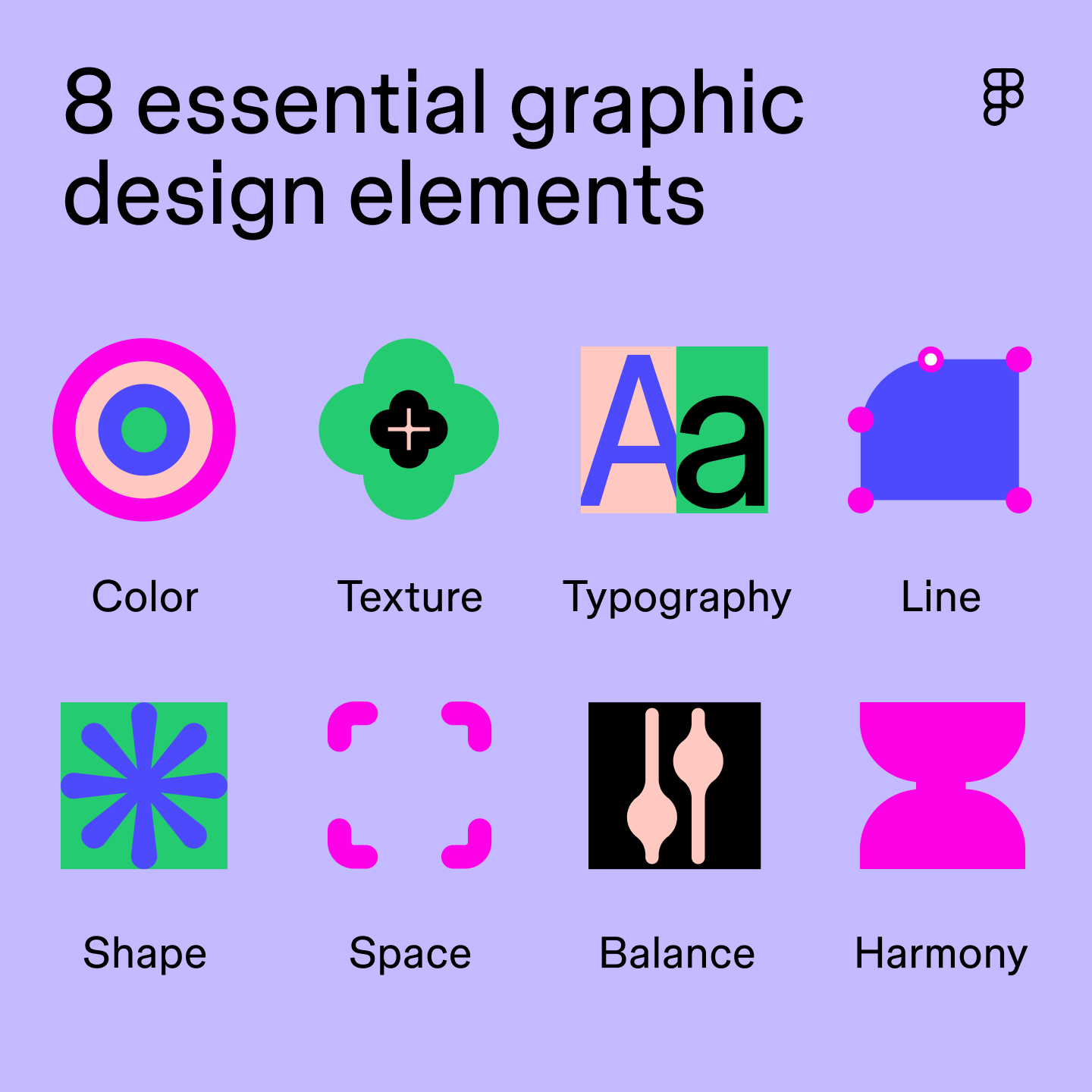
Graphic design involves several elements that work together to create visual interest. Some of the most important graphic design elements include:
- Color. The right colors can help create a cohesive and impactful design that evokes emotion and clearly communicates an intended message.
- Texture. Texture creates dimension and transforms the overall look and feel of designs.
- Typography. The use of text, including the font, size, weight, and arrangement, ensures readability and enhances the design’s visual appeal.
- Line. Whether straight, curved, thick, or thin, lines are the foundation of graphic design. Lines create shapes and define space to guide a user’s eye.
- Shape. Lines can form geometric or free-flowing shapes to represent objects, create contrast, and establish visual hierarchy.
- Space. Negative space (empty areas) and positive space (areas filled with design) create balance and naturally draw a user’s eye to important elements.
- Balance. Balance refers to the distribution of visual weight in a design, creating a sense of stability. This can be achieved through symmetrical balance (mirroring elements) or asymmetrical balance (variations in size, color, and texture).
- Harmony. Harmony establishes a cohesive visual identity, ensuring all elements in the design share characteristics that help users understand your message.

What’s the difference between graphic design and UX design?
Graphic design and UX design often overlap, but they serve different goals. Both use visual tools and design principles—like layout, color, and hierarchy—to communicate clearly and create strong user experiences. But where graphic design focuses on storytelling and aesthetics, UX design centers on how something works.
Graphic design
Graphic design is all about the visual communication of ideas. To create impactful designs that effectively capture and hold a viewer’s attention, graphic designers consider elements such as:
- Color theory
- Typography
- White space
- Composition
The designs they create include static visuals for print media, logos, editorial design, marketing materials, and more.
For example, let’s say a travel booking company is launching an email campaign on discounted destinations. A graphic designer might design the banner included at the top of the email, using high-quality images of vacation destinations and typography to highlight the travel deal and grab a customer’s attention.
UX design
UX design (short for user experience design) focuses on how people interact with a product. It’s about usability, flow, and making sure every interaction feels intuitive.
UX designers map out journeys, organize content, and test how well designs support real user needs. Areas of study include:
UX designers also prioritize accessibility and inclusion to ensure their designs are adaptable to different screens, address a user’s needs, and are usable by everyone.
Referring back to the travel booking company example, a UI designer might focus on making improvements to the app to showcase discounted destinations. This could include creating a search filter that allows users to find discounted trips without having to browse through every option or designing a push notification feature that alerts users of new promotions and offers.
While graphic design and UX design are distinct disciplines, they can overlap. Some graphic designers have basic UX/UI skills, and some Web designers possess graphic design skills. In some cases, companies may combine the two roles. For larger projects, a dedicated Web design team may work closely with graphic designers to maintain a consistent visual identity across the project, ensuring a smooth transition from design to development.
What skills do graphic designers need?
Graphic designers wear many hats, from creating eye-catching logos to memorable brand color palettes. Here are a few key skills that help them bring ideas to life:
- Problem-solving. Graphic designers must effectively communicate ideas and concepts through visuals to address customer needs. By researching their target audience and using problem-solving skills, designers can create designs that resonate and achieve their desired outcome.
- Storytelling. Graphic designers help convey stories through the strategic use of color palettes, icons, illustrations, and visual layouts. Symbolism is a powerful technique graphic designers use to tell a brand’s story or communicate information, all through single images or graphic elements.
- Design principles. A strong understanding of graphic design principles, like balance, contrast, visual hierarchy, movement, or the use of white space, helps designers create user-centric designs that are not only visually appealing but functional and effective.
- Communication. Graphic designers must be able to translate intricate concepts or data sets into easy-to-digest graphics to simplify information. For example, designers might create visual roadmaps like flowcharts using shapes, lines, and typography to guide users through a series of steps, making complex instructions easy to understand.
- Color theory. Understanding how color theory works—emotionally and practically—is essential. Designers use color theory to build visual harmony, create mood, and guide attention.
Looking for free graphic design tools?
Figma has all the tools and templates you need to make your design ideas a reality.
Five types of graphic design
Graphic design spans multiple disciplines, each with its own focus and tools. Here are five of the most common types:
Type 1: Branding and visual identity

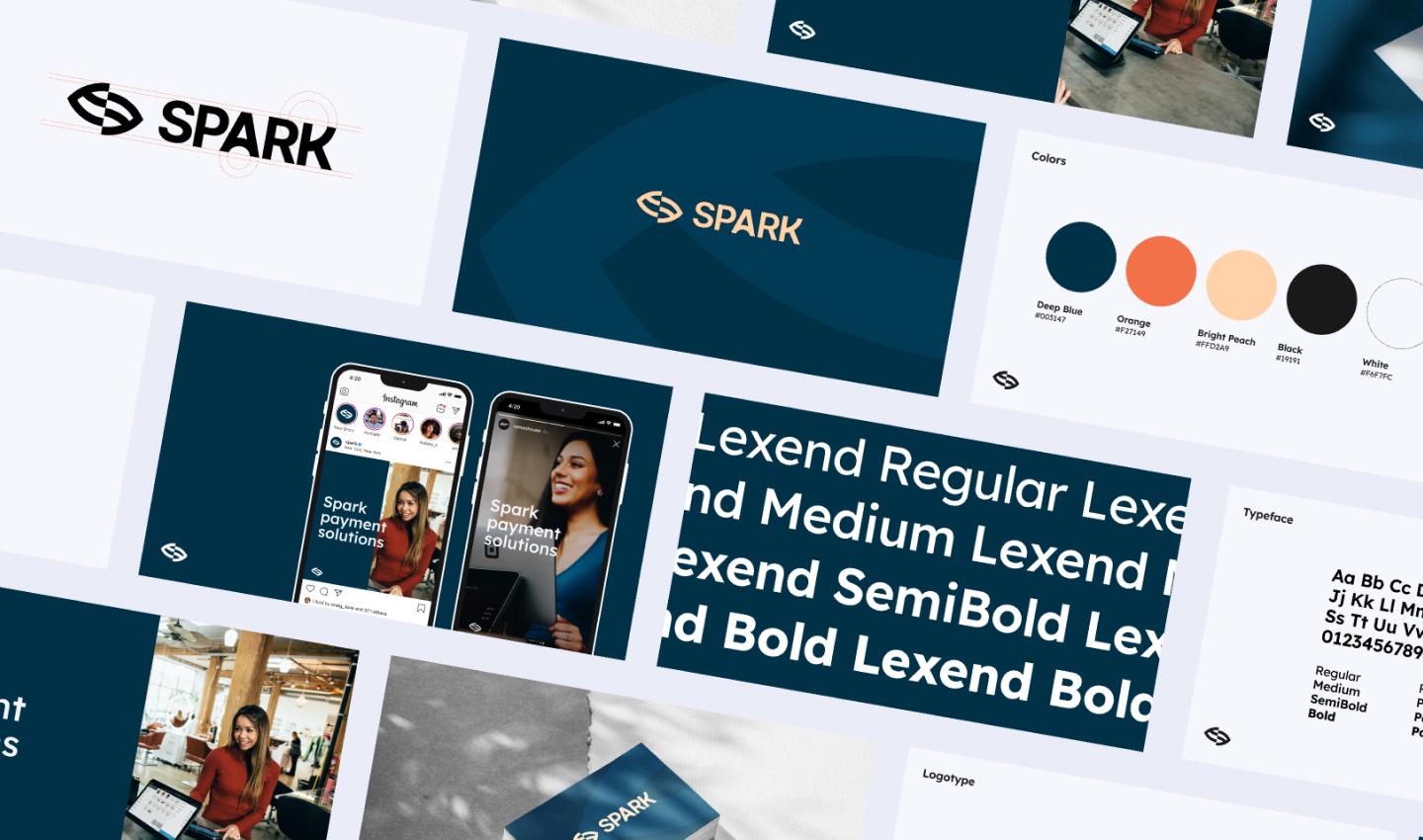
This type of graphic design focuses on creating a cohesive visual identity for a brand, product, or service. The goal is to establish a consistent and cohesive brand image across all platforms and materials.
A strong visual brand identity includes the following components:
- Logos
- Typography and font size
- Imagery
- Iconography and illustrations
- Brand color palette
- Brand guidelines
Take Dropbox, for example. Dropbox uses a simple, open-box logo and a calming color blue to convey ease and reliability. These elements, combined with clear visual guidelines, help maintain brand consistency across all touchpoints.
Graphic designers include these elements in a brand style guide and specific design guidelines to ensure all designers understand how to use different brand elements.
Type 2: Marketing design

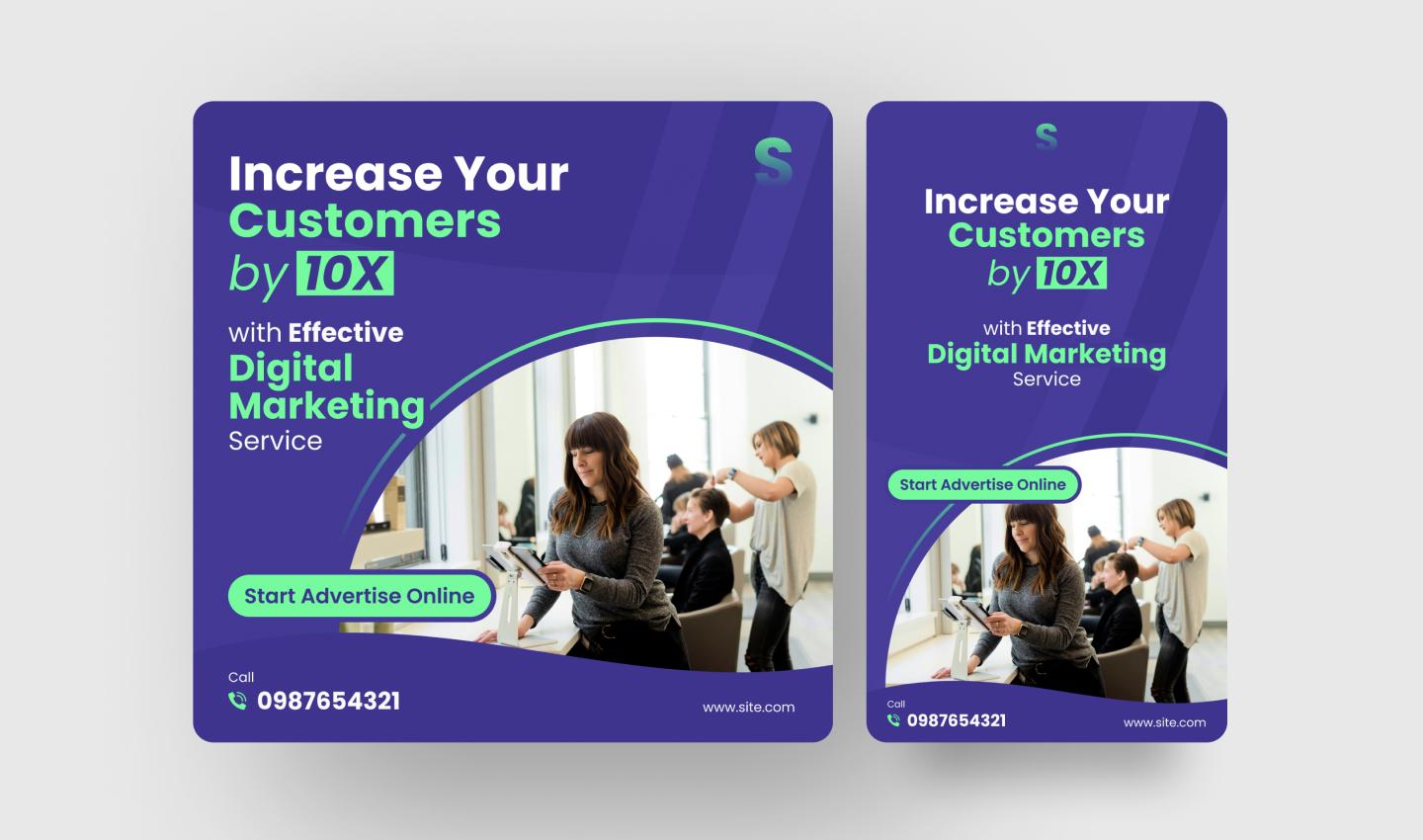
Marketing design promotes a product, service, or idea across digital and print formats. It’s about capturing attention, driving engagement, and supporting campaign goals.
Designers in this space create assets like:
- Email campaigns
- Social media campaigns
- Online advertisements
- Website assets
- Print ads
- Newsletters
- Flyers and posters
When a company launches a new software, a graphic designer plays a key role by crafting promotional materials. For example, they might create captivating website banners that combine text and visuals to showcase the software’s key features.
They might also create multiple layouts for different stages of an email campaign, like teasers to build anticipation, launch announcements to get users excited, or free trial offers to encourage sign-ups. These emails incorporate elements like product screenshots, eye-catching illustrations, and clear CTAs to prompt users to take action.
Type 3: Publication design

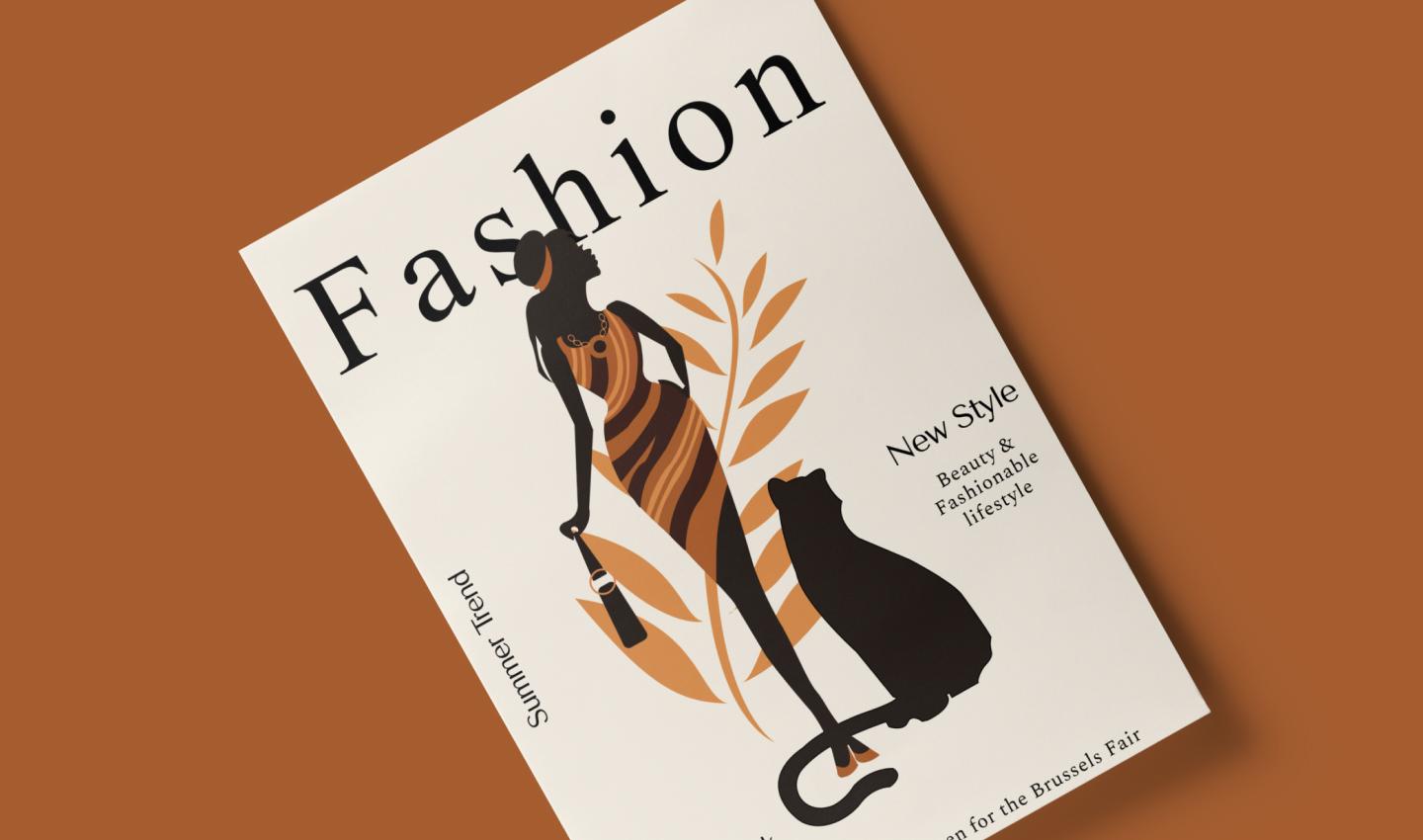
Publication design involves the layout and visual elements of printed publications, like newspapers, magazines, and books. Graphic designers strongly emphasize the layout, ensuring balance, hierarchy, and white space to help guide the reader through the content. They also choose appropriate fonts and text sizes to ensure readability and create high-quality visuals that complement the written content.
National Geographic is a classic example of great publication design. It uses captivating photography that conveys the essence of its stories, immersing readers in diverse experiences. It weaves text and visuals together naturally, using captions, sidebars, and infographics to enrich the story and provide readers with additional context.
Type 4: Illustration

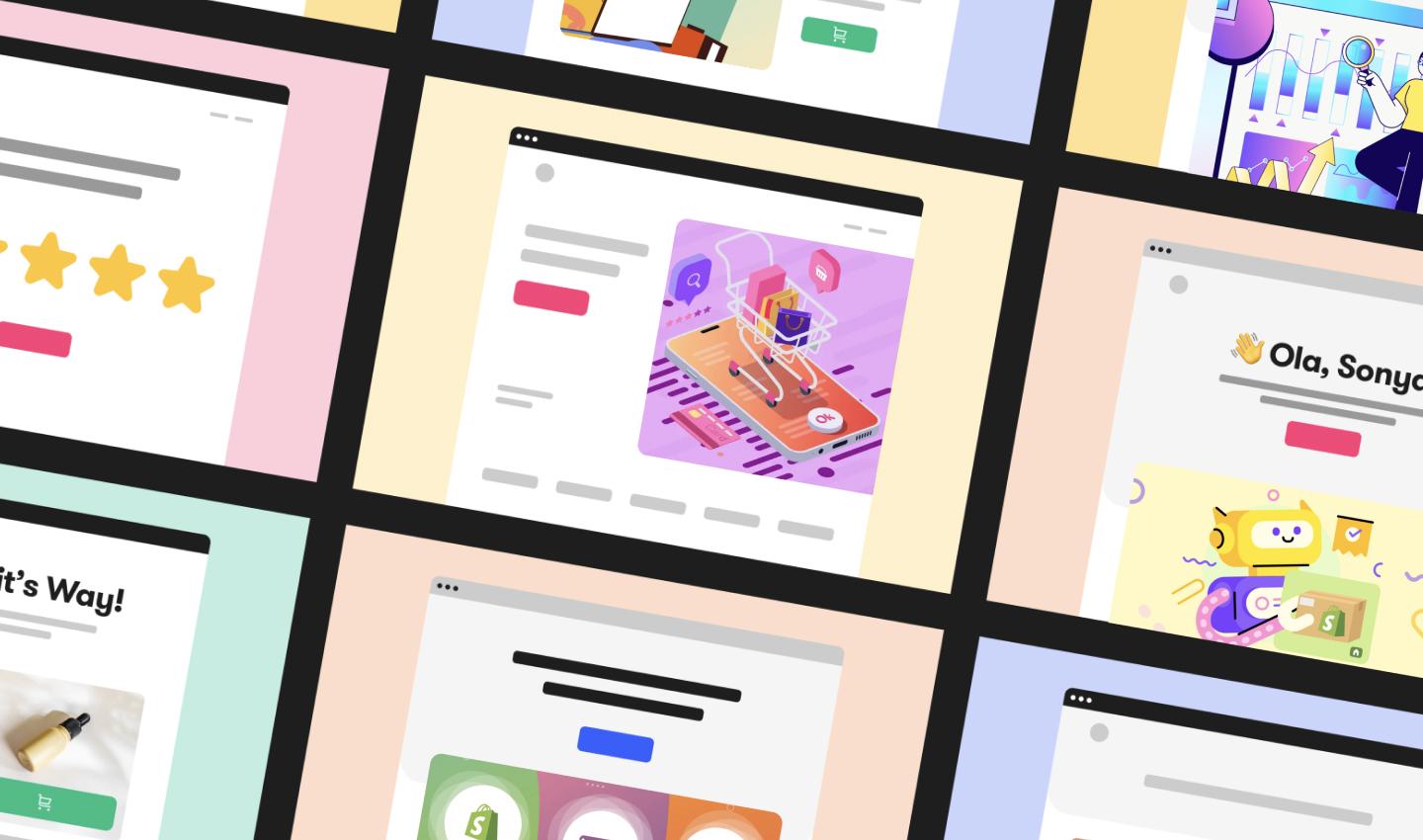
Illustration design uses hand-drawn methods and digital tools to visually interpret a concept or story. Designers consider visual identity to create illustrations that accurately convey the brand’s style and message. They might illustrate characters, objects, or scenes to add personality to websites, social media assets, or books.
Mental health app Headspace features whimsical illustrations throughout its website, app, and content, perfectly reflecting its focus on meditation, sleep, and mental well-being. These illustrations portray a range of emotions, helping users relate to the characters and connect with the content.
Type 5: Packaging design

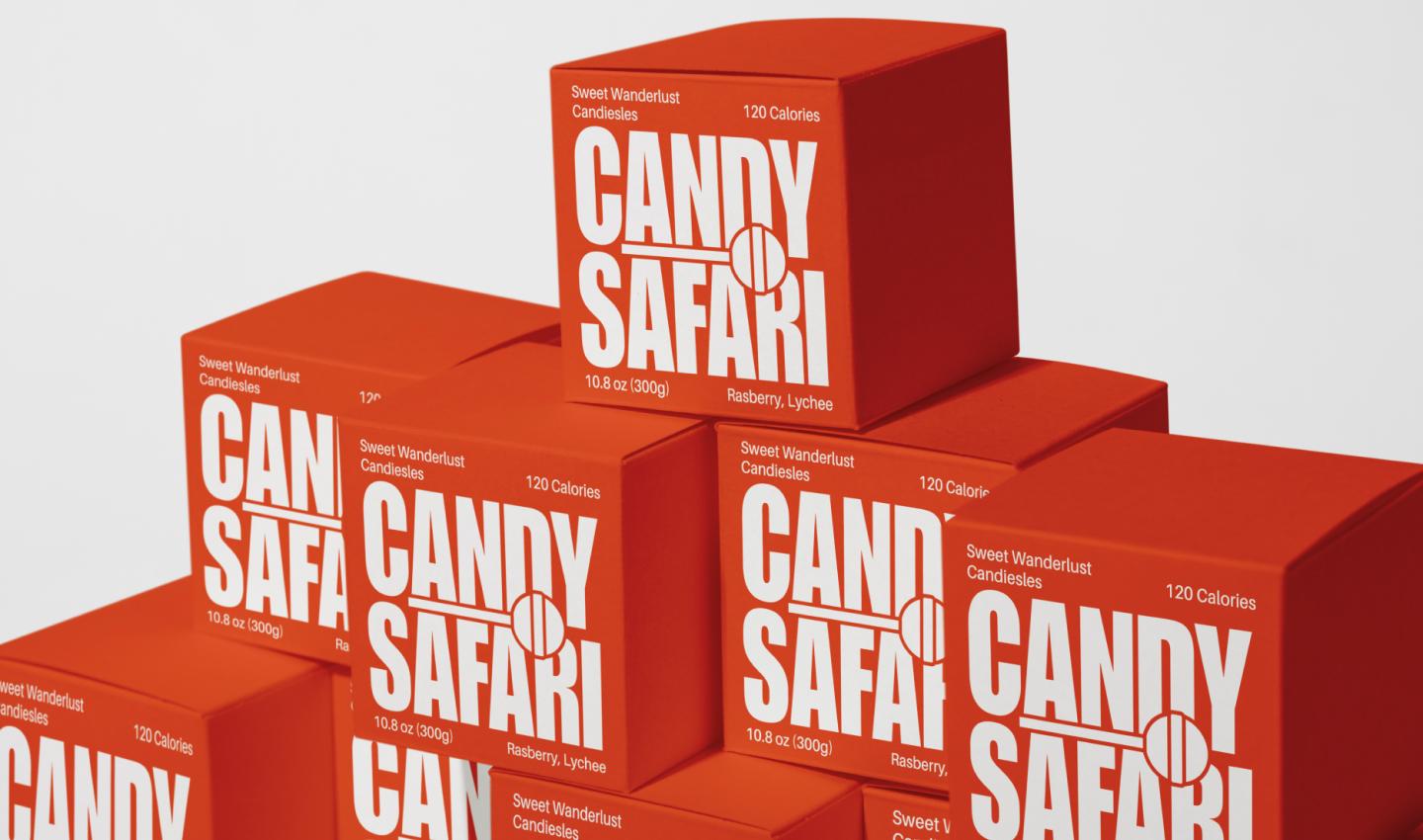
Product packaging is an important component of product marketing, as it influences purchasing decisions and differentiates a product from competitors. Graphic designers use color, imagery, and typography to enhance the overall look and feel of packaging while leveraging branding elements and information hierarchy to display key product information.
Personal care brand Dove has a simple packaging design that reflects the brand’s focus on self-care and beauty. It uses soft colors like white, blue, and beige to evoke feelings of calm and relaxation, and communicates product names and beneficial ingredients in fonts that are easy to read and visually stand out. It sometimes uses imagery, such as floral illustrations, to reinforce its use of natural ingredients.
How graphic design impacts SEO and digital marketing
Graphic design shapes how people interact with your content—and how easily they can find it. From load times to layout, strong design directly supports SEO and marketing performance.
Here’s how thoughtful graphic design boosts SEO and marketing:
- Optimized images improve site speed. Compressing visuals and choosing the right formats keeps your pages loading faster, something search engines reward.
- Clear visual hierarchy guides user flow. Thoughtful website layouts and typography help visitors find information easily, reducing bounce rates and increasing engagement.
- Mobile-friendly design matters. Responsive graphics adapt to different screen sizes, making your content easier to access and easier to rank.
- Consistent branding builds trust. Strong visual identity reinforces your brand, making your marketing messages more memorable and effective.
By balancing beauty with optimized performance, graphic design makes your website more attractive to both users and search engines, helping your content stand out from the crowd.
Graphic design history and evolution
Graphic design has roots that stretch back centuries. The invention of the printing press in the 15th century sparked early examples of design in books, posters, and advertisements. Designers began experimenting with layout, typography, and illustration to communicate ideas more clearly and capture attention. Later, the Industrial Revolution sparked demand for strong brand identities as companies competed visually. Logos, packaging, and advertising design became crucial for recognition.
In the 20th century, movements like Bauhaus and Swiss design introduced principles that still influence designers today—simplicity, function, and the use of grid systems.
Today, digital design tools have transformed how designers work. Software applications like Figma allow for more precise layouts, easier collaboration, and faster iteration, opening the door to broader experimentation and innovation across industries.
Graphic design resources
Whether you’ve been a graphic designer for one month or 10 years, there’s always room to grow. Here are some great resources to help you continue learning and expanding your graphic design knowledge:
- Thinking With Type. This book explores typography and offers a guide to using letters, words, and text for effective visual communication in design.
- Graphic Design Rules: 365 Essential Dos and Don’ts. This read offers practical advice for beginners and experienced graphic designers, covering a wide range of graphic design principles and software applications.
- Interaction of Color. This guide explores color theory and the perception of color schemes, challenging readers to view color in new ways.
- Powered by Design. This book emphasizes problem-solving in graphic design, design thinking, and considerations for creating impactful, inclusive real-world designs.
- Freelance, and Business, and Stuff. This e-book offers practical advice for creative freelancers looking to launch and grow their businesses.
- True Grit Texture Supply Tutorials. These tutorials offer invaluable tips for adding texture and effects to bring your designs to life.
- Fonts In Use. Explore this online resource for typeface pairings and usage examples to inspire your designs.
Get started with graphic design in Figma
Through the strategic use of layouts, colors, textures, shapes, and imagery, graphic design allows you to connect visually with users and leave a lasting impression.
No matter what you create, Figma can help you standardize graphic design elements to match your brand’s style and ensure consistency across all assets. Here’s how:
- Before you begin, create a design brief with Figma’s free template to ensure you and your team align on design guidelines and goals for your upcoming project.
- Speed up your website design workflow with wireframe kits. This drag-and-drop interface makes it easy to customize design elements for Web and mobile mockups to match your style.
- Browse the Figma Community to gather inspiration and learn about different graphic design techniques to add to your projects.
Ready to streamline your graphic design process?
Figma’s free tools and templates are here to help.
Keep reading

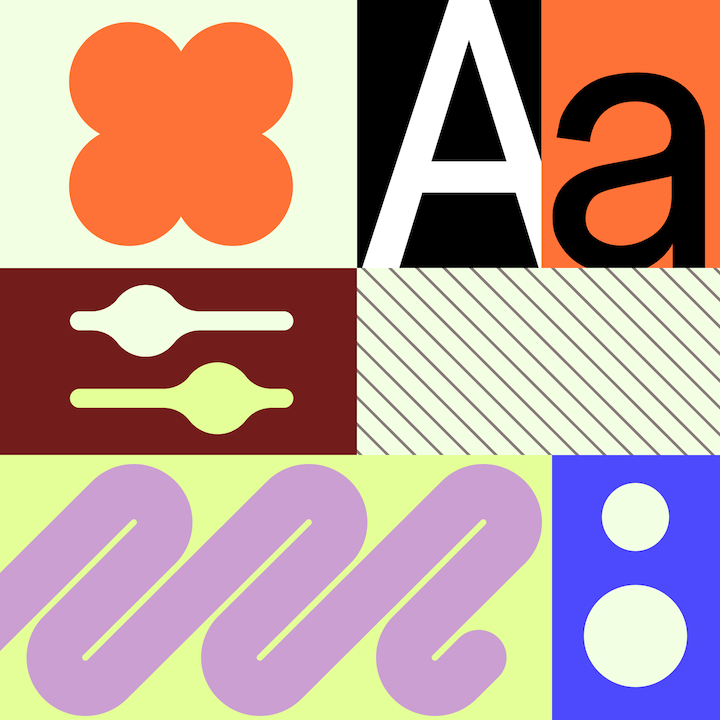
13 core graphic design principles + how to apply them
Learn the 13 core graphic design principles, how to apply them, and how Figma can help elevate your designs in this guide.

12 design system examples to help you build your own
Explore 12 inspiring design system examples from top companies and the Figma Community. See how teams build consistency, scale, and collaborate effectively.