What is high-fidelity prototyping—and how can it help?


Share What is high-fidelity prototyping—and how can it help?
Explore more from
Design basics
Bring designs to life with prototypes
Share flows, gather feedback, and iterate fast with Figma.

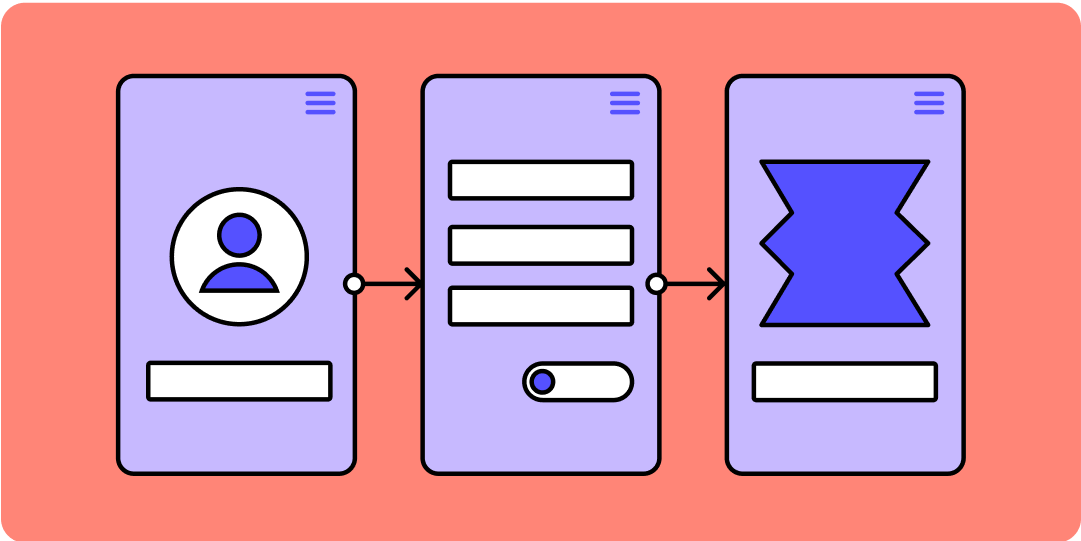
Think of your favorite websites, wearables, mobile apps: most memorable digital products start out as prototypes. Exceptional user experiences are often refined through high-fidelity prototyping, when teams create interactive mock-ups to test their final designs. But where do you begin—and how do you know when your prototype is ready for prime time as a finished product?
Read on to learn more about:
- What is high-fidelity prototyping, and how it works
- How your team can benefit from high-fidelity prototyping
- 4 steps to make your own high-fidelity prototypes with Figma
What is a high-fidelity prototype?
A high-fidelity prototype is a polished simulation of your final product. Visual design details and real content show the look and feel of the end product. For testing, robust interactivity and functionality provide a more realistic user experience.
How high-fidelity prototyping works
High-fidelity prototyping plays a key role in the later stages of the design process––typically after you’ve already validated your direction through concept testing. Design teams use hi-fi prototypes to vet a digital product’s user flow and user interface or UI design with their target audience. Designers also share high-fidelity prototypes with key stakeholders to demonstrate key design features, interactions, and workflows for input and approval.
Start your high-fidelity prototype in Figma
Benefits of high-fidelity prototypes
You can refine design features and user flows with high-fidelity prototyping. In the process, you'll also unlock these benefits:
- Get better user feedback. End users get immersed in a clickable, interactive prototype. This experience yields deeper insights and detailed feedback on usability and UX design.
- Gain stakeholder buy-in. Hi-fi prototypes help team members, leadership, and investors visualize your design, so they can approve it—and get fired up about the actual product.
- Avoid costly product design mistakes. High-fidelity prototypes help teams validate the final product design, and avoid tricky fixes during the development process.
- Speed product development. Developers use high-fi prototypes as references for product features and functionality. These models help devs build faster, with fewer product development iterations.
High-fidelity vs. low-fidelity prototypes: What’s the difference?
While high-fidelity prototypes closely resemble your final product, low-fidelity prototypes do not. Low-fidelity prototypes range from rough paper prototypes to basic digital wireframes. They don't include complex interactions, animations, or transitions—but hi-fi prototypes do.
Designers create lo-fi prototypes in the early stages of the design process to communicate and test high-level design concepts. Teams need higher prototyping fidelity later, when they're ready to refine designs and solve usability issues before development. Hi-fi prototypes offer the level of detail stakeholders need to approve designs with confidence.
Build high-fidelity prototypes in 4 steps
It's true: creating high-fidelity prototypes can be time-consuming. But Figma’s prototyping tool lets you add polish and functionality quickly—no coding required. With the right tools, your team can bring UX designs to life with hi-fi prototyping in just four steps.
Step 1: Research and plan.
What goals do you aim to achieve with your high-fidelity prototype? Use UX research to hammer out your purpose and objectives.
Step 2: Define key functionality and interactions.
What functionality and user interactions will bring your hi-fi prototype to life? Apply design thinking to identify key features for your testers and stakeholders.
Step 3: Fill in your high-fidelity prototype.
Start with detailed mock-ups of a user flow. Add visual assets, interactions, animations, and transitions from your design library.
Step 4: Test and refine your prototype.
Improve your designs with user testing. Show key stakeholders your high-fidelity prototype to ensure the UX supports your business and brand. If you don’t already have a brand system to build from, you can create your brand design system with Figma.
Jumpstart your high-fidelity prototypes with Figma
Gather input for your high-fidelity prototype with a real-time brainstorming session on FigJam’s online collaborative whiteboard. Then use Figma’s intuitive interactive prototyping tool to:
- Choose UI elements and define interactions. Layer interactive content with dynamic overlays.
- Apply conditional logic and other advanced prototyping features for a realistic user experience.
- Bring in rich media such as animated GIFs and MP4 videos to engage your users.
High-fidelity prototyping tips and tricks
Level up your prototyping game with Figma’s high-fidelity prototyping challenge, and score 15 bonus pro tips. For more inspiration, check out resources created by the Figma community, including prototype examples, exercises, and UI kits to guide and inspire you.
Ready to bring your designs to life with a hi-fi prototype?