Static vs. dynamic websites: Which website is right for you?
Share Static vs. dynamic websites: Which website is right for you?
Explore more from
Design basics
From wireframe to website, faster
Design, prototype, and refine every page.


Your website’s architecture is the invisible engine that powers everything from its loading speed to how visitors interact with it. Before you pick a color palette or map out a layout, you need to decide whether to build a static vs. dynamic website to ensure your foundation aligns with your long-term goals.
Static websites are like a snapshot in time—their content remains fixed unless manually updated. They’re great for displaying simple information that doesn’t change very often.
Dynamic websites adapt to user interactions and real-time information, offering a more fluid experience. This makes them ideal for frequently updated content or user interaction.
The best choice for you depends on what your website will do and what kind of content the site will share.
Read on to learn:
- The difference between static and dynamic websites
- The benefits of each approach
- How to choose between a static vs. dynamic website
What is a static website?
Static websites contain fixed content that never changes, no matter who visits or when. They’re built using:
- Hypertext Markup Language (HTML). HTML defines the content structure of the website, including headings, paragraphs, lists, images, and links.
- Cascading Style Sheets (CSS). CSS controls the appearance of a website, such as colors, typography, spacing, and layout.
- JavaScript. JavaScript adds dynamic elements—animations, interactive forms, and AJAX-powered content. It can also respond to user actions to trigger specific behaviors.
Because static websites don’t require a server-side scripting language or a database to generate content on the fly, they’re faster, more secure, and easier to maintain than dynamic websites.
Common use cases for static websites include:
- Personal portfolios and resumes
- Marketing landing pages
- Documentation and "Coming Soon" pages
- Small business brochure sites
Pro tip: With Figma Sites, you can design and publish high-performance static pages directly from your design files. Check out this visual portfolio template to try it out.

Benefits of static websites
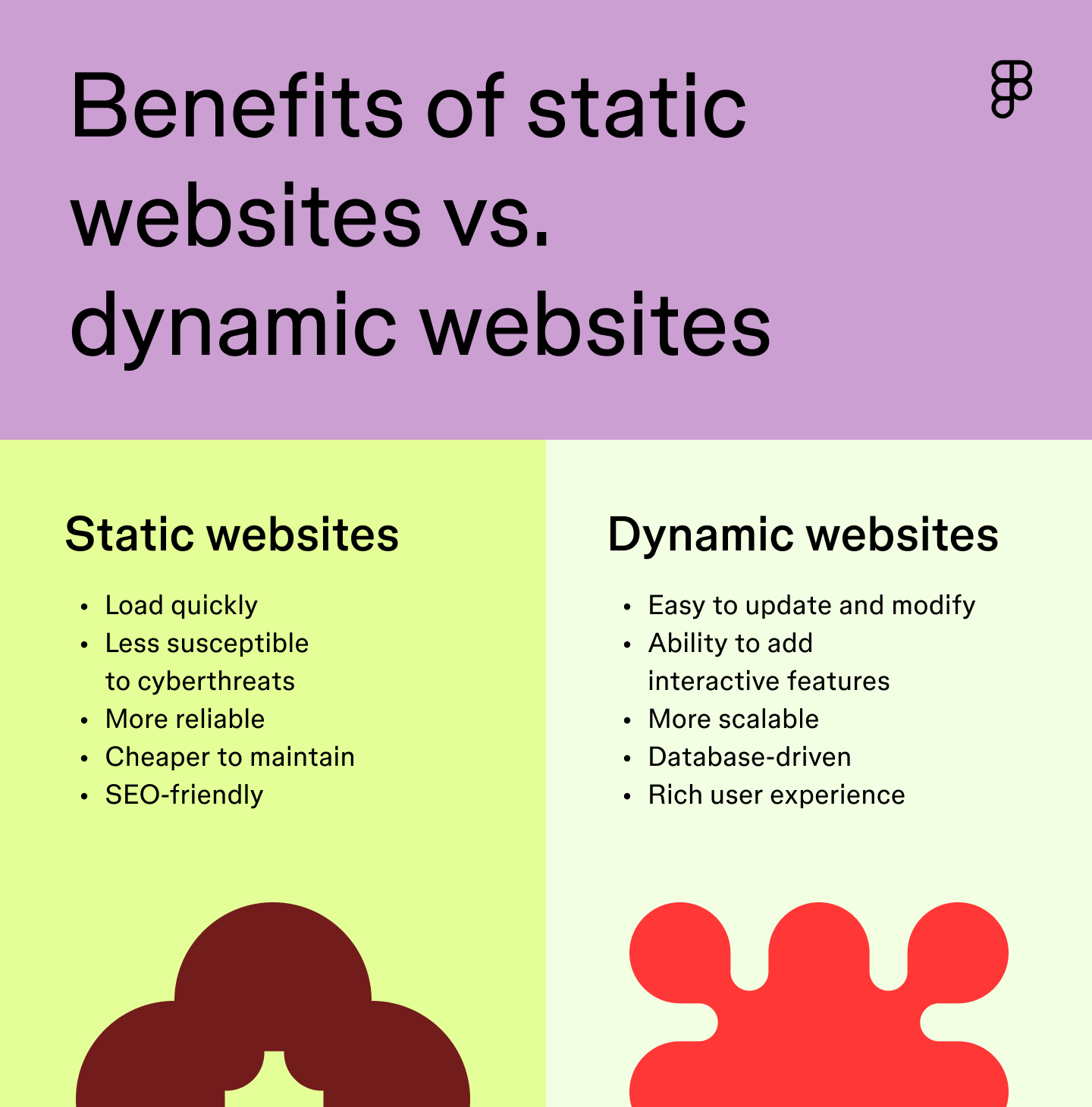
Static websites have several advantages that make them an attractive option for many online projects, including:
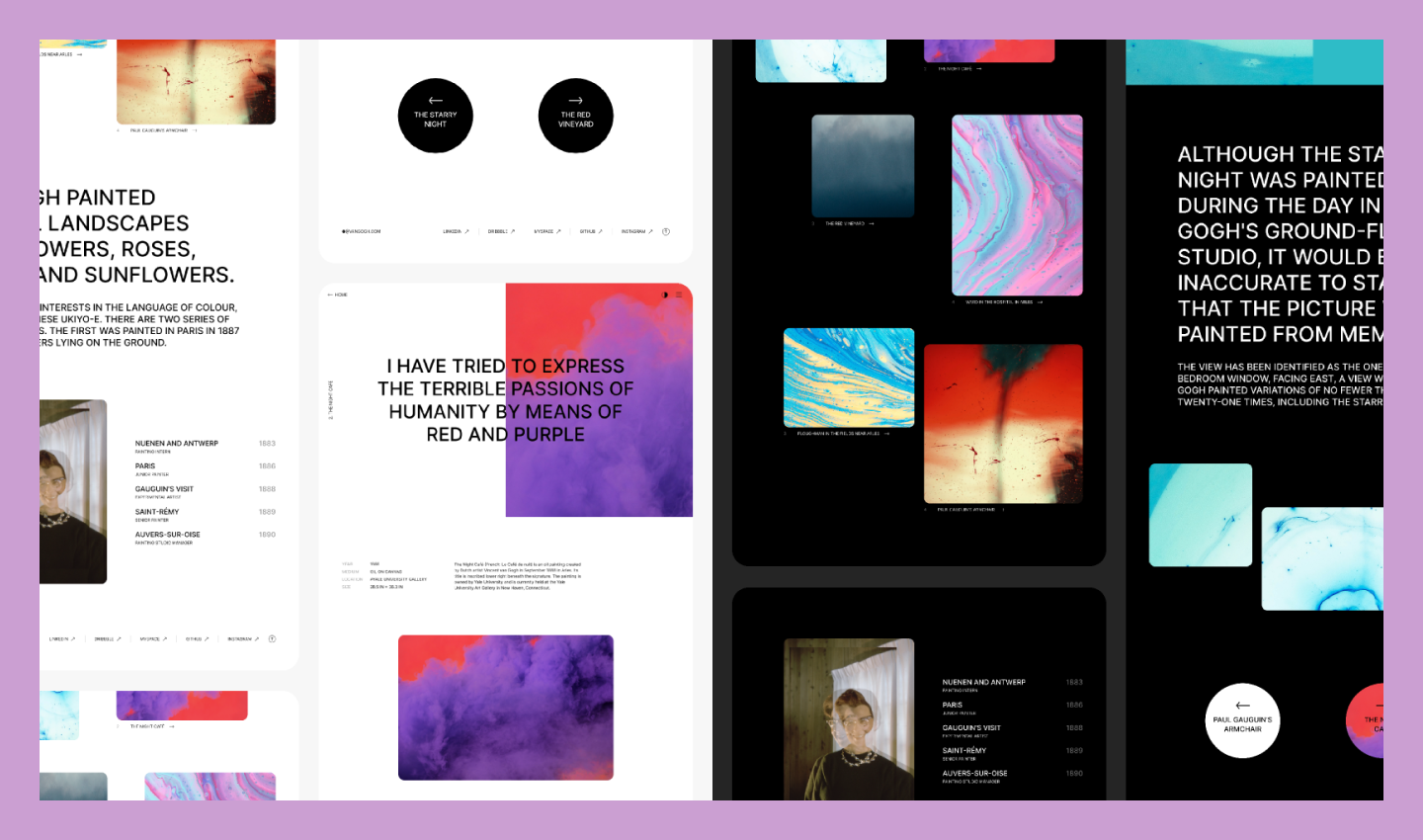
- Faster speed. Since the content on a static site is pre-rendered and served directly to the user’s browser, there’s no need for server-side processing, resulting in quicker load times. See this in action with this modern product launch template, which prioritizes quick interaction for new visitors.
- Better security. Without a database or server-side scripting, static websites have fewer potential vulnerabilities, reducing the risk of hacking and data breaches. This means a safer environment for both you and your visitors.
- Easy to build. Because they don’t require complex server-side programming, static websites are generally simpler to develop than dynamic websites. This makes them accessible to those with basic Web development skills.
- Cost-effective. Minimal server requirements make static sites a budget-friendly choice for local businesses like this performance-driven gym.

What is a dynamic website?
A dynamic website is more interactive than a static website and can change based on user input or real-time data. Imagine an e-commerce store where product prices and availability fluctuate—this requires a dynamic website to display the most up-to-date information.
Dynamic websites are built using server-side scripting languages such as PHP, Python, or Ruby, along with databases, to generate real-time content. This allows for features like:
- Personalized content design
- User logins
- Dynamic form processing
- Content management systems
- E-commerce functionality
- Social media integration
- Search functionality
- Sliders, carousels, animations, and other interactive elements
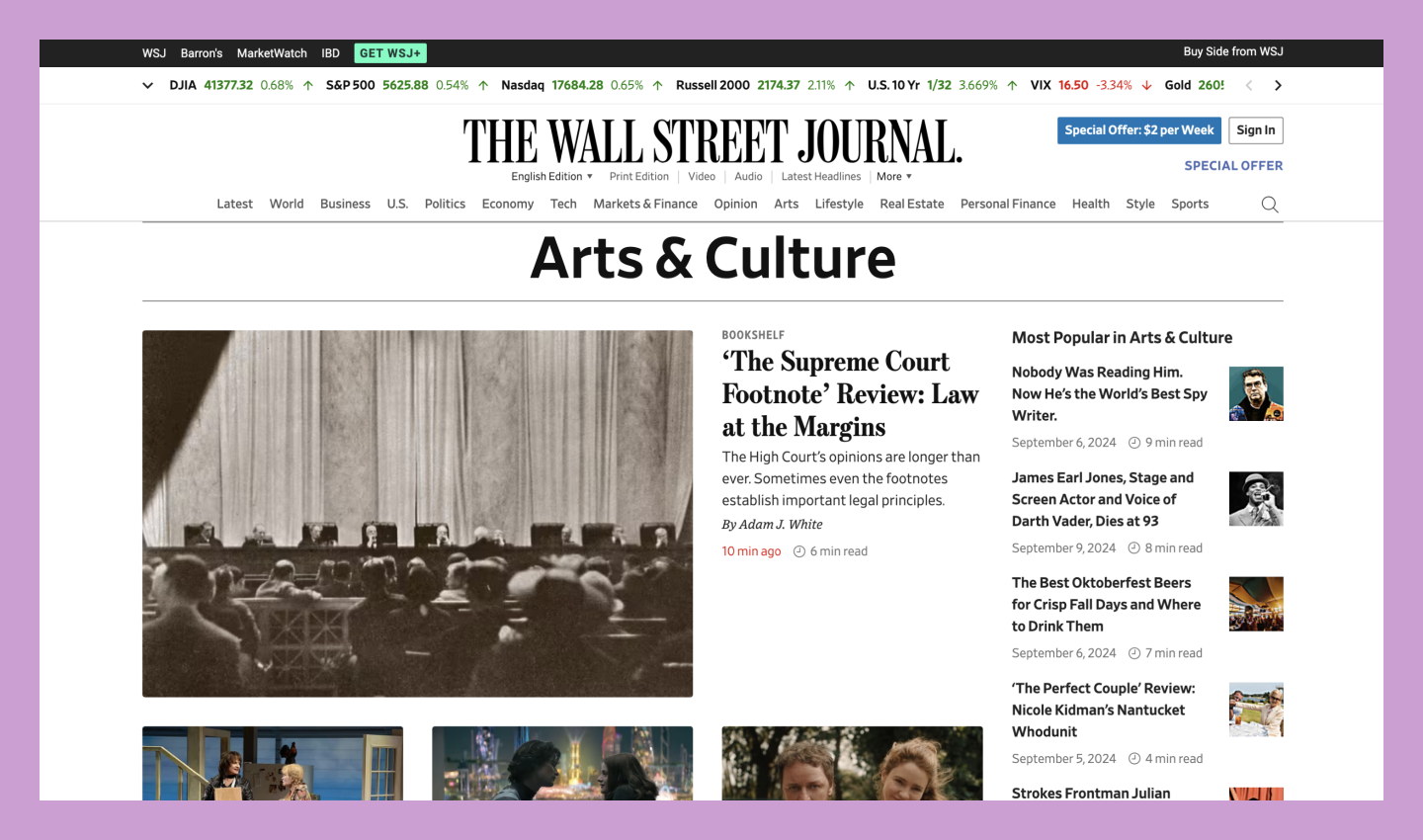
Dynamic websites are ideal for content that changes frequently or requires interaction with users. This includes e-commerce stores, social media platforms, news sites, and online forums.
Pro tip: Try this creative travel blog template to see how a CMS allows you to manage frequently changing content without manually updating every page.

Bridge the gap between design and code
Dev Mode gives developers a space to inspect designs, grab code snippets, and turn complex layouts into production-ready websites.
Benefits of dynamic websites
Dynamic websites can deliver more personalized, interactive, and engaging user experiences by leveraging server-side technologies and databases.
Here are some key benefits of working with a dynamic website:
- More personalization. Dynamic websites can tailor content and features to individual users, creating a more relevant and engaging experience. Think Amazon’s personalized product recommendations or TikTok’s For You page.
- Improves functionality. Dynamic websites enable a broader range of functionality, such as user logins, personalized recommendations, and real-time updates. For example, this modern SaaS template includes analytics and live data tracking.
- Easy to update. Content management systems make updating and managing dynamic websites easier, even for non-technical users. Use the visual CMS in Figma Sites to manage content libraries and sync data-driven changes across your pages instantly.
- Better user experience. Dynamic websites can offer a more interactive and engaging experience, like this minimalist art gallery, where users can explore rotating collections.
Key differences between static vs. dynamic websites
Static and dynamic websites serve different purposes, and each has distinct advantages and disadvantages.
Think of static websites as snapshots of content that remain unchanged unless manually updated. They work well in some instances but can limit opportunities for interactivity and personalization.
Dynamic websites can change based on user input or real-time data, creating a more interactive and personalized experience. However, they can be more complex to develop and maintain and may experience performance issues if not optimized properly.
| Feature | Static websites | Dynamic websites |
|---|---|---|
| Content | Remains fixed | Can change based on user input or real-time data |
| Development | Typically simpler | More complex, requiring server-side scripting and databases |
| Performance | Generally faster | Can be slower, especially with complex interactions or large databases |
| Security | Generally more secure | Can be less secure due to potential vulnerabilities in server-side code and databases |
| Cost | Often more cost-effective | Can be more expensive to develop and maintain |
| Use cases | Simple websites, brochures, landing pages | E-commerce stores, social media platforms, news websites |
How to choose the right type of website

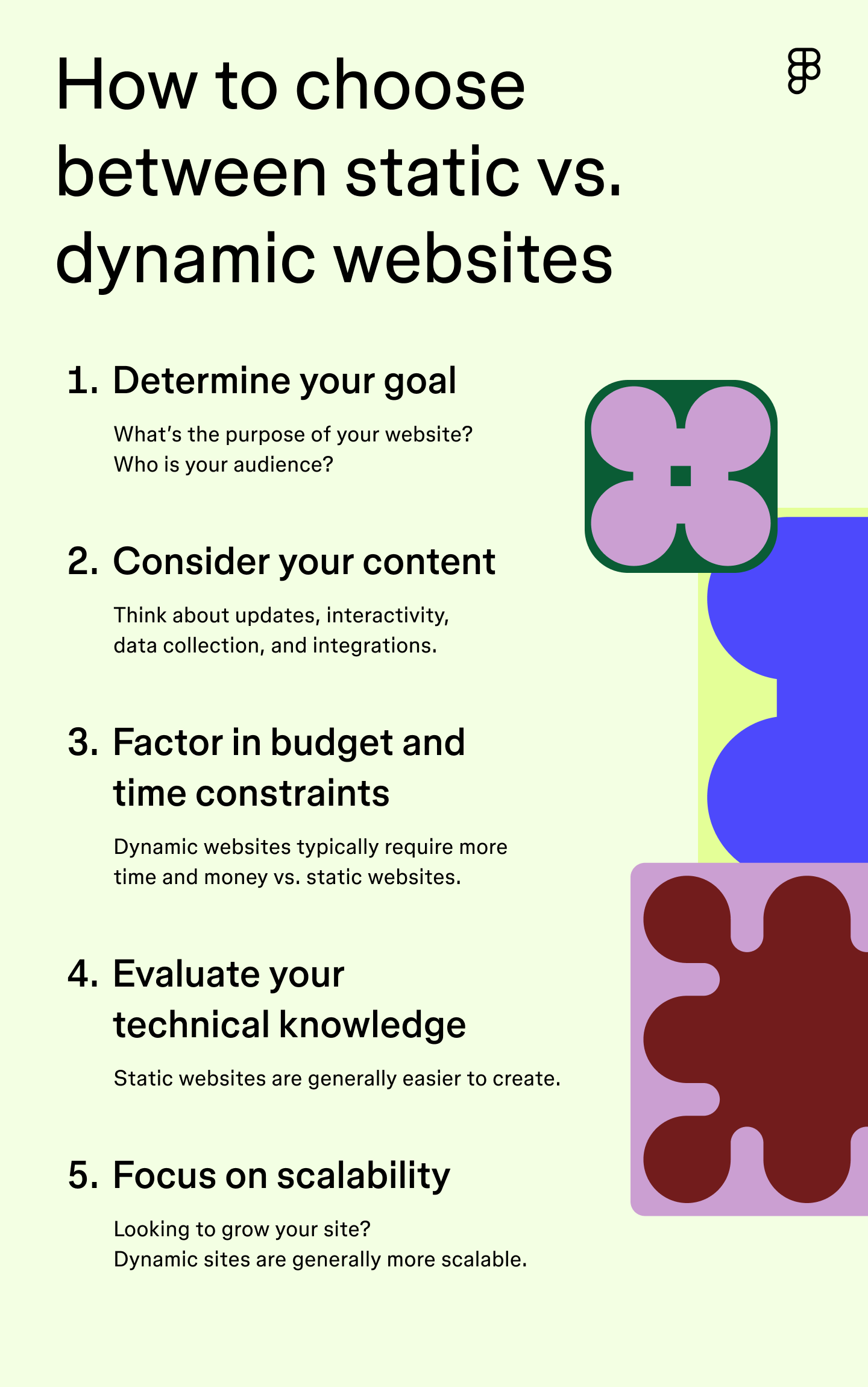
Ready to start building your online presence? Here’s how to choose between a static vs. dynamic website design.
Step 1: Determine your goal
Before choosing between a static and dynamic website, clarify exactly what you want your website to do. Think about these questions:
- What is the primary purpose of your website? Is it to inform, sell, entertain, or provide a service?
- Who is your target audience? Knowing your audience helps you tailor your website’s content and features to meet their needs and preferences.
- What kind of content will you be sharing? Will your content remain static, or will it be updated frequently?
- Do you require any specific features or functionalities? For example, do you need an e-commerce store, blog, or forum?
Step 2: Consider your content
The nature of your website’s content will significantly influence your choice between a static and dynamic website. Consider these factors:
- Frequency of updates. A dynamic website is ideal if your content changes frequently (e.g., news articles, blog posts, product listings). It allows you to easily update information without manually editing every page. A static website can be a cost-effective and efficient option if your website primarily consists of static information that rarely needs to be updated (e.g., a company brochure or a portfolio of past projects).
- Level of interactivity. If you want your website to be more interactive and engaging, a dynamic website is the way to go. Dynamic websites can include features such as user logins, personalized content, and dynamic form processing.
- Data collection and analysis. If you need to collect and analyze data from your website visitors, you’ll need a dynamic website. Dynamic websites use databases to store and process user data so you can gain valuable insights into your audience.
- Third-party integrations. A dynamic website offers more flexibility for integrating your website with third-party services (e.g., payment gateways, social media platforms, analytics tools). Dynamic websites can often be easily integrated with various APIs.
Step 3: Factor in budget and time constraints
When choosing between a static and dynamic website, think about how much money and time you can spend. Dynamic websites usually cost more because they require more work to build and maintain. Static websites are usually cheaper.
If you don’t have much money or time, a static website might be a better choice. Using a landing page template can jumpstart your process, helping you publish in a fraction of the time. Just keep in mind that a static website might not be able to do everything you want, especially if you need to change things often or include advanced features.
Step 4: Evaluate your technical knowledge
While offering greater flexibility and features, dynamic websites often require more complex coding knowledge than static websites. Server-side scripting languages, databases, and other technologies introduce additional layers of complexity. This can make it challenging to develop, maintain, and troubleshoot dynamic websites.
Figma Sites bridges this gap by enabling you to publish both static and dynamic architectures directly from your design files—no complex server-side setup required. This allows designers to maintain creative control while delivering a functional, high-performance site without the traditional technical overhead.
Step 5: Focus on scalability
When choosing between a static and dynamic website, keep your future growth requirements and site evolution in mind. Scalability means that your website can handle more people visiting and more information without slowing down.
Dynamic websites are generally more scalable than static websites. This is because they’re built using server-side technologies that can easily scale to accommodate growing demands. For example, if a dynamic website experiences a surge in traffic, additional servers can be added to distribute the load.
Dynamic websites can also be easily changed and updated with new features without breaking what’s already there. This makes them great for platforms that are expected to change and grow over time.
Design your next website with Figma
Whether a static vs. dynamic website is right for you depends on your project’s goals and how you plan to manage it. No matter which path you take, Figma helps you move from a rough idea to a live site within a single collaborative workflow.
Here’s how to get started:
- Map out sitemaps and user flows in FigJam before you start designing.
- Browse Figma templates for professional layouts that help you build and iterate faster.
- Open Dev Mode to give developers the exact specs and code snippets they need for custom features.
Ready to build your site?
Figma Sites lets you design, publish, and manage professional sites directly from your canvas.