What is user experience (UX) design? Process + principles explained
Share What is user experience (UX) design? Process + principles explained
Explore more from
Design basics
Create, collaborate, and ship in Figma
All your design work, in one place.

Ever opened a website or app and felt instantly lost, clicking around with no idea where to go next? Now imagine a website that feels like it was made for you, guiding you naturally from one step to the next. The difference comes down to user experience (UX) design.
But what is UX design? It’s all about shaping a user’s digital journey, from their first tap or click to their ongoing engagement. The goal is to make every step feel clear, intuitive, and frustration-free.
Read on to learn:
- The difference between UX and UI design—and why both are critical
- What a UX designer does to help build a website
- The key stages of the UX design process
- Best practices and principles for UX design
What is UX design?
UX design combines problem-solving and visual design to make digital products feel intuitive and rewarding to use. It centers on understanding your users’ behaviors and goals so you can build experiences that truly work for them.
UX designers prioritize the user at every step of the design process, helping product teams create solutions that their target audience will return to again and again.
Designers can apply UX strategy across various projects, including:
- Product design. For example, a UX designer might map out the onboarding flow for a streaming or meal-kit service so users can sign up, select preferences, and start using it without friction.
- Mobile apps. A designer can test how people navigate a fitness or productivity app to make completing tasks faster and simpler.
- Websites. UX work typically involves organizing content and menus so visitors can find information quickly without feeling overwhelmed.
- Software interfaces. Designers often simplify dashboards or analytics tools so that complex data is easy to understand and act on.
- Physical products with digital components. UX might focus on making a smart device or wearable feel intuitive from the very first interaction.

The difference between UX design and UI design
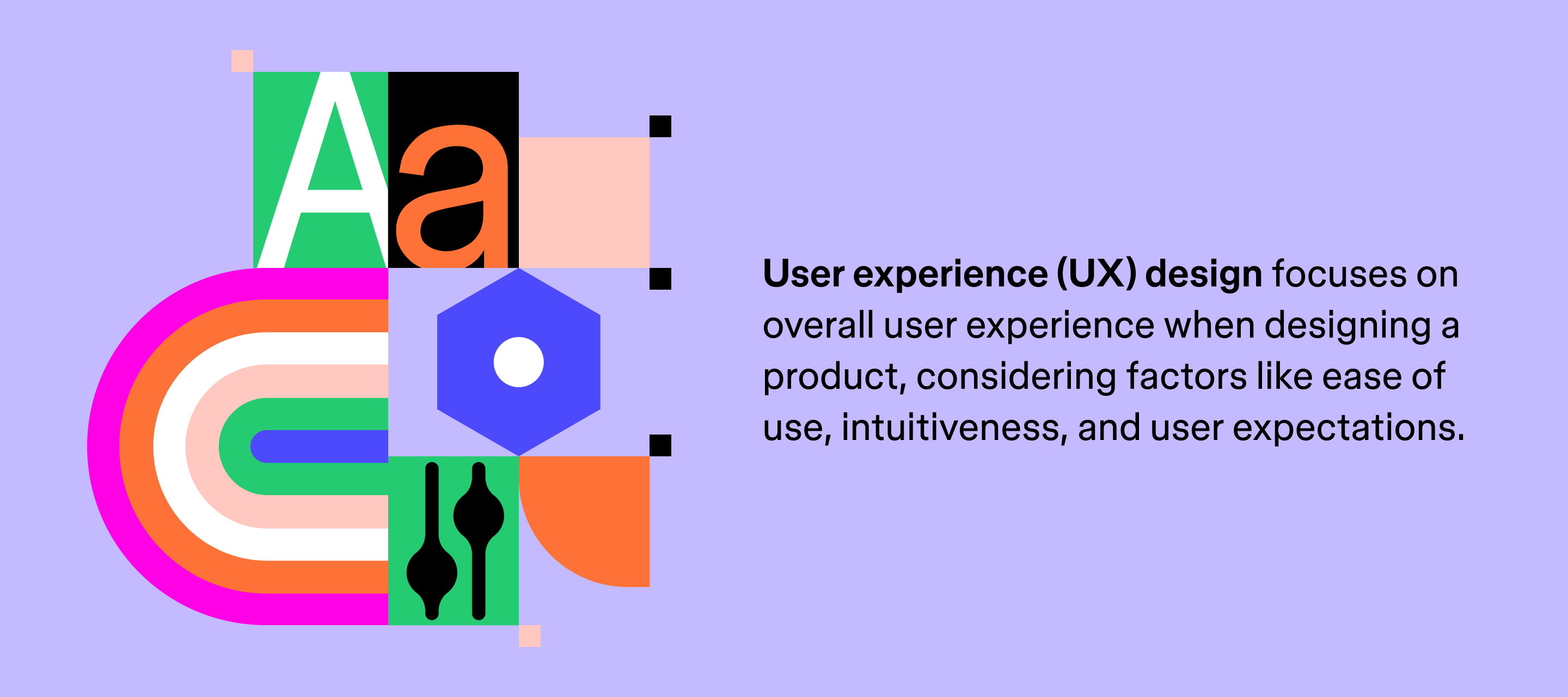
UX and user interface (UI) design are often used interchangeably, but they focus on different parts of the experience.
UX design is about a user’s overall experience with a product. This involves thorough research and testing to pinpoint exactly what users expect from a product. UX designers use these findings to design intuitive and enjoyable products.
UI design focuses on the visual elements—the buttons, colors, and layouts that users interact with. It’s about creating interfaces that are aesthetically pleasing and easy to navigate.
Want to dig deeper? Check out this UI vs. UX guide for an in-depth look at each.
Test your designs instantly
Figma’s prototyping tool lets you turn wireframes and designs into interactive experiences, so you can test and share your ideas with confidence.
What does a UX designer do?
UX designers are like the architects of digital experiences. They map out user journeys, spot friction points, and design interactions that feel effortless and rewarding. Here are some of their many responsibilities:
- User research. UX designers begin by learning how people use a product through interviews, surveys, and usability tests. For a social media app, this might mean observing which features users engage with.
- Wireframing and prototyping. Early-stage designs, like wireframes, help teams visualize how a product will function. A website designer might create a wireframe to outline the navigation structure, then develop a prototype to test how a user moves through the site.
- Information architecture. UX designers use information architecture to guide users through content and features without confusion.
- User testing. Before a product goes live, UX designers observe how real users interact with it. By gathering direct feedback from real users, UX designers can find new ways to improve the overall user experience.
- Iterative design. UX design is an ongoing process. Designers continuously evaluate and refine their work to ensure the final product meets user needs and expectations.
What is the UX design process? Five key stages
The UX design process begins with understanding your users—and ends with building a product they love. Here’s how to move from point A to point B.

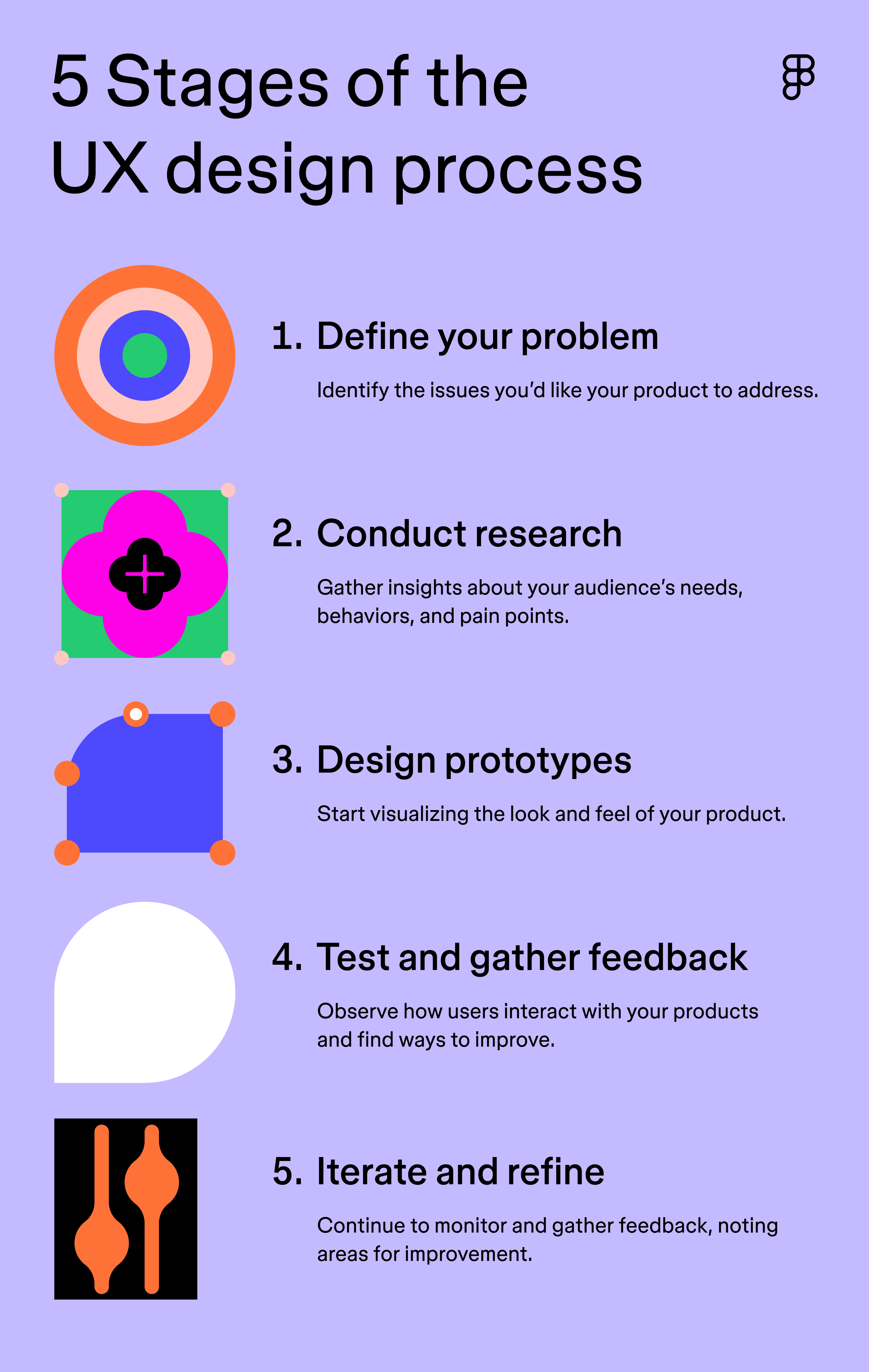
Stage 1: Define your problem
Identifying the core problem is the foundation of the UX design process, helping you understand what users need, want, and struggle with. This knowledge will guide your design decisions to ensure your product addresses your users’ biggest challenges.
You can use FigJam to create problem statements or flow diagrams, giving your team a clear, visual understanding of the challenge and helping everyone align before moving into research.
Stage 2: Conduct research
Next, conduct research to uncover user behaviors and feedback patterns that help shape your designs. This can include interviews, surveys, usability tests, or analyzing how people interact with existing products.
Many teams now use AI to help sort through large sets of feedback and surface patterns that might be hard to spot on their own. In Figma’s 2025 AI report, 40% of designers and 29% of developers said they use AI to analyze user data.
One of the most powerful ways to empathize with users is to create user personas. These fictional characters represent your target audience and help you understand their motivations, goals, and challenges. By putting yourself in your users’ shoes, you can design products that meet their specific needs.
Stage 3: Design prototypes
Use the insights you gathered from your research and leverage AI tools for UX designers to design interactive prototypes. Prototypes allow you to test your design ideas before investing in development, giving you a better sense of how your product will look and function.
UX design tools like Figma’s prototyping tool let you easily connect screens, add interactions, and simulate user flows. This allows you to test your designs with real users and gather valuable feedback before finalizing your design.
Stage 4: Test and gather feedback
Testing and gathering feedback is a critical step in the UX design process. Observing users as they interact with your prototypes helps you identify usability issues and areas for improvement.
Designers conduct several types of testing, including:
- Usability testing. This involves observing users as they interact with your product to identify any usability problems
- A/B testing. In this approach, you compare different versions of your product to determine which performs better
- Contextual inquiry. This involves watching users in their real-world environment to see how they interact with a product.
Remember, products are always a work in progress. UX designers must be open to feedback and willing to iterate on their designs to create the best possible user experience.
Stage 5: Iterate and refine
Iteration and refinement are ongoing parts of the UX design process. Even after your product launches, it’s important to monitor its performance and gather feedback from users. This can be done through various methods, such as:
- Analytics. Monitor key metrics, such as engagement, conversions, and satisfaction, to uncover opportunities to improve the user experience.
- Surveys. Send out surveys to gather direct user feedback on their experience with your product.
- User interviews. Conduct user interviews to gain deeper insights into their thoughts and feelings.
- Social media monitoring. Track conversations about your product on social media to identify trends and customer sentiment.
By continuously improving your designs, you create products that grow with your users, keeping your products relevant and valuable over time.
Seven key UX design principles
Great UX is clear, usable, and accessible. These seven principles help keep your design focused on real people.
- User-centric. Focus on understanding your users’ needs, goals, and behaviors. For example, Amazon personalizes recommendations to simplify the shopping experience.
- Consistency. Keep your design predictable across screens and devices. Many iPhone users find Mac interfaces familiar because icons and buttons match.
- Hierarchy. Use visual cues to highlight important information. For example, Netflix organizes menus and categories so viewers can navigate content quickly.
- Usability. Make products easy to learn and use. For instance, Google Search keeps the interface simple so users can find information in just a few clicks.
- User control. Give users the ability to control their experience and undo actions. Gmail, for example, lets users undo sent emails within a few seconds.
- Accessibility. Design for users of all abilities. For instance, YouTube provides captions and alt text to make videos more accessible.
- Context. Consider how, when, and where users interact with your product. For example, mobile banking apps often use larger buttons and streamlined layouts for people on the go.
Helpful skills for UX designers
To create impactful products, UX designers need a balanced mix of creativity, practicality, and problem-solving abilities. Here are the key skills that set successful UX designers apart:
- Teamwork. UX designers collaborate with developers, product managers, and other stakeholders. They must communicate their ideas clearly, work together on design decisions, and foster a positive team environment.
- Empathy. Understanding others’ perspectives, especially users’, is crucial for developing user-centric products. UX designers need to step into the user’s shoes to design experiences that truly meet their needs and expectations.
- Creativity. Innovation is at the heart of UX design. UX designers must think outside the box to develop unique and practical solutions that stand out.
- Problem-solving. Challenges are part of the design process. UX designers need strong problem-solving skills to identify issues and find creative, effective solutions.
- User research. Gathering insights through surveys, interviews, and usability testing is essential. UX designers rely on this research to inform their design decisions and ensure they’re aligned with user needs.
- Prototyping. Building interactive prototypes can help UX designers test their design ideas and gather user feedback before moving into development, saving time and resources.
- Understanding of business metrics. UX designers should be familiar with key business metrics, helping them align their work with broader business goals.
Jumpstart your UX designs with Figma
Understanding what UX design is helps teams build products that users actually enjoy using. With Figma, you can turn these ideas into tangible designs, collaborate with your team in real time, and bring user-centered experiences to life faster.
Here’s how:
- Use FigJam to map user journeys, outline problem statements, and capture research insights.
- Create wireframes or early layouts fast with Figma Make by turning simple prompts into starter designs.
- Streamline handoff in Dev Mode so engineers have the specs and structure they need to implement your work accurately.
Ready to kick off your UX design process?
Figma Design gives you everything you need to create, collaborate, and iterate on digital experiences.
Keep reading


What is product design?
Both product and UX design involve designing user-centric experiences. Learn about their differences, then use Figma’s design tools to get started.

What is Web design and development?
Learn the key differences between Web design and development and their roles in creating stunning and functional websites.