What is human-computer interaction (HCI)?


Share What is human-computer interaction (HCI)?
Explore more from
Design basics
Create, collaborate, and ship in Figma
All your design work, in one place.


It’s hard to imagine a time when computers were intimidating, complex machines that required a high level of skill to operate. But thanks to human-computer interaction (HCI), those complex systems have evolved into the user-friendly tools we use every day.
HCI is a multidisciplinary field dedicated to making computer systems easy and fun to use. The concept of HCI took off in the 1980s with the rise of personal computers. The compact Apple Macintosh, with its simple user interface, keyboard, and mouse, was a prime example of HCI research in action, revolutionizing how we interact with technology.
But how do HCI principles work in real-world UX design practice, and how can you apply them to your own product or design?
Read on to learn:
- What HCI is
- The benefits of HCI
- Key elements and design principles of HCI
- Examples of HCI
What is HCI?

HCI is all about understanding how people interact with computers in their daily lives. It blends insights from computer science, cognitive science, and human factors engineering to guide technology design.
Imagine trying to navigate a computer without a mouse or tapping on a touchscreen that doesn’t respond. Sounds frustrating, right? That’s where HCI comes in—it’s like the bridge that connects humans with technology, making our digital experiences smooth, intuitive, and enjoyable. HCI encourages product and design teams to think outside the box and prioritize the user experience, ensuring that the technology we use is not just functional, but also fun and easy to use.
How do users interact with technology?
Users interact with digital products and platforms in five primary ways:
- Sight. People use their vision to navigate user interfaces (such as a self-checkout screen) to scan content and complete tasks.
- Touch. Touch screens on many devices, like an iPhone or Kindle enable users to swipe, tap, and pinch. Haptic feedback provides sensory feedback, like a vibration when someone completes an action.
- Sound. Audio cues like ringtones, music, and other sounds give users helpful feedback, like a beep when for a text or app notification.
- Voice. Voice-activated systems like Siri or Alexa make it possible for users to complete actions hands-free, such as verbal instructions, locking doors, or playing music.
- Spatial. Movement-tracking computer technology uses the physical environment to guide interactions, like using a hand gesture to change the song while driving instead of touching the screen in a car.
Combining various sensory elements creates immersive and engaging experiences that transform static designs into memorable interactions.
Four key elements of human-computer interaction

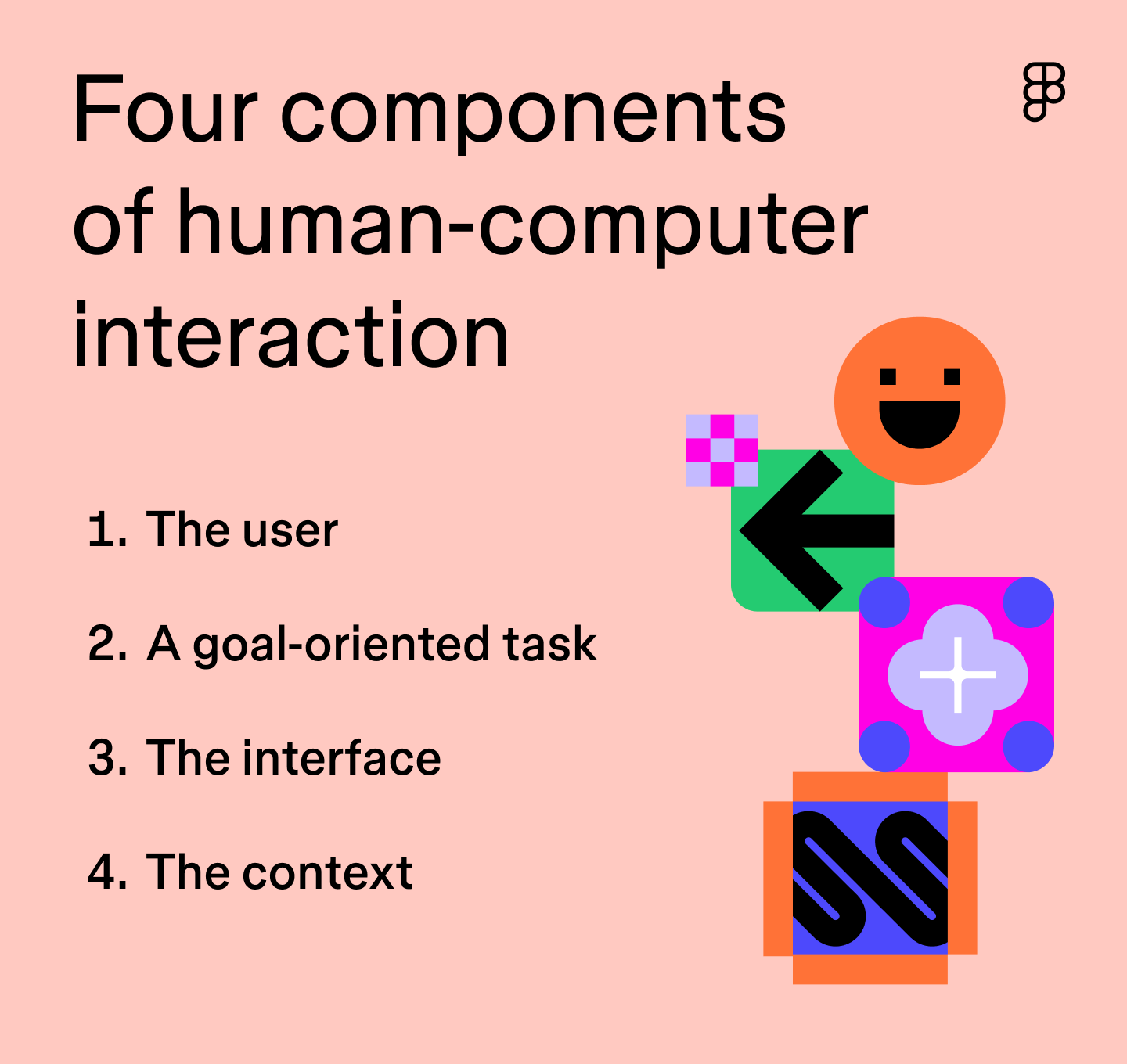
Good UX design accounts for four essential HCI factors:
- The user. User behaviors, needs, feelings, and abilities shape every interaction. Conduct usability testing to identify interaction patterns, challenges, and priorities for features that address their needs.
- A goal-oriented task. Determine the primary goal or objective you want your users to achieve. Map and test user task flows to understand user navigation, pain points, and ways to streamline the process.
- The interface. Consider the primary interaction type (touch, voice, click) and design an accessible UI (screen size, resolution, color contrast, etc.).
- The context. HCI considers how users access your product and how their environment impacts their experience. Factor in location, lighting, network connection, and other variables to ensure you design an optimal experience. For example, Spotify’s offline feature lets users access music even with poor or no network connection.
Principles of human-computer interaction design
According to pioneering HCI researcher Ben Schneiderman, eight HCI principles guide effective UI design:
- Consistency. Standardize design patterns, icons, colors, and information hierarchy. For example, Apple uses consistent icons, typography, and buttons across all of its products, making it easy for users to navigate and use any Apple device.
- Shortcuts. Implement shortcuts for experienced users like Command+C (copy) and Command+V (paste) on Apple keyboards.
- Feedback. Let users know where they are and what’s next with clear visual cues, such as a progress bar when downloading an app or using the color green to signify successful user actions.
- Dialogue. Use clear and concise language to communicate task completion, like “Purchase Confirmed” pop-ups after completing an online order.
- Error handling. Minimize errors by providing helpful tips, instructions, and guidance on how to resolve issues quickly. Google Docs uses the color red to highlight grammatical errors and give users suggestions for corrections.
- Reversal. Give options to undo or change inputs or actions, like the undo send feature in iMessage, to give users an easy way out.
- Control. Allow users to take control and decide how they want to interact with your product. Customization options allow users to personalize an app or device to match their unique preferences and make it feel like theirs.
- Memory load. Simplify interfaces to reduce short-term memory load, such as using product filters to help users quickly narrow choices in online stores.
Benefits of improved human-computer interaction
Applying HCI principles across devices and experiences results in many benefits:
- Better user experience. HCI helps UX designers build engaging, enjoyable, and intuitive user interfaces by identifying user needs, behaviors, and challenges.
- Increased customer satisfaction. Simple, intuitive interactions make tasks easy to complete, increasing customer loyalty and driving repeat business.
- Greater innovation. HCI encourages designers to evolve computer interface design, delight users, differentiate their products from market competitors, and adapt to changing user needs.
- Improved accessibility. HCI focuses on creating inclusive designs that are suitable for all users, including those with disabilities, ensuring safety, efficiency, and ease of use.
- Boosted user engagement. HCI prioritizes simplicity and efficiency, making it easier for users to understand and use products, ultimately increasing product adoption and engagement.
Human-computer interaction examples
Here are some examples of how HCI is applied in modern technology to illustrate the concept in action.
Graphical user interfaces
Graphical user interfaces (GUIs) allow users to visually interact with technology through icons, menus, and windows—the foundation of most devices we use daily. Examples include smartphones, tablets, desktop computers, and Web browsers. Apple is a GUI pioneer, focusing on intuitive user interfaces and innovative interactions like the iPhone’s multi-touch interface.
Gesture-based interfaces
Gesture-based interfaces allow users to interact with devices through physical movement instead of relying on keyboards, a computer mouse, or touch screens. Examples of gesture-based actions include:
- Touch gestures: pinch-to-zoom, swiping, and tapping on smartphones and tablets
- Motion sensors: physical gestures, hand movements, and other body language to control devices
Gesture-based interfaces have become prominent in gaming technology. For example, Nintendo successfully integrated motion controls and touch screens into gaming with the Wii and Switch.
Wearable technology
Wearable technology like fitness trackers and smartwatches are another prime example of HCI. Many wearable devices mimic natural interactions by using voice commands, gestures, and biometrics (like fingerprints) to make the user experience easy. These devices also collect data about a user’s environment or location, like a fitness watch recommending exercises based on heart rate.
Augmented reality and virtual reality
Augmented reality (AR) and virtual reality (VR) have transformed human-computer interactions, providing innovative ways to engage with digital content.
AR overlays digital content into a user’s physical environment. For example, Target and IKEA Place mobile apps allow users to place furniture virtually in their homes to help with purchasing decisions. They quickly place information directly where the user needs it, making the shopping experience easier and more fun—an important aspect of HCI.
VR offers immersive experiences in virtual environments, creating new realms for users to explore. It’s like stepping into a whole new world created by a computer.
Apple’s Vision Pro combines AR and VR, allowing users to experience digital content naturally and intuitively, such as checking messages or attending virtual meetings without using a phone.
Apply HCI principles to UI and UX design with Figma
Understanding the basics of HCI and how users interact with technology helps develop more intuitive, efficient, and enjoyable experiences. Wherever you are in the design process, Figma has you covered with the tools to apply HCI principles—even professors at Stanford and UC Berkeley teach HCI with Figma.
Here’s how:
- Jumpstart your design with HCI-backed user research and design templates to better understand user needs.
- Then, use UI design, wireframing, and prototyping tools to nail down user interactions, gather feedback, and iterate until your product is launch-ready.
- To keep your creative ideas flowing, check out real-world UI and UX design examples shared by the Figma Community.
Ready to create user-friendly interaction designs?
Keep reading


What is design thinking?
Learn how to spark creativity and embrace diverse viewpoints when designing.
Learn more


What is lateral thinking?
Learn how to challenge assumptions and uncover unexpected solutions.
Learn more


What is UX design?
Learn key principles, skills, and how to use Figma for UX design.
Learn more