Figma Exercise: How to reduce design complexity


Share Figma Exercise: How to reduce design complexity
Explore more from
Design basics
Create, collaborate, and ship in Figma
All your design work, in one place.

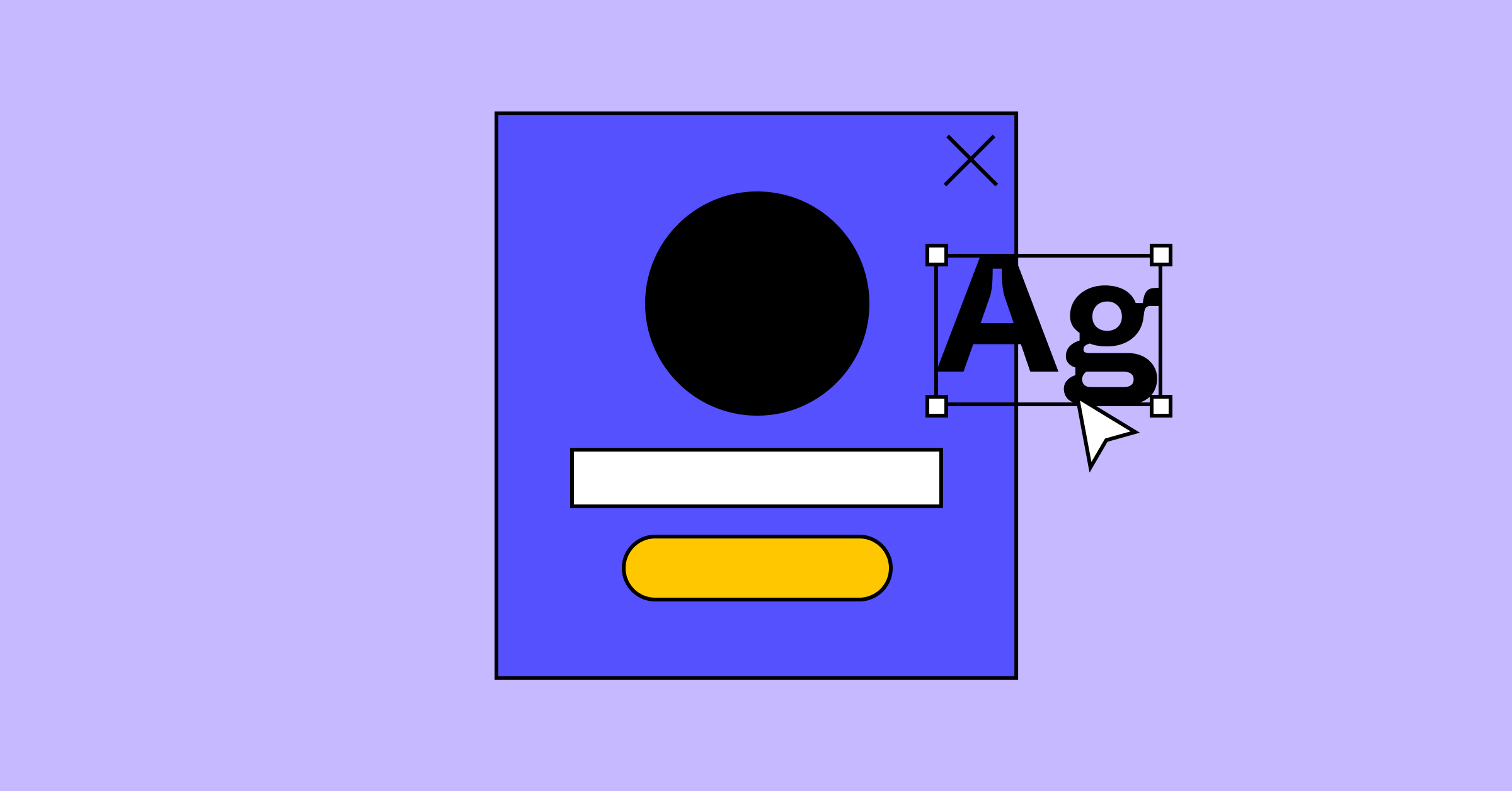
Get started by duplicating this Figma file.
This login screen could be an overwhelming amount of information for a customer. See if you can simplify and redesign this experience by removing elements, editing the text to be shorter or more valuable, or breaking it into multiple screens for your customer to experience over more steps. Choose some new colors, shapes, and more accessible language to make this a better experience for a bank's customers.
Challenge yourself and take it a step further: once you’ve simplified and redesigned this screen, create a login screen for a product of your own. If you've completed the Design Brief or Storyboard exercises, base your new login screen off of the ideas you created in them.
Remember: Don’t worry about getting simplicity right every time, especially as you are applying fundamental concepts to your new product. Creating something simple is not always easy, and simple itself can be hard to define and measure.
Keep reading


Storytelling
UX design is like a good book, it takes a user on a journey and it has a beginning, a middle, and an end.
Learn more

Simplicity
Find out more about how simplicity can reduce friction and remove fear and doubt when a user interacts with your product.
Learn more

Constraints
While constraints sound like limitations, these creative guardrails can actually help free you to focus on what really matters.
Learn more