How to make your sprint reviews more productive
Share How to make your sprint reviews more productive
Explore more from
Team productivity

Sprints move fast. Every two weeks brings new goals, new challenges, and new deliverables. A sprint review gives your team a chance to pause, take stock, and make sure that short-term work is still serving the bigger product vision. It’s a working session where progress is shared, feedback is gathered, and priorities are adjusted to keep the team moving in the right direction.
Read on to learn:
- What a sprint review is and why it’s important
- How to lead a sprint review in five steps
- A sprint review agenda example
- Tips for improving your next sprint review
What is a sprint review?
A sprint review is a working session held at the end of each sprint. The team and key stakeholders come together to analyze completed work, share feedback, and decide what’s next.
More than a recap, a sprint is a checkpoint that connects day-to-day progress to the bigger product vision. Insights from the review feed directly into sprint planning, helping teams refine priorities, timebox effectively, and keep the backlog aligned with long-term SMART goals.
Why are sprint reviews important?
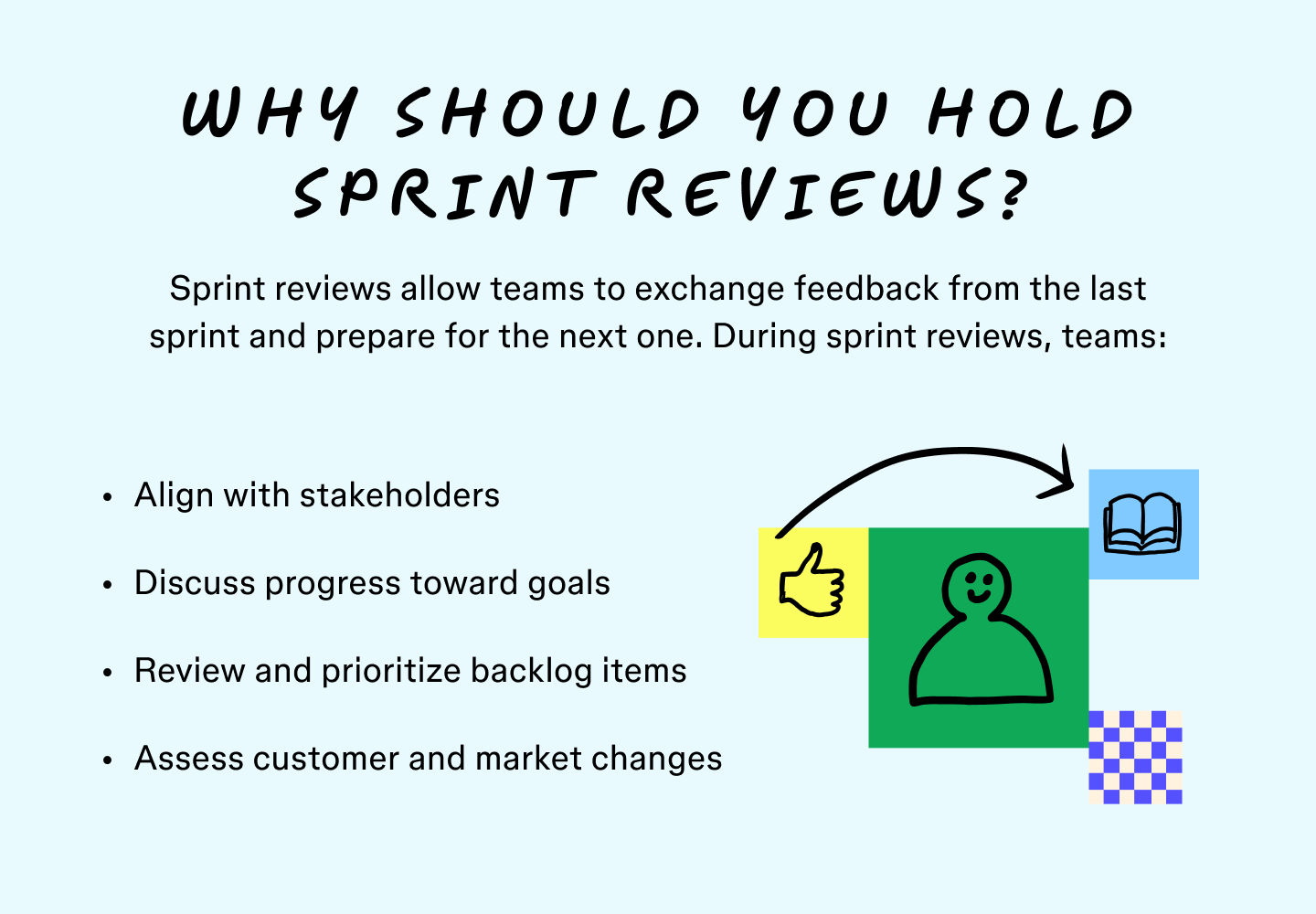
A sprint review keeps teams agile by checking whether the sprint goal was achieved and how the work connects to the bigger product vision. Done well, it ensures progress stays visible, collaborative, and adaptable.
Teams use sprint reviews to:
- Exchange feedback on backlog items completed during the sprint.
- Make sure work meets stakeholder expectations.
- Outline improvements and changes in direction for the next sprint.
- Review the backlog to drop, change, or prioritize tasks.
- Revisit the user story and make sure they are meeting customer needs and expectations.
- Assess delivery dates and progress made toward them.
- Study changes in the market to remain current and competitive.
- Identify problems with budgets, product capabilities, and features.

When is a sprint review needed?
With tight deadlines, it might not feel like there’s time for a review at the end of the sprint. But every sprint should end with a review, even if the work seems to be on track. These sessions are a chance to celebrate wins, keep morale high, and capture what’s working. They’re equally important when things feel off or stakeholders raise questions, since that’s when feedback and course correction matter most.
How often should you have a sprint review?
A sprint review happens at the end of every sprint. Since most agile teams work in two- to four-week cycles, you can expect to hold a review once every two to four weeks.
Sprint review vs. sprint retrospective: Key differences
Sprint reviews focus on how the team performed and what adjustments it needs to make for the upcoming sprint. A sprint retrospective focuses on whether the sprint process itself is optimal for product development. Both tools are essential for a comprehensive understanding of your progress.

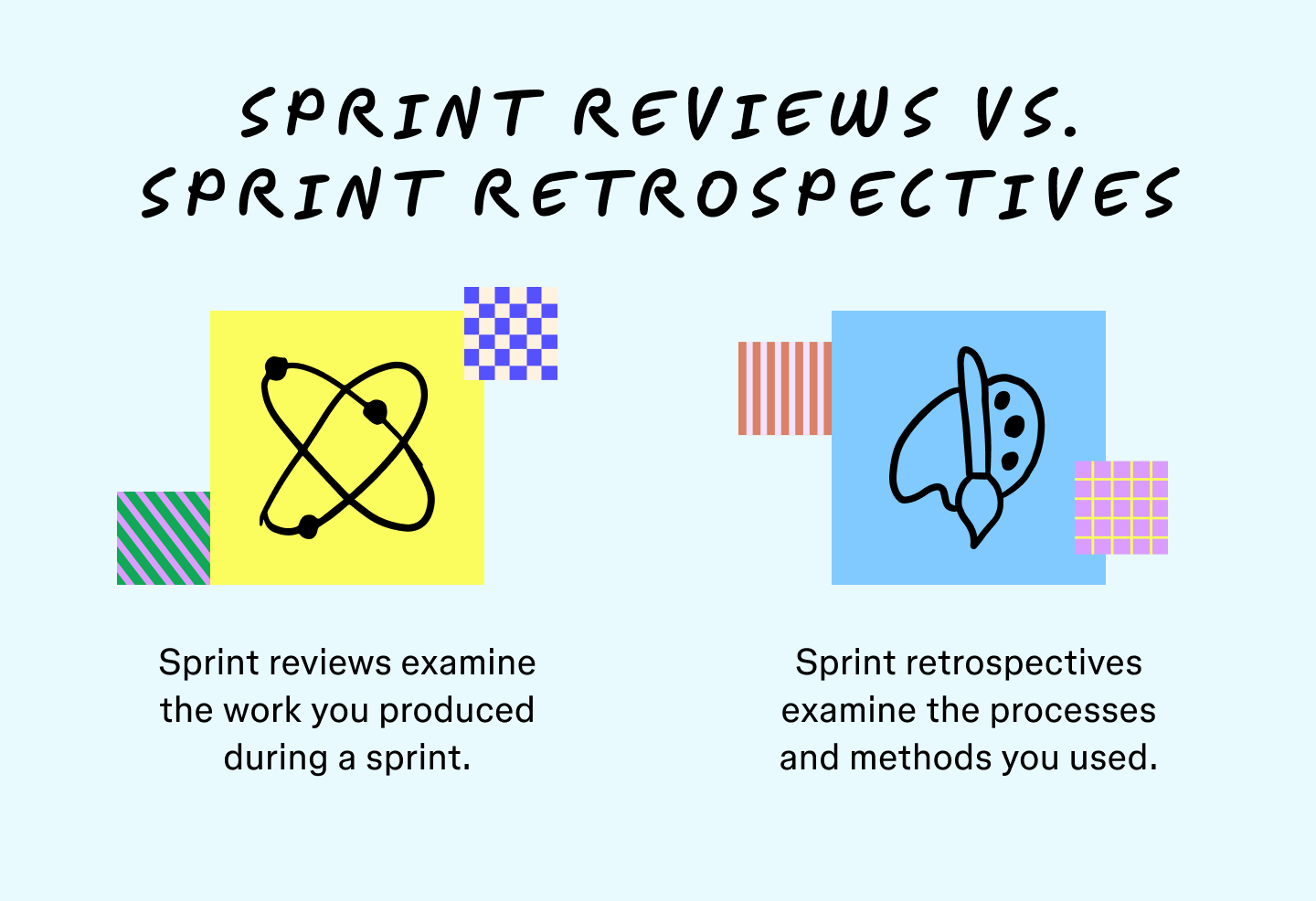
Key differences include:
- Objectives. Sprint reviews align product management and development teams to meet customer needs and ensure the team is on track to achieve its goals. Sprint retrospectives improve your core processes to boost productivity.
- Attendees. Reviews involve stakeholders and product owners; retrospectives usually stay within the scrum team.
- Refinements. Sprint reviews give teams action items that may refine the workflow. Retrospectives refine the development approach regardless of the product you’re working on.
- Timing. Sprint reviews generally come before sprint retrospectives so managers can consider solutions and refinements before the retrospective. Setting meetings too close together limits what a retrospective can improve.

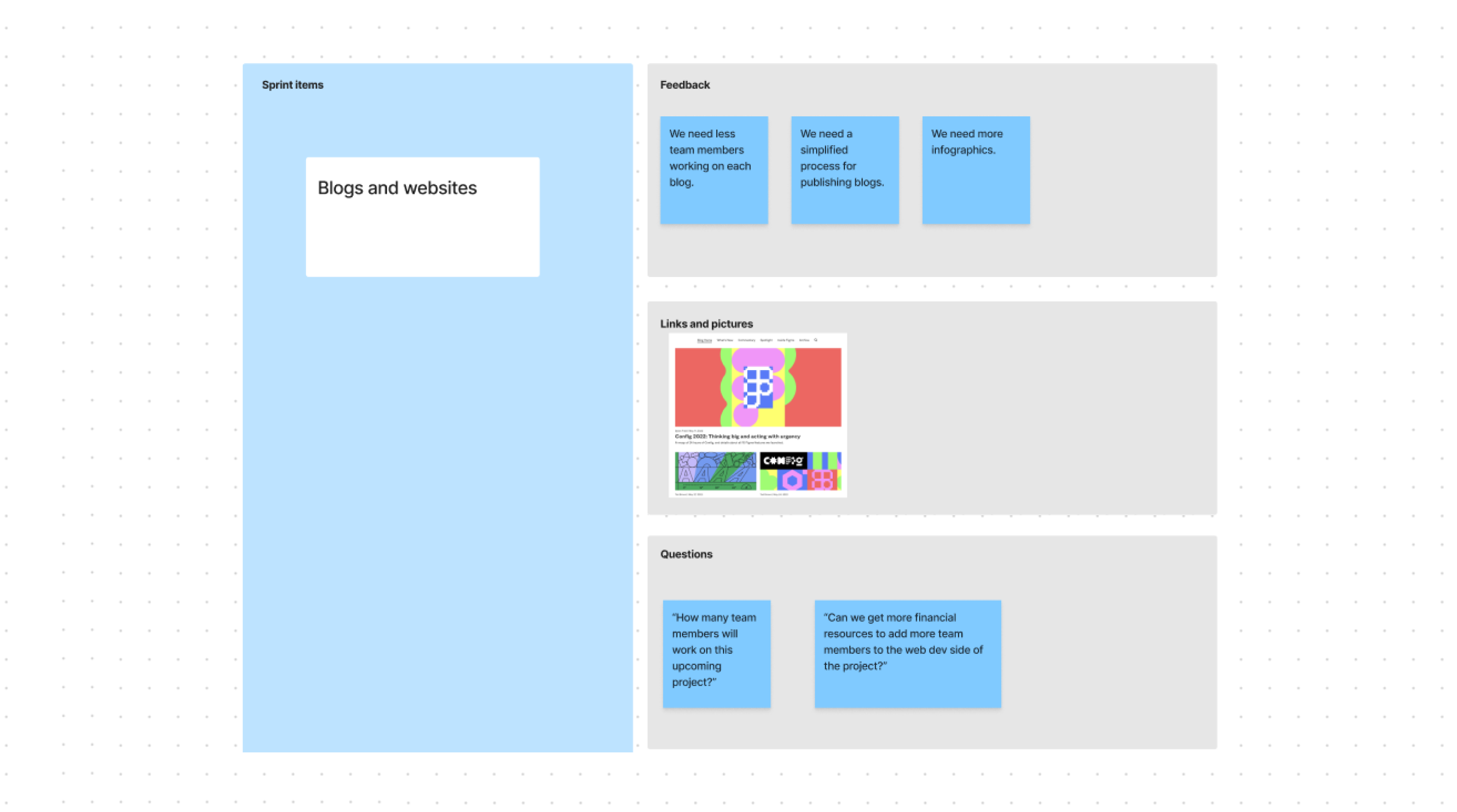
Try the sprint review template
Ready to kick off your next sprint review or start strategic planning? This sprint review template gives you a structured agenda to follow and space to capture notes, feedback, and action items.
How to lead a successful sprint review in five steps
Covering weeks of work takes planning. Build these five steps into your agenda to keep reviews productive and focused.
Step 1: Review product goals and progress
Start by revisiting product objectives and the progress made toward them. Define what “done” means for your team so everyone is aligned—whether that’s passing local testing or deploying to production.
Pro tip: Be sure to clearly define what completed work looks like as early as the project kickoff to help the team understand prioritization.
Step 2: Share a product demonstration
Show your product progress to key stakeholders and highlight any added features and improvements. Include all implemented backlog items and completed work. If it’s too early in product development for prototypes, share mockups and designs to get feedback and address any issues early on in the process.
Step 3: Exchange feedback
The bulk of your sprint review time often goes toward exchanging feedback. Stakeholders highlight what’s working, flag issues, and suggest adjustments. This feedback helps realign priorities for the next sprint.
Step 4: Review backlog items
Check off what’s finished, revisit reasons for delays, and shift priorities if needed. New items can be added, but confirm dependencies before assigning them. Capture action items to carry into sprint planning.
Step 5: Plan and next steps
Close by checking whether the release plan is still on track. If timelines or budgets look tight, identify blockers and adjust priorities. If the team is ahead, lock in what’s next and keep momentum moving forward.
Example of a sprint review agenda
Here’s a sample agenda for a sprint review. In this case, the team is updating a web application with new interface designs and backend changes.

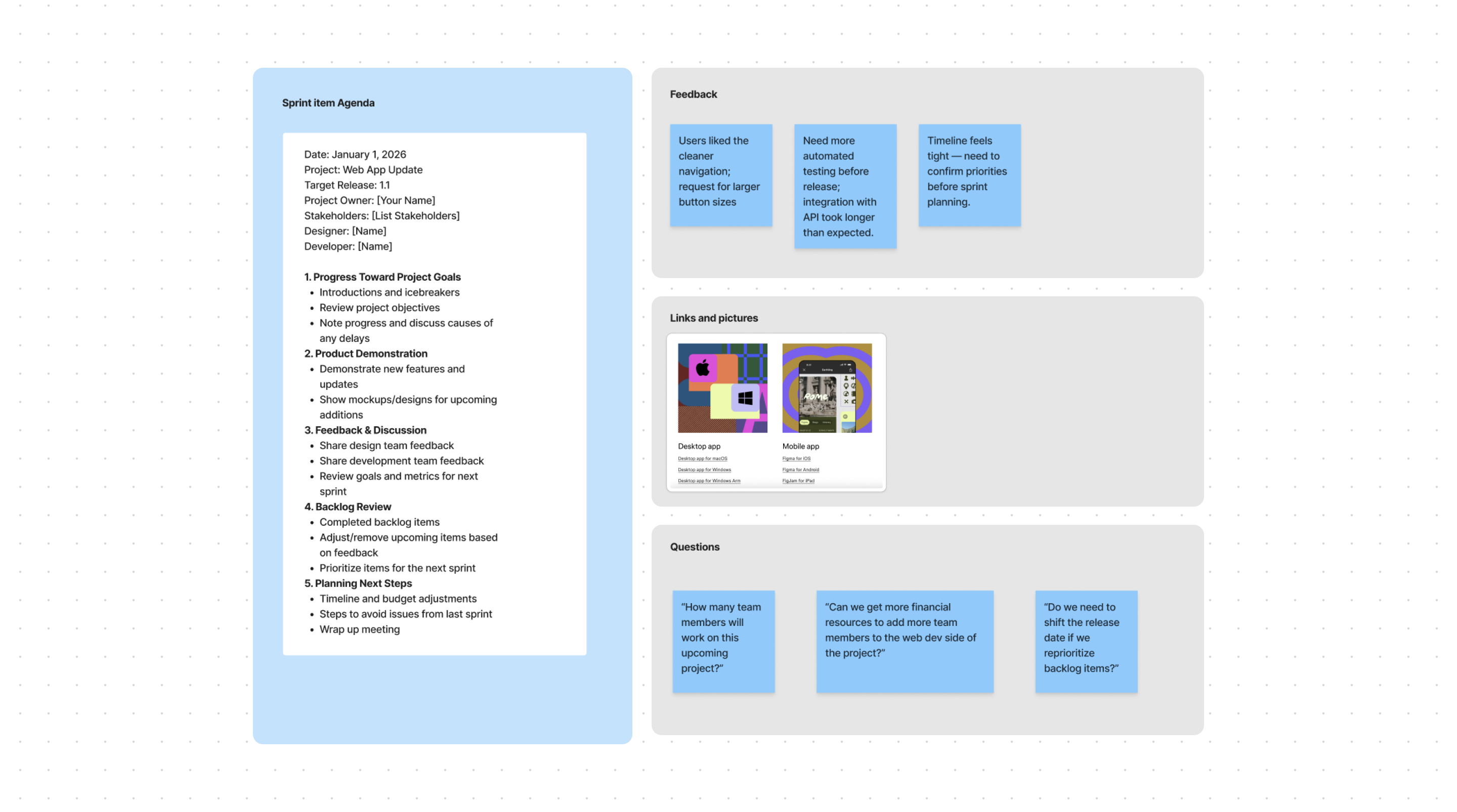
Sprint review agenda for 1/1/2026:
- Project: Web app update
- Target release: 1.1
- Project owner: Your name goes here
- Stakeholders: List stakeholders here
- Designer: List designers here
- Developer: List developers here
Progress toward project goals: 10 minutes
- Introductions and icebreakers
- Review project objectives
- Note progress toward goals and discuss the cause of any delays
Product demonstration: 15 minutes
- Demonstrate new features and updates
- Show mockups and designs for upcoming additions
Exchange feedback: 40 minutes
- Share design team feedback
- Share development team feedback
- Highlight goals and metrics for improving performance during the next sprint
Discuss backlog items: 15 minutes
- Note completed backlog items
- Remove or change upcoming items based on feedback and dependencies
- Prioritize items for the next sprint
Plan the next steps: 10 minutes
- Consider timeline and budget adjustments
- Steps for avoiding issues from the last sprint
- Wrap up the meeting
Five tips for effective sprint reviews
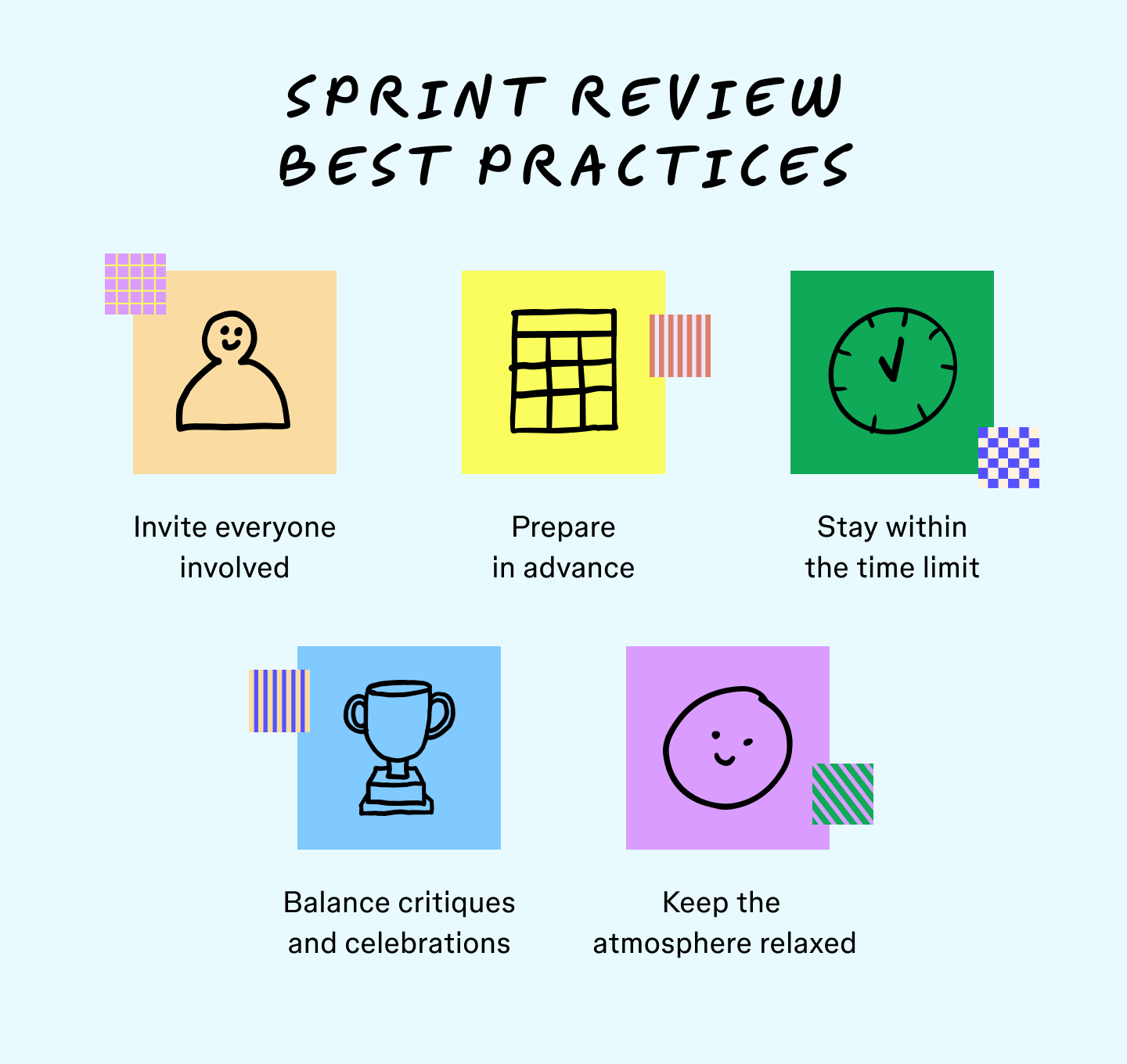
Make the most of your next sprint reviews with these simple practices:
Tip 1: Track items to review early on
As soon as the sprint begins, note production issues and talking points. This will help you keep track of iterations and any issues that may arise. You’ll be glad to have detailed talking points ahead of time.
Tip 2: Invite the right people
The purpose of the sprint review is to foster collaboration and diverse voices, so be sure to invite product owners, stakeholders, and leaders overseeing the project. More involvement means more actionable insight sharing across teams.

Tip 3: Respect the clock
The time is short between sprints, so cover everything in one meeting to prepare for the next product development cycle. Scope out the amount of time you’ll need in your agenda.
Tip 4: Balance critiques and celebrations
Sprint reviews present a great opportunity to share positive and negative feedback. While critiques can solve production issues, celebrating achievements boosts morale.
Tip 5: Keep the tone relaxed
A fun icebreaker can help create a relaxed atmosphere at your sprint review meeting so everyone feels comfortable sharing their thoughts and ideas. This creates an opportunity to hear details about your products and processes from various teams.
Streamline sprint reviews with FigJam
Sprint reviews work best when everyone can see, share, and build on ideas together. FigJam makes that collaboration easy with a shared online whiteboard that works wherever your team does.
With FigJam, you can:
- Use brainstorming tools to generate ideas and exchange feedback.
- Run more engaging team meetings with built-in meeting tools.
- Map product work flows with diagram tools.
- Tap in more than 300 templates in the Figma library to help you create productive sprint reviews and sprint retrospectives.
Sprint review in FigJam
Collaborate in real time with a ready-made sprint review template.