How to increase productivity: 13 hacks for creative teams


Share How to increase productivity: 13 hacks for creative teams
Explore more from
Team productivity

Ever feel like there aren’t enough hours in the day to bring your creative vision to life? You’re not alone. While creative teams are full of innovative ideas, staying productive and efficiently conquering challenges can feel like a constant battle.
Productivity is about working smarter, not harder. By improving your workflows and developing a collaborative environment, your team can achieve more and overcome creative hurdles with laser focus. Read on to learn more about:
- Why productivity is essential in the workplace.
- 13 tips to increase team productivity.
Why is productivity essential in the workplace?

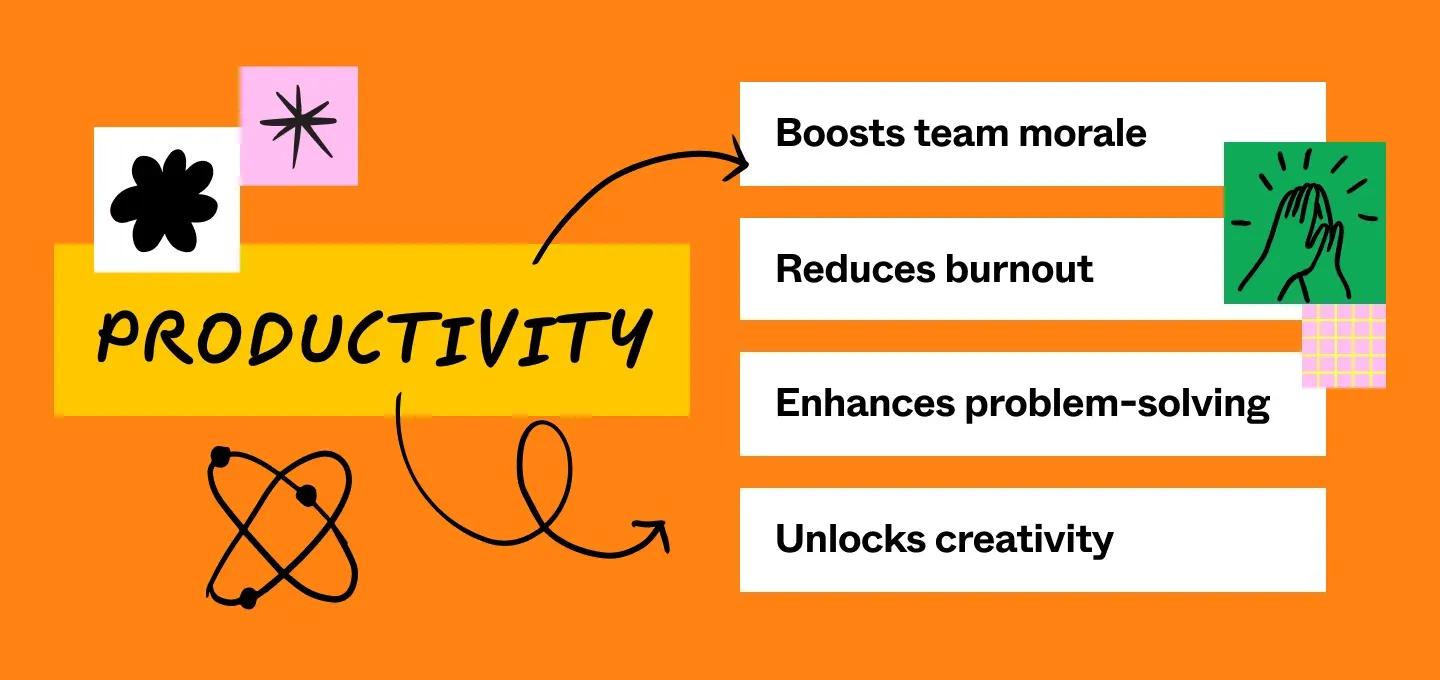
Productivity is the key to achieving more, reducing stress, and unlocking your team’s creative potential. In the workplace, it brings even more benefits:
- Boosts team morale. A productive team is a motivated team. When everyone’s working together, achieving goals becomes a shared victory.
- Reduces burnout. Productivity allows you to get more done in less time, leaving less room for stress and more room for creative exploration.
- Enhances problem-solving. When you focus on working smarter, not harder, your team can eliminate roadblocks. That way, you can tackle challenges with focus and innovative solutions.
- Unlocks creativity. With more time freed up from repetitive tasks, your team has the bandwidth to brainstorm freely and generate those breakthrough ideas that set your work apart.
13 tips to improve productivity
Ready to learn how to improve productivity? From easy-to-use productivity templates to innovative new ideas, these 13 tips will help your team reach peak performance.
Tip 1: Prioritize tasks

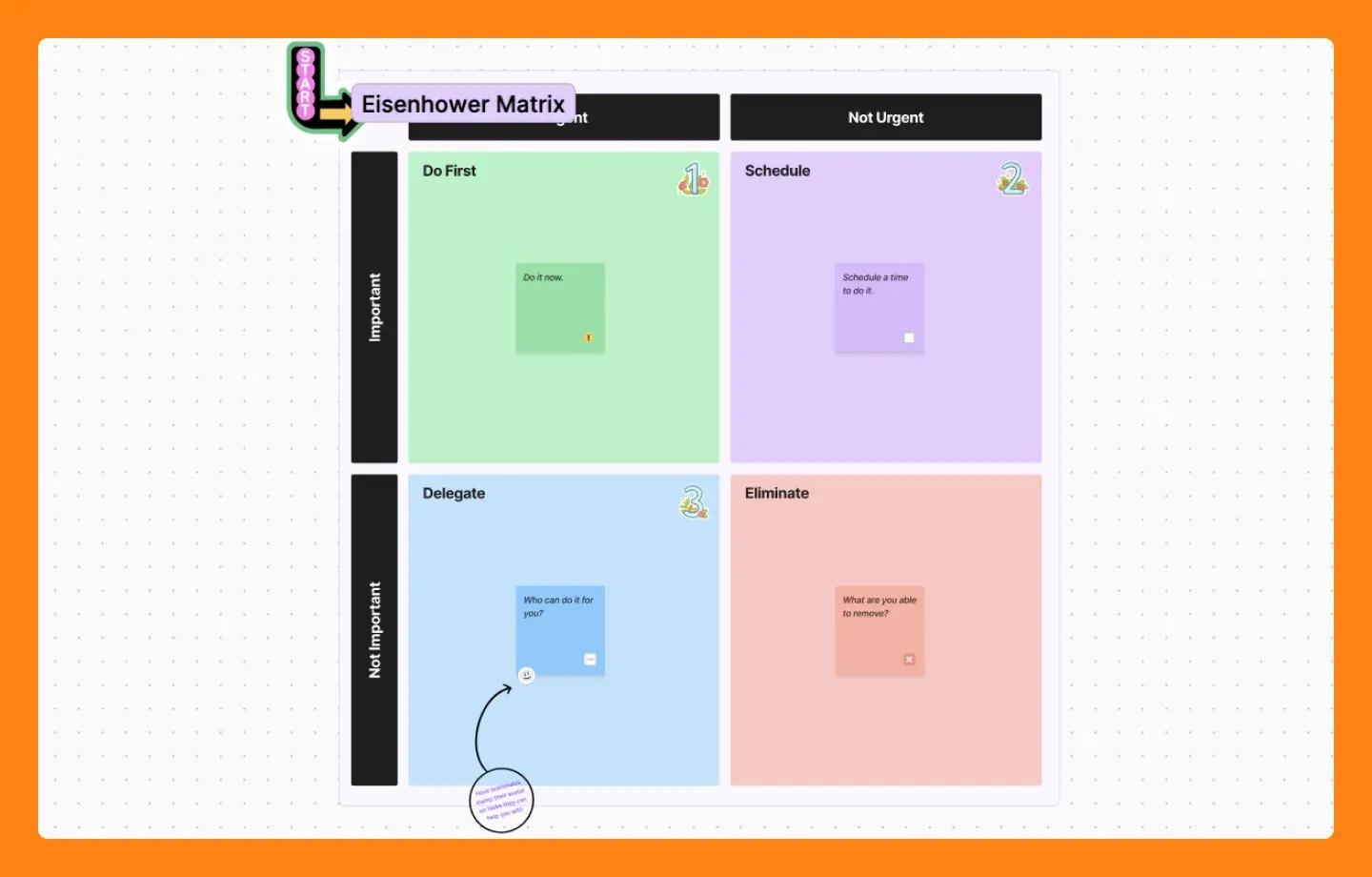
Prioritizing tasks ensures you’re working on the right things at the right time. This maximizes your output and helps you achieve your goals with greater efficiency.
Tools like the Eisenhower matrix are great for prioritizing. It categorizes tasks based on two key factors: importance and urgency. This framework helps you spend less time stressing over what to do next and more time actually doing it.
See a free slot in your calendar? Maybe it’s the perfect time to tackle a less urgent but still important task. No wiggle room? Feel free to ditch low-urgency, low-importance tasks altogether.
FigJam solution: Use this Eisenhower matrix template to help you prioritize and organize tasks.
Tip 2: Test out time blocking

When your brain constantly switches gears between emails, brainstorming sessions, and planning social media posts, it can wreak havoc on your creative focus.
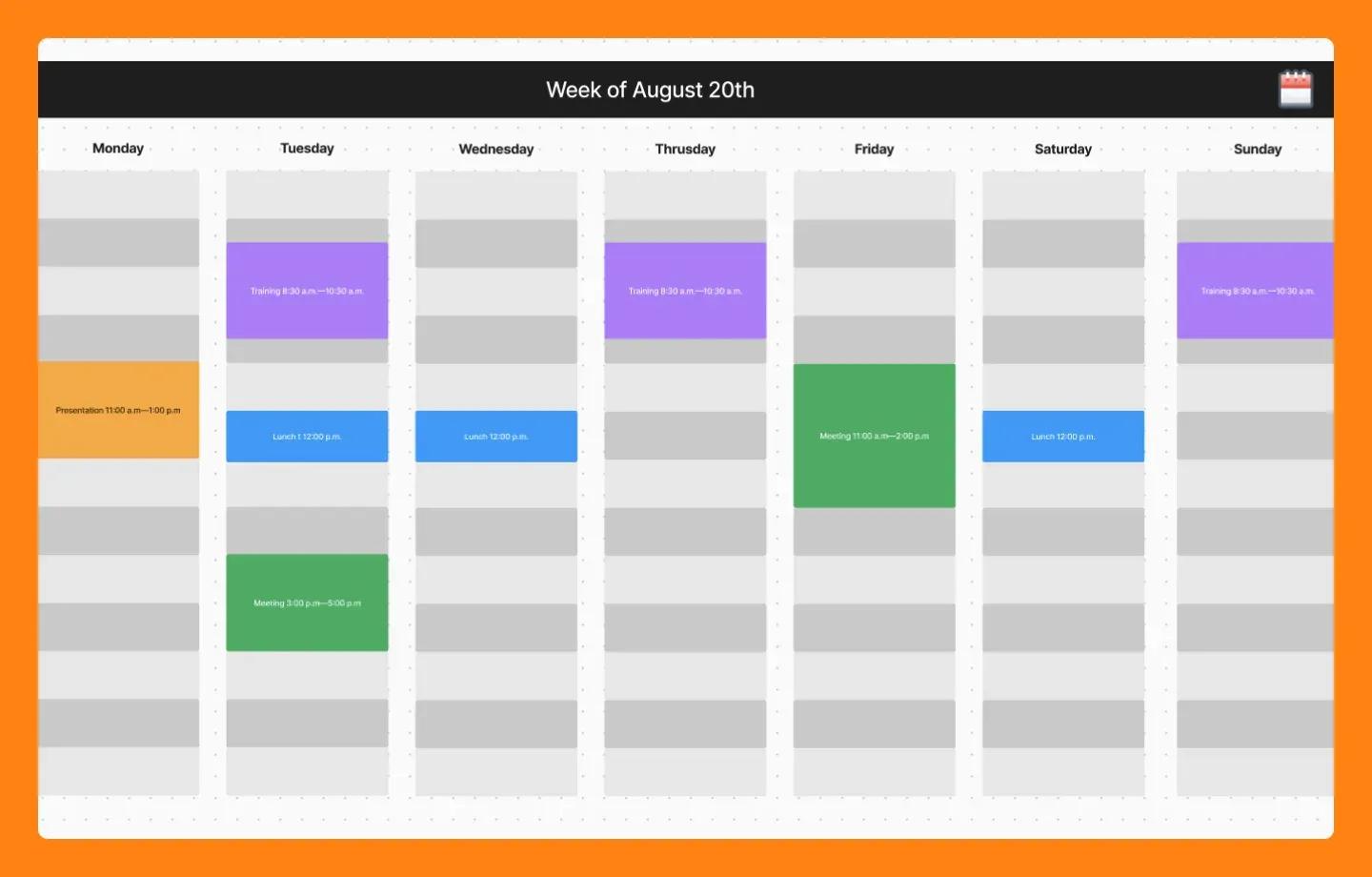
One of the best ways to improve productivity is time blocking—a creative strategy that maximizes deep work sessions and minimizes context switching. By splitting your day into distinct sections, you can prioritize multiple tasks, reduce distractions, and set clear goals for what you want to achieve.
FigJam solution: FigJam’s time-blocking template includes editable time blocks, making it easy to organize your day and adjust as needed.
Tip 3: Try backward planning

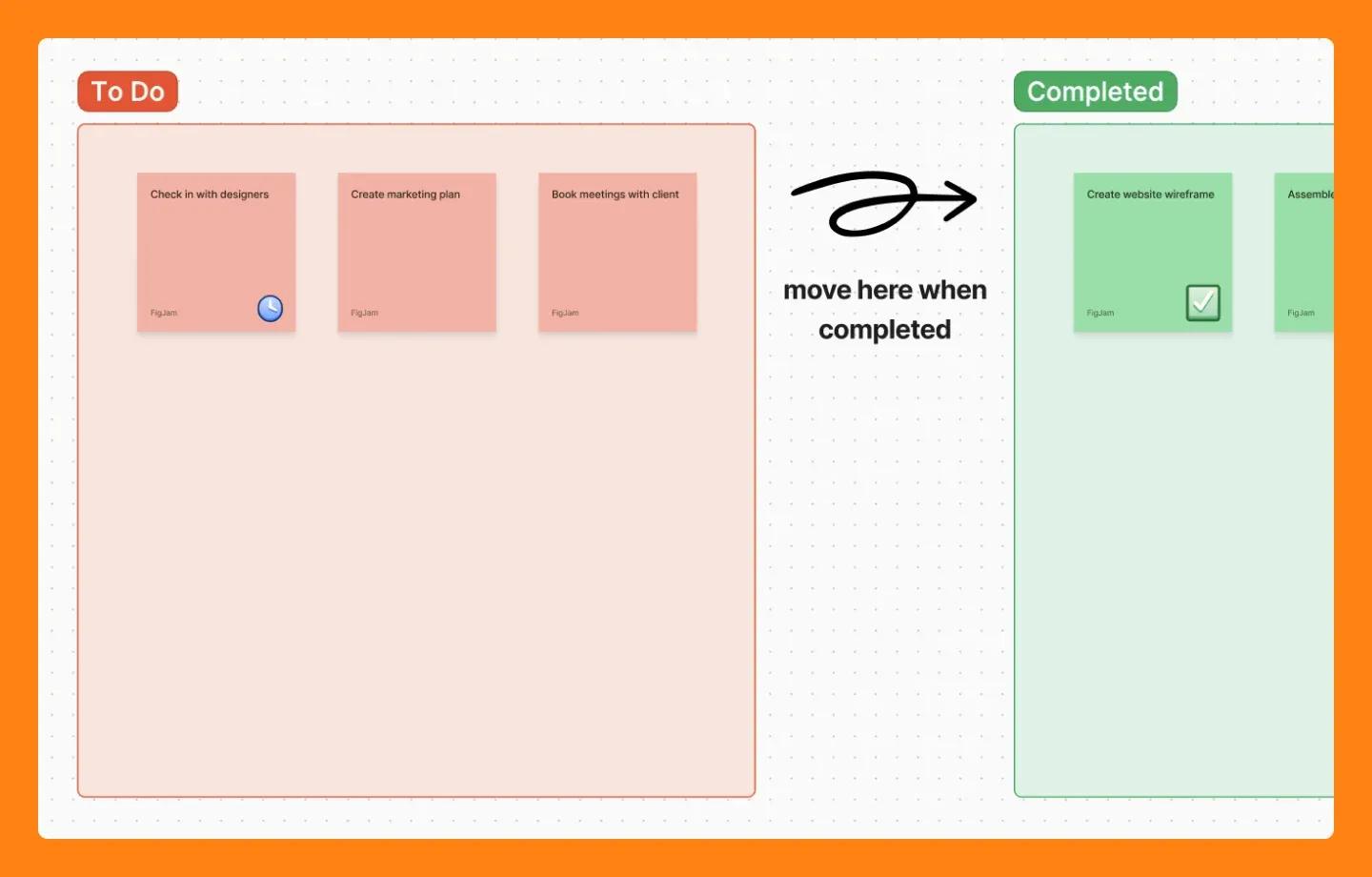
Effective planning is the key to feeling prepared and taking control of your week. But instead of throwing tasks onto a to-do list, consider backward planning—a strategy many successful teams use.
Instead of starting with your to-dos, define your end goal. What do you want to achieve by the end of the week or even in a day? With that outcome in mind, work backward, mapping out the steps needed to get you there.
FigJam solution: Once you’ve identified the steps to achieve your goal, use a to-do list template to arrange your tasks in a prioritized list so nothing falls through the cracks.
Tip 4: Embrace the work-in-progress mentality
It’s tempting to wait until something is perfect before showing it to anyone. But perfect can take forever! The “work in progress” mentality means being okay with sharing your ideas even if they’re not quite finished.
Sharing early gets you valuable feedback from others while you still have time to adjust. This helps you catch mistakes and improve your ideas much faster. Plus, sharing unfinished work can spark new ideas for everyone involved, just like brainstorming together.
Pro tip: Embrace this mindset with tips on how to give continuous feedback.
Tip 5: Use rapid prototyping


Waiting weeks to see designs come to life can hinder productivity. Rapid prototyping allows teams to test ideas quickly and gather early feedback from users and teammates.
This streamlined communication between designers and developers leads to more efficiency. In fact, organizations using Figma’s prototyping features have reported a 35% productivity gain in the development and implementation phase.
FigJam solution: Figma’s prototyping tools allow you to build clickable prototypes in minutes.
Tip 6: Embrace AI

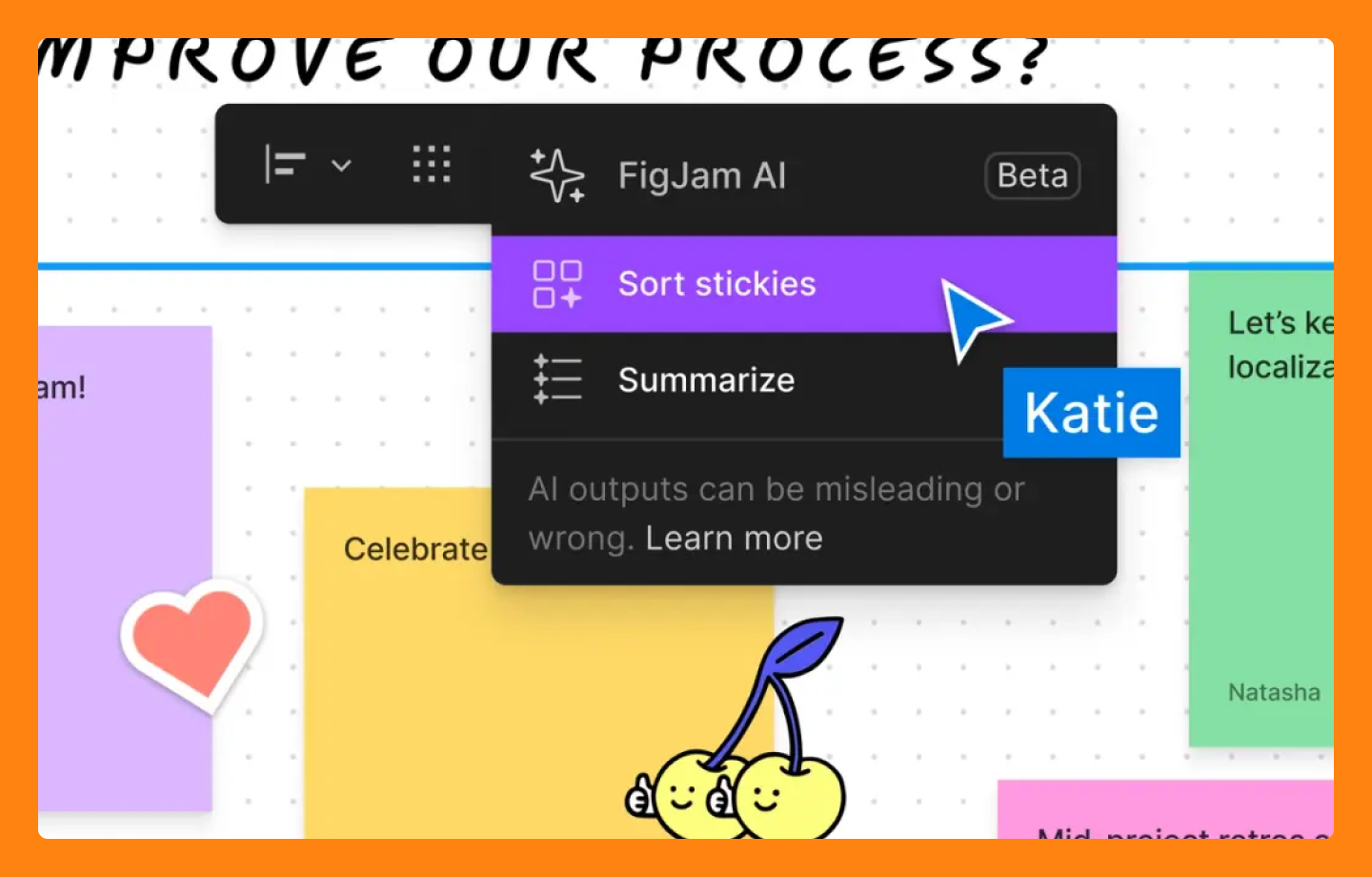
Repetitive tasks can take away valuable creative time. Artificial intelligence (AI) can take on the more tedious work so you can focus on what humans do best: creative and innovative thinking. By strategically integrating AI into your workflow, you can automate repetitive tasks and eliminate bottlenecks that slow you down.
FigJam solution: Figma uses AI-powered features to help you instantly visualize ideas and plans, suggest best practices, and automate tasks so you can focus on the bigger picture.
Tip 7: Try the Pomodoro technique

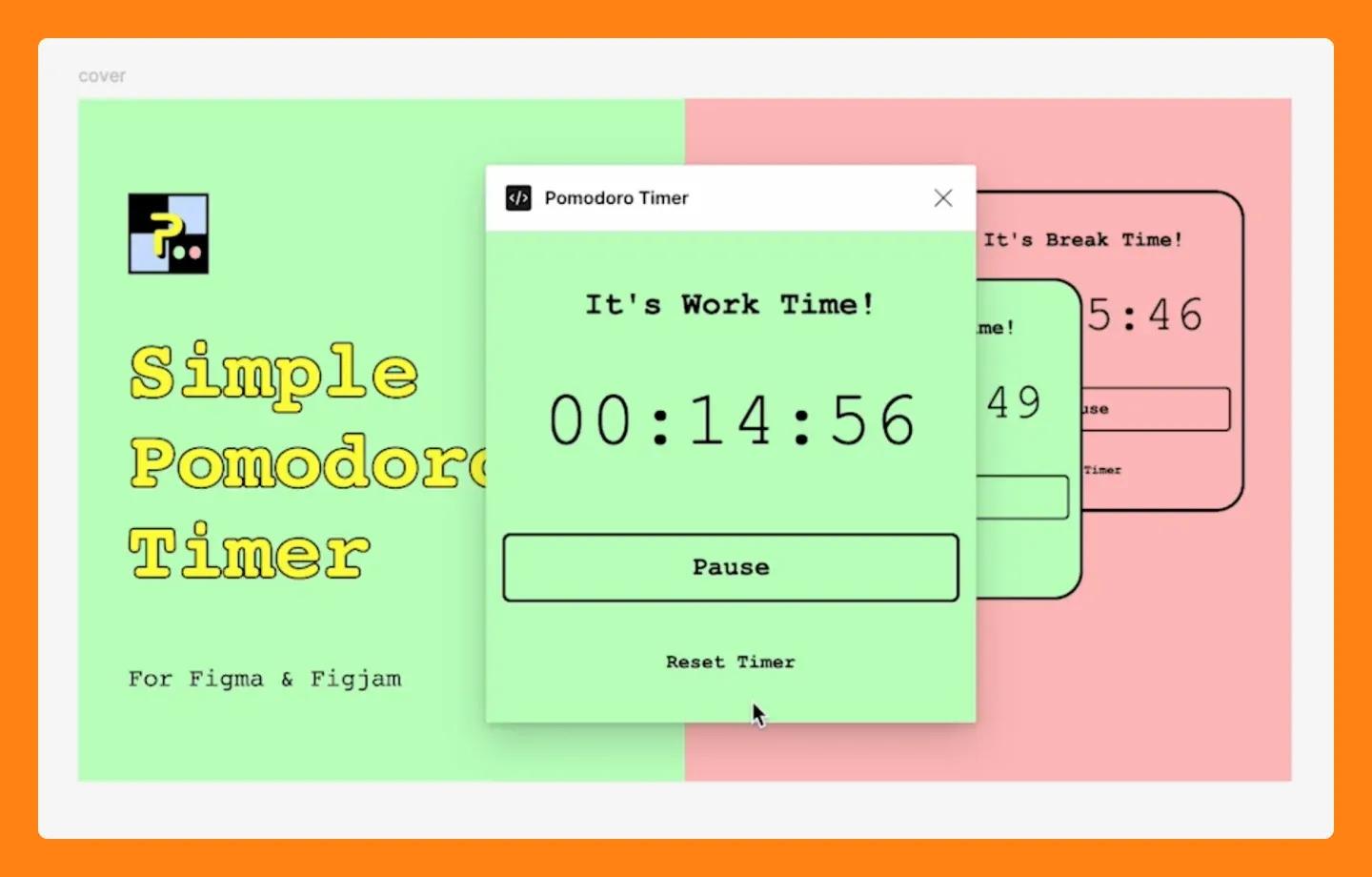
The Pomodoro technique is a time management method that involves breaking down work into focused 25-minute intervals (Pomodoros) separated by short breaks.
You avoid feeling intimidated by large tasks by breaking work down into manageable bites. Short breaks help you maintain focus and prevent mental fatigue, allowing you to achieve more in a shorter amount of time.
FigJam solution: Use Figma’s Pomodoro timer feature to keep track of your intervals and breaks, ensuring you stay on track and maximize your creative output.
Tip 8: Create a mood board

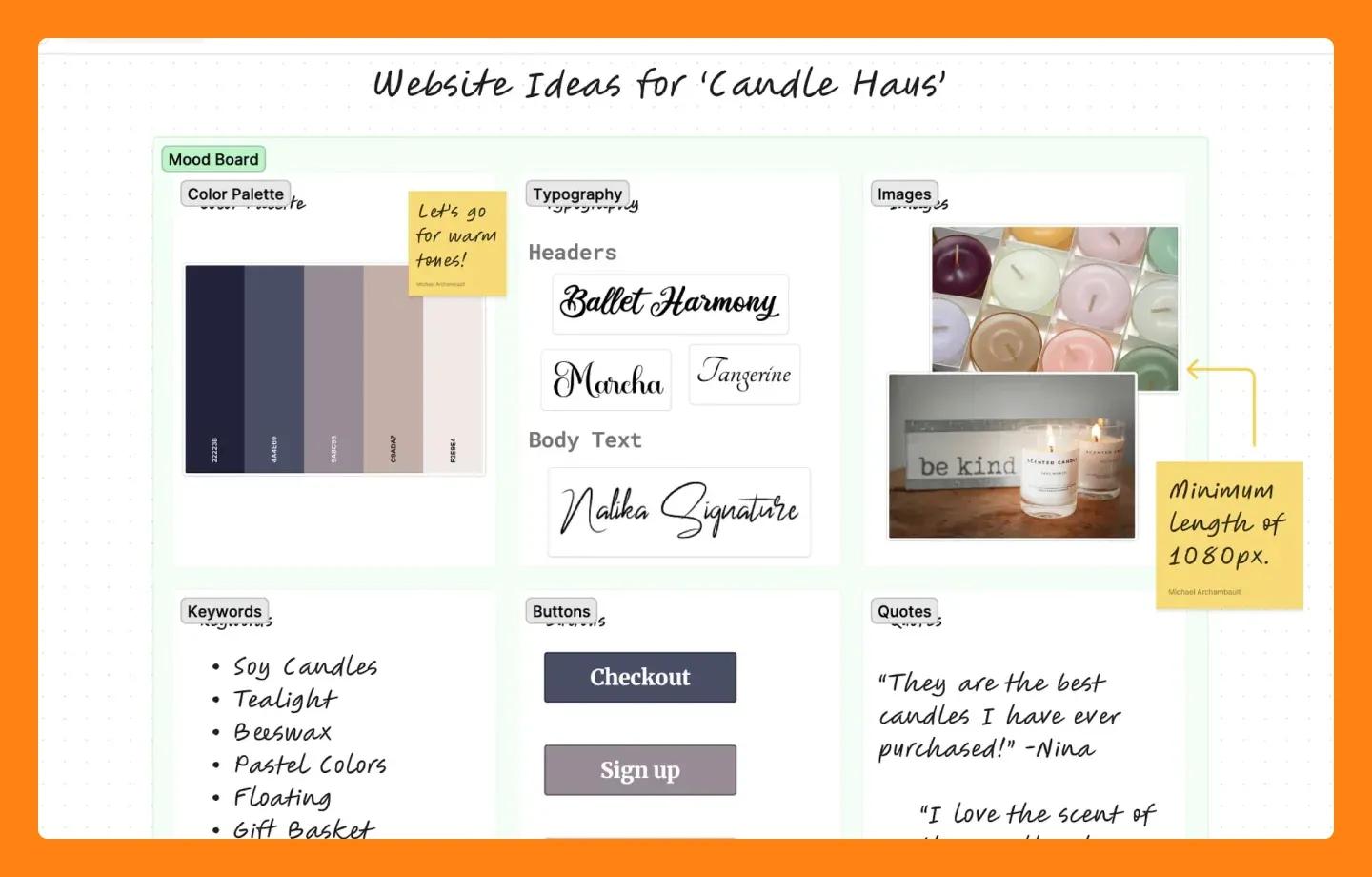
A blank canvas can be daunting. That’s where mood boards become a powerful tool to jumpstart your team’s creative process.
Making a mood board involves putting together visual collages that capture the essence so that a project. By gathering inspiring images, colors, textures, and even text snippets, mood boards help solidify a project’s vision.
FigJam solution: Use this mood board maker to encourage your team to add and discuss their ideas visually. This gets everyone on the same page, leading to a smoother design process and a more unified visual direction.
Tip 9: Embrace asynchronous collaboration
Asynchronous collaboration is the new normal for modern teams. Unlike traditional methods, it allows team members to contribute on their schedules, freeing you from the need for constant meetings. This flexibility is key in today’s globalized world, so everyone can participate regardless of location or time zone.
FigJam solution: FigJam allows teams to upload drafts, leave comments and suggestions, and see where the feedback is directed with a real-time cursor—all on their own time.
Tip 10: Hold project retrospective meetings

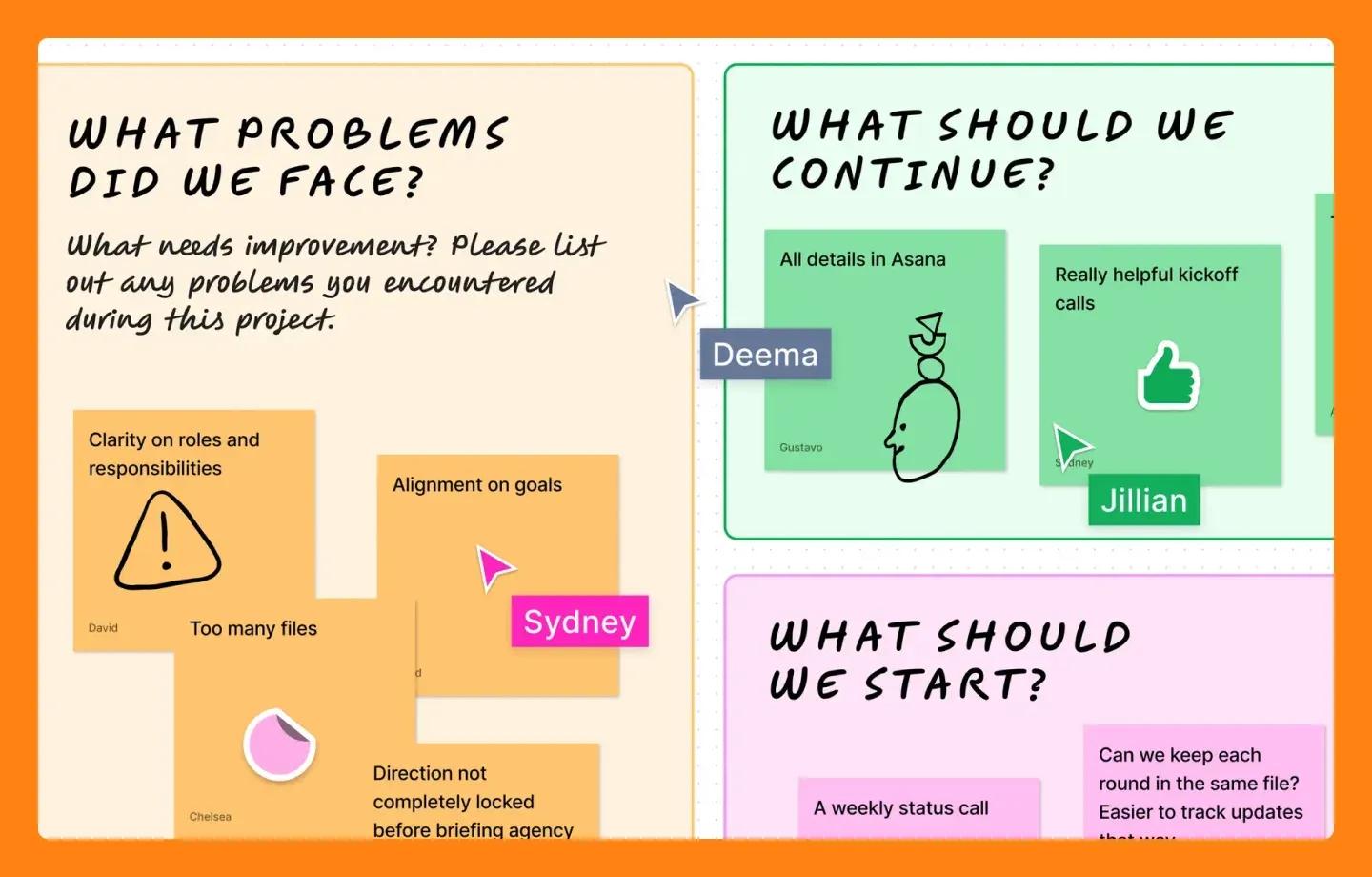
Projects don’t always go according to plan. That’s okay! Project retrospectives are your chance to regroup, analyze what happened, and identify areas for improvement. This helps you learn from past experiences and strengthens your team for future collaborations.
FigJam solution: A visual retrospective template makes these meetings interactive and engaging.
Tip 11: Set goals the SMART way

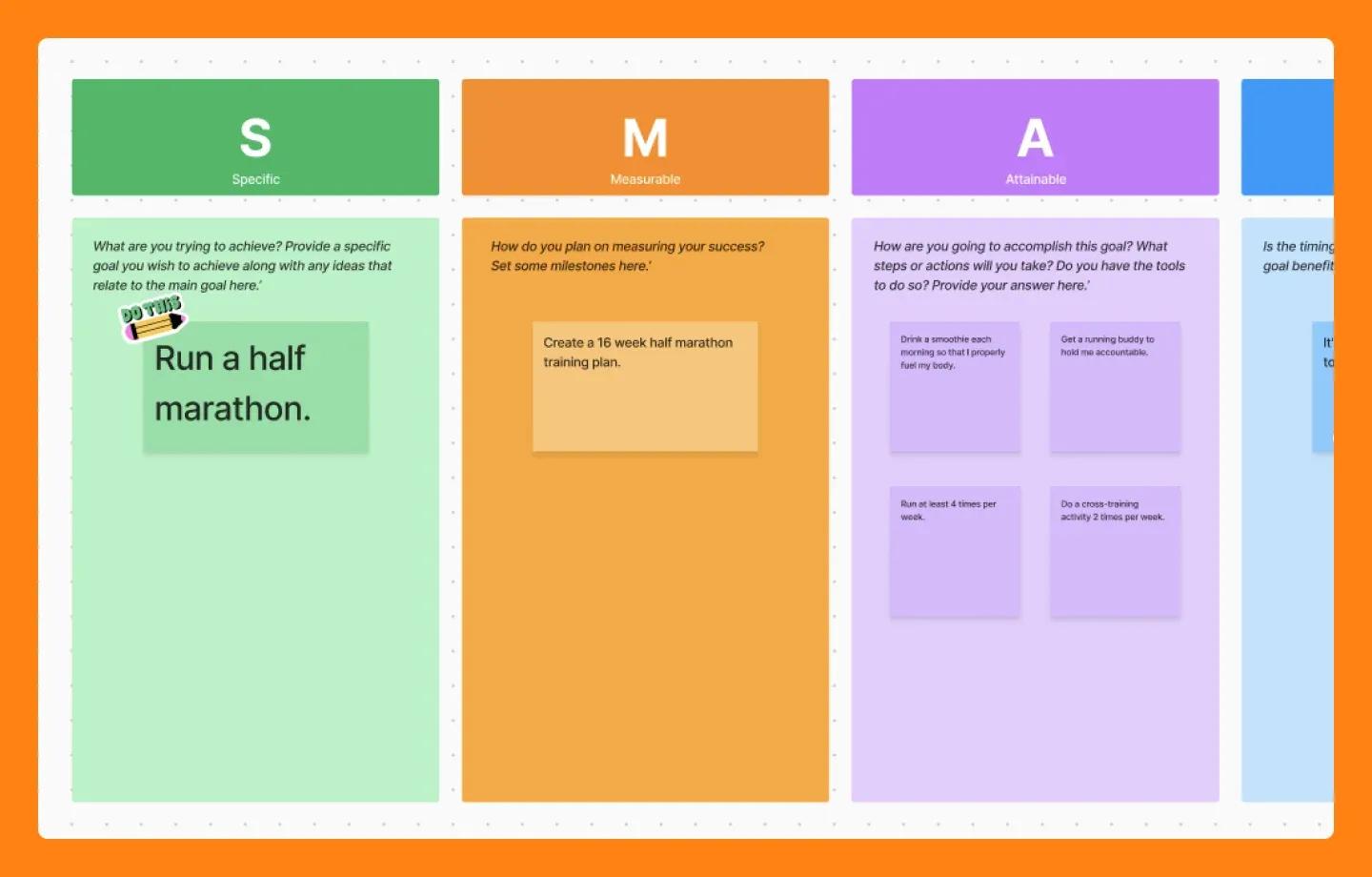
Setting clear goals guides your team toward success. But not just any goals—we’re talking about SMART goals: specific, measurable, achievable, relevant, and time-bound.
SMART goals give you a specific target, allowing you to prioritize tasks effectively and measure your progress. This clarity keeps your team focused and motivated so they’re constantly moving toward achieving the desired outcome.
FigJam solution: Use this SMART goals template to keep track of your goals and work with your team to achieve them.
Tip 12: Focus on team building

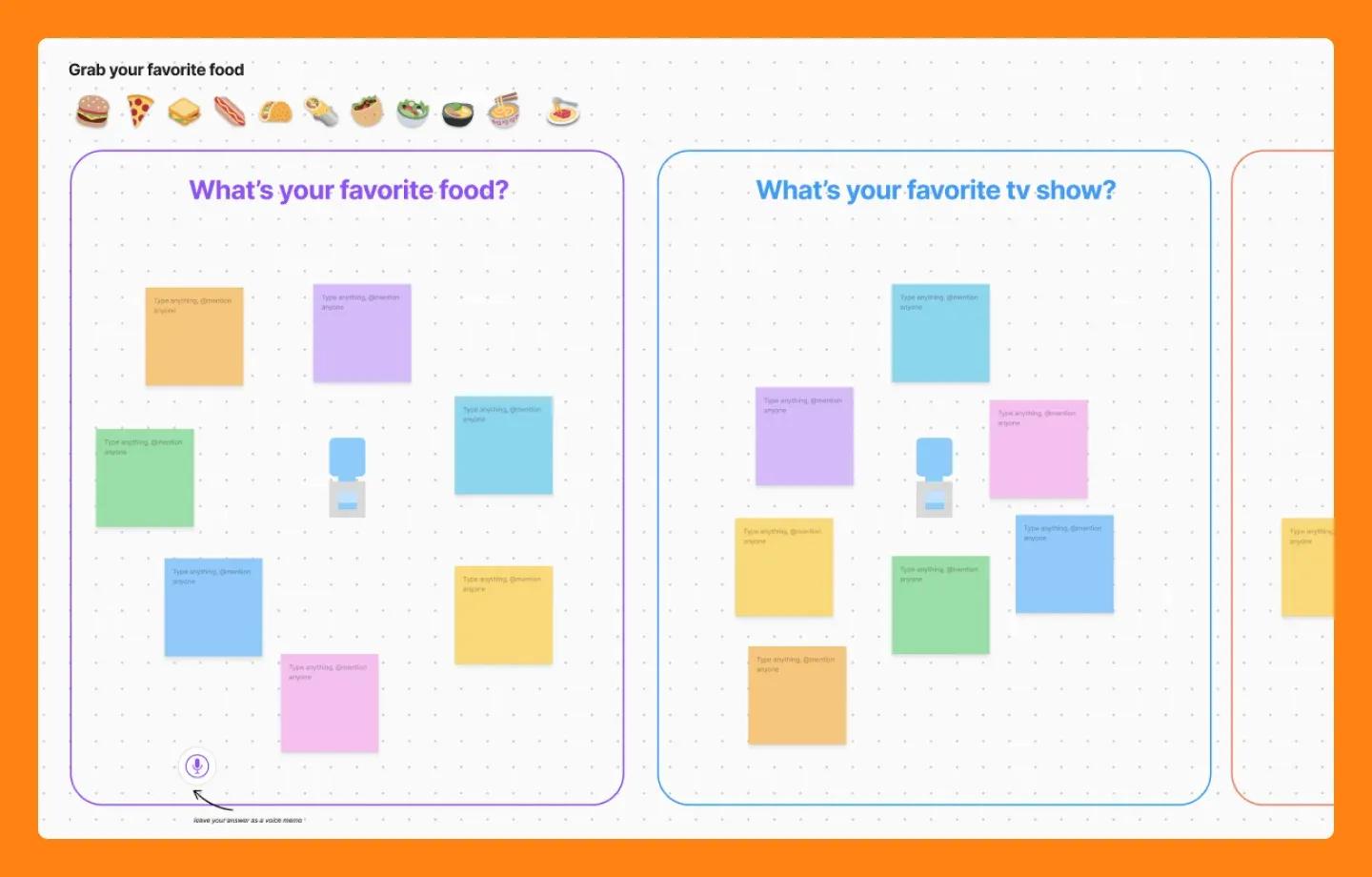
Team building might sound like games and icebreakers, but it’s an investment in your team’s psychological safety—the feeling of being comfortable sharing ideas and taking risks.
When team members feel safe to express themselves freely, it fosters a culture of innovation. Team-building activities can be a springboard for this, translating to a more motivated and engaged team, one that’s willing to go the extra mile and push the boundaries of creativity.
FigJam solution: Check out the countless team-building activity templates made by the Figma community.
Tip 13: Schedule regular brainstorming sessions

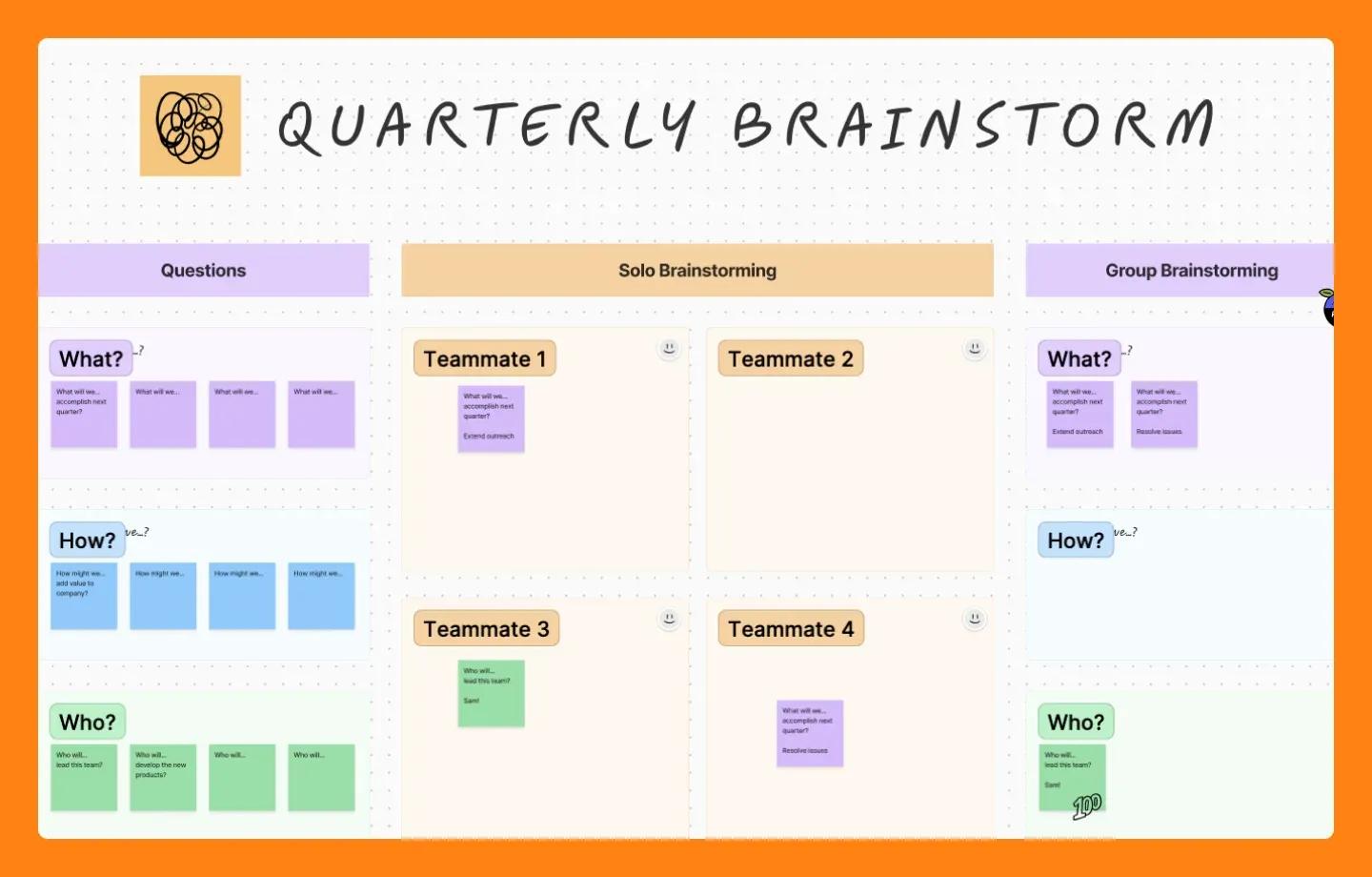
Great ideas rarely strike in isolation. Brainstorming helps generate new ideas, tackle problems from different angles, and land on solutions far more effectively than solo efforts.
But brainstorming isn’t just about throwing out ideas. Structured techniques, like brainwriting or reverse brainstorming, make your sessions focused and productive.
FigJam solution: Browse Figma’s brainstorming tool to find templates and ideas to get your brainstorm session rolling.
Improve productivity with FigJam
Prioritizing your team’s productivity allows you to streamline workflows and unlock your team’s creative potential. Here’s how:
- Browse FigJam’s template gallery for hundreds of collaborative templates to help you get an idea off the ground or shape it into something new.
- Use FigJam’s AI-powered tool, Jambot, to streamline your workflow and generate ideas with teammates and ChatGPT in the same canvas.
- Check out the FigJam community for more productivity templates and inspiration.
Ready to enhance team productivity?
Get started with FigJam.