What is the Eisenhower matrix?


Share What is the Eisenhower matrix?
Explore more from
Team productivity

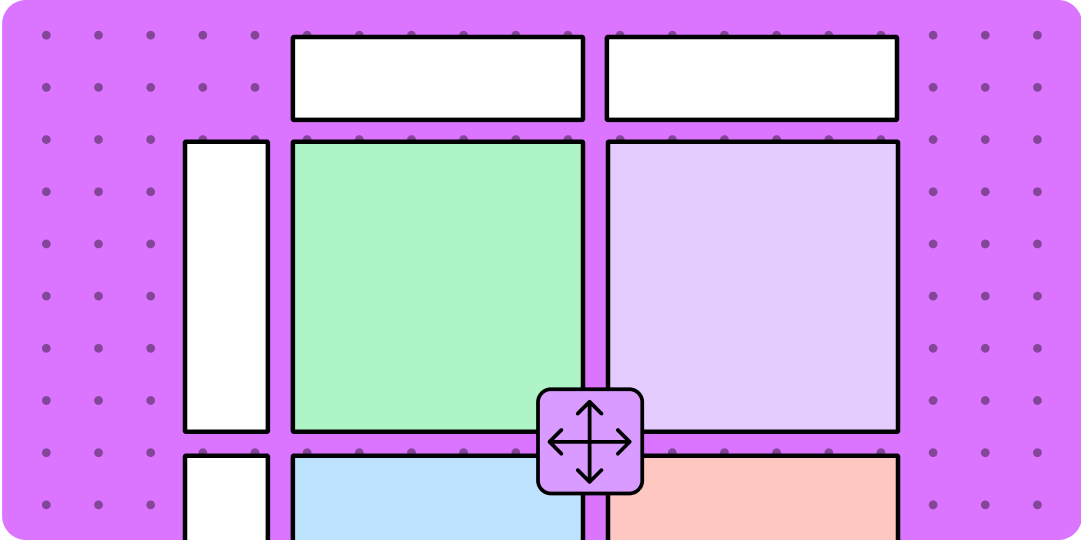
When projects pile up around you, the obvious approach is to start from the top and work your way down. But what if the most urgent, important project is buried at the bottom of the pile? Take a moment to rethink your to-do list using the Eisenhower matrix. This decision-making tool can boost your productivity by helping you triage tasks based on what’s important and time-sensitive—and what isn’t.
Read on to learn more about:
- What the Eisenhower matrix covers
- Benefits of an Eisenhower matrix
- How to use an Eisenhower matrix—plus FigJam tools to get started
What does the Eisenhower matrix cover?
This priority-setting tool is named after President Dwight D. Eisenhower, who said, “I have two kinds of problems: the urgent and the important. The urgent are not important, and the important are never urgent. The Eisenhower matrix is a simple diagram with four quadrants:
- The urgent and important quadrant includes high-priority tasks that need to get done ASAP.
- The important, but not urgent quadrant covers important tasks that you can take care of later.
- The urgent, but not important quadrant involves tasks that aren’t vital to the business, but have a fast-approaching deadline.
- The not important or urgent quadrant includes trivial tasks that you can probably drop from your to-do list.
Is your task important, or just urgent?
It’s human nature to blaze through the urgent, easy stuff first—it's satisfying to get tasks done fast. But this leaves the complex—and often more important—problems for another day. Researchers call this the mere urgency effect, which drives decision-making for the majority of people.
Enter the Eisenhower decision matrix, which shows what tasks will reap the most vs. fewest rewards. By mapping out what’s urgent and important, teams can curb the mere urgency effect, and zero in on what matters most.
Create your eisenhower matrix
Start prioritizing your tasks with this free template made by FigJam.
Benefits of an Eisenhower matrix
Use the Eisenhower matrix as a planning tool to help your team:
- Set priorities that align with design and business goals across a wide range of activities, projects, and deliverables.
- Speed up the task evaluation process with a simple mapping exercise that teams can collaborate on and complete quickly.
- Bring clarity to your team and other key stakeholders about what takes highest priority—and what doesn’t.
- Boost productivity by focusing efforts on tasks with the biggest payoff.
How to use the Eisenhower decision matrix
Putting together an Eisenhower matrix is easy—and FigJam’s ready-made Eisenhower matrix template makes it even easier.
Fill out the matrix by assigning tasks on your to-do list to one of four categories:
Do first action items
Add urgent and important tasks that need your immediate attention and expertise to the top-left quadrant. These high-priority tasks might include finalizing a killer app feature that’s on the product roadmap and set to release next week, or completing user testing for a signup flow with a high abandonment rate.
Schedule tasks
Put important but not urgent tasks that you can handle later in the top-right quadrant. Tasks you might schedule for later include reviewing résumés for a support role on your team, or auditing engagement metrics to see which features users love most.
Delegate tasks
Place urgent but not important tasks in the bottom-left quadrant to delegate to a team member or freelancer. For example, a project manager might handle client requests not related to your current project.
Eliminate tasks
Any tasks that aren’t important or urgent go into the bottom-right quadrant. Since these tasks won’t impact your long-term goals, discard them. Were you added to a meeting that’s not relevant or helpful? Let your project lead know so you can take it off your calendar.
3 Eisenhower matrix pro tips
With the Eisenhower matrix, you can weigh your tasks against each other and rearrange them to create an efficient, productive action plan. Level up Eisenhower matrix-building skills with these pro tips:
- Keep it simple, limiting the number of tasks to seven per quadrant for a manageable to-do list.
- Split professional and personal tasks into two different matrices. You can share the professional matrix with your team or company, and use the personal version to manage work/life balance.
- Update the matrix to reflect any changes in task status, helping key players sync on top-priority deliverables.
Jumpstart your Eisenhower matrix with FigJam
To get your priorities in order, brainstorm tasks with your team using FigJam’s online whiteboard. Then start grouping them into each quadrant of FigJam’s Eisenhower matrix template to:
- Increase collaboration. Invite colleagues to help organize tasks and provide real-time feedback through cursor chats and audio functions.
- Customize your matrix. Spiff up your matrix using FigJam’s widgets, stickers, and more. Update quadrant colors to make your matrix pop.
- Provide status updates. Keep your team in the loop about who’s doing what when.
Want to see an Eisenhower matrix in action? Check out these helpful Eisenhower matrix examples shared by the Figma community.
Ready to prioritize your to-do list?
Sources
[1] https://leaders.com/articles/productivity/eisenhower-matrix/
[2] https://thedecisionlab.com/reference-guide/management/the-eisenhower-matrix
[4] https://www.techtarget.com/whatis/definition/Eisenhower-Matrix