Create mood boards
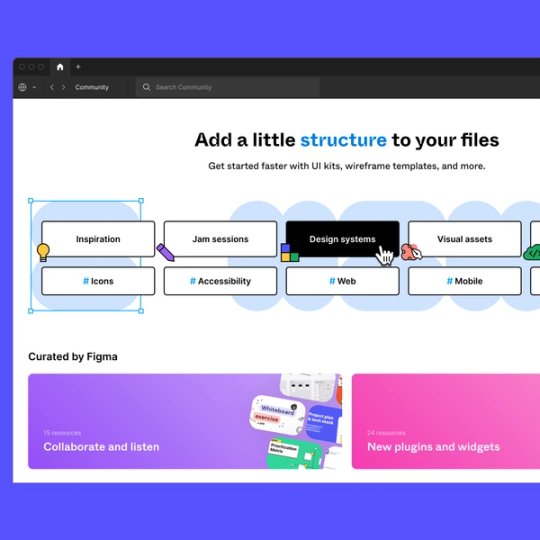
Easily conduct visual research with this free mood board template, created by designers at Mixpanel.


Find your aesthetic
Digital mood boards are an excellent way to quickly find your visual aesthetic. Use Figma's mood board creator to test colors palettes, images, and various typographic styles until you settle on the winning concept.
Mood board template
Quickly find the visual inspiration you're looking for with our curated mood board maker. This mood board kit contains a collection of mood board layouts, and accompanying slides that make presenting visual ideas and design concepts easy.

Start making mood boards in Figma today
Using Figma to create mood boards is a simple way to visually communicate your next design project. Customize your mood board design with varying fonts, images, and color schemes. All you need is a web browser to get started.

Sharing is simple
Ready to share your mood board with others? Just share a link, and invite others to join in on the creative process. The file will open in the browser, ready for collaboration.

No installation required
Figma lives inside the browser which means there is nothing to install. Jump straight into the file and get to work.

An open design platform
Add imagery and GIFs directly to the pre-designed grids, or download powerful plugins if that's your jam. It's flexible and robust, so go nuts.
Sync directly from a Google Sheet
Creating a digital mood board has never been easier. Harness the power of Figma’s open design platform and use plugins to sync content from Google Sheets directly into your Moodboard. Simply swap the default Moodboard Layout to the Google Sheets Layout, and run the plugin.


A simple interface
This moodboard template is flexible and guides you through the process of how to make a moodboard. Whether you’re an amateur designer making your first moodboard, or a professional working on a complex design project, Figma’s toolset will help you succeed.
FAQs
Whether you're planning an event, launching a product, or designing a new campaign, having a visual representation of your ideas can help teams stay organized throughout the creative process.
- Start by establishing the goal or topic of your moodboard.
- Collect a variety of visual inspiration including images, colors, typography, textures, and patterns.
- Be intentional about the elements you include in your moodboard. Keep designs simple, cohesive, and focused on the overall design direction.
- Reference your virtual moodboard throughout the design process to ensure all team members are aligned while creating the final product.
Product, design, and marketing teams can incorporate moodboards within their projects for a variety of benefits including:
- Visualizing a design direction - collect, curate, and align on the overall vision of your project.
- Communicating ideas - easily share concepts with other team members and relevant stakeholders.
- Planning for potential issues - review and provide feedback early on in the project process to get ahead of future roadblocks.
What you include in your moodboard depends on your overall vision and type of project. Bring your visual ideas to life by incorporating design elements that catch your eye, messaging examples that align with your vision, and any other examples that spark inspiration.
Other templates you might like






Explore 1,000+ templates on the Figma community
Explore even more templates, widgets, and plugins—all built by the Figma community.