11 AI market research tools for modern product teams
Share 11 AI market research tools for modern product teams
Explore more from
Building with AI


Research used to mean spending hours buried in spreadsheets and sticky notes to find just one or two useful findings. Now, AI market research tools are doing the heavy lifting, with 78% of respondents to Figma’s AI report agreeing that AI significantly enhances their work efficiency.
But speed is only part of it. Rather than losing hours to manual data collection and transcription, teams can focus on effective product design built on millions of real-time user data points.
Read on to learn:
- How AI tools are transforming research workflows
- 11 tools to try during market research
| AI market research tool | Ideal for | Key features |
|---|---|---|
| Figma Make | High-fidelity prototypes | Text-to-design generation, intelligent layout suggestions, and styling context with custom rules |
| Maze | Usability testing | In-product prompts, moderated interviews, and Figma integration |
| Looppanel | User interview synthesis | Transcripts across 96 languages, searchable repositories, and auto tagging |
| Dovetail | Centralized research | Automated feedback analysis, a centralized, searchable library, and AI projects, channels, and dashboards |
| UserTesting | Real-time user reviews | AI-powered insight synthesis, enterprise-grade compliance, and UX-led services |
| Quantilope | Large-scale statistical surveys | Automated tracking, AI co-pilot for advanced research, and user-friendly research methods |
| Glimpse | Conversational data analysis | Daily updated trends, performance benchmark reporting, and industry forecasting |
| Remesh | Real-time qualitative research | Real-time probing and analysis, simulations for practicing, fine-tuning, and demo-ing, and sentiment analysis, labels, and responses |
| Crayon | Monitoring market shifts | Competitive landscape and insights, competitive content engagement reviews, and embedded assets |
| Visualping | Visual competitor tracking | Personalized prompt instructions, automated alerts, and advanced image analysis |
| Klue | Centralized competitor data | Win-loss AI analysis and interviewer, Compete Agent, and dynamic battlecards |
AI tools for user research
Great design research is about understanding the “why” behind user behavior. These AI tools for market research help you get to the heart of user needs without the manual grind.
1. Figma Make

Ideal for: High-fidelity prototypes
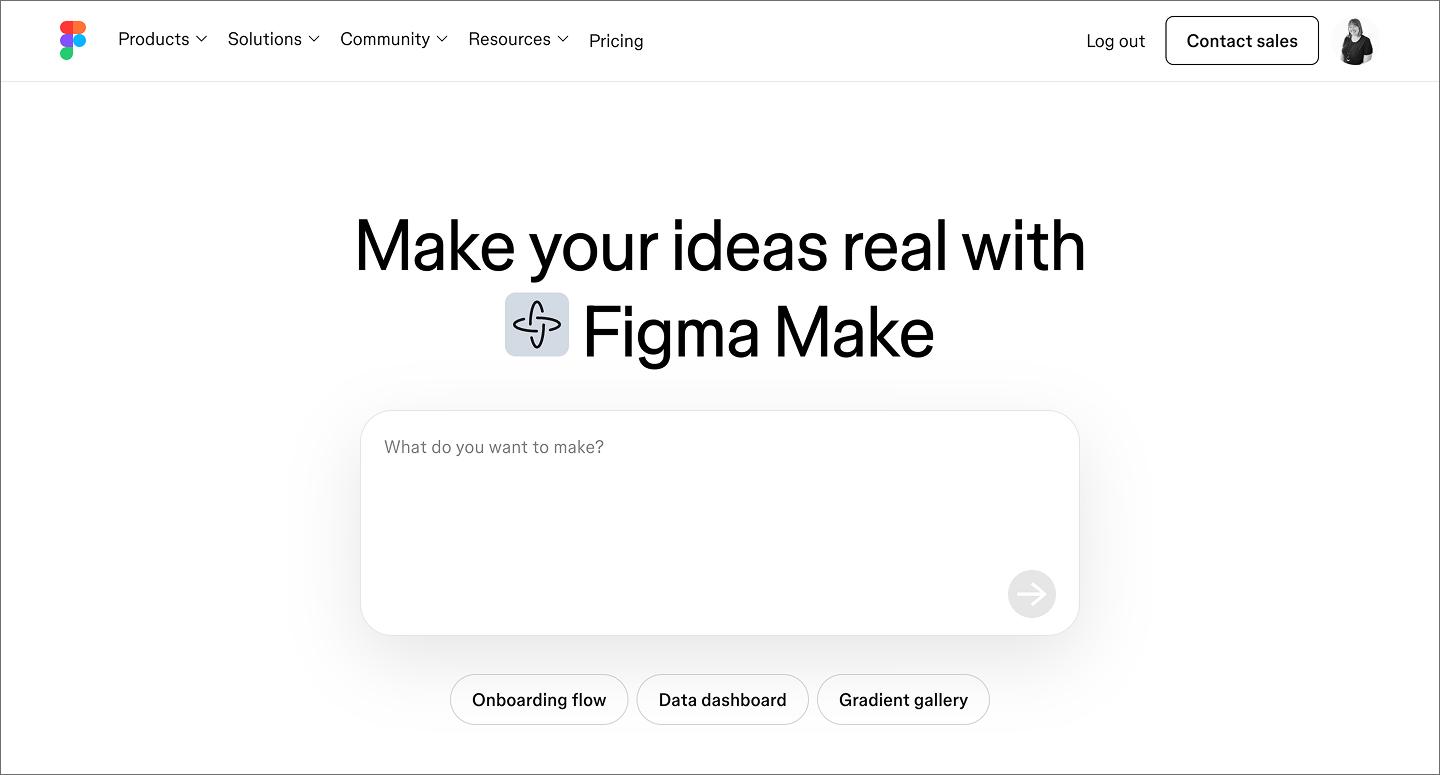
Figma Make lets you start the design process by turning text prompts into editable layouts. Instead of starting from scratch, you can describe a concept and watch it take shape, accelerating tasks such as creating a persona, testing tailored dashboards, and moving projects.
Our AI-enhanced tool also helps teams transition from research to design. You can prompt Figma Make to generate specific, high-fidelity prototypes from user feedback with several variations available. With this tool, your team can explore multiple solutions to a research-backed problem in a fraction of the time it used to take.
AI market research at this caliber helps you move from insight to execution fast. By generating UI that follows your design system, Figma Make bridges the gap between testable wireframes and true-to-life forms. And because the output is fully editable, you have a starting point that you and your team can refine together.
Key features:
- Text-to-design generation
- Intelligent layout suggestions
- Styling context and custom rules
See your vision come to life
Use Figma Make to bridge the gap between big ideas and final designs with AI-assisted wireframing and prototyping.
2. Maze

Ideal for: Usability testing
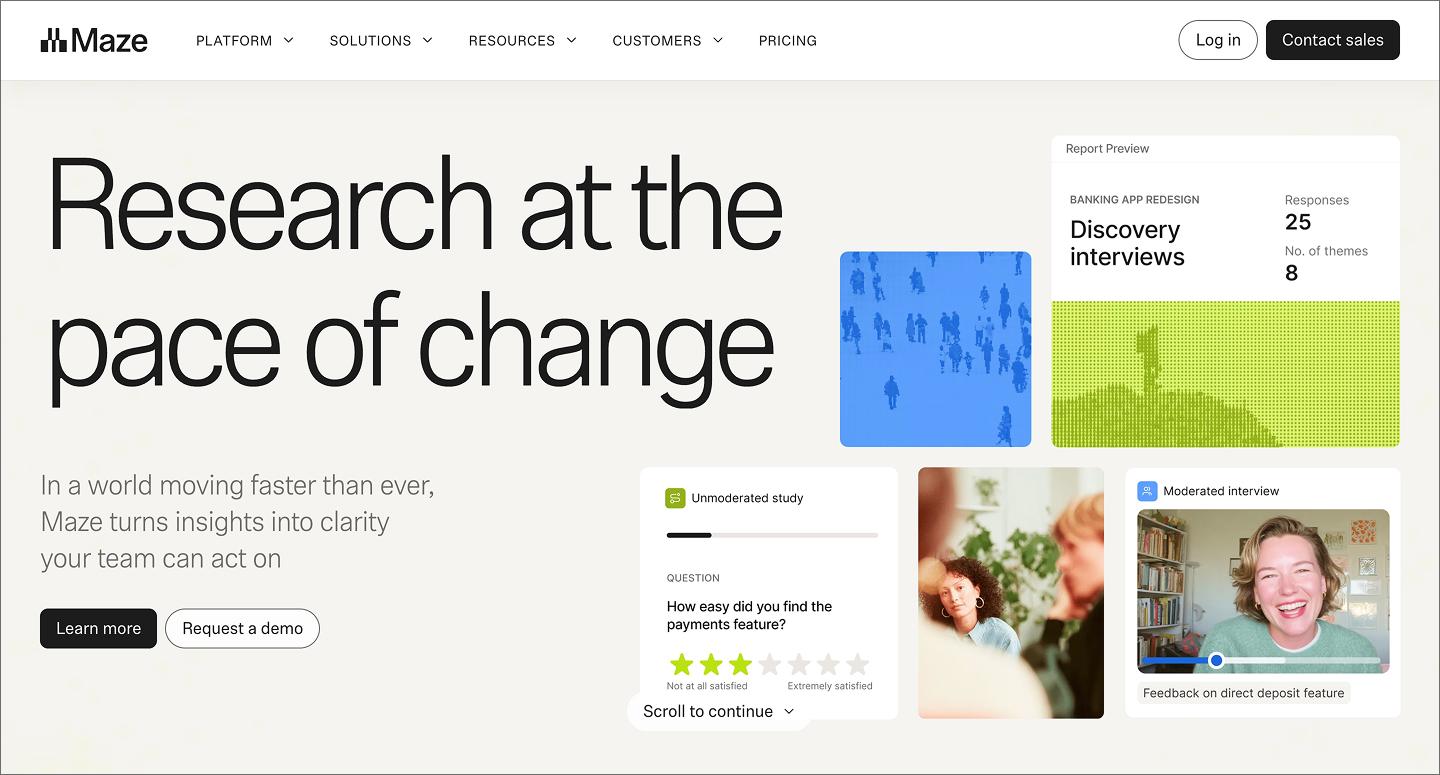
Maze turns prototypes into unmoderated testing grounds. This AI-enhanced tool helps you refine your research questions and analyze results as they roll in. It identifies patterns in user journeys, highlighting where people get stuck so you can make timely data-backed design tweaks.
With the Maze integration, teams can validate flows directly in Figma without switching tools.
Key features:
- In-product prompts
- Moderated interviews
- Figma integration
3. Looppanel

Ideal for: User interview synthesis
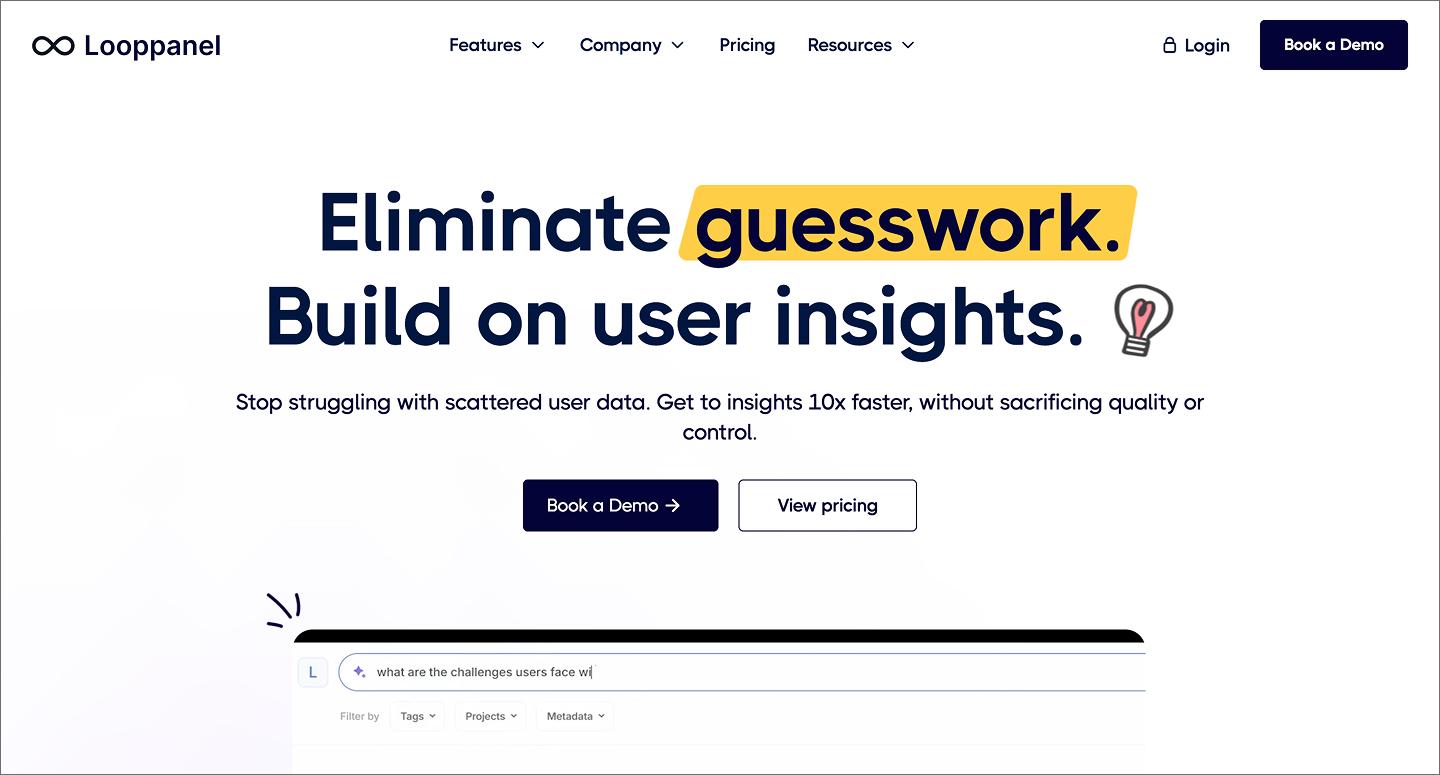
By recording calls, transcribing them, and using AI to pull out key themes, Looppanel cuts out the manual notetaking phase. With this AI market research tool, you can search across your interviews for a specific keyword (like “pricing”) and see every customer mention.
For teams working in Figma, Looppanel makes it easy to grab a video snippet and share it with your team. It keeps the voice of the customer central to the build process, so the voice of the customer stays central to every design decision.
Key features:
- Transcripts across 96 languages
- Searchable repositories
- Auto tagging
4. Dovetail

Ideal for: Centralized research
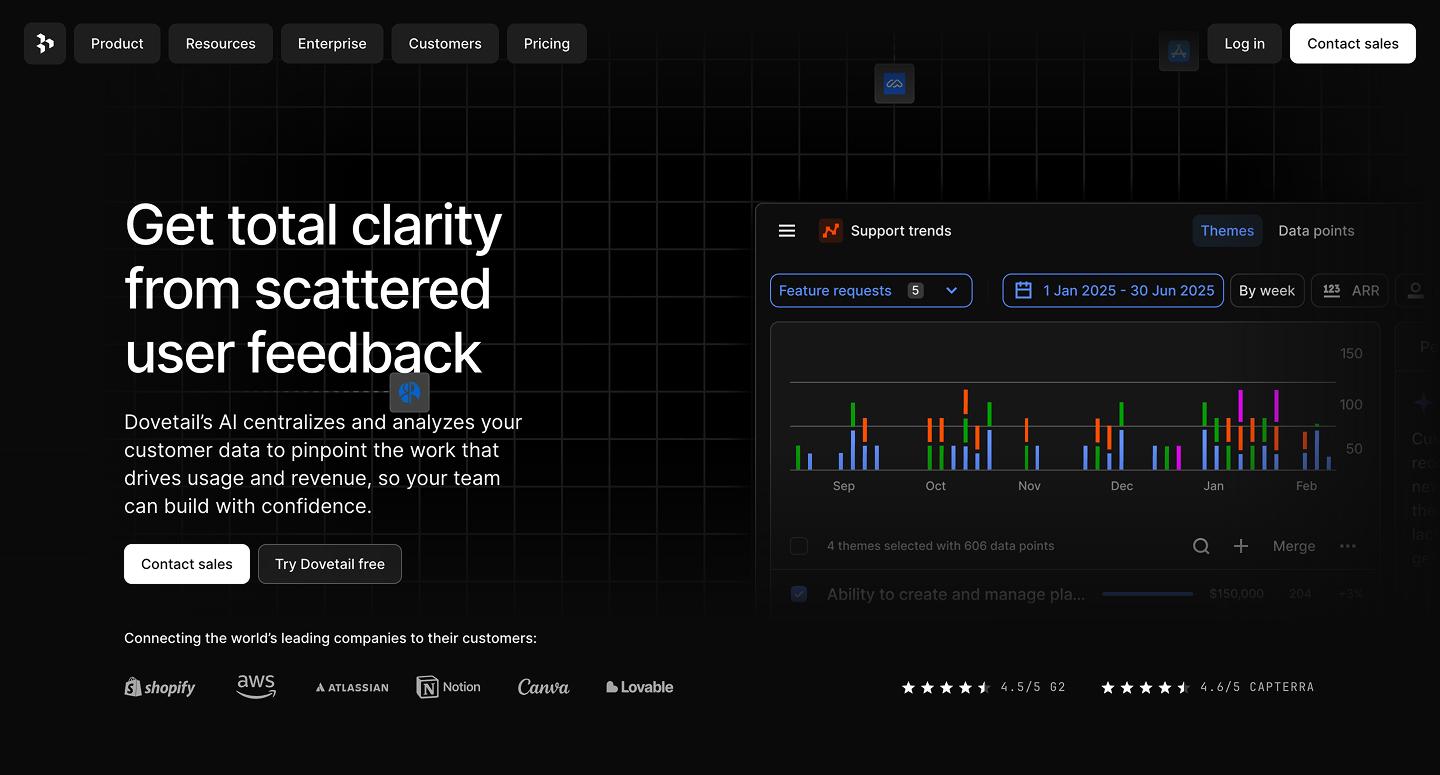
Dovetail is an AI-enhanced searchable brain for all your research. It auto-imports calls, tickets, surveys, interviews, and reviews to help teams find patterns in user sentiment and turn messy feedback into usable design research and structured insights.
Dovetail’s AI-powered tagging also helps you find relevant research when you’re mid-project. You can link these insights directly to your Figma files, so anyone looking at a mock can see the evidence that justifies the design choice.
Key features:
- Automated feedback analysis
- Centralized, searchable library
- AI projects, channels, and dashboards
5. UserTesting

Ideal for: Real-time user reviews
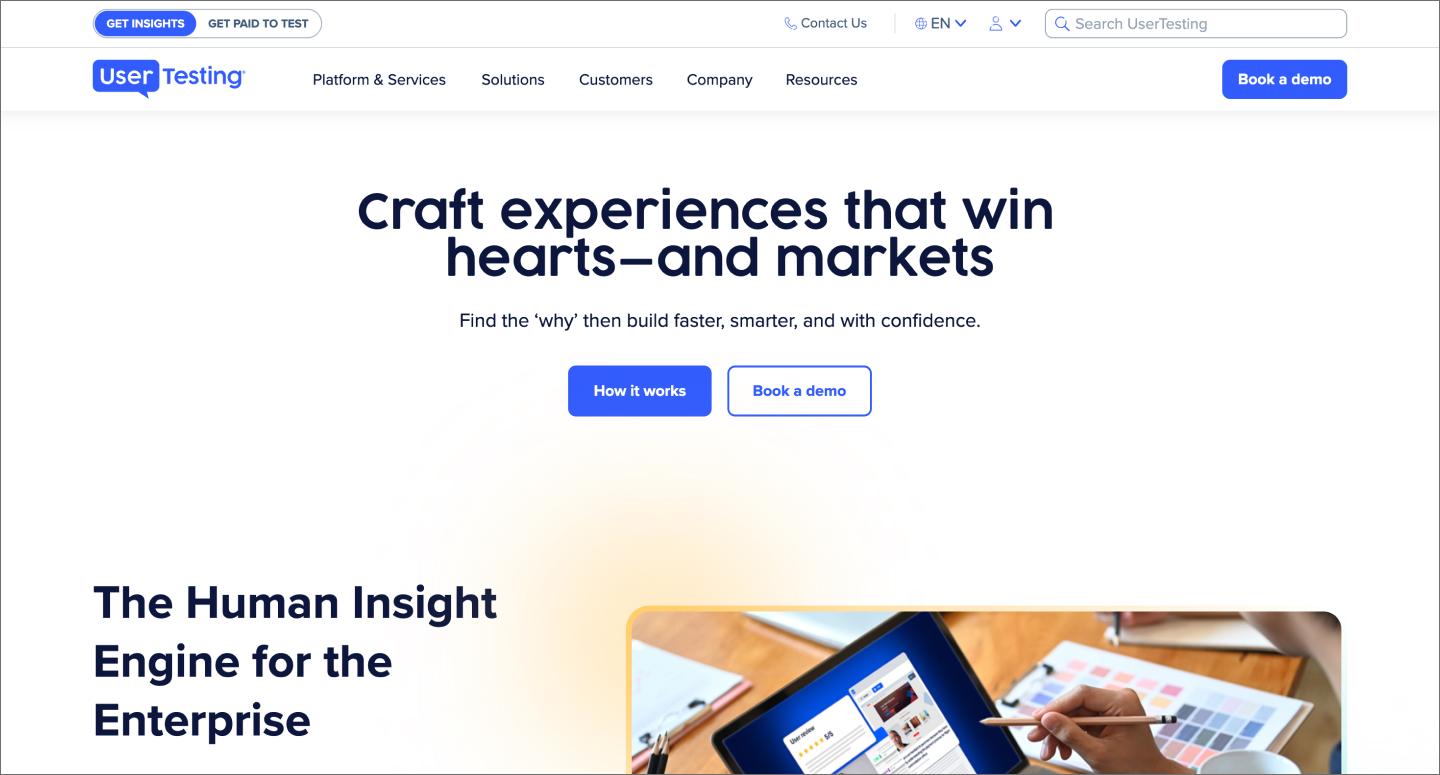
UserTesting gives teams a real look into how people interact with their brand and use their tools. Its AI market research features include smart tags and intent detection, helping you skip through hours of feedback to find the moments that matter most.
This tool is ideal for teams who want to see their Figma prototypes in the hands of real users across different demographics. Plus, the AI summaries help you efficiently share findings with your team.
Key features:
- AI-powered insight synthesis
- Enterprise-grade compliance
- UX-led services
AI tools for consumer insights and trends
Understanding the broader market is just as important as usability testing. These market research AI tools help you look at the big picture by tracking social signals and survey data at scale.
6. Quantilope

Ideal for: Large-scale statistical surveys
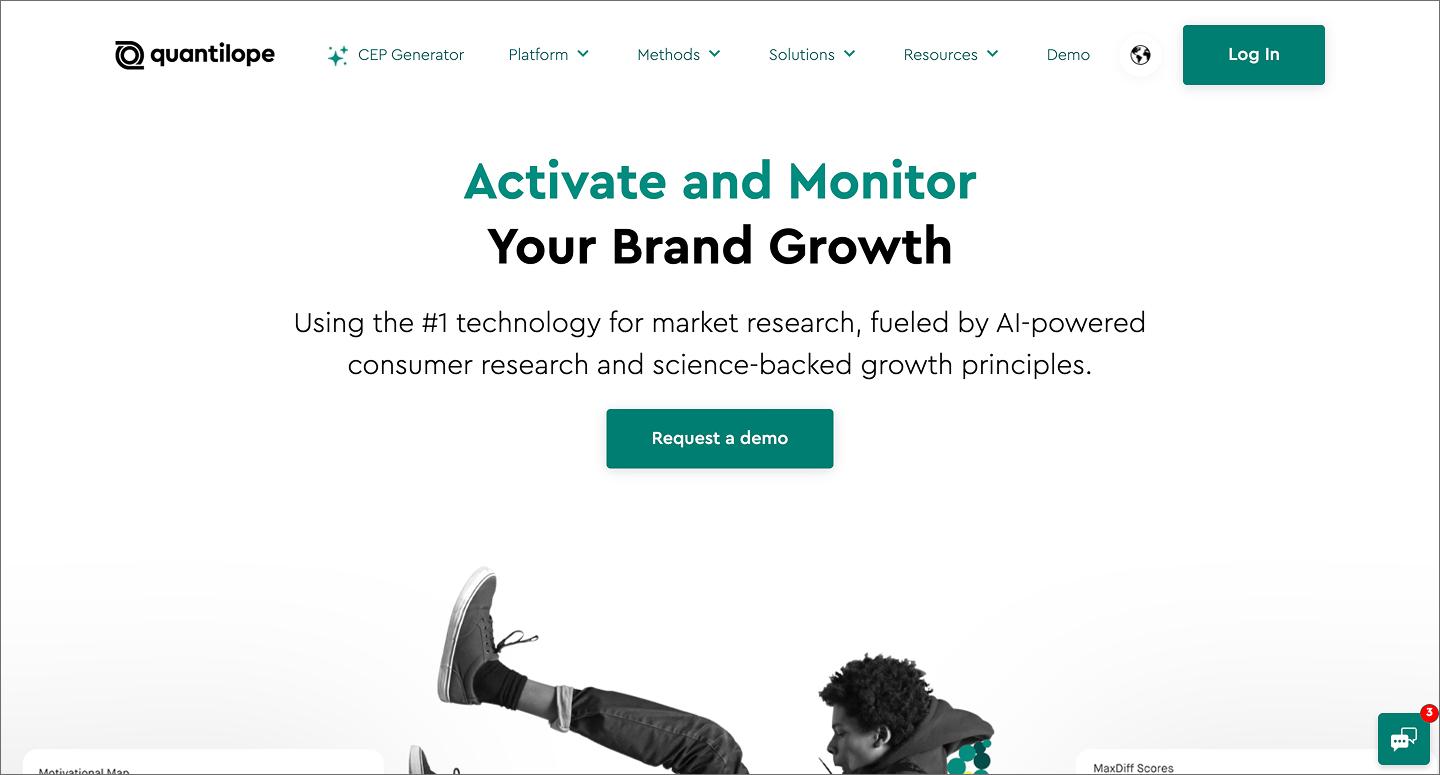
Focusing on quantitative data, Quantilope automates advanced research methodologies that used to require a specialist to run. The AI-enhanced tool helps teams build surveys and instantly analyze the statistical significance of the results.
For designers, this means you can validate a product development roadmap with thousands of users before opening a file.
Key features:
- Automated tracking
- AI co-pilot for advanced research
- User-friendly research methods
7. Glimpse

Ideal for: Conversational data analysis
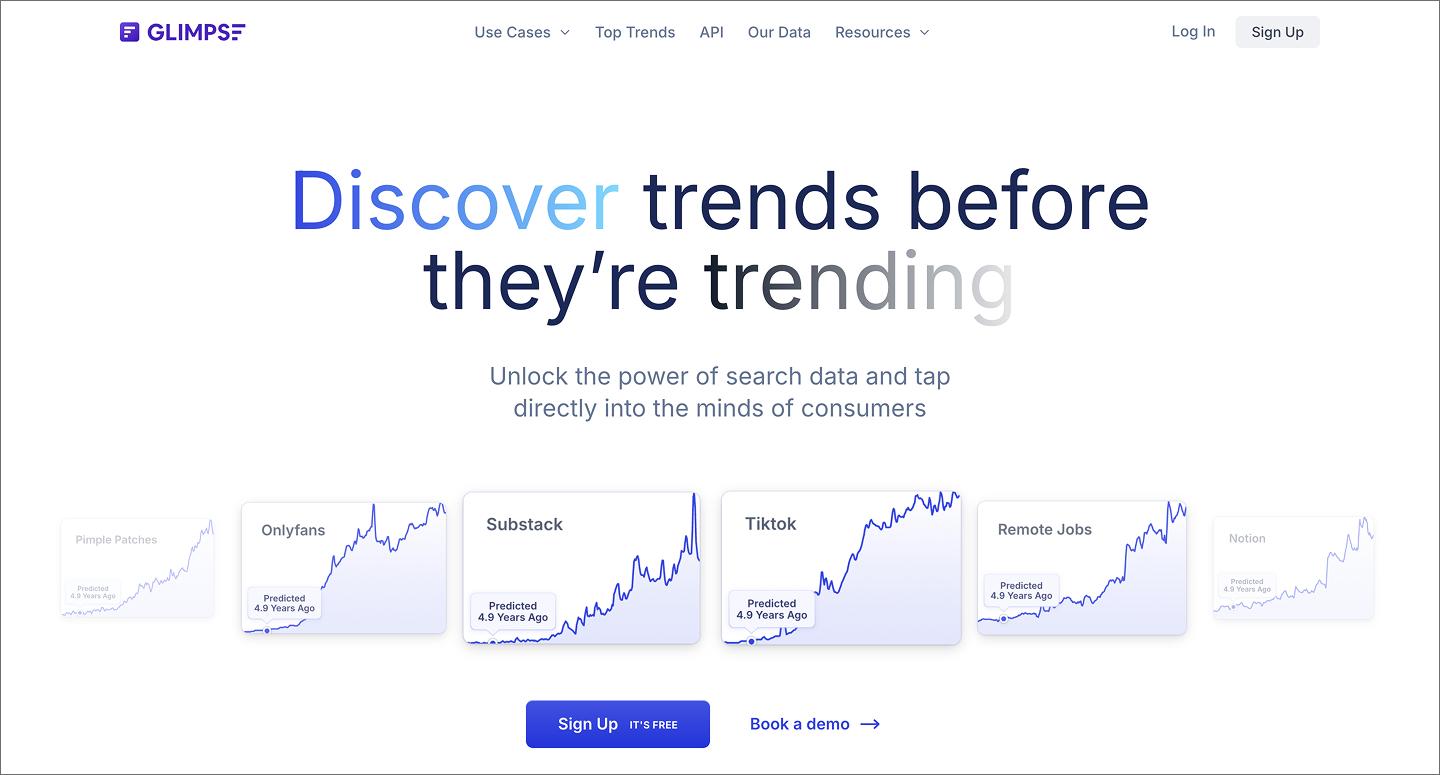
Say you’re looking at a large survey dataset and want to know how Gen Z users feel about your new navigation. With Glimpse, you can interact with your data and ask the tool this question (and others). Instead of trying to interpret a static bar chart, you get near-instant answers through a natural language interface.
Whether you’re a manager or engineer, this conversational approach makes it easier for everyone to interact with the research. Plus, it keeps research accessible to the entire team.
Key features:
- Daily updated trends
- Performance benchmark reporting
- Industry forecasting
8. Remesh

Ideal for: Real-time qualitative research
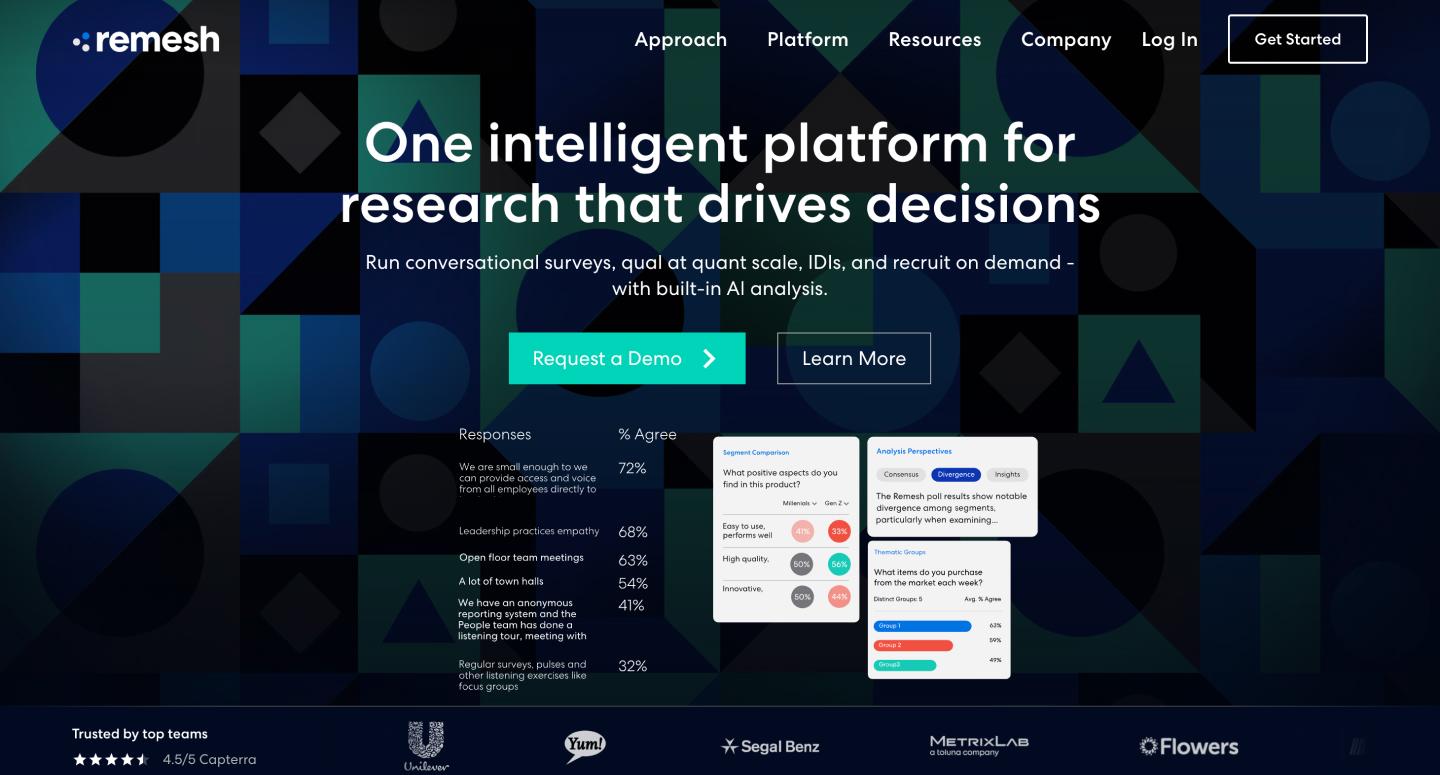
Raw data collection comes naturally with Remesh, which lets you have a live conversation with up to 1,000 people at once. Using AI, this market research tool organizes audience responses in real-time, grouping similar opinions so you can see the consensus as it happens.
For product and design teams that need to pivot fast, this can be a game-changer. You can present a design concept to a large group and get immediate, synthesized feedback.
Key features:
- Real-time probing and analysis
- Simulations for practicing, fine-tuning, and demo-ing
- Sentiment analysis, labels, and responses
AI tools for competitive analysis
Being aware of the competition isn't just for staying ahead—it’s for delivering what your customers want when they need it. These AI market research tools help you perform solid competitive analyses so you can keep an eye on the competition and build a strong design strategy.
9. Crayon

Ideal for: Monitoring market shifts
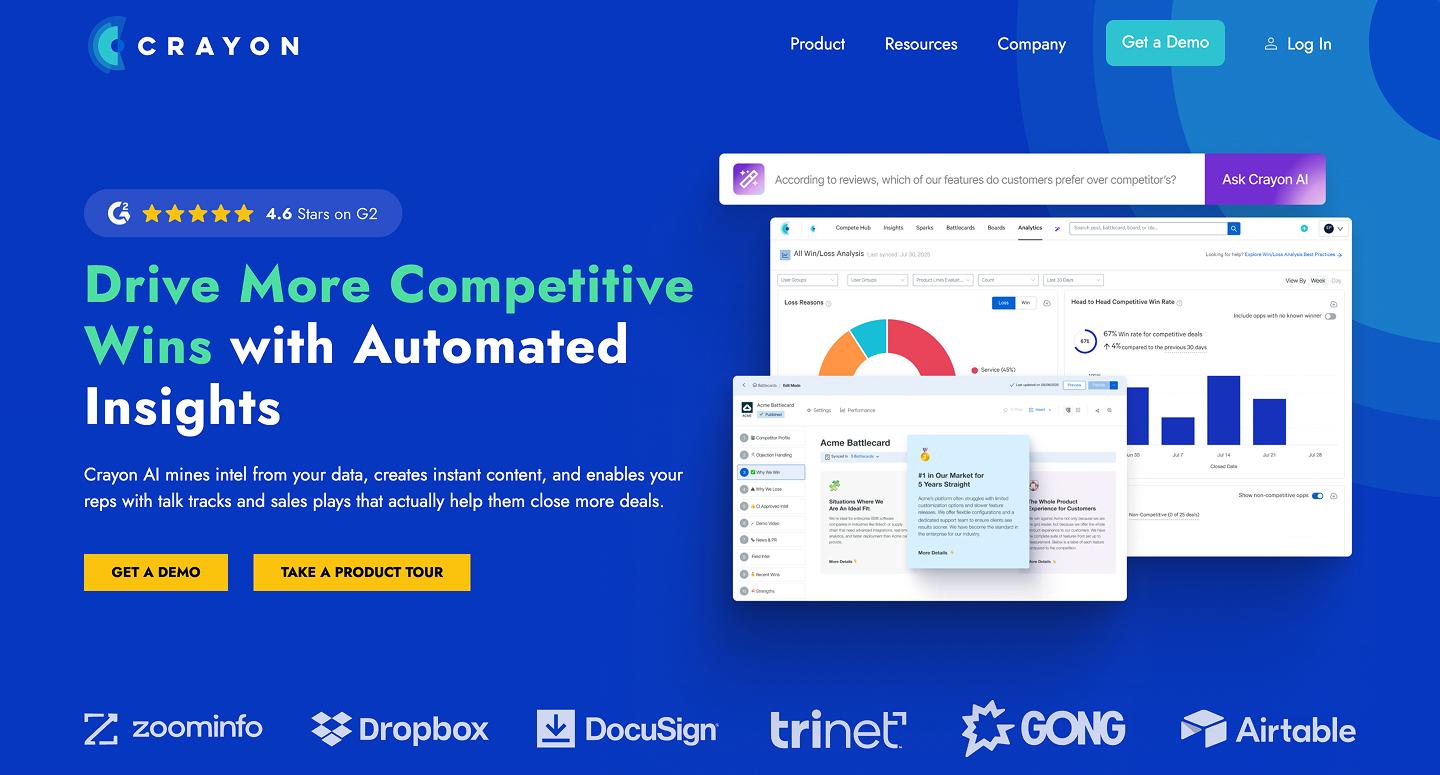
Crayon works like a digital scout for your competitors, tracking over 100 different types of data, from pricing tweaks to product reviews. This AI market research tool also sorts through the noise to find the signals that actually impact your product strategy, categorizing these movements so you can see if a competitor is shifting their messaging or quietly testing a new feature.
For design teams, you can funnel these automated alerts into a FigJam board for competitive benchmarks and teardowns. By seeing how others solve problems, you can identify market gaps and co-create better solutions.
Key features:
- Competitive landscape and insights
- Competitive content engagement reviews
- Embedded assets
10. Visualping

Ideal for: Visual competitor tracking
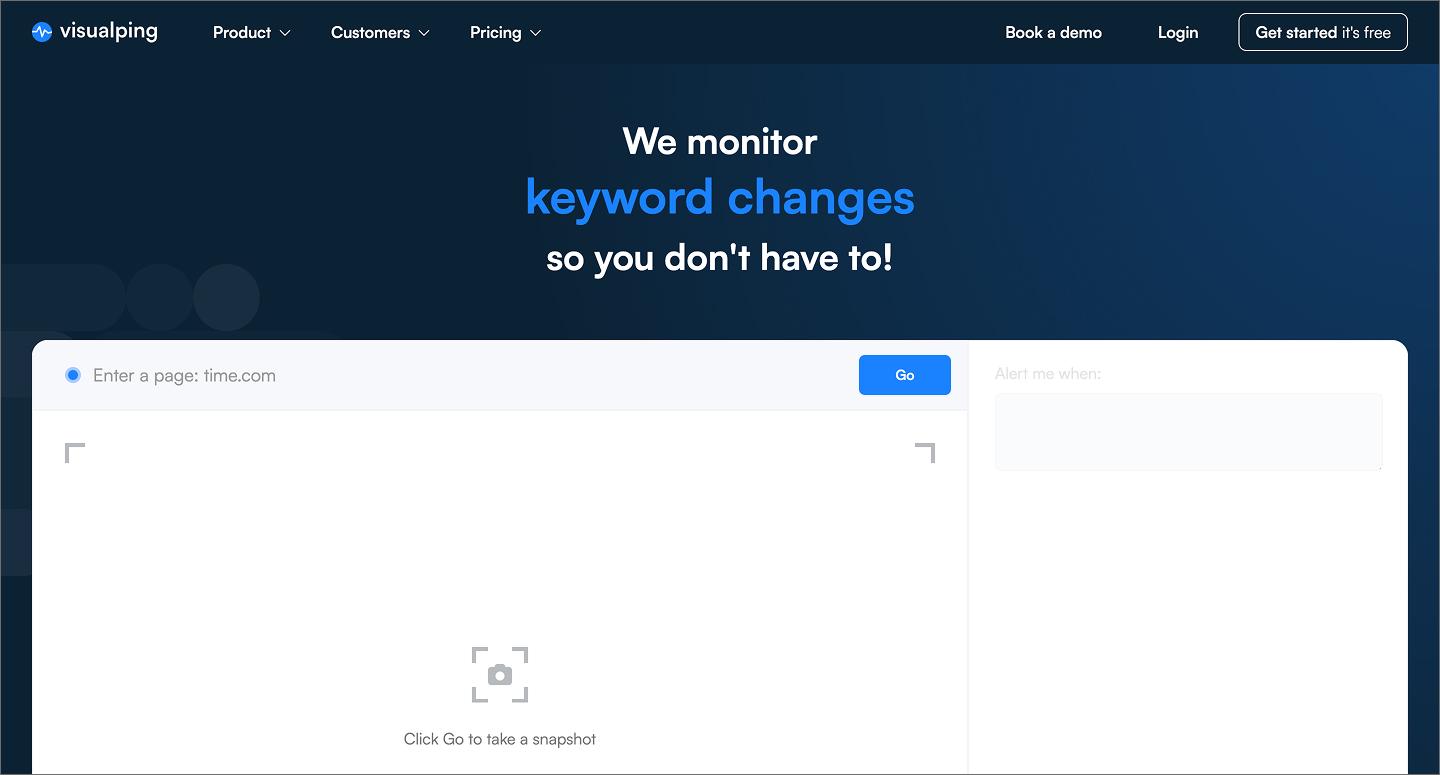
While other tools focus on text or metadata, Visualping monitors the actual pixels on a webpage. When a competitor changes a call-to-action (CTA) button, updates their navigation bar, or swaps out a hero image, Visualping detects and records the change. Plus, this AI-enhanced tool can distinguish between minor text wrap issues and significant layout overhauls, so teams can focus on the real changes that actually matter.
Teams can compare “before-and-after” images of visual changes, pulling them directly into Figma and turning competitive research into a visual library that the whole team can reference during a project.
Key features:
- Personalized prompt instructions
- Automated alerts
- Advanced image analysis
11. Klue

Ideal for: Centralized competitor data
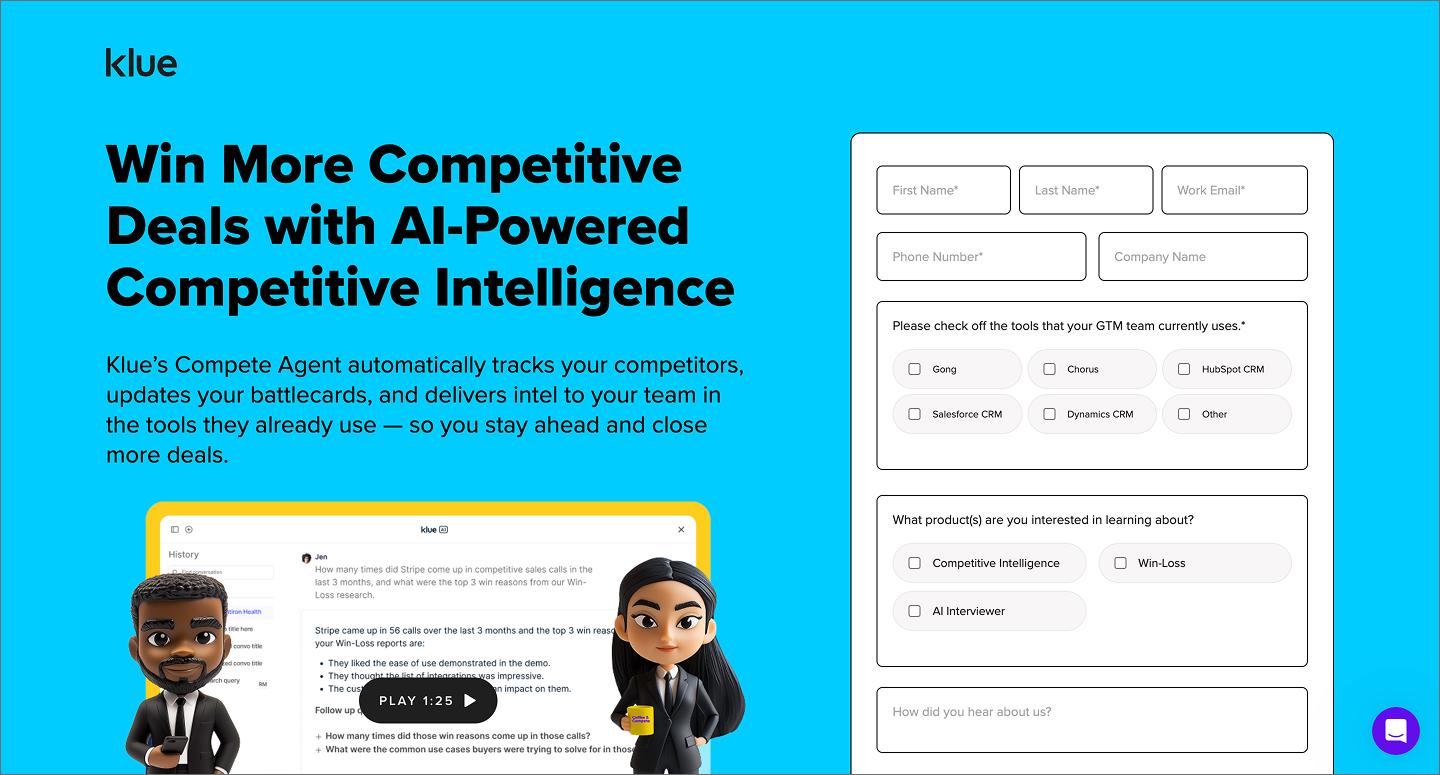
Klue is built for teams that want to act on competitor data, not just collect it. It uses AI to aggregate data from external sources and combines it with internal intel from sales and success teams. It then makes battlecards, or dynamic summaries that explain how a product stacks up against the competition.
For product and design teams, Klue can help you build and design with the competitive landscape in mind. Seeing where users feel your competitors are winning (or losing) lets you focus your design efforts on what actually sets your product apart.
Key features:
- Win-loss AI analysis and interviewer
- Compete Agent
- Dynamic battlecards
The transition to automated research workflows
The way we understand our users is changing. AI can now handle transcription, data tagging, and sentiment analysis in seconds. This change to our research workflows helps us get from knowing the problem to solving it faster.
AI tools also enable continuous discovery. Instead of running large, segmented research projects over weeks or months, teams can continuously monitor trends and feedback.
With AI tools, these insights also no longer have to be siloed. New tools connect directly to your design canvas, meaning research lives right next to your mocks. This keeps your strategic planning process agile and reduces handoff confusion, so every pixel is backed by real human needs.
Put your research to work in Figma
The goal of AI market research isn’t to collect more unwieldy data but to build better products that solve user needs and stay ahead of competitors. By using product design AI to automate data collection, sorting, and searching, you can spend more time solving the pain points that matter most.
Here’s how to enhance your market research in Figma:
- Use FigJam to host collaborative research synthesis sessions where the whole team can vote on key findings.
- Grab research and design templates to quickly organize your competitive analysis or user personas.
- Use Figma Design to turn validated insights into products grounded in what your users actually need.
Ready to jumpstart your design process?
Use Figma Make to turn your ideas into high-fidelity prototypes ready to be tested.
Keep reading


6 stages of the product development process
Learn how to master the stages of the product development process, from concept to launch, and how FigJam can help in this step-by-step guide.


How to create a product requirements document + template
A product requirements document (PRD) is a list of design guidelines and functions project managers write to ensure key features make it into the release.