Guide to Facebook post sizes and dimensions


Share Guide to Facebook post sizes and dimensions
Explore more from
Social media guide
Make Social Media Work Smarter, Not Harder
Transform posts into lasting growth with Figma Buzz.


Sure, words are key, but let’s be real: Eye-catching visuals make Facebook posts pop. Images are game-changers for grabbing attention and getting your message across. But with Facebook’s different profile options and screen sizes, you must ensure your images look good everywhere. That’s where knowing the correct social media post sizes comes in handy.
Read on to learn:
- Facebook profile and post image sizes
- Facebook cover and event photo sizes
- Facebook in-feed video dimensions
- Image sizing for Facebook stories and ads
| Image | Dimensions/resolution | Aspect ratio | Max image size |
|---|---|---|---|
| Profile picture | 180 x 180 pixels | 1:1 | 180 x 180 pixels |
| Cover photo | 400 x 150 pixels | 16:9 | 400 x 150 pixels |
| Business page cover photo | 400 x 150 pixels | 16:9 | 400 x 150 pixels |
| Group cover photo | 1,640 x 856 pixels | 1.91:1 | 1,640 x 856 pixels |
| Event photo | 1,920 x1,005 pixels | 16:9 | 1,920 x 1,005 pixels |
| In-feed video post | 1,280 x 720 pixels | 9:16 to 16:9 | 4,096 pixels wide |
| Story | 1,080 x 1,920 pixels | 9:16 | 1,080 x 1,920 pixels |
| Catalog | 1,024 x 1,024 pixels | 1:1 | 1,024 x 1,024 pixels |
| In-feed ad | 1,200 x 628 pixels (recommended) | 1.91:1 | 4,096 pixels wide |
| Marketplace ad | Minimum 1,000 pixels wide | 1.91:1 (recommended) | 4,096 pixels wide |
| Messenger ad | 1,200 x 628 pixels (recommended) | 1.91:1 | 4,096 pixels wide |
| Carousel ad | 1,080 x 1,080 pixels (for each image) | 1:1 | 1,080 x 1,080 pixels |
Facebook profile photo size


Facebook profile picture size
- Dimensions: 180 x 180 pixels
- Ratio: 1:1
Your profile photo serves as your avatar: It is, in essence, a photo representing who you are. People usually select photos of themselves to serve as their Facebook profile, solo or alongside their children, significant other, or friends.
This is a fairly small image to work with. Here are a few tips to make the most out of your profile picture:
- Choose a clear image. Make sure your face is easily recognizable and avoid cluttered backgrounds or excessive details.
- Keep essential elements centered. Facebook crops profile photos into a circle, so ensure key elements, like your face or logo, are positioned in the center.
- Show your personality. Reflect your interests or brand with logos or graphic elements.
- Consider professional headshots. For personal branding, a well-lit headshot can make a big impact.
Facebook cover photo size

Facebook profile cover photo size
- Dimensions: 400 x 150 pixels
- Ratio: 16:9
Facebook business page cover size
- Dimensions: 400 x 150 pixels
- Ratio: 16:9
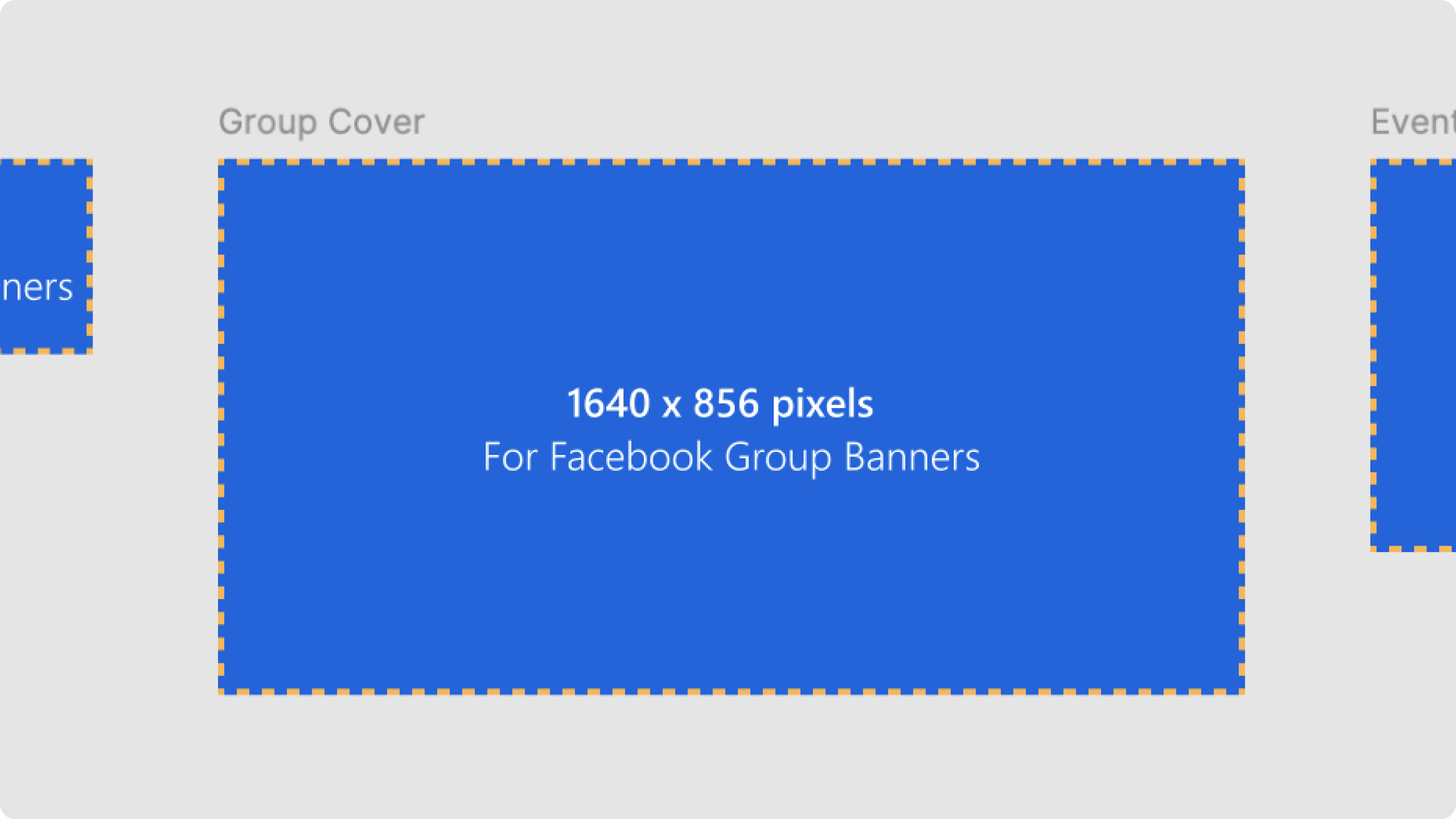
Facebook group cover photo size
- Dimensions: 1,640 x 856 pixels
- Ratio: 1.91:1
Facebook cover photos are the more prominent images at the top of your Facebook profile. Also known as a Facebook banner or a Facebook header, Facebook cover photos are one of the most notable images on your profile. They’re a prime opportunity to make a lasting impression.
Even though Facebook cover photo dimensions vary between desktop and mobile, it shouldn’t pose too much of a challenge. Most single images sized for desktop look just as good on mobile. Here are a few best practices to follow when choosing your cover photo:
- Consider mobile visibility. Double-check that important elements are visible on both desktop and mobile. This is especially important for mobile since your profile picture overlaps with a good chunk of your cover photo.
- Avoid excessive text. Keep text to a minimum or use overlays for better readability. If you use text, position it in the center to avoid being cut off.
- Use a consistent theme. Match your cover photo with your profile picture and other visuals for a cohesive design aesthetic.
- Choose a high-quality image. Avoid blurry or pixelated photos. Facebook recommends using a fast-loading cover photo made of an sRGB JPG image 851 pixels wide by 315 pixels tall and under 100KB.
- Match the dimensions as closely as possible. Use an image that closely matches the standard Facebook cover photo dimensions to avoid cropping or pixelation.
Facebook event photo image size
Facebook event cover photo size
- Dimensions: 1,920 x 1,005 pixels
- Ratio: 16:9
Are you planning a special event? If so, consider creating an event page to promote it. An event page provides a one-stop shop for all posts related to the event, so updates don’t get lost in the shuffle on your personal or business page.
A standout event photo is a great way to grab your audience’s attention. Follow these best design practices to ensure your event’s cover photo draws the right crowd:
- Use relevant imagery. The image should be related to the event. For example, if it’s a concert, use a photo of the band or the venue. If you have a branding theme for your event, make sure the cover photo aligns with it.
- Include text (if necessary). A cover photo with text is a great way to convey the most important information about your event quickly. If you include text, keep it centered so it’s not cut off on mobile devices.
- Test on different devices. Before finalizing the cover photo, preview it on various devices (desktop, tablet, and mobile) to ensure it looks good on all screens.
Facebook post image size
Facebook horizontal post image size:
- Dimensions: 1,200 x 630 pixels
- Ratio: 1.91:1
Facebook vertical post image size:
- Dimensions: 1,080 x 1,350 pixels
- Ratio: 4:5
Facebook sharing multiple image size:
- Dimensions: 1,200 x 1,200 pixels
- Ratio: 1:1
Whether you’re posting important business updates or a quick snap of your lunch, images can help capture attention when users scroll through their feeds. Photo posts have the highest engagement rate compared to video or text-only posts.
Facebook automatically resizes photos to 500 pixels wide, so you don’t need to worry about exact dimensions. However, keep your images within a 9:16 to 16:9 aspect ratio for the best display. For a more impactful Facebook post, experiment with a sharp image or vibrant color palette to make the most of the screen real estate.
Facebook in-feed video post image size
Facebook video post image size
- Resolution: 1,280 x 720 pixels
- Ratio: 9:16 to 16:9
Videos are a great way to share stories, tips, and behind-the-scenes shots on Facebook. They allow you to connect with your audience more personally and get more engagement. Facebook even boosts videos in the Feed so more people see them.
Facebook supports videos in different sizes, from tall and narrow to wide and short. Choose the one that best fits your audience and where they usually watch videos.
Image sizing for Facebook stories

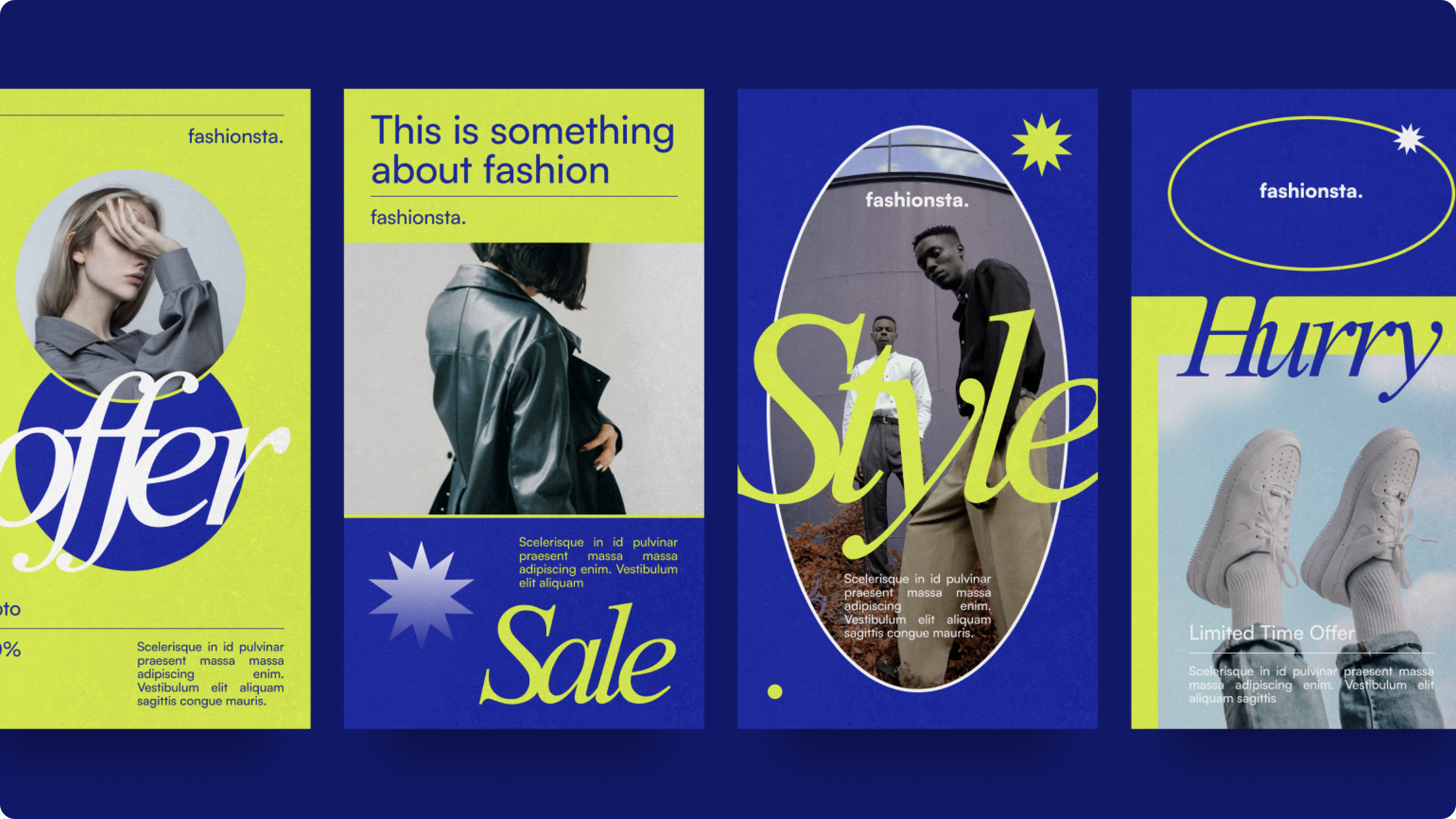
Facebook story image size
- Dimensions: 1,080 x 1,920 pixels
- Ratio: 9:16
Like Instagram stories, Facebook stories are a popular way to share quick, engaging content with your audience. They disappear after 24 hours, making them an excellent place for sharing behind-the-scenes glimpses, polls, and updates.
The recommended aspect ratio for Facebook stories is 9:16. This vertical format is ideal for mobile viewing and ensures your content fills the screen without black bars. If you’re using a photo from your camera roll, Facebook will automatically adjust it to the correct aspect ratio.
Image sizing Facebook catalogs

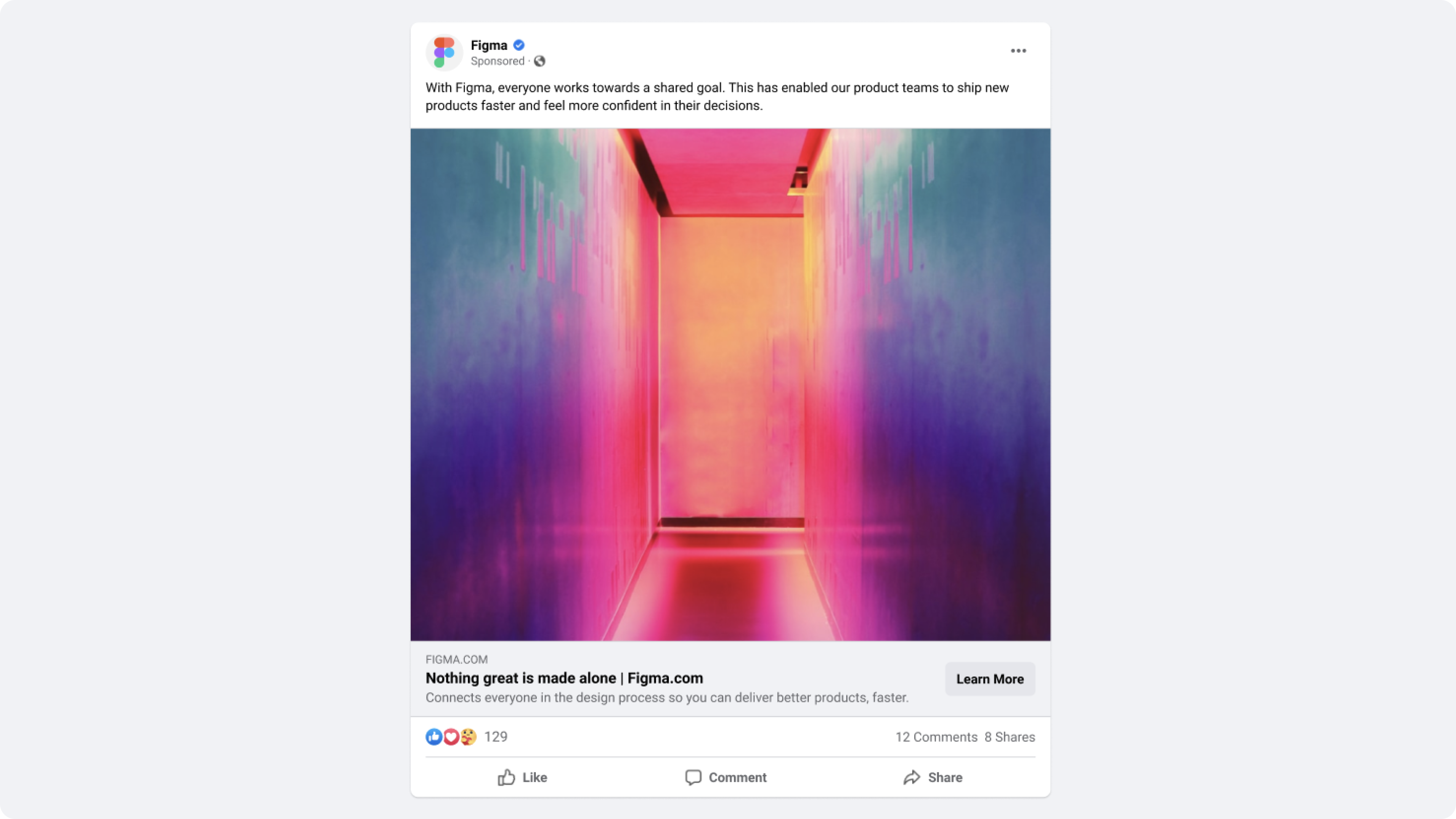
Facebook catalog image size
- Dimensions: 1,024 x 1,024 pixels
- Ratio: 1:1
Looking for a way to showcase your products or services on Facebook? Facebook catalogs are the perfect tool for creating a virtual storefront and engaging with customers. They allow you to create a digital catalog of your inventory, making it easy for customers to browse and shop. Catalogs can be used for a variety of purposes, like promoting sales, highlighting new products, or driving traffic to your website.
When creating a Facebook catalog, it’s important to use high-quality images and accurate product descriptions. You can add additional information, such as pricing, availability, and customer reviews. Once you’ve created your catalog, you can promote it through ads or share it with your followers.
Image sizing for Facebook ads
Facebook in-feed ad image size
- Dimensions: 1,200 x 628 pixels
- Ratio: 1.91:1
- Maximum image size: 4,096 pixels wide
Facebook Marketplace ad image size
- Dimensions: min. 1,000 pixels wide
- Ratio: 1.91:1 (recommended)
- Maximum image size: 4,096 pixels wide
Facebook Messenger ad image size
- Dimensions: 1,200 x 628 pixels
- Ratio: 1.91:1
- Maximum image size: 4,096 pixels wide
Facebook carousel ad image size
- Dimensions: 1,080 x 1,080 pixels
- Ratio: 1:1
- Maximum image size: 1,080 x 1,080 pixels
If you’re searching for marketing opportunities with a ton of bang for your buck, look no further than Facebook ads. It is the world’s largest social network and has a great retention time—users spend an average of 30 minutes a day on Facebook. Thanks to how quick it is to scroll through the Feed, you have many opportunities to get in front of your target audience.
Design your Facebook posts with Figma
Understanding image size is key to making your Facebook content stand out. Figma can help ensure your images appear properly on any device. Here’s how:
- Join the Figma Community to connect with other designers and find inspiration for your Facebook content.
- Explore pre-designed Figma templates for Facebook posts, ads, and cover photos to streamline your design process.
- Browse Figma’s social media size guide library to build your personal brand or business and design images for other platforms, like YouTube or Pinterest.
More size guides


YouTube
When you think of YouTube, the first word that probably pops into your mind is “video.” But static images play an important role in your YouTube profile. YouTube banners and channel art tells the story of your brand before your audience even hits play.

Instagram is an incredibly visual medium, so it’s important to really dial in on best practices when posting to the platform. Beyond filtering your posts to be aesthetically appealing, there’s more to Instagram’s visual curation than meets the eye.

Brevity is the soul of Twitter. Since you’re restricted to 280 characters, media is a great way to help you convey your message. Image and video posts give you new ways to communicate with your followers and help you stand out in a vast sea of Tweets.

You might not think of LinkedIn as an image-centric social media platform. But LinkedIn photos play an important role, and give prospective employers or clients subtle but important cues. Here are some best practices to help you make your best impression.

Besides Instagram, Pinterest is probably the most image-heavy of all social media platforms. As a result, many individuals strive to post images that are eminently pinnable. Pinterest makes their image requirements as straightforward as it gets.

Twitch
Boasting more than 100 million unique users, Twitch is no longer a niche social network. The social media landscape is always evolving, and Twitch boasts an engaged, coveted demographic of 18 to 34 yr olds, making it an attractive platform for marketers.


Soundcloud
Gone are the days of handing out your mixtape. Soundcloud has enabled musicians to build a following by putting them directly on the radar of music consumers. Create a 🔥 album cover or profile pic and step up your music marketing.


Google Display Ads
Google display ads are one of the most valuable ways to reach customers. The sheer reach of Google’s network and targeting allow you to convert your audience at scale. Learn more about Google display design best practices.