X (Twitter) image size guide: Dimensions, ratios, and best practices


Share X (Twitter) image size guide: Dimensions, ratios, and best practices
Explore more from
Social media guide
Make Social Media Work Smarter, Not Harder
Transform posts into lasting growth with Figma Buzz.
Imagine spending hours crafting a captivating post, only to have your carefully chosen image appear distorted or blurry. On social media platforms like X (formerly Twitter), where users are constantly bombarded with content, images are powerful tools to break through the noise and effectively convey your message.
Whether breaking news or sharing personal moments, using the correct X (Twitter) image size can make or break your post. This guide covers the necessary dimensions for photos and videos on X to ensure optimal display.
Read on to learn more about:
- X (Twitter) post, profile, and banner sizes
- X (Twitter) card and video sizing
- X (Twitter) ad sizing guidelines
- Image optimization best practices
X (Twitter) post size

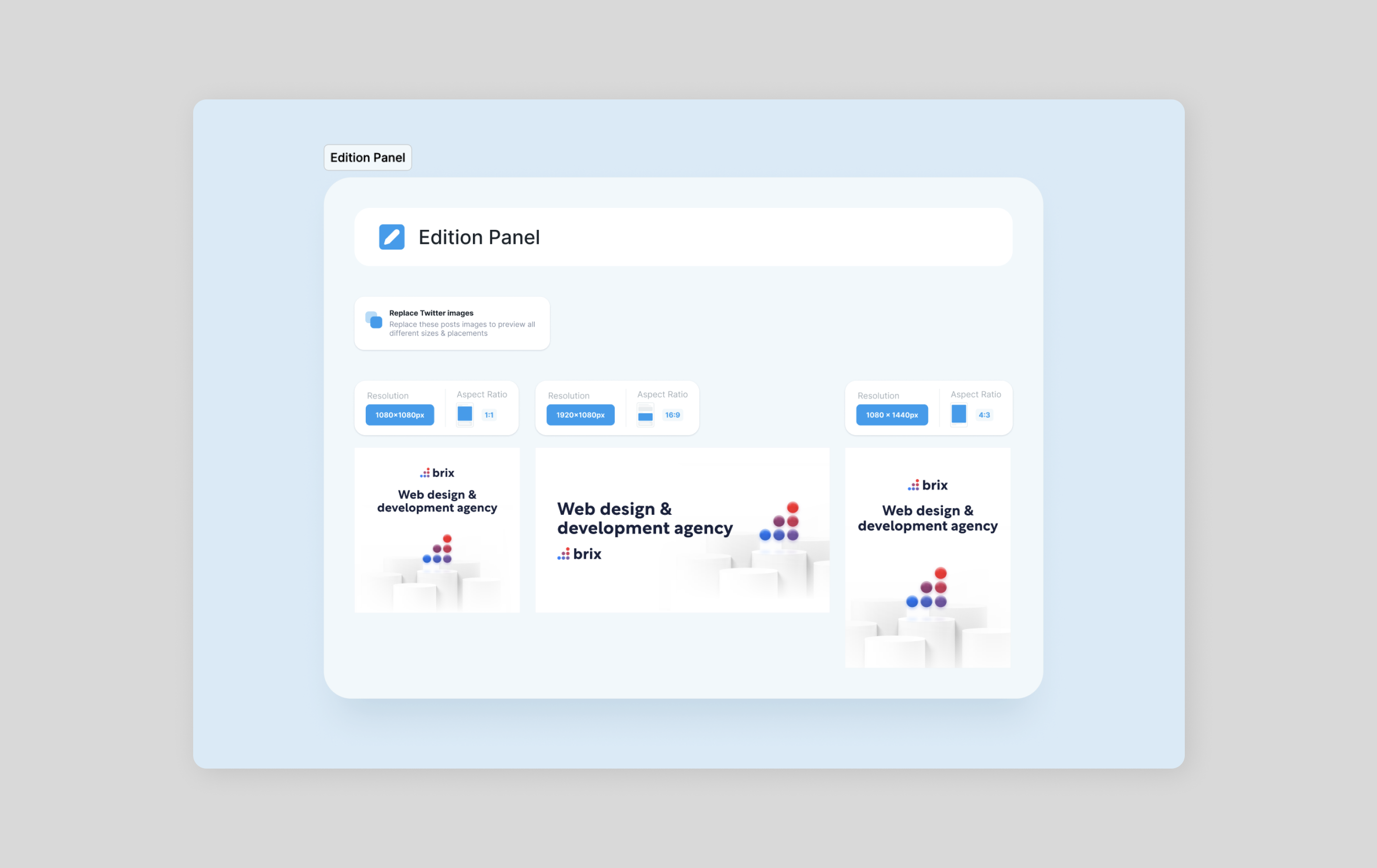
The optimal size for an X (Twitter) post image is 1024 x 732 pixels. However, you can also use images that are smaller or larger than this size. If you use an image smaller than 1024 x 732 pixels, it will be upscaled to this size. If you use an image larger than these dimensions, it will get cropped.
The in-stream X (Twitter) image size is 1200 pixels. These are smaller images users can view directly in their feeds that don’t expand when you click them. This width ensures your images are displayed prominently in the user’s feed without being cropped or distorted. While there’s no strict height requirement, images around 600–700 pixels tall often look best in the platform’s layout. Remember that the aspect ratio of your image can also influence its appearance, so consider how the image will fit within the platform’s dimensions.
Aspect ratio
- Landscape: 16:9
- Square: 1:1
- Portrait: 4:5
Max image size
- 5 MB
X (Twitter) profile image size

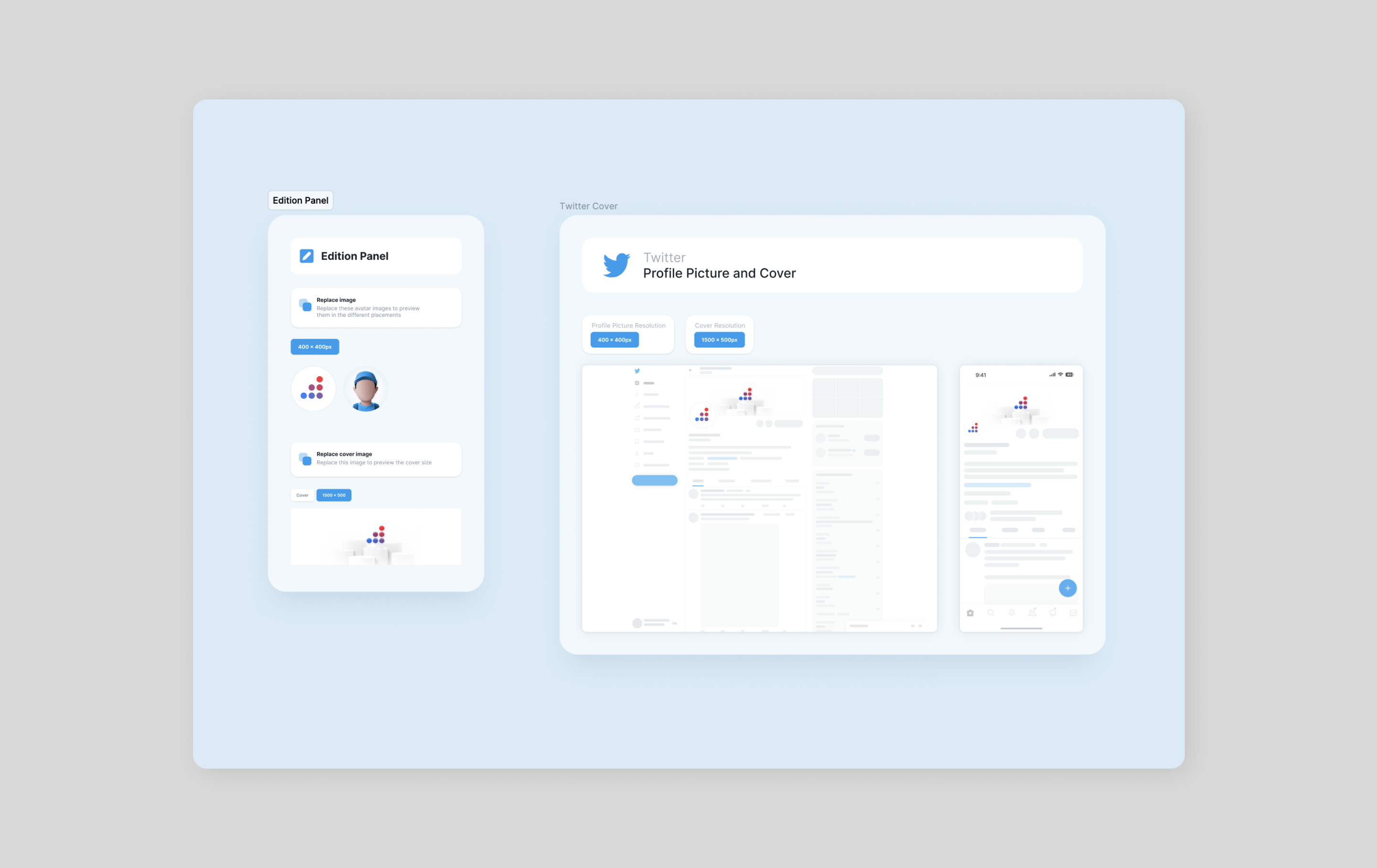
X (Twitter) headers (also known as banners and cover photos) can be tricky. Even if you follow the recommended X (Twitter) header dimensions of 1500 x 500 pixels, the platform may chop off part of the header. So simply being mindful of the Twitter header size isn’t enough. To compensate for the invisible area, be sure to keep the essential parts in the center.
Simplify your X banner design with our pre-sized templates. Perfect your X header size and create stunning visuals with ease.
Aspect ratio
- Landscape: 3:1
Max image size
- 5 MB
X (Twitter) card sizing

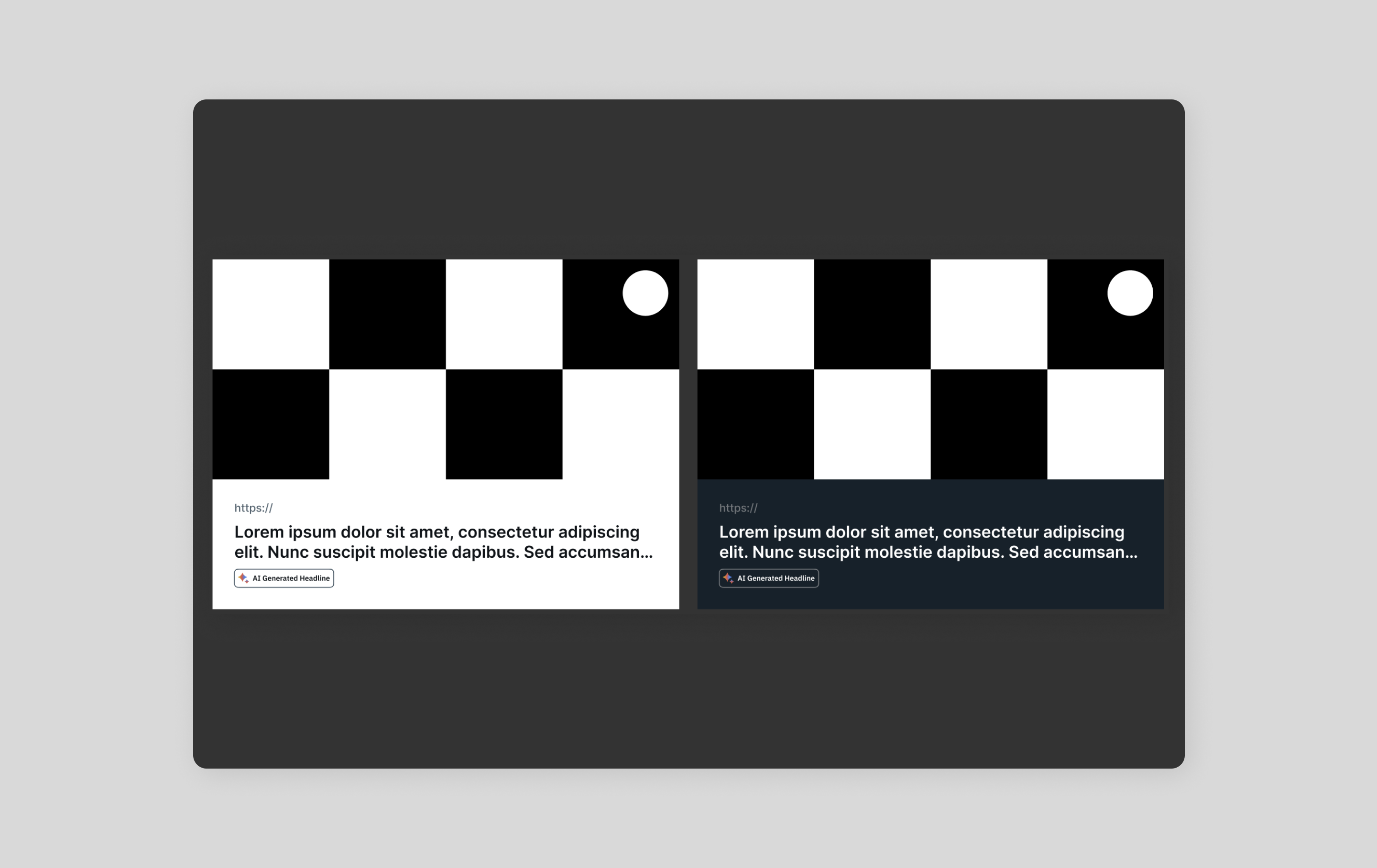
Summary cards link to articles and websites. They display the title of the article, a short description, and a thumbnail image.
Photo cards link to photos. They display the photo and a caption.
The dimensions for cards on X vary depending on the type of card. However, all cards have a maximum width of 508 pixels.
Summary cards
- Thumbnail image: 120 x 80 pixels
- Maximum width: 508 pixels
- Minimum height: 80 pixels
Photo cards
- Photo: 1200 x 628 pixels
- Maximum width: 508 pixels
- Minimum height: 144 pixels
X (Twitter) ad sizing guidelines

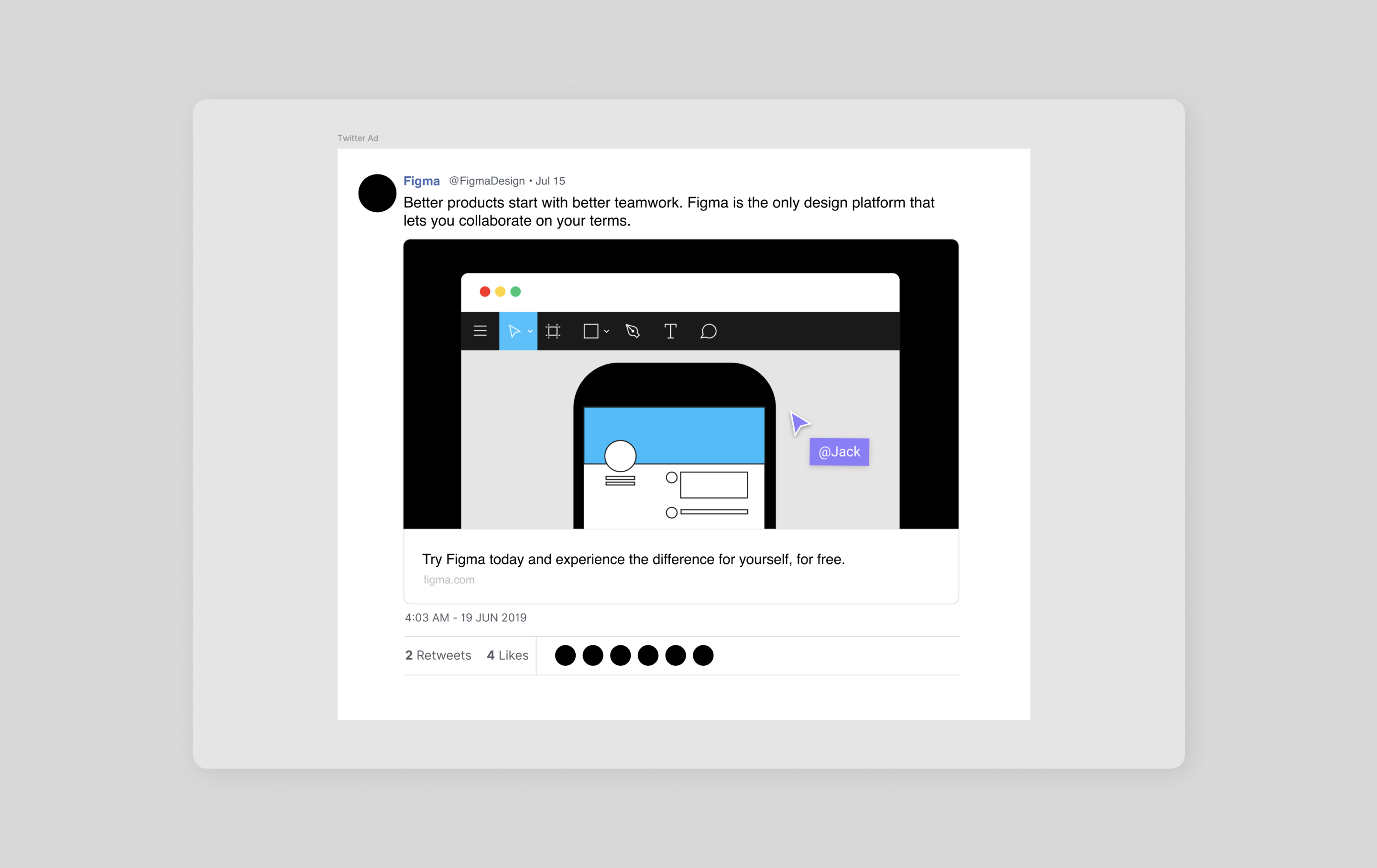
There are three types of ads on X:
- Promoted tweets are regular tweets sponsored by an advertiser. They appear in users’ timelines and are marked as “promoted.”
- Promoted accounts are accounts sponsored by an advertiser. They appear in users’ timelines and also marked “promoted.”
- Promoted trends are trending topics sponsored by an advertiser. They, too, are marked as “promoted” and appear at the top of the trends list.
The dimensions for ads on X vary depending on the type of ad. However, all ads have a maximum width of 508 pixels.
Promoted tweets
- Image: 1200 x 628 pixels
- Maximum width: 508 pixels
- Minimum height: 144 pixels
Promoted accounts
- Profile image: 400 x 400 pixels
- Header image: 1500 x 500 pixels
Promoted trends
- Trend length: 25–50 characters
X (Twitter) video sizing

Videos are a powerful tool to bring your content to life—and for engaging your audience. Use them to share tutorials or behind-the-scenes footage or tell a story. X supports various video formats, including MP4 and MOV.
Video specifications
- Aspect ratio: 16:9 (landscape or portrait), 1:1 (square)
- Video resolution: Up to 1080p (1920 x 1080 pixels)
- Video length: Up to 140 seconds (for regular tweets) and up to 2 hours and 20 minutes (for longer videos)
Tips for using videos on X
- Optimize for mobile. Most X users view content on their phones, so always optimize your videos for smaller screens. For example, create vertical videos with clear audio, captions, and concise visuals. Compress them for faster loading times.
- Use captions. Caption makes your videos more accessible to a wider audience and can improve engagement.
- Keep it short and sweet. While X allows longer videos, shorter clips perform better.
- Consider using a CTA. Encourage user interaction with a specific call to action, such as to like, comment, or share your video.
GIF sizing
GIFs are animated images you can use to add fun or humor to your X posts. The optimal size for a GIF on X is 1280 x 1080 pixels. However, you can also use GIFs that are smaller or larger than this size.
GIF tips
- Keep it small. Large GIFs can slow loading times.
- Choose the right format. GIFs should be in a .gif format.
- Use a GIF compression tool. Several online tools can help you reduce the file size of your GIFs.
Best practices for optimizing X (Twitter) images
To make sure your images display as intended and load quickly across all devices, optimization is your answer. Follow these best practices to enhance the user experience and improve your content’s visibility.
Size:
- Aim for Twitter image sizes that are appropriate for the platform. On X, images look best around 1200 pixels wide.
- Consider the image’s aspect ratio and how it will fit within the platform’s dimensions.
Resolution:
- Use high-resolution images to maintain clarity and avoid pixelation, especially when zooming in or on high-density displays.
- Export or use images with a resolution of at least 72 pixels per inch (ppi).
- Include descriptive alt text for all images. This simple step makes a big difference for visually impaired users and it improves SEO.
- Use relevant keywords in your alt text to help search engines understand the content of your images.
Compression:
- Use compression techniques like JPEG compression or PNG optimization to reduce the file size of your images without compromising quality.
- Tools like Figma can help you compress images effectively.
Format:
- Choose the right image format based on your needs. JPEG is generally a good choice for photos due to its balance of quality and compression.
- For images with sharp edges or text, consider a PNG, which supports transparency and lossless compression.
Design your X (Twitter) images with Figma
Now that you’re more familiar with the proper X (Twitter) image sizes, it’s time to create engaging content. Ready to design X content that drives traffic? Figma can help. Here’s how:
- Create content on X for free using Figma’s design tool, or use FigJam to build your content calendar.
- Explore the Figma Community for pre-sized frames, templates, and tools for inspiration or help designing posts for X.
- Browse Figma’s social media size guide library to enhance your brand or business and create images for other platforms, like Instagram or YouTube.
More size guides


Facebook has several different image types, and each one comes with its own parameters. Here is a breakdown of each image type and size, as well as some guidelines on best practices to follow for Facebook cover photos, banners, profile pictures, and more.


YouTube
When you think of YouTube, the first word that probably pops into your mind is “video.” But static images play an important role in your YouTube profile. YouTube banners and channel art tells the story of your brand before your audience even hits play.


Instagram is an incredibly visual medium, so it’s important to really dial in on best practices when posting to the platform. Beyond filtering your posts to be aesthetically appealing, there’s more to Instagram’s visual curation than meets the eye.


You might not think of LinkedIn as an image-centric social media platform. But LinkedIn photos play an important role, and give prospective employers or clients subtle but important cues. Here are some best practices to help you make your best impression.

Besides Instagram, Pinterest is probably the most image-heavy of all social media platforms. As a result, many individuals strive to post images that are eminently pinnable. Pinterest makes their image requirements as straightforward as it gets.


Twitch
Boasting more than 100 million unique users, Twitch is no longer a niche social network. The social media landscape is always evolving, and Twitch boasts an engaged, coveted demographic of 18 to 34 yr olds, making it an attractive platform for marketers.


Soundcloud
Gone are the days of handing out your mixtape. Soundcloud has enabled musicians to build a following by putting them directly on the radar of music consumers. Create a 🔥 album cover or profile pic and step up your music marketing.


Google Display Ads
Google display ads are one of the most valuable ways to reach customers. The sheer reach of Google’s network and targeting allow you to convert your audience at scale. Learn more about Google display design best practices.