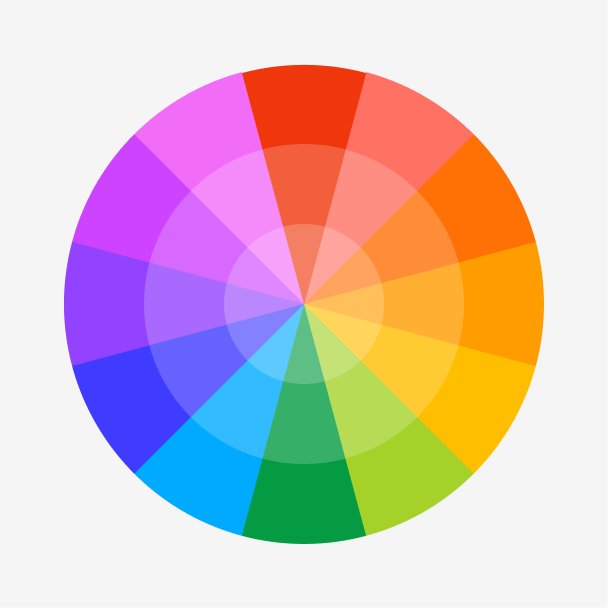
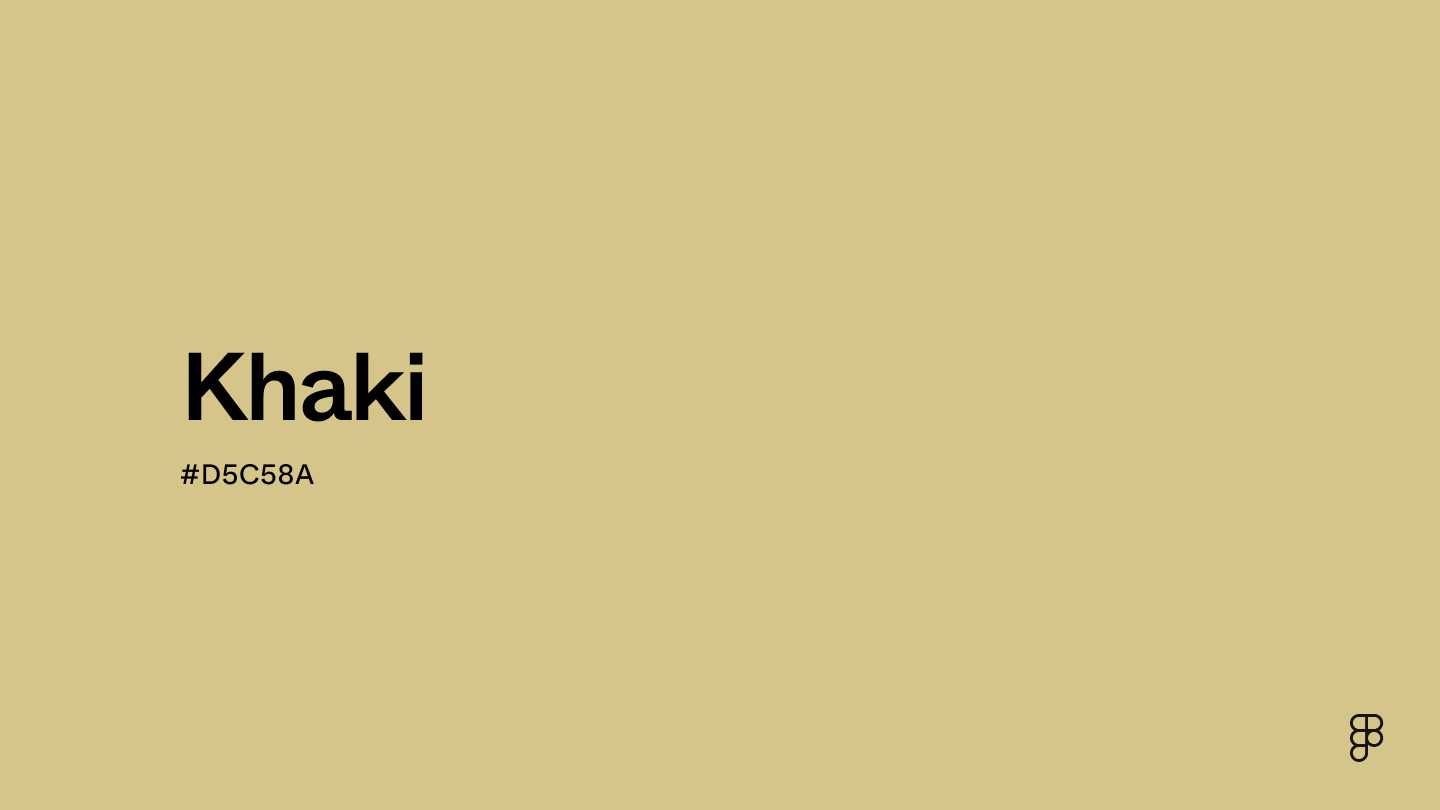
Khaki is a yellowish-brown hue positioned between red and yellow on the color wheel. This earth-toned shade has subtle green undertones that evoke feelings of stability and reliability.

Color variations
Shades
Tints
Tones
Hues
Color Harmonies
Complementary
Split
Monochromatic
Analogous
Triadic
Square
Custom Palettes
Safari
Voyager
Country Melody
Khaki is defined by the following color codes and values to ensure consistency across various digital platforms and devices.
- HEX code: #D5C58A
- RGB value: 83.5% red, 77.3% green, and 54.1% blue
Accessibility considerations play a crucial role in UX and UI design color choices. Figma offers plugins in the Community to make sure your designs meet Web Content Accessibility Guidelines.
Here are some ways to use khaki in your designs:
- Provide a neutral backdrop. Khaki is highly versatile and provides a clean base for many other colors. When paired with bright colors, it allows UI elements and important information to pop. For a nature-inspired feel, pair it with other earthy tones.
- Support interactive elements. Use khaki with darker or brighter hues to indicate interactivity for UI elements like buttons or icons. For example, use a darker shade for the button, then switch it to khaki for a hover-over effect, offering a clear visual cue that the element is clickable.
- Convey trust. Like other earth tones, khaki evokes feelings of safety and reliability. This makes it an ideal shade for legal, financial, or health industries that want users to feel confident and secure when using their platform.
Keep in mind that color and its meaning can change from culture to culture—and at any given time. If you are designing for a global audience, research color considerations for your specific regions.
For variations within the same neutral spectrum as khaki, consider:
- Sand (#CBBD93) shares similar yellow undertones but is slightly darker and muted.
- Beige (#EDE8D0) brings a softer and lighter appearance with a similar hue to khaki.
- Tan (#D6B588) looks more brown but shares the same warmth.
- Ecru (#E0CD95) has slight gray undertones, making it a more versatile neutral than khaki.
To complement khaki, consider pairing it with:
- Army green (#5D6532) creates an earthy, grounded feel next to khaki.
- Powder blue (#B8E3E9) offers a bit of brightness that balances khaki’s warmth.
- Mint green (#ADEBB3) complements khaki with a refreshing pop of color.
- Navy blue (#000080) adds a touch of coolness for a classic pairing.
- Soft pink (#E89EB8) creates a gentle contrast reminiscent of springtime.
Other colors worth considering include chocolate for a natural pairing, maroon for a touch of sophistication, and ivory for a soft and relaxed feel.
While khaki is warm, it may clash with:
- Royal blue (#305CDE) is cool and saturated, which can clash with khaki’s warmth.
- Cool gray (#CBCBCB) has low contrast that may look unbalanced when paired with khaki.
- Neon green (#2CFF05) is an intense shade that appears unpleasant next to khaki.
- Neon pink (#FF13F0) can appear overwhelming and cause visual strain.
Khaki symbolizes reliability, trust, and groundedness. It also carries connotations of resourcefulness, practicality, and order due to its connection to the military.
In color psychology, khaki’s muted nature evokes calmness and tranquility. It also promotes feelings of security and confidence because of its earthy undertones.
In UI design, khaki is a perfect shade for banking apps, healthcare platforms, or other industries that want to establish trust and security with their users.
The word “khaki” comes from the Urdu and Persian words for “dusty” or “soil-colored.”
The first recorded use of the color was during the mid-1800s when the British army was stationed in India. After observing local soldiers' lightweight sand-colored garments, the British realized their bright red uniforms should be more practical. This led to the adoption of khaki-colored uniforms, which made it easier to blend into the dusty Indian landscapes. Eventually, khaki became the standard color for military uniforms.
Over time, khaki became common in civilian clothing due to its practicality and casual look. Today, the color is most apparent in fashion—it’s a prominent shade for cotton blend pants, like chinos and trousers. Aside from fashion, khaki’s versatility is seen in interior and UI design to create a calming atmosphere.
Contrast 1.72
- Large Text
#D5C58A
- Normal Text
How you design, align, and build matters. Do it together with Figma.
| Category | ||
|---|---|---|
Fail | Fail | |
Fail | Fail | |
Fail | Fail |
Contrast 12.18
- Large Text
#D5C58A
- Normal Text
How you design, align, and build matters. Do it together with Figma.
| Category | ||
|---|---|---|
Pass | Pass | |
Pass | Pass | |
Pass | Pass |
Color simulations
Protanopia
Deuteranopia
Tritanopia
Achromatopsia
The hexadecimal color #D5C58A, known as khaki, has RGB values of R:213 G:197, B:138 and CMYK values of C:0, M:0.08, Y:0.35, K:0.16.
| VALUE | CSS | |
|---|---|---|
| HEX | D5C58A | #D5C58A |
| RGB DECIMAL | 213, 197, 138 | RGB(213,197,138) |
| RGB PERCENTAGE | 83.5, 77.3, 54.1 | RGB(83.5%,77.3%,54.1%) |
| CMYK | 0, 8, 35, 16 | |
| HSL | 47.2°, 47.2, 68.8 | HSL(47.2°,47.2%,68.8%) |
| HSV (OR HSB) | 47.2°, 35.2, 83.5 | |
| WEB SAFE | CCCC99 | #CCCC99 |
| CIE-LAB | 79.565, -2.997, 31.661 | |
| XYZ | 51.994, 55.915, 32.097 | |
| xyY | 0.371, 0.399, 55.915 | |
| CIE-LCH | 79.565, 31.803, 95.407 | |
| CIE-LUV | 79.565, 13.316, 42.947 | |
| HUNTER-LAB | 74.776, -6.742, 26.893 | |
| BINARY | 11010101, 11000101, 10001010 | |
| iOS - SwiftUI | Color(red: 0.835, green: 0.773, blue: 0.541) | |
| iOS - UIKit | UIColor(red: 0.835, green: 0.773, blue: 0.541, alpha: 1) | |
| Android - Compose | Color(0xFFD5C58A) |