



Figma 2024: We shipped it, you shaped it


From flagship features to little big updates, we take a look at how you shaped what we shipped in 2024.
Share Figma 2024: We shipped it, you shaped it
Every new feature and improvement in Figma is shaped by ongoing conversations with our community—how you work and what you make pushes us to build a better experience. The numbers tell part of the story—180 releases, 10,000 attendees at Config, and over 220 Friends of Figma groups worldwide. But the bigger story is how you brought these tools to life.
From pushing on UI3, to applying AI in meaningful ways, to creating high-fidelity presentations in Figma Slides, your work consistently inspires us to think bigger about what’s possible.


Your work, front and center with UI3
When we unveiled UI3, our most substantial interface redesign since 2019 From typography and layout to color and iconography, you’ll notice a lot of subtle differences throughout the tool.
We refreshed Figma's UI: An inside look at our process
The real test came during beta when we learned that floating panels, a signature feature in the new design, was impacting daily workflows. “Speed is a feature,” says KC Oh Overhauling Figma’s interface meant reimagining how designers work. From docked panels to a new labeling system, here’s how we shaped UI3 by balancing user feedback with our vision for the future.
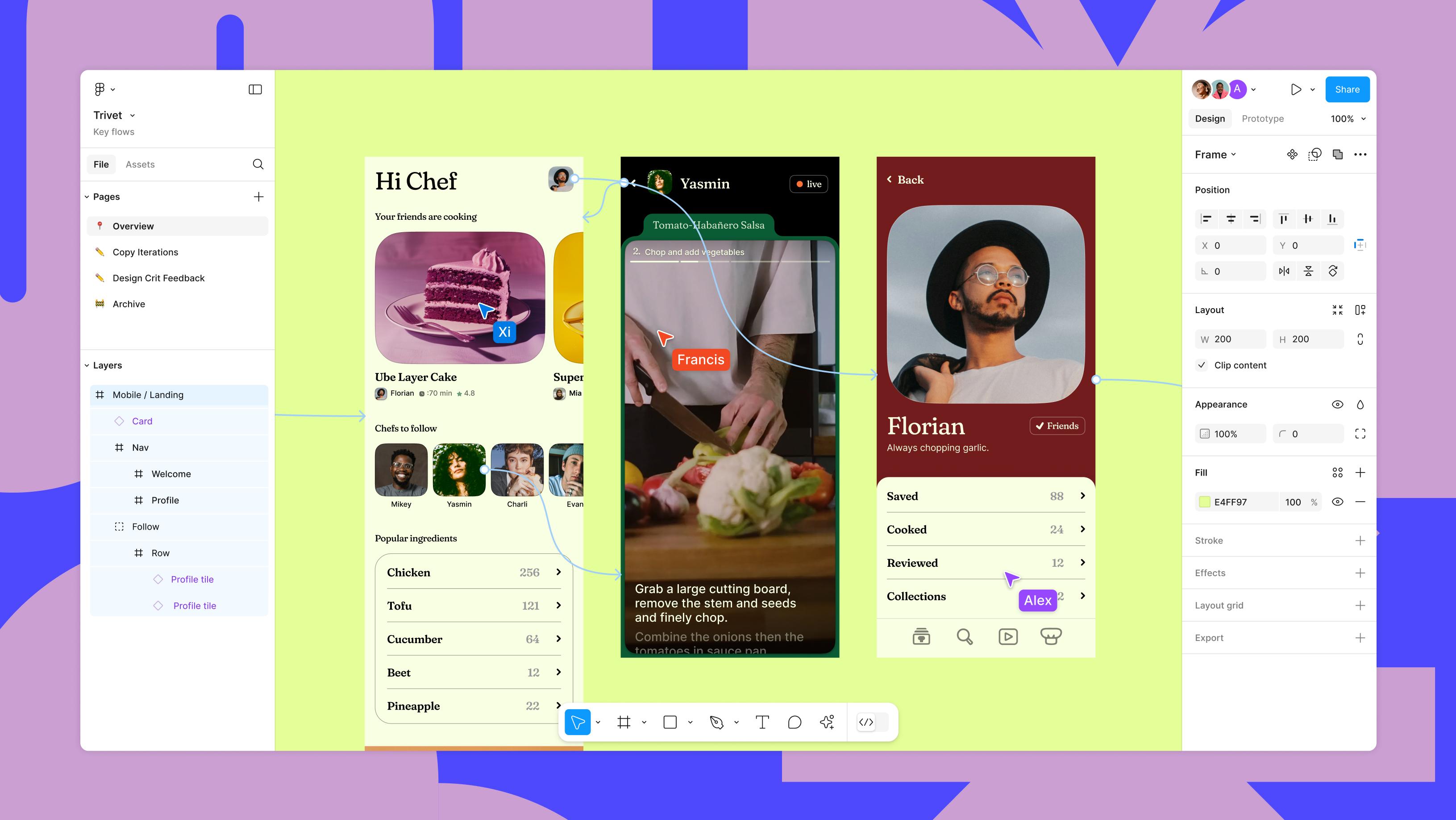
Figma on Figma: Our approach to designing UI3
“After using UI3 for a bit, it’s surprising how much impact it has on how I design,” says Joey Banks of Baseline. “Now I often hide the layer panel just to see more of the canvas. It’s a small thing, but it makes a big difference.”
Your feedback helped us find the right balance between streamlining the interface and respecting existing workflows. The panels are now docked but resizable Overhauling Figma’s interface meant reimagining how designers work. From docked panels to a new labeling system, here’s how we shaped UI3 by balancing user feedback with our vision for the future.Figma on Figma: Our approach to designing UI3
Our eyedropper tool also got a refresh with UI3, and now lets you easily reuse styles and variables, tab through different color formats, or create a new style or variable altogether.

Fine-tuning the fundamentals, from Multi-edit to performance
We also boosted core functionality based on your input. Multi-edit Vice President of Product Sho Kuwamoto and Product Designer Nikolas Klein walk us through the journey of multi-edit, a new feature that simplifies editing across multiple designs in just a few clicks.
Behind the feature: The multiple lives of multi-edit
Typography got more powerful too–you can now override text styles with italics, bold, and underline and apply text decoration to your underlines. An improved font picker automatically detects local fonts and you can set mixed paragraph spacing in a single text node.

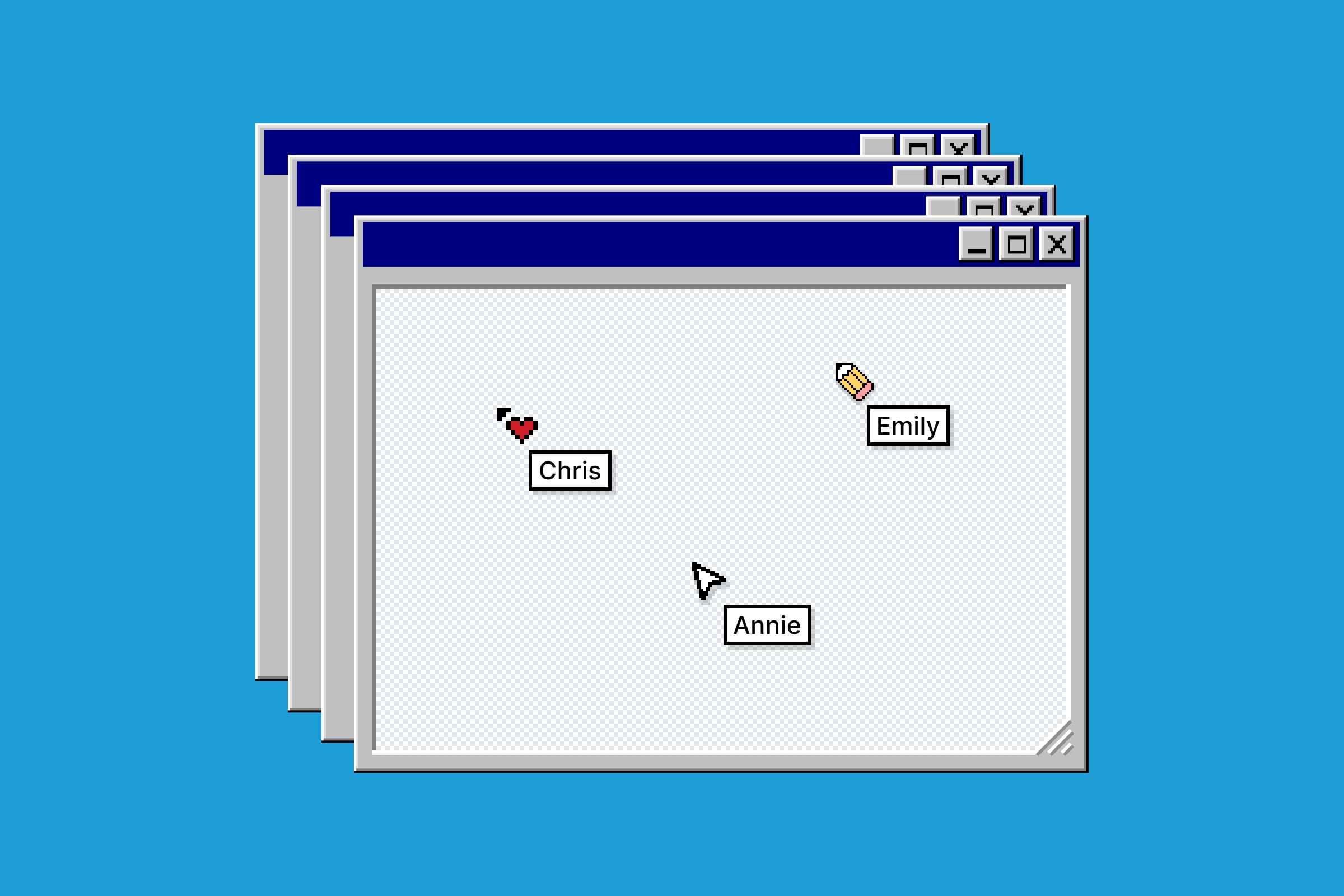
The feature no one asked for at all
Just for fun, we shipped old-school cursors for April Fun Day. We threw it back to our favorite digital design eras, from the days of DOS to Y2K, and from skeuomorphism to Windows Vista.
Organization became simpler with new tools like file pinning, improved search filters, page dividers, and split tabs. And for teams working across organizations, we streamlined how drafts work, content transfer tools, and file move workflows. Along the way, we redesigned Auto Layout with suggest Auto Layout to make your designs responsive.
Behind the scenes, we strengthened Figma’s foundation with key improvements. Dynamic page loading helps manage even the largest design files efficiently and optimized memory usage for smoother performance—especially in large files. A revamped memory management system and smoother multiplayer experience keep teams working without interruption. For admins, we overhauled team and content management with a new sidebar navigation and dedicated content tab. Our global infrastructure got more robust too, with localized file hosting in the EU, improved handling of large asset libraries, and strengthened security controls for Enterprise teams.

What is Good Design in the Age of AI? Vice President of Design Noah Levin and four designers weigh in.
AI features to keep you in your flow
Sometimes the most powerful AI features aren’t the flashiest—they just make things work better. This year we focused on removing friction points in the design process. Finding files and components had been a perennial pain point—and just the kind of problem we wanted to leverage AI to solve. Visual search helps you find exactly what you need by uploading an image or selecting an area on your canvas. Asset search now understands context, helping you locate components even when names don’t exactly match. “I don't even have to go and ask,” says Product Designer Branden Thornton, of Reddit. “So small, but hence powerful.” Rename layers is another small feature that brings an extra layer of order to your files.
“I can’t even begin to tell you how much time I’ve spent trying to think of phone numbers or addresses or names,” says Joey Banks. “It’s actually pretty hard. The ability to have AI help with that is amazing.”
At a loss for words? Don’t worry. Replace text content populates realistic text in your designs, while Rewrite, Translate, and Shorten text does just that. Make an image helps you bring your designs to life by creating and editing images right on your canvas, while Remove background helps you get them just right—letting you isolate subjects without switching tools.

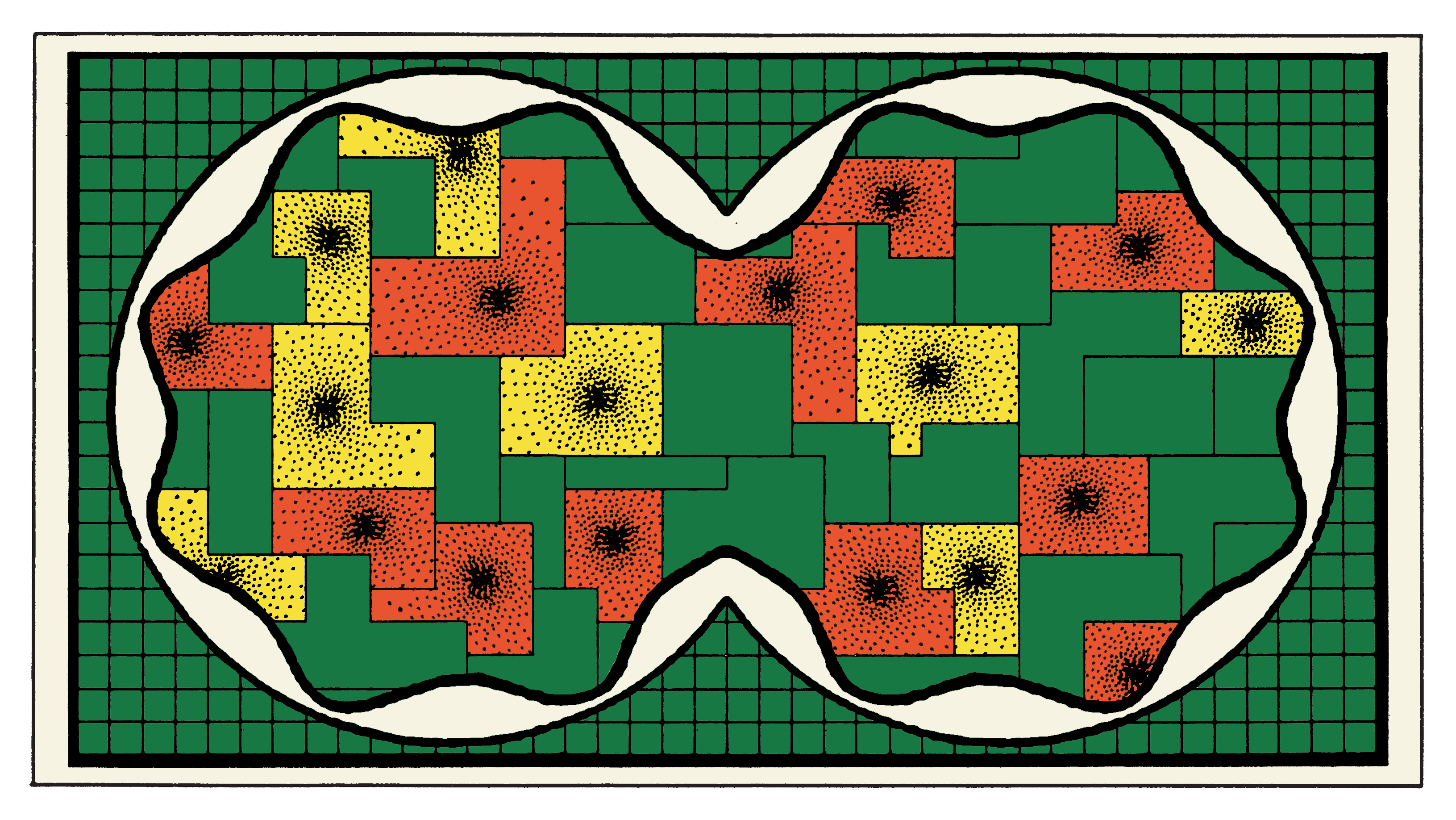
Software Engineer Vincent van der Meulen shares how we went from autocomplete to AI search and landed on a tool that’s changing the way designers find and use existing work.
In FigJam, AI-powered mindmaps have become one of our most popular features, helping teams explore ideas and visualize connections naturally. You can generate a Figma Slides deck outline from a FigJam board using Figma AI, and once you’re there—generate presenter notes, too.
“There’s a lot of tedium along the journey of bringing great designs to life,” says Noah Levin, Vice President of Design. “Even with a clear vision, you face hurdles just getting to that first draft. We believe AI can help express what’s in your head in new ways—but only if we build it thoughtfully, together.”
We believe AI can help express what’s in your head in new ways—but only if we build it thoughtfully, together.
The new First Draft feature is currently in limited beta, with plans to support custom libraries and deeper integration with teams’ existing design systems.
This philosophy guided our approach to First Draft We’re reintroducing our Make Designs feature with some key improvements, including a new name—First Draft—to better reflect our goal of giving designers another way to get started.Building a better First Draft for designers

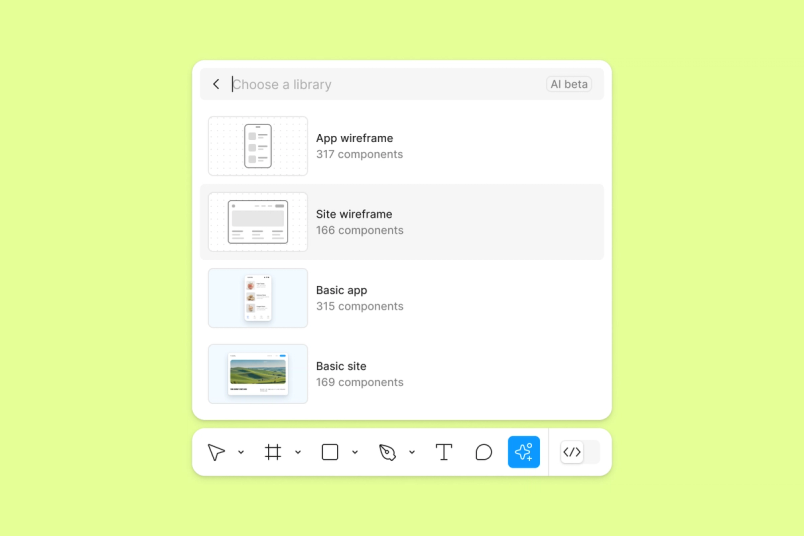
New tools to help you go from WIP to ship, with Dev Mode and Figma Slides
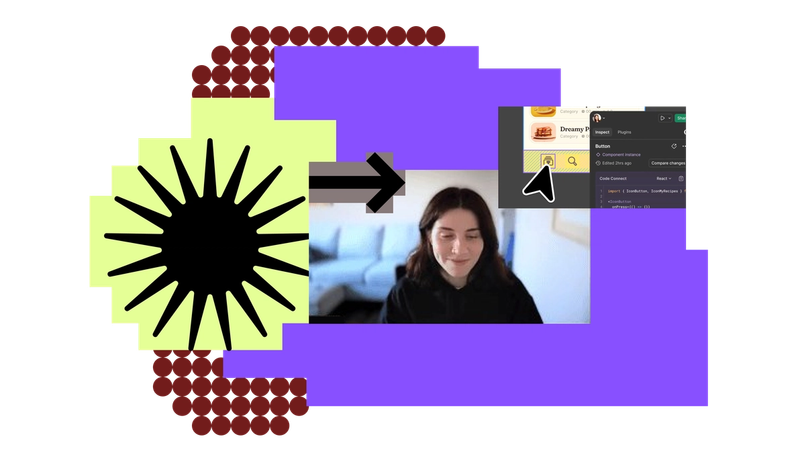
“Code Connect is the feature that we’re most excited about,” says Gilson Hoffmeister, Distinguished Technologist at HP. “We can reduce the context switching that developers had to do before. With Code Connect, you can translate components to code. That accelerates the development so much, especially when paired with VS Code. It’s huge.”
We made Dev Mode even more powerful and attuned to developers’ workflows Today, we’re introducing annotations to Dev Mode, along with improvements to compare changes, plugins, and the Figma for VS Code extension. Dev Mode will move out of free beta on January 31. Product Designer Oscar Nilsson explains how we’re streamlining designer-developer collaboration with annotations in Dev mode. We built Dev Mode to make product development more efficient, from idea to code. Today, Dev Mode moves out of beta. Learn more about our product philosophy, how we’re improving the experience for developers and designers, and what’s next. Today, we’re announcing beta for Code Connect, a feature built to improve design system adoption by making code more accessible and useful for developers.
What’s next for Dev Mode: annotations, compare changes, plugins, and more
The art and science of annotations in Dev Mode
Everything you need to know about Dev Mode


The right code for your design system





Wonder what codegen is (actually) good for? Figma Software Engineering Manager Emil Sjölander and Developer Advocate Jake Albaugh weigh in.
“Dev Mode has been great for us,” says Reza Rahman, Staff Software Engineer at GitHub. “It provides a zoomed-in lens on what a developer really needs to focus on, using a language that developers understand. Codegen snippets, in particular, have served as a useful springboard for producing complex layouts, saving us an enormous amount of time.”
Dev Mode provides a zoomed-in lens on what a developer really needs to focus on, using a language that developers understand.


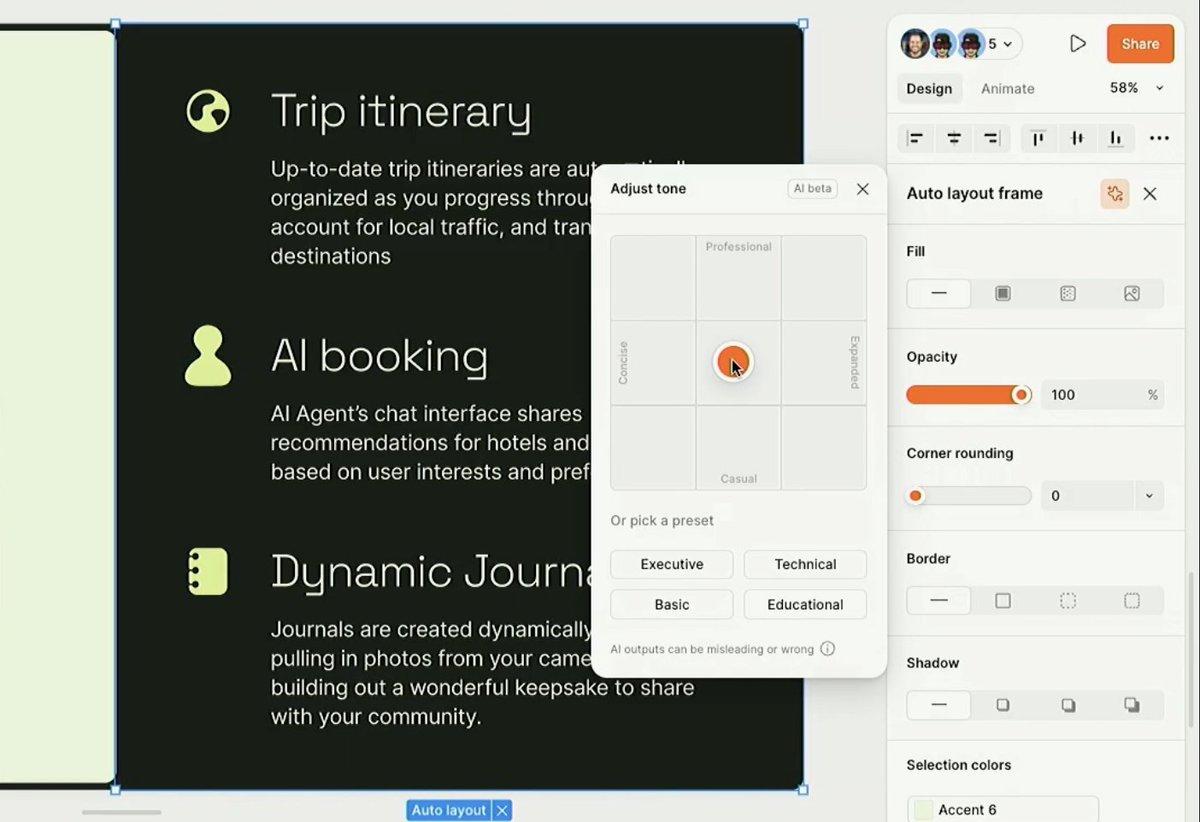
“This year was really interesting for experimentation,” says Mallory. “The success of features like tone adjustment in Figma Slides has inspired us to ask: What other UI patterns are worth reinventing?”
Introducing Figma Slides
“The interactivity of being able to poll directly on the spot and see the results in real time is really powerful. It allows everyone on the team, whether you’re a designer, an engineer, a product manager, or any other role in the team, to create awesomely effective decks,” says Charmaine Lee, a Product Manager working on Snapchat’s Lens Studio for AR developers.
With teams creating over 3.5 million presentations in Figma last year, we knew it was time to reimagine how decks could work. Figma Slides Say goodbye to lackluster presentations. Today, we’re announcing the open beta of Figma Slides, here to set a new standard for telling visual stories.
Stack the deck with Figma Slides
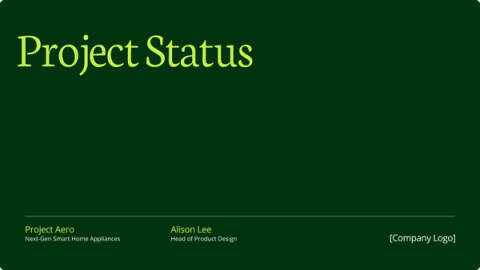
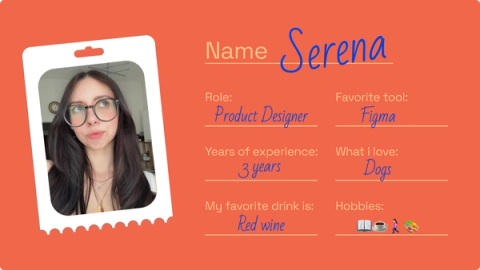
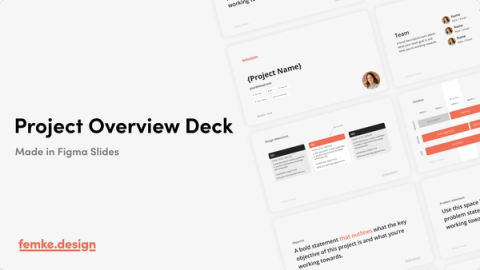
Teams can now even generate slide deck outlines automatically from their FigJam sessions, making the transition from ideation to presentation seamless. The launch sparked immediate creativity within our community, with creators sharing templates that reimagine everything from project status updates to course syllabi.






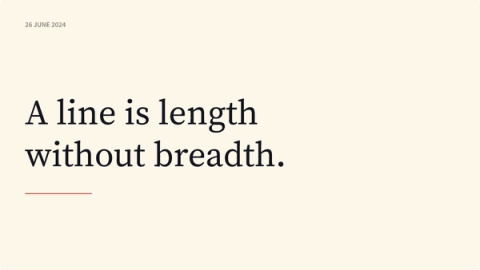

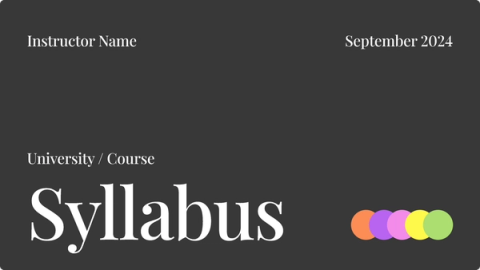

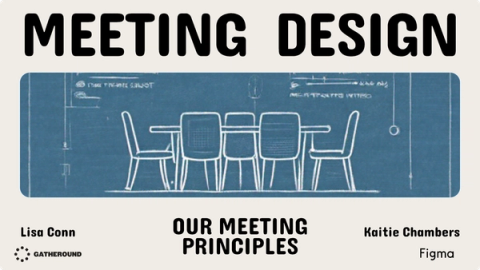


As teams navigate the integration of AI into their workflows, well-structured design systems become even more critical—providing the building blocks that both human and AI collaborators can work with effectively. Our AI + Design report found that 89% of respondents expect AI to impact their company’s products in the next year, making robust design systems essential for maintaining consistency at scale.
Design systems and a brand identity built for scale
Design systems gained significant power and flexibility in 2024, with updates shaped by teams using Figma at scale. The eagerly-awaited typography variables release gave teams more control, while new variable capabilities for component properties eliminated the need to detach instances—a significant win for maintaining component libraries—streamlining maintenance while preserving design system integrity.
We also refined how teams manage and distribute updates across their organizations. Approved libraries helped teams maintain quality standards, while deeper variable controls enabled more sophisticated theming. These changes reflect ongoing conversations with design systems teams about finding the right balance between flexibility and consistency.

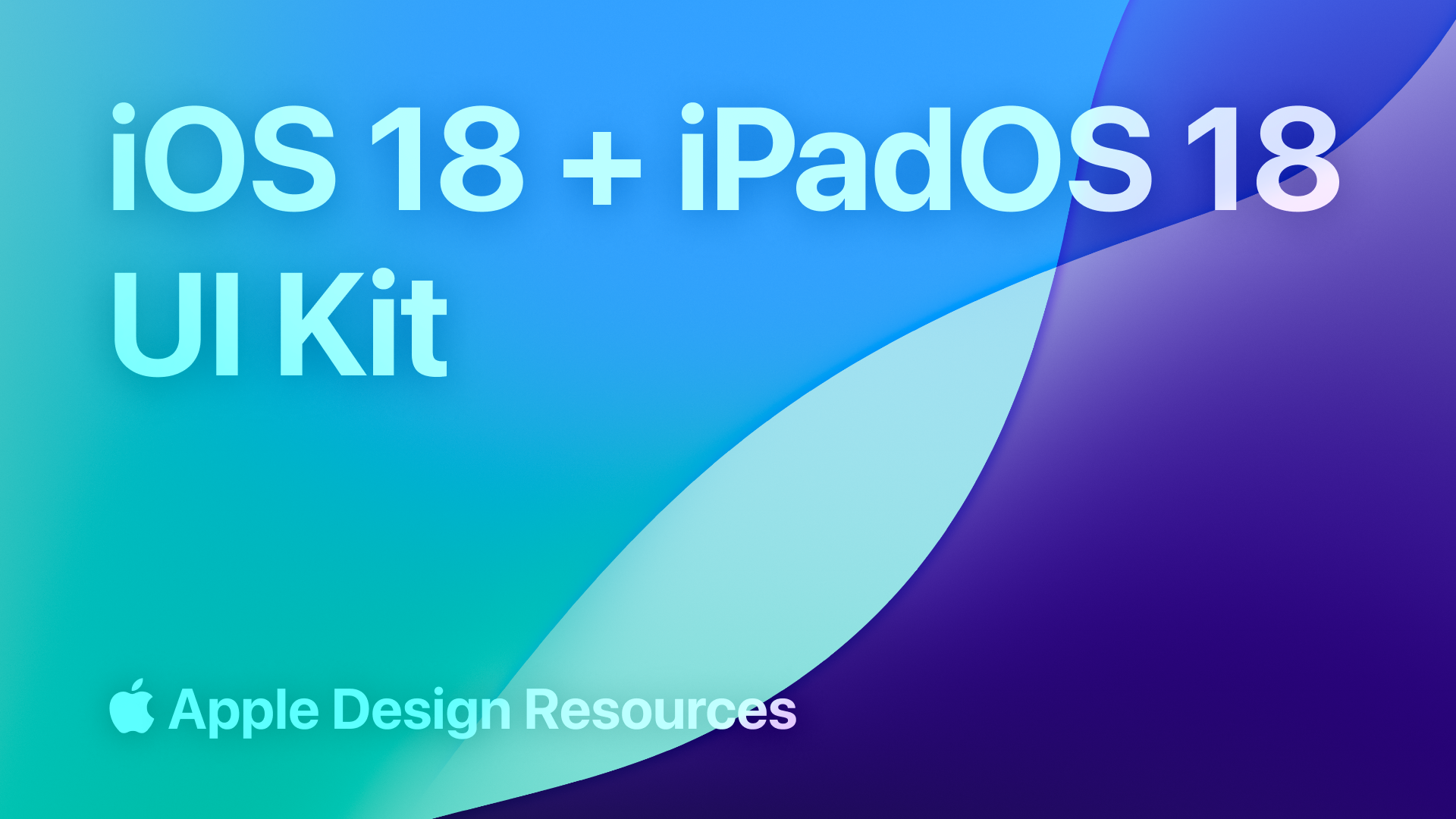
Kick off your creative process with ready-made UI kits—already integrated with Code Connect.
To help teams get started faster, we introduced UI Kits bringing comprehensive design resources from Apple and Google directly into Figma. These ready-to-use assets provide teams a foundation to build from, particularly valuable for those learning about design systems. “If I had these available when I was learning, it would have been game-changing,” says Mallory. “Instead of drawing every single icon, you have this simple design system right there to play with.”
As our community has grown to include developers, product managers, and entire product teams, our own design system needed to evolve as well. Figma’s Pattern Library got a refresh UI3 prompted us to rebuild our own design system from the ground up. Here’s how designers and engineers came together to create a new foundation for building consistent, accessible products. As Figma expands to include tools for all product builders, our community has evolved—and so has our brand. We’ve overhauled our entire visual identity from color palette to illustration style, and even commissioned a new typeface. Figma’s visual identity has gotten a bold refresh. From playful primitives to a vibrant new palette, we’re unveiling our latest brand evolution—one that speaks to all product builders.The making of the Figma Pattern Library
Just our type: The story of creating Figma Sans
Figma on Figma: Evolving our visual language
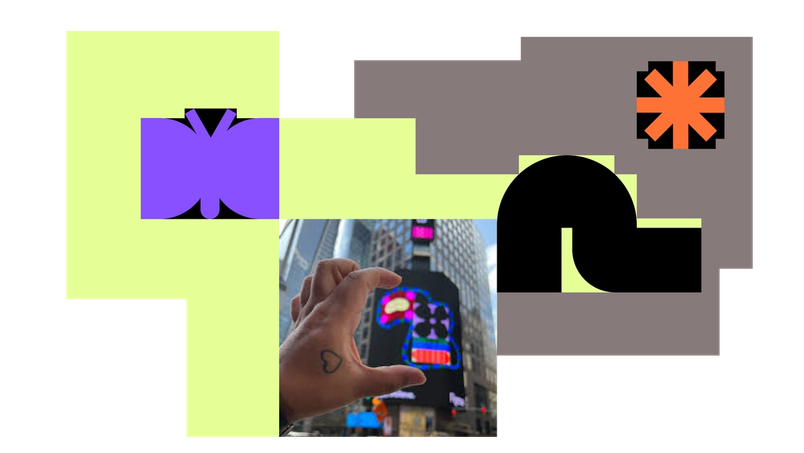
We celebrated this expanded mission in Times Square, turning one of the world’s largest billboards into a canvas celebrating creators at every stage. We spotlighted six students from Mouse.org, a NYC nonprofit equipping underserved youth with coding and design skills. Their projects ranged from apps connecting people to food pantries to platforms matching students with nonprofits—each one showing how design can drive positive change.
Just blocks away, Amtrak’s team was transforming how people experience train travel at Moynihan Station, moving from paper timetables to digital displays and modern booking flows. And TikTok product designer Marisa Chentakul flew her parents in from Thailand to see her outfit generator design illuminated above the city. These stories went beyond case studies to show how teams and individuals use Figma to reshape everyday experiences.
Standout plugins and templates by the community, for the community
What made 2024 special wasn’t just the features we shipped—it was how our community took these tools and made them their own. Our creator community continued pushing boundaries of what’s possible in Figma.
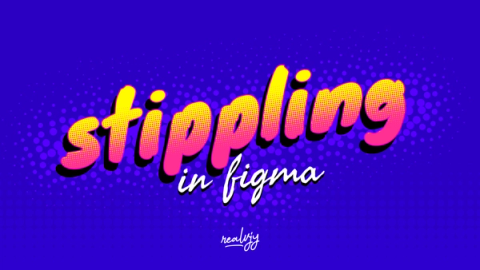
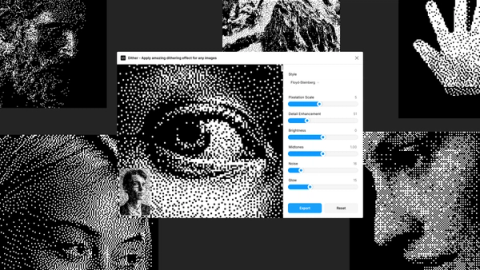
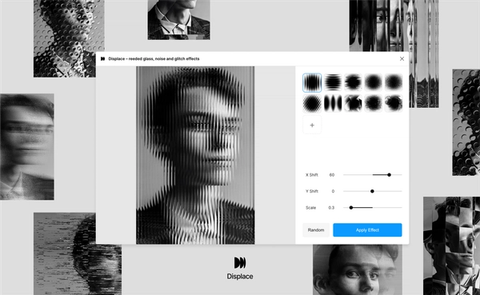
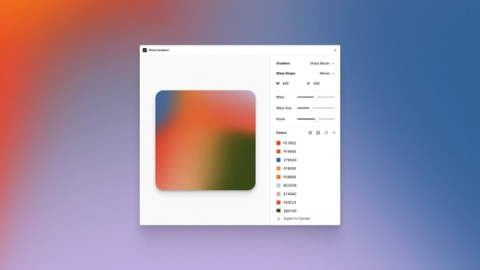
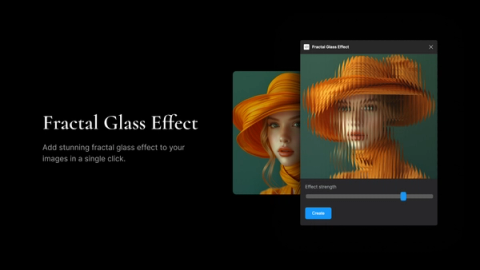
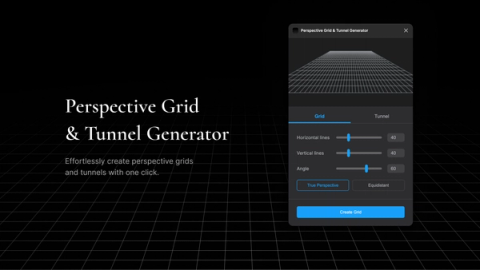
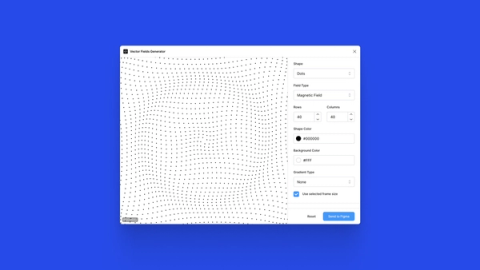
Standout plugins addressed key workflow challenges—like Unblocked AI and Lummi for image editing and generating, Auto Arrange to automatically organize design elements, LottieFiles to convert designs into animations, and Peppercorn to generate type scales with documentation and variable-based text styles. Lil’ Pixel Icon makes it easier to create pixel-perfect vector icons, Charts Modifier helps create and modify charts and data visualization, while Vector to 3D takes designs into new dimensions. Plugins like Handoff, CSS Color Mix, Variables Converter, and Variable History help teams work more efficiently with our newest features. In a meta twist, creators even shipped plugins for shipping plugins.









We heard how internal teams were leveraging our APIs, as well—like how Razorpay used Dev Mode’s plugin API Razorpay’s design systems team developed Blade to keep user experiences consistent and intuitive while supporting multiple products across platforms.How Razorpay sharpened developer workflows
This spirit of collective building extended to the classroom as well, where educators created and shared over 500 new FigJam templates for other educators with our Education Creator Program. “FigJam has removed barriers and obstacles that prevent productive collaboration for students and teachers alike—confidence level, number of voices, varying schedules, brain blocks,” says Frankie Baker, Digital Learning Coach at Frisco ISD. “My teachers and students feel empowered to contribute in a way that other tools or traditional low-tech collaboration don’t allow.”
My teachers and students feel empowered to contribute in a way that other tools or traditional low-tech collaboration don’t allow.
Our education program expanded significantly this year to 840 districts across the United States, United Kingdom, and Japan—reaching millions of students worldwide. We launched our Campus Leader program at 25 of the leading design schools in the United States, then hit the road for our campus roadshow, meeting thousands of the next generation of technologists with doughnuts galore.

Early bird tickets and our annual call for speaker proposals are now live. Check out 8 ways to craft an unforgettable Config talk and get excited for Config 2025 happening in San Francisco and London.
Bringing the community together, IRL
This year’s Config brought together our largest community gathering yet, with over 10,000 attendees exploring the future of product design and development in San Francisco. Framework, our design systems conference, convened system creators from companies like Bumble, GitHub, Verizon, and Hewlett Packard to share practical insights about scaling design systems.
Design is what will differentiate great products from the obvious solutions.
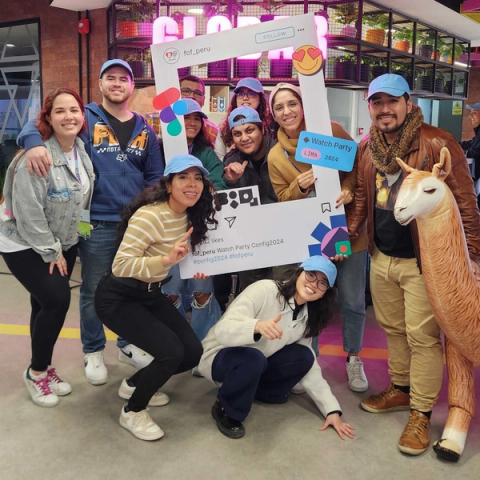
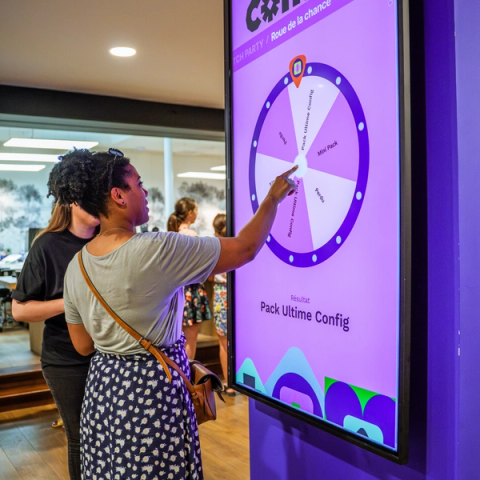
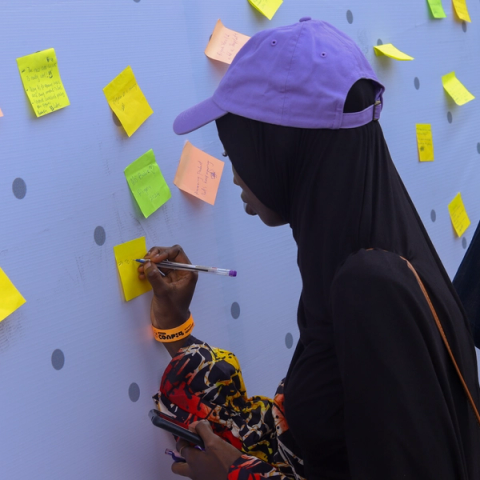
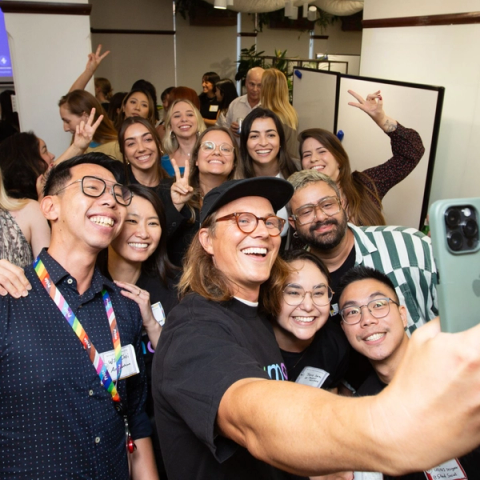
The Friends of Figma (FoF) community grew to 220 groups with 350 leaders worldwide, hosting over 500 events. From Lima’s Config watch party (complete with an inflatable llama) to Lomé’s Africa Product Keynote showcasing sustainable solutions, these gatherings went beyond simple meetups to create meaningful connections. As one attendee at FoF Singapore expressed, “I appreciate the honest sharing. It really showed me that every designer is still a work in progress and there are always lessons to be learned to make the next project better.”











But that’s not all—to cap off an incredible year of creation and collaboration, we’re releasing a new song in FigJam, made with Sounds Like These. This new track is engineered to strike a celebratory yet focused tone—perfect for end-of-year planning sessions, reflective retros, or creative brainstorms. Jump into FigJam to give it a listen and let it soundtrack your team’s final collaborations of 2024.


Building for tomorrow: 2025 and beyond
In 2024, we focused on bridging gaps—between design and development, between early ideas and polished presentations, between imagination and reality. But perhaps more importantly, we witnessed how the best tools emerge through creative partnership with the people who use them.
As we look to 2025, we’re energized by how this community continues to expand what’s possible in design tools. Thank you for another year of creative experimentation, groundbreaking work, and collaborative growth. Here’s to continuing this journey together.