What’s next for Dev Mode: annotations, compare changes, plugins, and more



Today, we’re introducing annotations to Dev Mode, along with improvements to compare changes, plugins, and the Figma for VS Code extension. Dev Mode will move out of free beta on January 31.
Share What’s next for Dev Mode: annotations, compare changes, plugins, and more
Watch Figma CTO Kris Rasmussen's talk at Config 2023.
From the moment we asked, “How can a design tool work better for developers?”, we’ve heard from our growing community of Dev Mode users about what front-end developers and design systems engineers really need from Figma. Since launching in free beta last June, we’ve shipped 200+ new features and fixes in response to user feedback. As the beta ends next week, we’re adding a series of improvements and features to help you work faster, accelerate handoff, and customize workflows.
Save time with annotations in Dev Mode
There’s an art to preparing files for handoff. Today, designers manually craft measurements and callouts, thoughtfully organizing their designs to give developers the context they need to build confidently. To streamline the process, we’re introducing annotations in Dev Mode. With annotations, designers can share additional context, specs, and measurements that are connected directly to designs, and developers can easily see designers’ notes as they work, ensuring that they don’t miss any crucial callouts during handoff.
Click and drag to measure
Designers can add properties and design details, and pin measurements in just a few clicks.
Stay up to date with live updates
Since annotations are connected to a layer on the canvas, any property or measurement will change as designs change.
Highlight important details without cluttering the canvas
Annotations automatically show up or hide at specific zoom levels, making them easy for developers to see, without getting in the way.
Automate and customize annotations with plugins
With the plugin API, teams can build custom Dev Mode plugins to create and manage annotations in bulk.
Get the right context with more ways to diff—plus Figma for Jira
In concert with annotations, we’ve redesigned the compare changes modal so that you can see diffs both visually and in code. And to further streamline handoff, we’re bringing together the many tools that teams already use in their unique workflows. With the Figma for Jira app, you can bring design context into Jira issues and get notified in Jira when designs change, so you don’t miss any updates.
Customize code with plugins in Dev Mode
When it comes to code, no two organizations are alike. For example, some companies might rely more heavily on codegen, other teams might be working with specific frameworks like Tailwind or Bootstrap, and some organizations might adhere to a design system with code already written at the component level. To meet these specific and diverse needs, you can use a variety of codegen plugins to generate code in the framework of your choice, such as HTML, React, Tailwind, and more.
Dev Mode has been great for us at GitHub. It provides a zoomed in lens on what a developer really needs to focus on, using a language that developers understand.

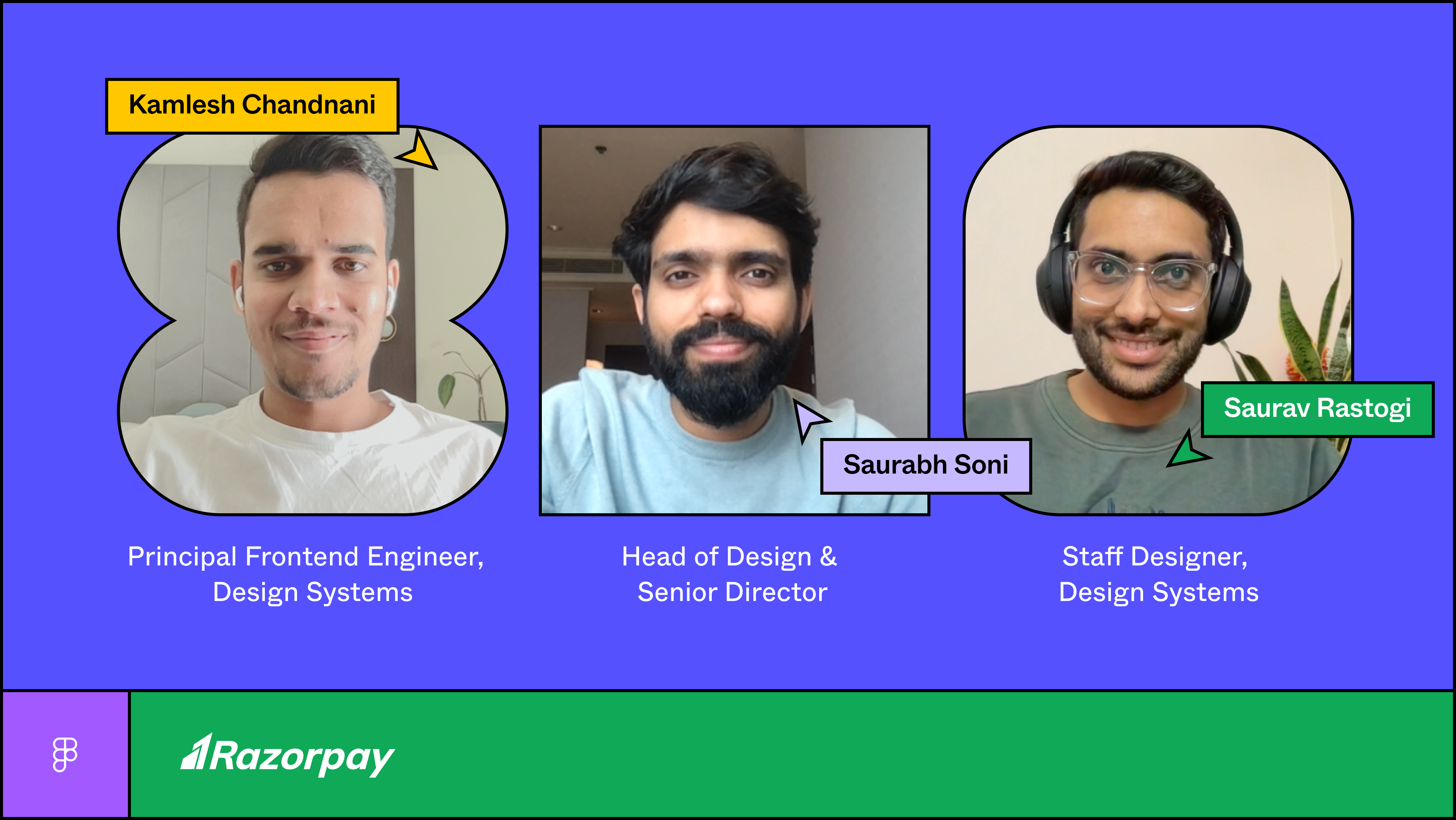
At Razorpay, developers built RazorSharp, a custom Dev Mode plugin to auto generate equivalent code for designs. Read their story here.
We know that teams need to stay in lockstep with their organization’s design system, which is why it's often not enough to just generate code for a design. For example, you may want to check that you’re using a design system correctly, show links to design systems documentation, include information about internal APIs to use, or confirm whether a design uses components that already exist in your codebase. We’ve seen many teams create custom plugins to help drive adoption of a design system across Figma and code, and now Enterprise admins can pin and set plugins to run by default in Dev Mode for all files in their organization.
Optimize your workflows with Figma for VS Code
Moving between tools can slow teams down and cause friction. The Figma for VS Code extension aims to solve for this by providing an easier way for developers to access and inspect designs right from VS Code. The flexibility of files with multiple pages, each with their own infinite canvas, is perfect for designers, but it can be challenging for developers to find what they need. We’ve redesigned the Figma for VS Code experience to improve navigation and discoverability of design files. Instead of having to pan around a large canvas, you can easily select from a grid of frames and see frames individually with focus view.
Run plugins in VS Code
We’ve also launched the ability to run plugins in VS Code, so you can leverage third party tools and customized code without leaving your code editor. Check out our docs to learn how to make your private plugin work in VS Code.
What else you need to know
Starting January 31, Dev Mode will move out of free beta and require a paid seat. Depending on your plan and seat type, you might need to upgrade to continue using Dev Mode. As we announced at Config 2023, you’ll have an option to purchase Dev Mode access only for $25 per seat per month on Organization plans, and $35 per seat per month on Enterprise plans.
- Starter plan: Dev Mode not included
- Professional plan: Dev Mode included in full Design seat only
- Organization plan: Dev Mode included in full Design seat or available standalone for $25/mo
- Enterprise plan: Dev Mode included in full Design seat or available standalone for $35/mo
Users who do not currently have a paid seat can request one from their Figma admin within Dev Mode, and admins can approve requests in the admin panel. Starter plan users and viewers who don't upgrade to a Dev Mode seat can still view properties and measurements, copy code, and export assets.
Learn more about what to expect on January 31. You can find all the pricing and plan details here.
As we enter this new chapter for Dev Mode, we remain committed to improving developer workflows and designer and developer collaboration in Figma. We’re so grateful for the feedback you’ve shared, and we’ll continue to learn and iterate as we go. Join our upcoming livestream to learn more about all the updates that will go live on January 31.
Avantika Gomes currently leads Figma's efforts on Design Systems, Prototyping, and Developer Tools, exploring ways to bring the worlds of code and design closer together. She has over a decade of product experience, having held roles at Pinterest, Microsoft, Google, and Birchbox, with a particular focus on collaborative, creative products that help people visually express themselves. Avantika lives in New York City, with her husband Aaron and dog Tessa.