Codegen plugins (and other tips) for automating design to code


Dev Mode helps you go from design to code faster. We’ve curated some of our top codegen plugins and tips to help you get the most out of your workflow.
Share Codegen plugins (and other tips) for automating design to code
Codegen is the process of generating code automatically, based on a defined set of rules or specifications.
When we first set out to build Dev Mode We built Dev Mode to make product development more efficient, from idea to code. Today, Dev Mode moves out of beta. Learn more about our product philosophy, how we’re improving the experience for developers and designers, and what’s next. Should you just use codegen to… generate code? Not so fast. Codegen is best for augmenting your design to development process, not automating it.Everything you need to know about Dev Mode
What codegen is (actually) good for
When you click an object on the Figma canvas, Dev Mode creates automated code snippets in the inspect panel. You can choose from a dropdown of languages and unit selections.
Many teams with mature design systems have created their own custom codegen plugins to extend Figma’s functionality.
That’s why we’ve included code snippets directly in Dev Mode, while allowing you to extend its functionality with codegen plugins. Whether you’re looking to generate code in HTML or React, or you’re using frameworks like Tailwind or Swift UI, we’ve rounded up plugins that can accelerate your workflows.
Customize code with Anima
Anima lets you export Figma-to-code components in React or HTML code with CSS, SCSS, or Tailwind snippets that are interactive, responsive, and easy to maintain. The code automatically detects repeat components to minimize duplication and speed up design implementation.
Pick any Figma layer, component, or frame and get the code right inside Figma. Anima is highly customizable, and as you add code snippets, Anima learns your team conventions and returns relevant code. You can also prompt Anima to add animations or snap a code snippet to specific styles—directly in Dev Mode.

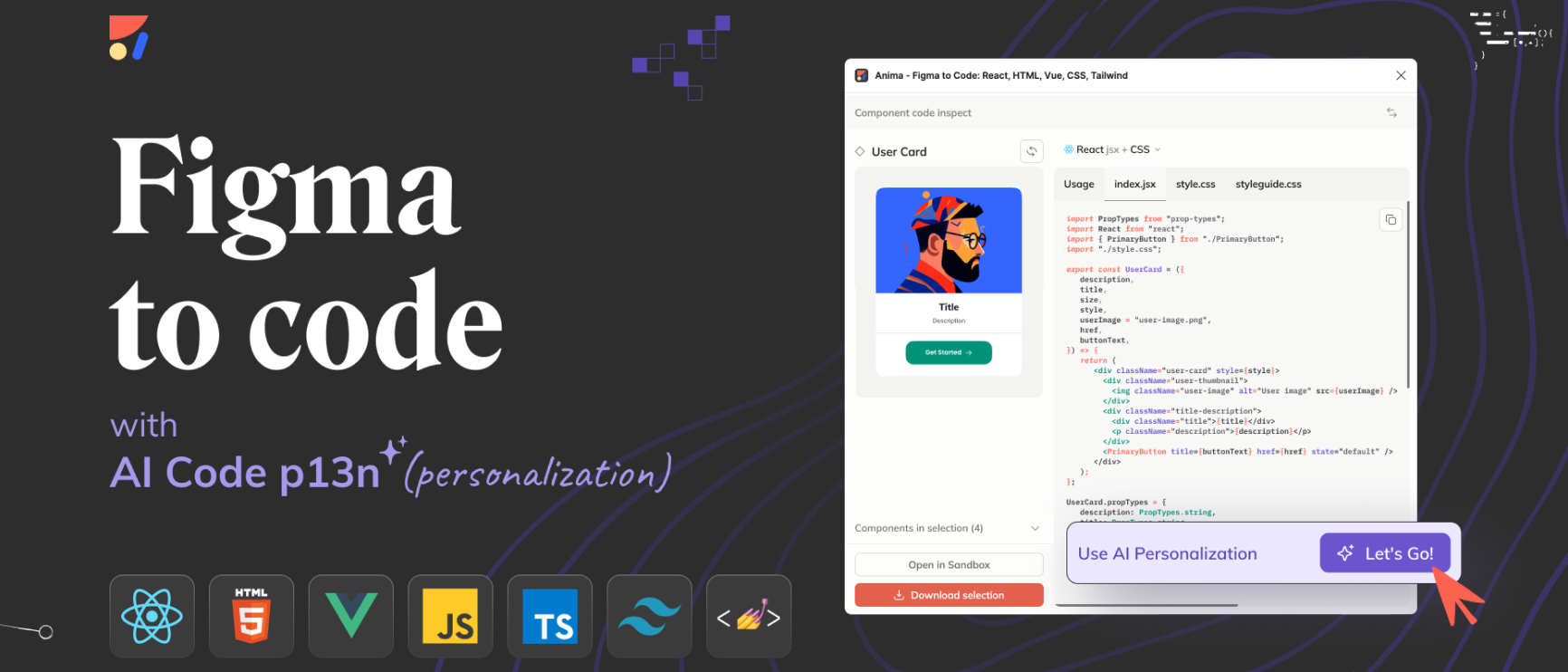
Use Anima to export Figma-to-code components in React or HTML code with CSS/SCSS/Tailwind snippets.
Leverage code components with Builder
The Builder plugin offers AI-based codegen in languages like React, Svelte, and HTML that looks just like the code a developer would write themselves. By generating code that leverages your team’s code components, it brings design and code closer together. You can chat to refine the code with AI, train it to adapt its output to match your specific code style, and automatically make designs responsive. If you’d like to test code output outside of Figma, Builder has a unique UI that allows you to tinker with generated code in a separate web page.

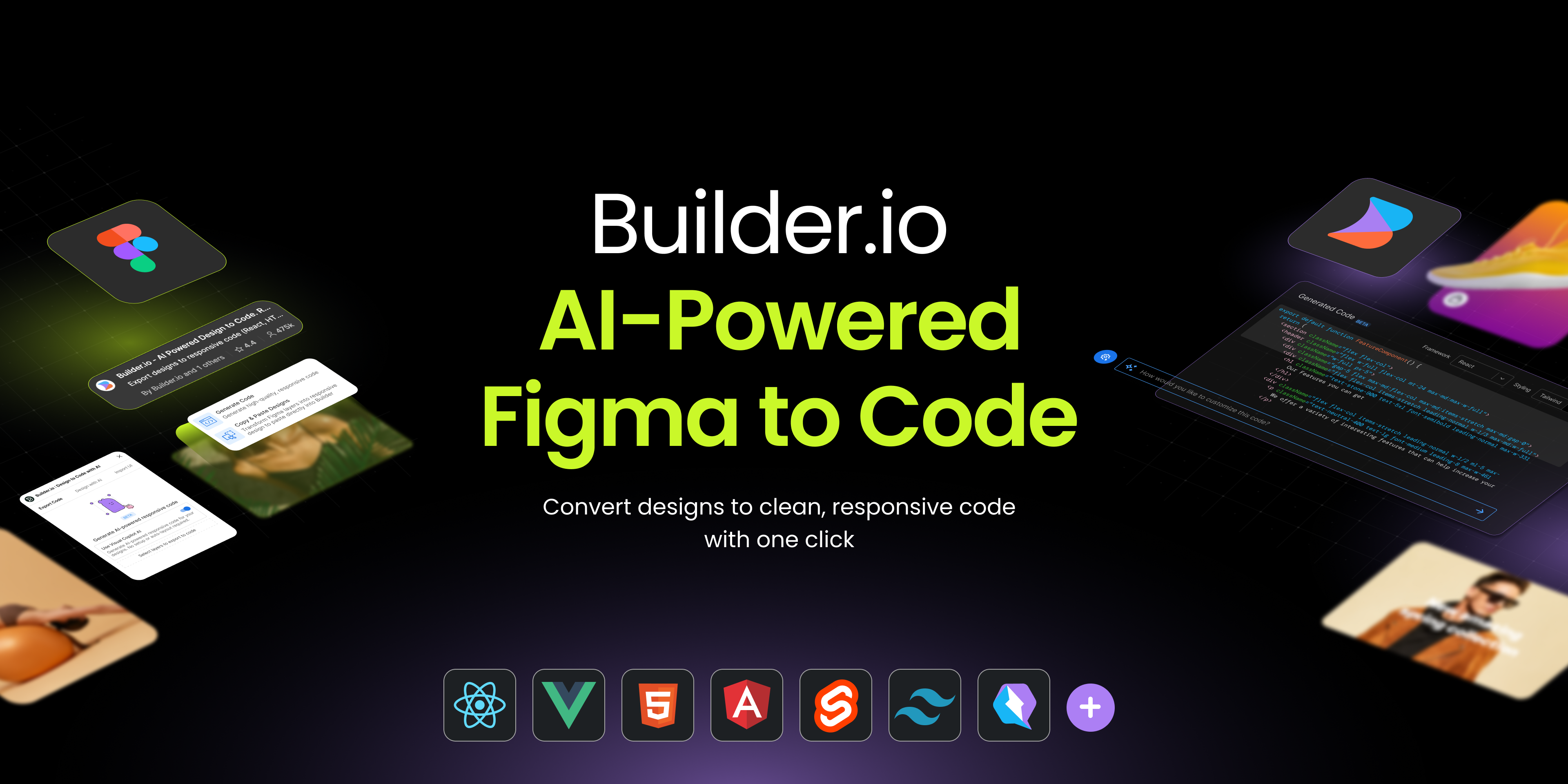
Check out Builder's AI-based codegen.
Easily go from Figma to Code
Figma to Code, a free open source plugin from the Figma Community, allows you to convert designs into code for responsive websites (HTML or Tailwind) or mobile applications (Flutter or SwiftUI). You can run the plugin, see Tailwind code, and then copy and paste it into your code editor.

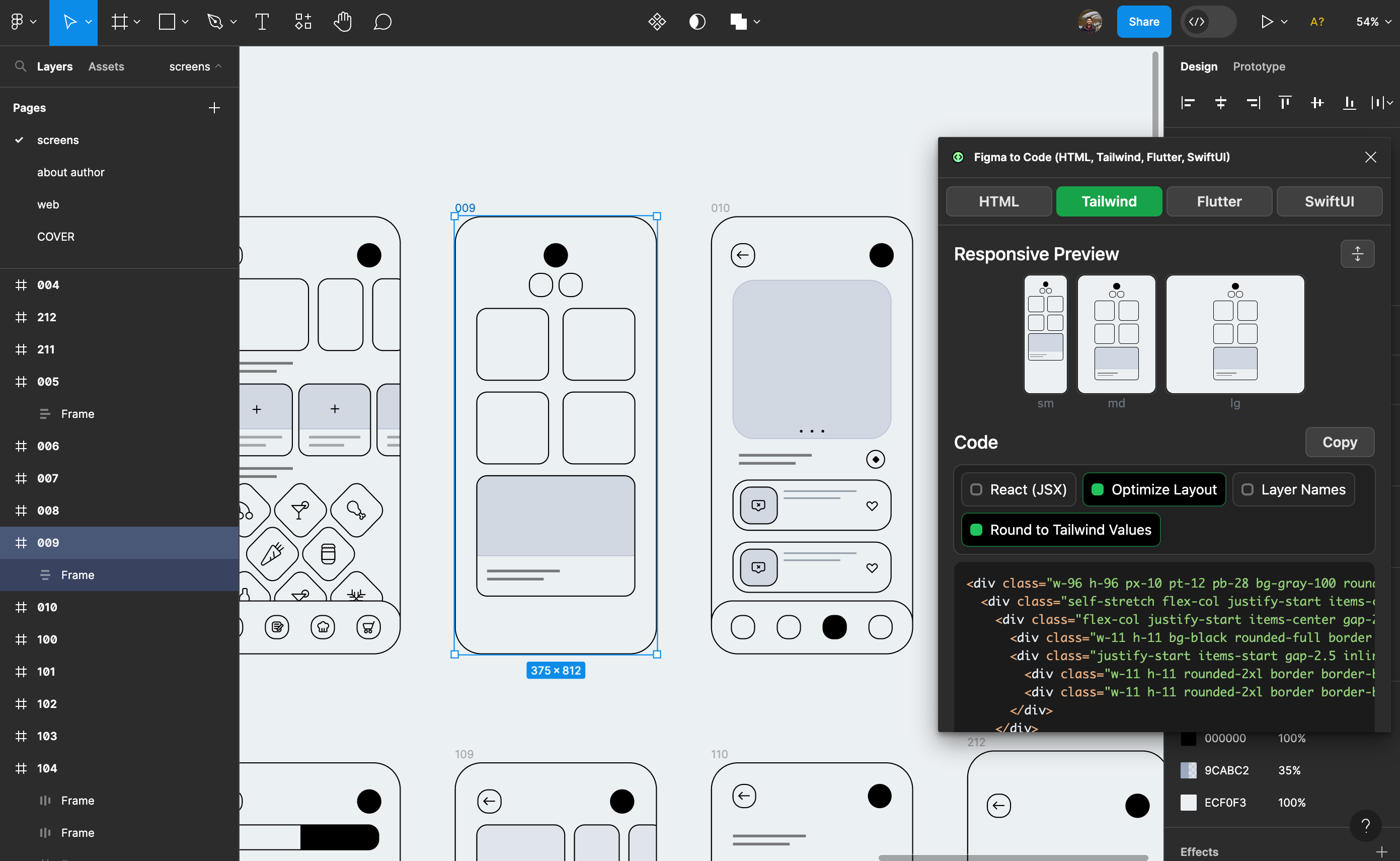
Check out Figma to Code, a free, open source plugin from the Figma Community.
Create code across mobile and web with Locofy.ai
Available in free beta, Locofy.ai generates interactive code—in React, HTML/CSS, Next.js, Gatsby, and Vue—for components and full screens across web and mobile apps. Locofy.ai combines multiple aspects of front end development to create high quality code:
- Design optimizations like auto layout and frame grouping
- Interactivity with tagging semantic HTML elements, libraries, and actions
- Responsiveness across different screen sizes
- Components and props for cleaner modular code
- Contextual human-readable class names in code for better collaboration and scalability
After fine-tuning the code, designers and developers can collaborate and share prototypes, bind data, and export code or Storybook files. Developers can also sync directly to GitHub with automatic code merge and conflict resolution for continuous integration.

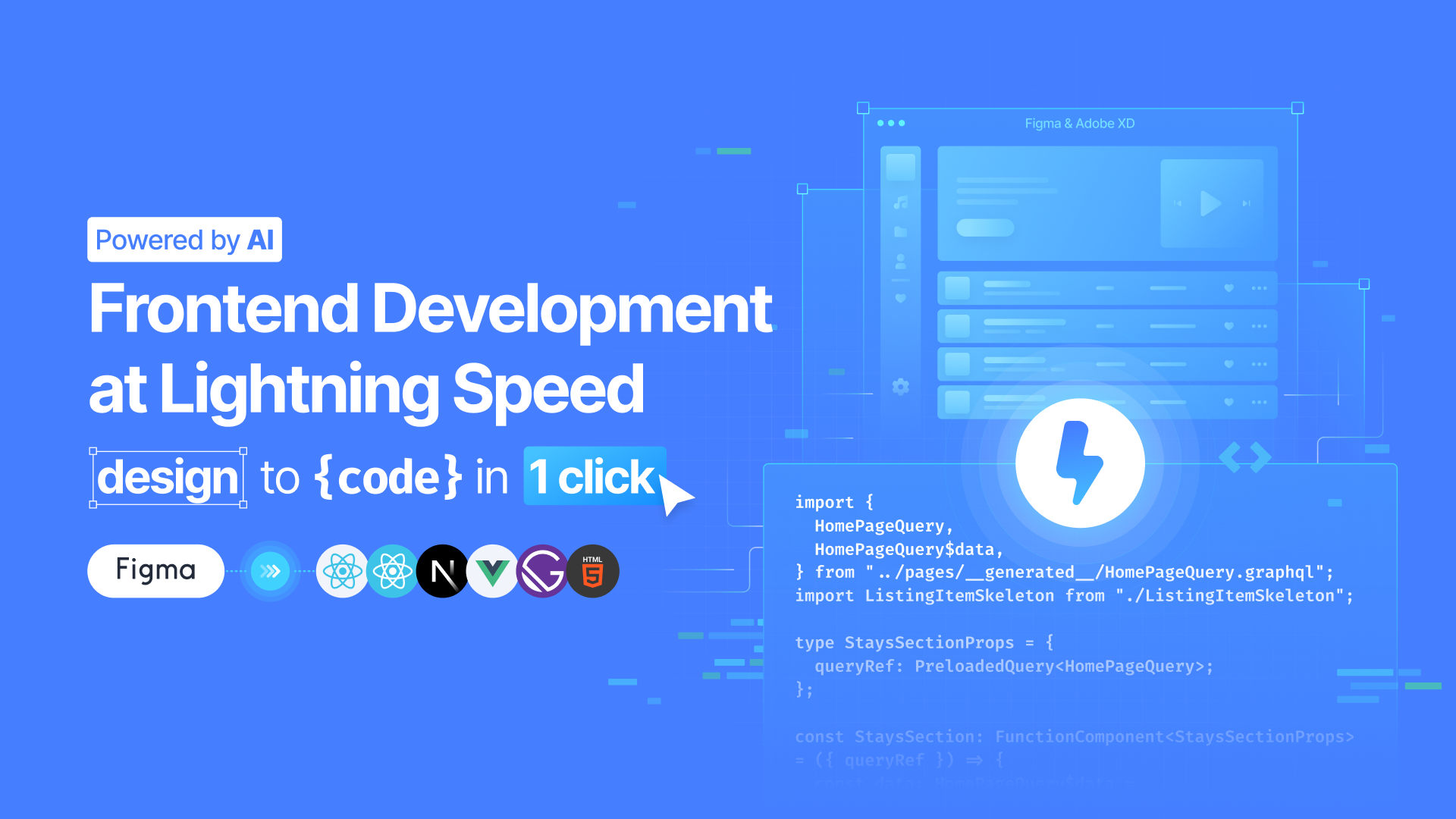
Learn more about Locofy, currently in free beta.
Turn designs into React components with Replit
The Replit plugin turns Figma designs into high-fidelity prototypes. You can convert your design system directly to React, iterate on your designs using natural language prompts, and wire the generated code up to live data for user testing.

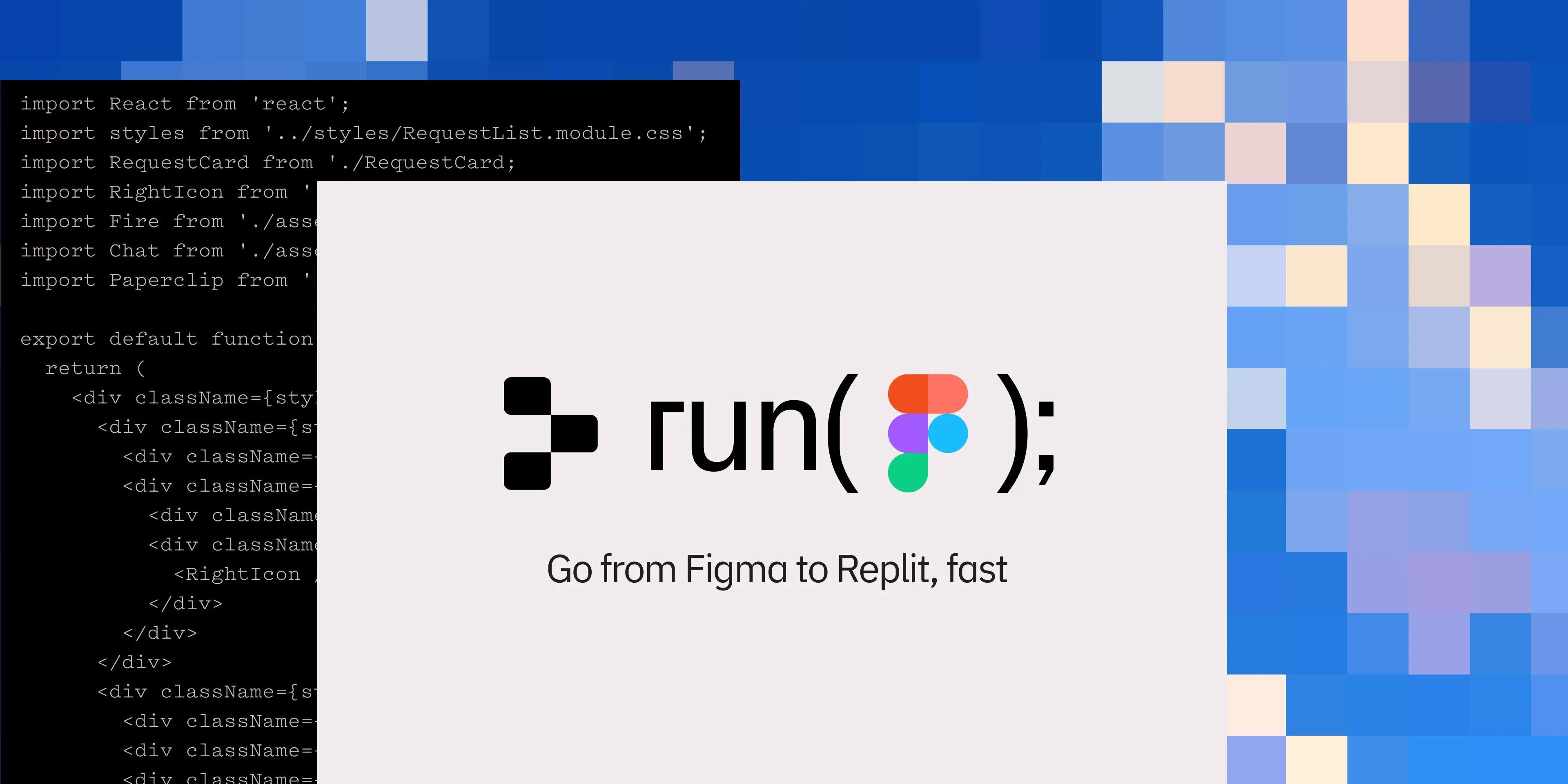
Use Replit to turn designs into high fidelity prototypes.
See the full list of plugins to find one that supports the languages and frameworks you use, and learn more about working with plugins in Dev Mode.