Unlocking the power of Code Connect: Best practices for design systems teams


Design system leads and developers at Bumble, GitHub, and HP share how they’re leveraging the new Dev Mode feature to bridge the gap between design and code.
Share Unlocking the power of Code Connect: Best practices for design systems teams
Design systems play a pivotal role in creating consistent, efficient, and high-quality user experiences across products and platforms. However, managing design systems and ensuring code consistency can be challenging, especially when it comes to collaboration between designers and developers. While these two disciplines have often operated in silos—with designers focused on creating compelling user experiences and developers concentrated on building robust, maintainable code—fostering a shared language and unified workflow can unlock new opportunities.


Get in touch with our sales team for tailored guidance on how to leverage our latest features for your design system.
Last month we hosted Framework 2024 We announced Code Connect for developers, typography and gradient variables, and our Library Analytics API to help you drive design system adoption across your entire organization. Today, we’re announcing beta for Code Connect, a feature built to improve design system adoption by making code more accessible and useful for developers.
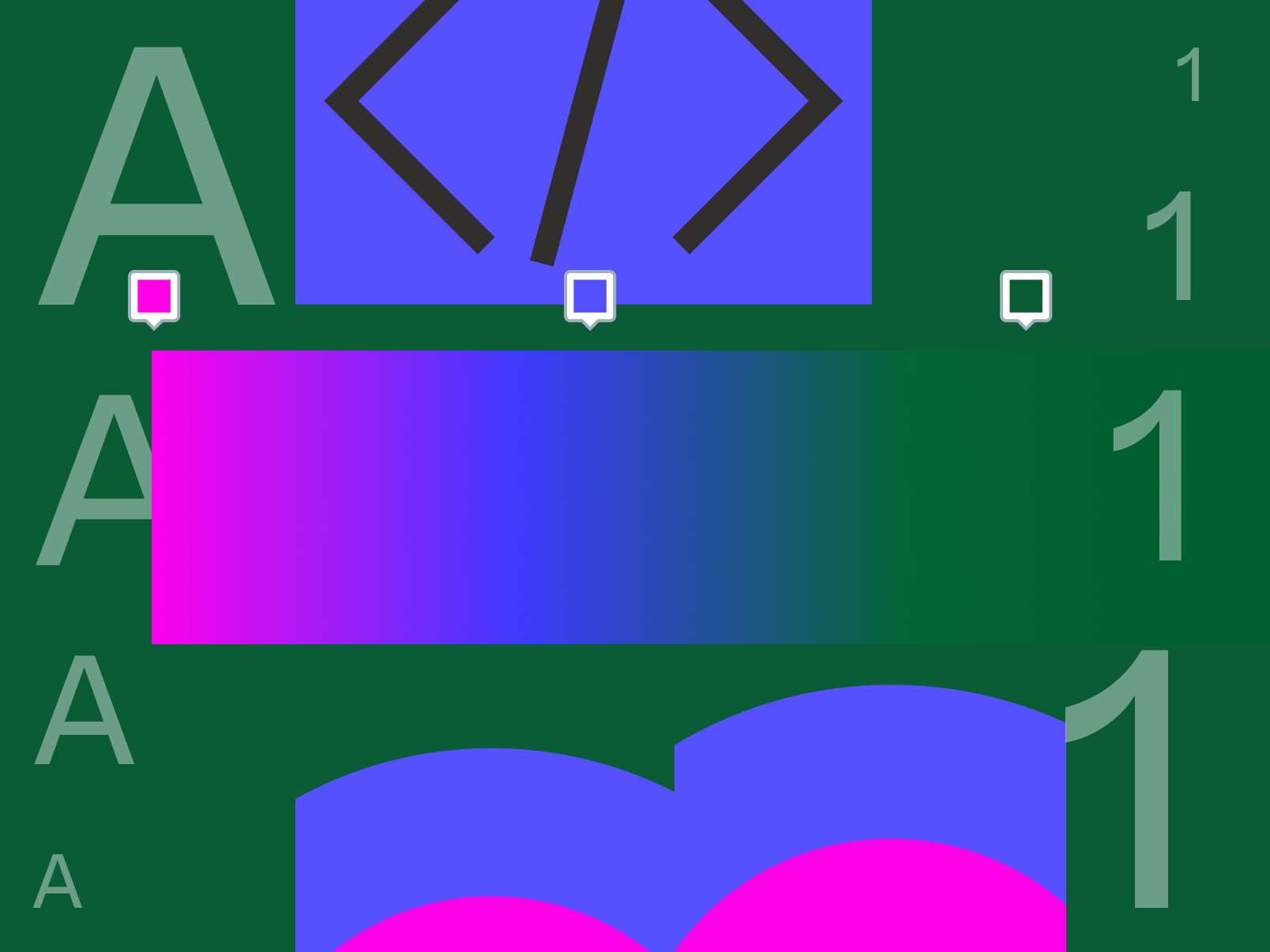
What we launched at Framework


The right code for your design system


Speak the same language
One of the primary hurdles highlighted during the discussion was the inherent disconnect between the design and development worlds. As Lukas Oppermann, Staff System Designer at GitHub, points out, “Designers and developers speak a little bit of a different language.” This linguistic barrier often manifests in the form of inconsistent naming conventions, misaligned component properties, and mismatched expectations. Gilson Hoffmeister, Design System Strategist at HP, adds, “You have to create this third language where they can communicate, and then everyone will understand each other.”
Design systems are emerging as one such common language. By defining shared terms, patterns, and components, everyone on a team can ensure that they’re on the same page. Part of establishing that shared language means not only codifying those decisions, but also ensuring that they’re easy to find and implement.
Meet designers and developers where they are
“One of the most challenging things when it comes to keeping consistency is determining where your source of truth is,” says Raul Menezes, Design System and Platform Engineer at Bumble. This frequent disconnect can lead to inconsistencies, custom implementations, and a growing codebase that becomes difficult to maintain. Raul explains, “If you keep repeating this pattern over and over again, your codebase starts to increase, and you can’t keep track.”
He continues, “Designers are always going to build the documentation, and when it comes to engineering, they might rely on a different source.” That’s why we designed Code Connect to integrate seamlessly into existing developer workflows, allowing teams to surface and distribute their design system’s best practices and documentation directly within their code editors.
Simplify adoption and start small
As many design systems managers will tell you, “build it and they will come” doesn’t always apply. That’s why it’s important to lower the barriers to adoption and reduce friction wherever possible, especially among developers. Gilson points out how Code Connect helps with this, saying, “The developer doesn’t have to change context. Before, they had to go to our website to take a look [at how a design was implemented].” With Code Connect, developers can see if or how a design was implemented, directly from Dev Mode.
The panelists also shared best practices, such as starting small and focusing on high-impact components. This approach can serve as an effective strategy for introducing Code Connect to your team. “The goal is to start small,” says Gilson. “Code Connect, to me, is a first step for something bigger.”
As Raul advises, “Start with much smaller components, like a toggle, so you can understand how you map those.”
Code Connect, to me, is a first step for something bigger.
Embrace each other’s expertise

Read more about Code Connect, which delivers code from your design system to Dev Mode, helping developers build with consistency and speed for a streamlined handoff.
While we often talk about bridging the gap between design and development, it’s also important to recognize and embrace the unique expertise that each discipline brings to the table. As Lukas points out, “With Code Connect, we can actually move the design and the code a little bit further apart again. We can concentrate on creating the best UX for the designers working in Figma with design libraries and, on the code side, we can have the best developer experience.” By acknowledging and leveraging each discipline’s distinct strengths, design systems can foster a more collaborative and efficient workflow. He adds, “This is something that we can start working on today: making it so that working with both sides of a design system is really awesome for the people who actually do it. That can also help with adoption.”
With Code Connect, we can actually move the design and the code a little bit further apart again.
Foster continuous collaboration

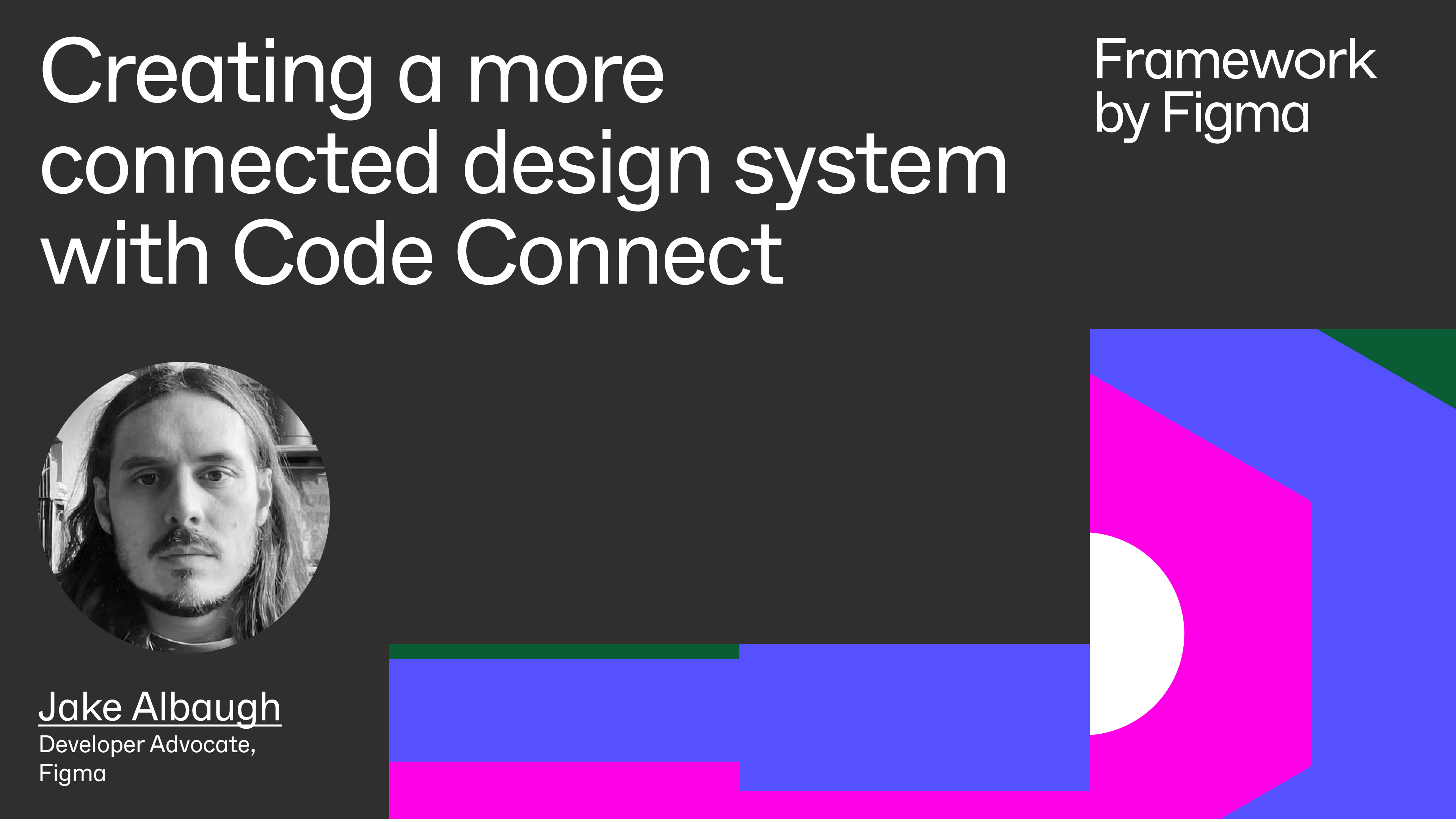
In this Framework session, Figma Developer Advocate Jake Albaugh shares an overview of Code Connect and some tips on how to get started.
Effective design-to-code handoff is not a one-time event but an ongoing process that requires continuous collaboration between designers and developers. As Raul emphasizes, “Code Connect is just about being more efficient—not just as an engineer, but also as a designer. It bridges the gap between communication between both teams.” Design systems can facilitate this ongoing collaboration by providing a shared language, clear documentation, and open lines of communication. Regular design critiques, code reviews, and feedback loops can help ensure that both designers and developers are aligned and working towards a common goal.
Unlock the full potential of design systems
By meeting designers and developers where they are, simplifying adoption processes, embracing each other’s expertise, and fostering continuous collaboration, organizations can unlock the full potential of their design systems to streamline product development and elevate their end user experience.
At Figma, we’re committed to empowering teams to build better together, and Code Connect Today, we’re announcing beta for Code Connect, a feature built to improve design system adoption by making code more accessible and useful for developers.The right code for your design system