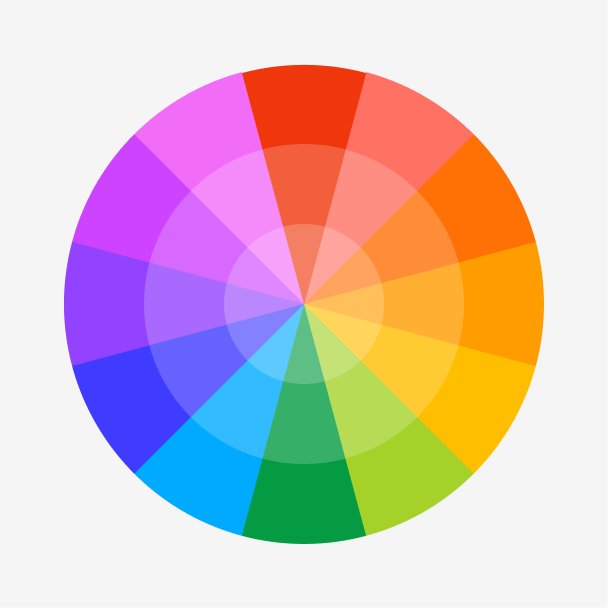
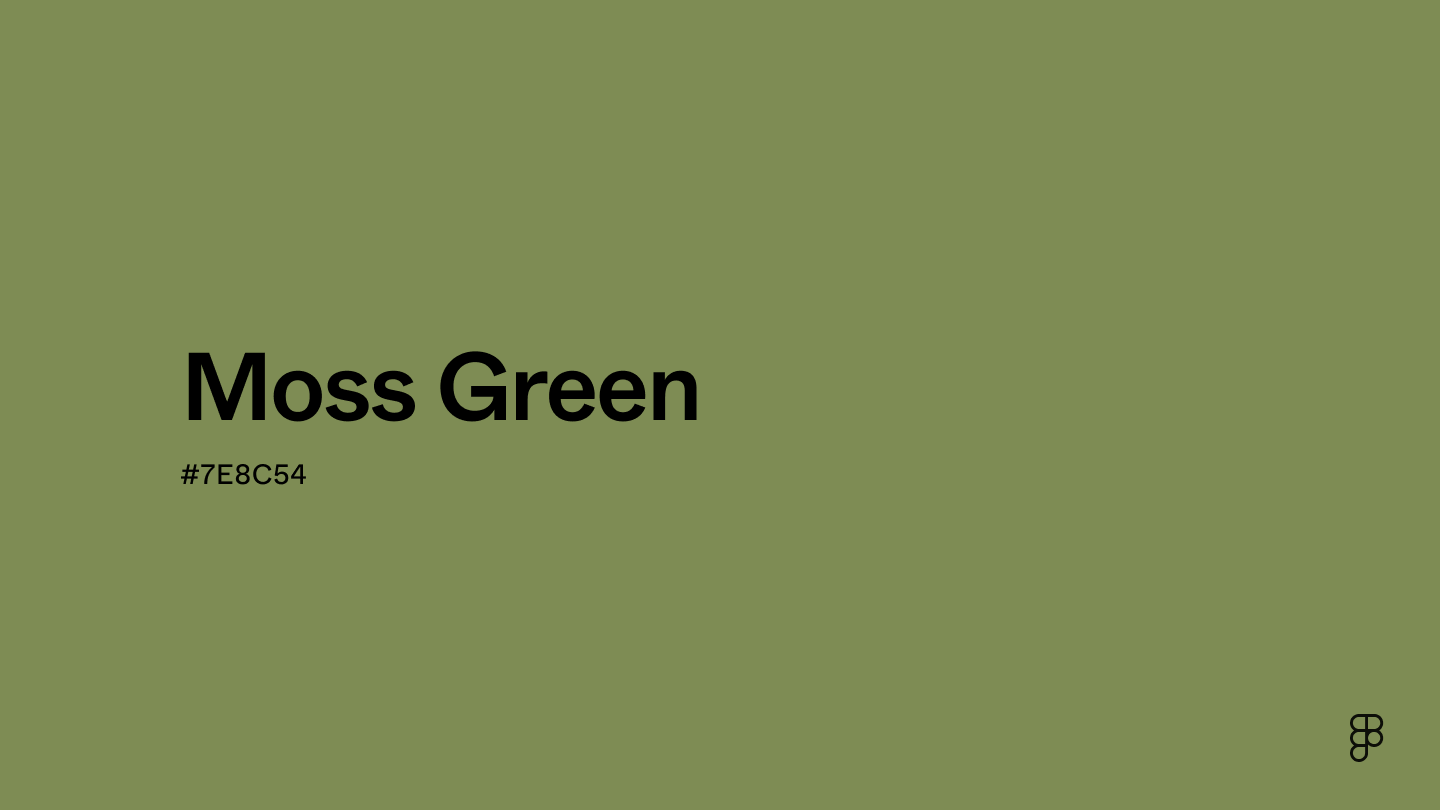
Moss green is a muted green hue with tranquil and soothing qualities. This color intersects with green, orange, and cyan on the color wheel, reminiscent of a lawn covered in morning dew.

Color variations
Shades
Tints
Tones
Hues
Color Harmonies
Complementary
Split
Monochromatic
Analogous
Triadic
Square
Custom Palettes
Fern
Mystique
Eco Haven
Moss green is defined by the following color codes and values to ensure consistency across various digital platforms and devices.
- HEX code: #7E8C54
- RGB value: 49.4% red, 54.9% green, and 32.9% blue
Accessibility considerations play a crucial role in UX and UI design color choices. Figma offers plugins in the Community to make sure your designs meet Web Content Accessibility Guidelines.
Here are some ways to use moss green in your designs:
- Create a soothing aesthetic. Pairing moss green with complementary colors like sage and lilac can create a relaxing environment for users.
- Depict progress. Utilize moss green’s natural, growth-oriented aesthetic to signal completion in multi-step processes. This can depict calm progress, unlike brighter greens that might convey urgency.
- Promote an eco-friendly design. Use moss green’s earthy tones in your Web banners and icons to subtly reinforce eco-consciousness and sustainability within your design.
Keep in mind that color and its meaning can change from culture to culture—and at any given time. If you are designing for a global audience, research color considerations for your specific regions.
For variations within the same earthy spectrum as moss green, consider:
- Olive green (#636B2F) is a brighter shade that’s closer to yellow on the color wheel.
- Sage (#BBB791) is less saturated than moss green, resembling a desert plant.
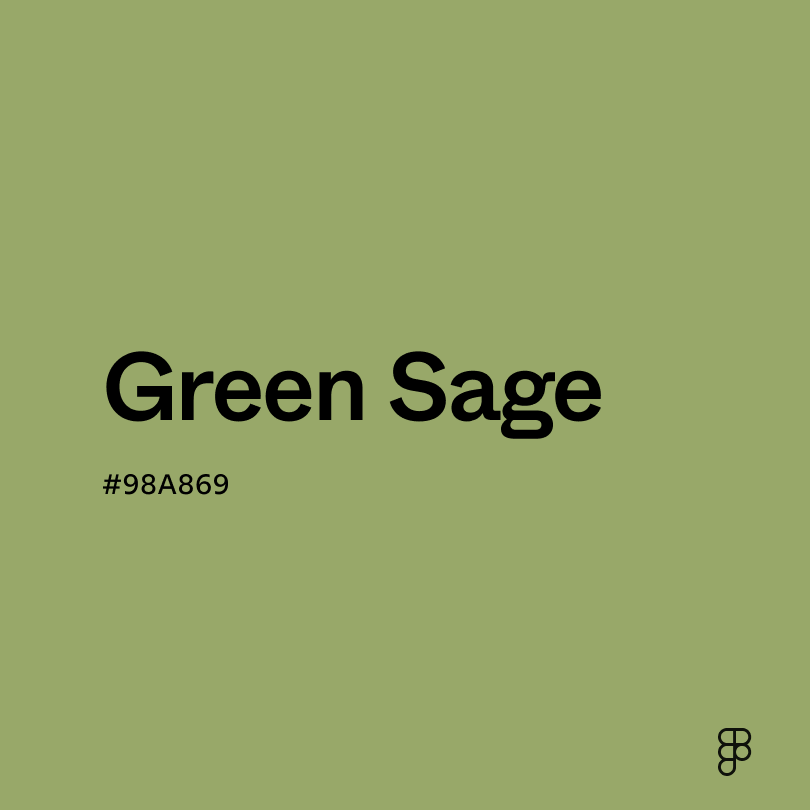
- Green sage (#98A869) is a vibrant color reminiscent of a freshly watered pine tree.
To complement moss green, consider pairing it with:
- Lavender (#D3D3FF) naturally synergizes with moss green, evoking the colors of a bouquet of lavender.
- Burnt orange (#BE5103) pairs well with moss green to create a desert oasis color scheme.
- White (#FFFFFF) creates a clean and airy contrast, highlighting moss green without overwhelming the design.
- Forest green (#2E6F40) creates a sophisticated and grounded feel, perfect for luxurious palettes.
Other colors worth considering include brown for a warm and inviting feel, emerald green for a monochromatic color scheme, and lighter greens like sage to create a harmonious palette.
While moss green is earthy and tranquil, it may clash with:
- Black (#000000) can contradict moss green’s vibrancy by creating a feeling of rot or decay.
- Sky blue (#82C8E5) has a soft airiness that may not mesh with moss green.
- Gold (#EFBF04) is a bright color that can overpower moss green’s muted hue.
- Soft pink (#E89EB8) can make moss green appear washed out, creating an unbalanced palette.
- Copper (#C68346) has warm, reddish-brown tones that can create a sense of disharmony with moss green’s cool tones.
All shades of green are associated with life, health, and nature. This holds true for moss green, which symbolizes growth just like a patch of moss you’d encounter in the wilderness.
In color psychology, green inspires regeneration and wellness. Moss grows everywhere—from damp forests to arid deserts—which is why the color moss green also evokes feelings of resilience and fortitude.
In UI design, moss green’s tranquil qualities can calm users and work well on healthcare and botanical websites. Moss green is also an excellent choice for banking sites that want to promote feelings of stability and safety for users.
The first recorded use of the phrase “moss green” was in 1884 to describe a hue of green that resembles a moss patch. This naturalistic color saw increased use in Europe in everything from fashion to interior design. By 1915, the French military began to employ camouflage that incorporated moss green and other shades of green in woodland operations.
Contemporarily, moss green has experienced a resurgence in popularity due to the prevalence of moss wall art in the late 2010s–2020s.
Contrast 3.64
- Large Text
#7E8C54
- Normal Text
How you design, align, and build matters. Do it together with Figma.
| Category | ||
|---|---|---|
Fail | Fail | |
Pass | Fail | |
Pass | Fail |
Contrast 5.77
- Large Text
#7E8C54
- Normal Text
How you design, align, and build matters. Do it together with Figma.
| Category | ||
|---|---|---|
Pass | Fail | |
Pass | Pass | |
Pass | Pass |
Color simulations
Protanopia
Deuteranopia
Tritanopia
Achromatopsia
The hexadecimal color #7E8C54, known as moss green, has RGB values of R: 126, G:140, B:84 and CMYK values of C:0.1, M:0, Y:0.4, K:0.45.
| VALUE | CSS | |
|---|---|---|
| HEX | 7E8C54 | #7E8C54 |
| RGB DECIMAL | 126, 140, 84 | RGB(126,140,84) |
| RGB PERCENTAGE | 49.4, 54.9, 32.9 | RGB(49.4%,54.9%,32.9%) |
| CMYK | 10, 0, 40, 45 | |
| HSL | 75°, 25, 44 | HSL(75°,25%,43.9%) |
| HSV (OR HSB) | 75°, 40, 54.9 | |
| WEB SAFE | 669966 | #669966 |
| CIE-LAB | 55.919, -14.686, 28.228 | |
| XYZ | 19.582, 23.832, 11.955 | |
| xyY | 0.354, 0.43, 23.832 | |
| CIE-LCH | 55.919, 31.82, 117.487 | |
| CIE-LUV | 55.919, -5.923, 37.143 | |
| HUNTER-LAB | 48.818, -13.83, 19.652 | |
| BINARY | 01111110, 10001100, 01010100 | |
| iOS - SwiftUI | Color(red: 0.494, green: 0.549, blue: 0.329) | |
| iOS - UIKit | UIColor(red: 0.494, green: 0.549, blue: 0.329, alpha: 1) | |
| Android - Compose | Color(0xFF7E8C54) |