Come together: A multiplayer guide to great meetings



Take meetings from “meh” to magical. Here’s how facilitators and participants can co-create a work session for the books.
Share Come together: A multiplayer guide to great meetings
Hero illustration by Rose Wong.
Kaitie Chambers has spent countless hours talking to customers, developing FigJam templates, and dissecting what makes for a successful meeting—including which tools to use and how to keep people engaged (Zoombies are a real thing).
Meetings don’t suck—they just need a makeover. “Anyone can call a meeting,” says Kaitie Chambers, FigJam Advocate and resident meeting expert, “but the best facilitators are those who intentionally design an experience that makes the most of their team’s time.” The key word here is design: With the proper planning, your meetings can transform from glorified emails into dynamic, collaborative spaces that play to everyone’s individual strengths—and actually get stuff done.
“Most meeting challenges come from lacking one of these pillars: purpose, preparation, participation, or follow-up,” says Kaitie. With her expertise, we’ve put together the definitive guide to holding meetings that actually spark joy. It’s not all up to the person running the show, either; as participants, we have just as much power to drive a purposeful meeting. Here’s how to get it done as a team—before, during, and after a meeting.
Before the meeting: Plan for success
Inclusive, interactive meetings don’t just happen by chance—they take preparation. Lay the groundwork for a productive session that invites full participation.
Set a clear goal
Shishir Mehrota shared some templates for some cadence, catalyst, and context meetings he’s been a part of:
A key part of getting somewhere is knowing where you want to go. Is the purpose of this meeting to check in on progress, make a key decision, or share insights across teams? Identifying what you’re trying to accomplish goes hand in hand with understanding what kind of meeting you need. Earlier this year, we spoke to Shishir Mehrotra, Co-founder and CEO of Coda, about his rules for leading great meetings Coda Co-founder and CEO Shishir Mehrotra explains why the best product teams often put as much care into how the work gets done as what product gets shipped.
Shishir Mehrotra’s 10 rules for leading great team meetings
- cadence (staff meetings, standups, project syncs)
- catalyst (decision-making forums, product reviews, design crits)
- context (all hands, off-sites, orientations, one-on-ones)
It’s a great framework for determining the right approach and making sure you answer the right questions.
Create an agenda
Time is precious, so make good use of it by circulating an agenda before the meeting. Include any pre-read materials—project briefs, documentation, sketches—that may be helpful for context. This will help you hit all your discussion points and reach key outcomes. Try to share the material a day in advance; when people get going with their day, it’s hard to make room for meeting prep.
Starting from scratch can be intimidating—when it comes to FigJam, we call this the “blank canvas problem”—but you don’t have to reinvent the wheel. Feel free to structure the meeting with a tried-and-true template like this one, or generate a custom template tailored to your needs with the power of AI Our new AI features help bring the power of visual collaboration in FigJam to even more people.
Introducing AI to FigJam

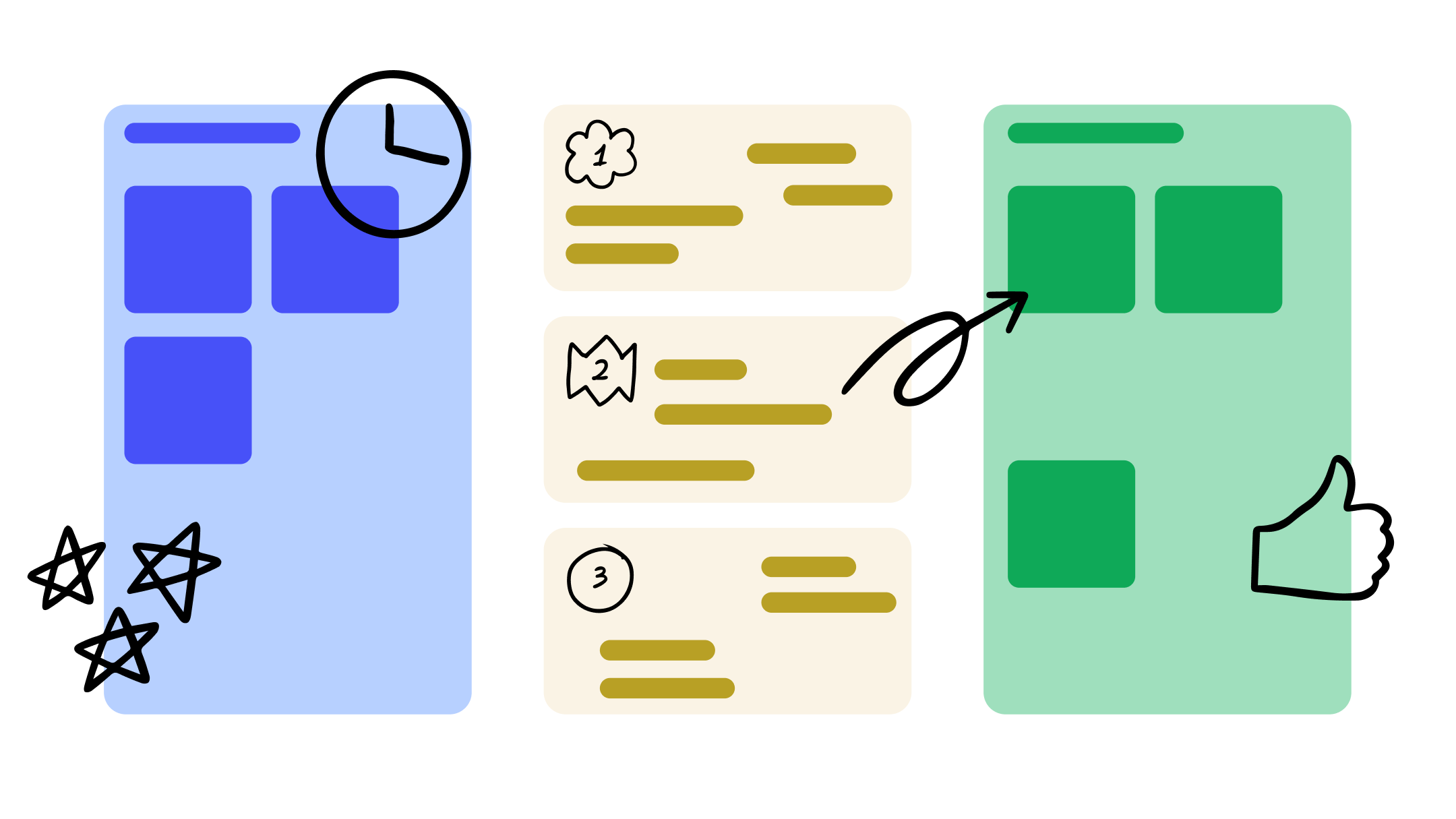
Get things rolling with this versatile team meeting agenda.
For folks joining the meeting, take the opportunity to flesh out each section with pertinent information and drop stickies in response to what’s already there to co-create the session with the facilitator.
Invite the minimum viable stakeholders
A clear goal and agenda will help you make sure the right people are in the room. As you send out invitations, remember: less is more. “Curate the smallest group of people you need to accomplish your goal, being mindful of everyone’s time zones and how much time you need to achieve your goal,” says Kaitie. “The list is often shorter than you think.” Jeff Bezos has a similar rule of thumb: Keep meetings to groups that can be fed by two pizzas.
It’s also key to remember that it’s an invitation, not a command. If you’re being called to weigh in on a project that’s out of your purview—or if you feel like your contributions are better made async—don’t be afraid to hit that “decline” button. Lisa Plachy, a copywriter at Slack, says you can use your “no” as a way to challenge the status quo and push back against unnecessary or agenda-less meetings. “In the long run,” she writes, “valuing your time and understanding what you need to succeed won’t just give you a reason to say no to meetings. It will help you get better at your job.”
During the meeting: All hands on deck
Once things get underway, the shared challenge is holding an inclusive, collaborative forum that accounts for different communication and work styles. The following tactics build camaraderie, make space for all voices, and produce results.
Break the ice
Using the photo booth widget in FigJam is another way to start things off on a fun note.
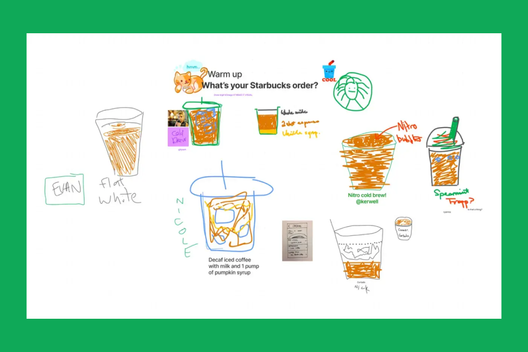
In the not unlikely scenario that the people joining the Zoom are starting their fourth back-to-back meeting of the day, set the tone with a fun warm-up or icebreaker to get everyone back into a creative frame of mind. Take a page from Stripe’s remote design sprints, which kick off with drawing exercises led in FigJam. One prompt asked participants to sketch their preferred coffee order; another, their favorite kind of avocado toast. Not only did it help teammates get to know each other, but it also got everyone acquainted with the FigJam canvas and its built-in tools.


Need help dreaming up some entertaining icebreakers? We’ve got your back.
Introduce meeting guidelines
“You need to set the stage for your meeting by introducing some shared principles,” says Kaitie. “Not only will this help everyone know what to expect, but it’s also a chance to set an intention for your time together.” These may range from staying present, to keeping an open mind, to avoiding jargon that may alienate some people in the room (what does LGTM mean again?).

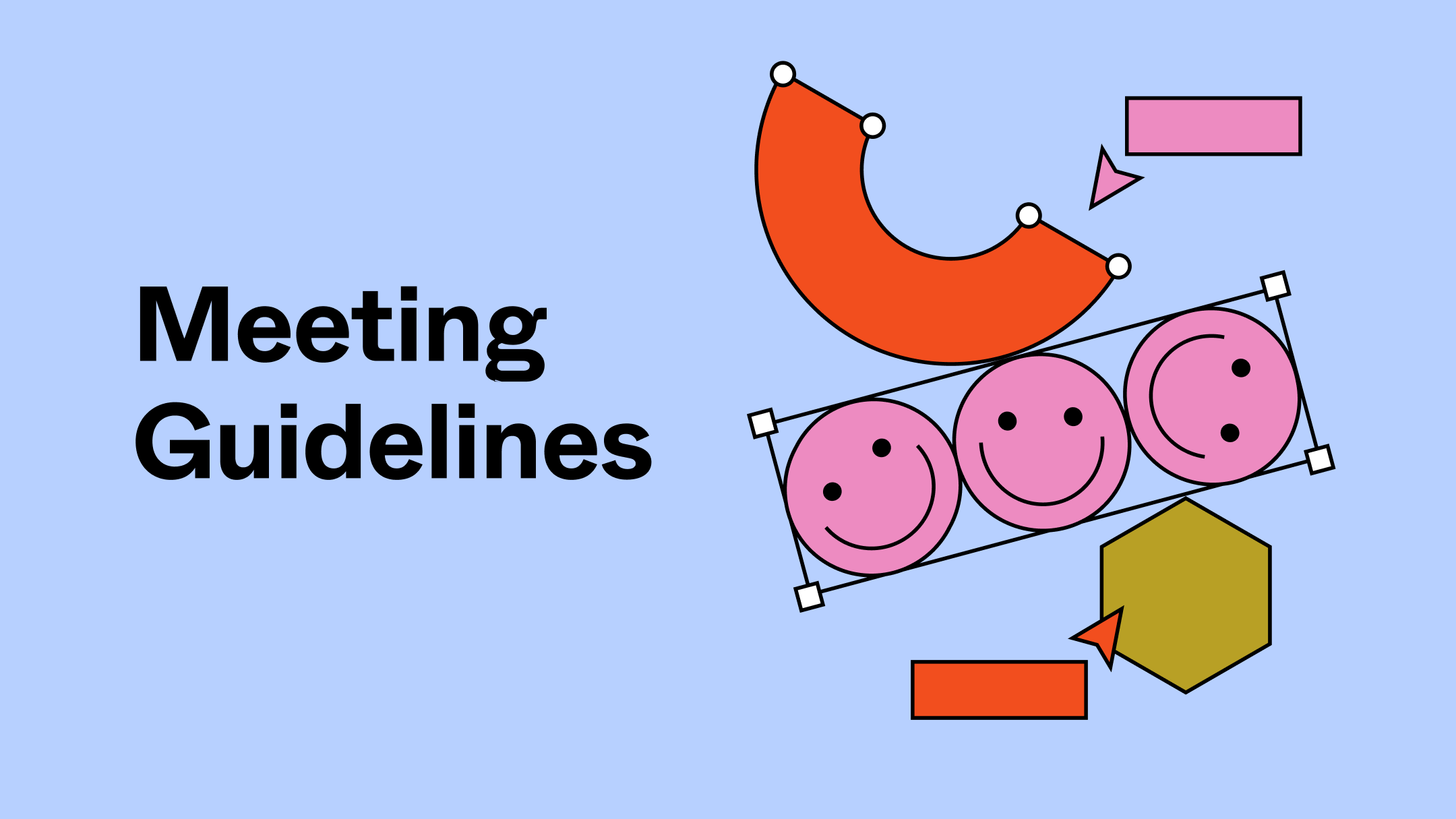
Copy and paste principles from this meetings guideline template to your agenda, and encourage people to stamp emotes to encourage buy-in.
For participants, upholding these principles will depend on having the right mindset and good meeting etiquette. “Staying present is the biggest thing that no one talks about, especially in Zoom meetings,” says Kaitie. “It’s so tempting to be responding to Slacks or reading other docs, but everyone will get more out of the meeting if everyone participates.” So close those tabs, mute those notifications, and ignore those 60% off sales.
Solicit input from everyone
Whether a feedback session or a brainstorm, the best meetings are structured to allow every voice to be heard. For that reason, Vice President of Product Design, Noah Levin, favors a round-the-room format during design crits Learn six unique methods for design critique used by the Figma design team, along with some tips and best practices for running them effectively.
From Figma's design team: How to run a design critique
Keep it interactive
“Attendees will disengage in a meeting if they’re bored or uncomfortable,” says Kaitie. “Try thinking outside the box to create intentional spaces that are interactive and engaging.” Take, for example, how Patagonia opened up its product development process to more people by holding ideation workshops in FigJam. Each session targets a problem and allows participants to individually brainstorm solutions using stickies, screenshots, and sketches before the floor opens up for each person to share and vote on the most resonant ones. Then, the team plots the most compelling ideas on an impact-versus-effort matrix. “Since we started using FigJam, I think it’s democratizing design for sure,” says Manu Garzaron, Senior Experience Designer. “People are self-organizing the work differently too—it feels more like teamwork versus individualized tasking.”


Generate real solutions with Patagonia’s ideation workshop template.
This product planning template from Linear takes a similar approach with a brainstorm session, although the engine takes the form of thought-provoking questions: “What are we bad at (that we care about)?” “What are we doing today that would be game-changing?” The next step is to group the stickies into themes (pro tip: the new AI features in FigJam Our new AI features help bring the power of visual collaboration in FigJam to even more people.Introducing AI to FigJam

Use Linear’s product planning template to build a considered roadmap.
Those aren’t the only ways to liven things up, either. In addition to stickies and stamps, timed sessions set to music Can playing music at work build a sense of shared experience? Are certain types of music better for different types of work? We thought about all of this and more when we set out to create music in FigJam; tune in for a deep cut on our inspiration and process.The right jams for your jam
Experiment with new formats
To get out-of-the-box ideas, you need out-of-the-doc processes. Breaking out of the constraints of a doc and leaping into the collaborative, multivalent space of a FigJam canvas can be just the unlock your team needs. In our conversation with Shishir Coda Co-founder and CEO Shishir Mehrotra explains why the best product teams often put as much care into how the work gets done as what product gets shipped.Shishir Mehrotra’s 10 rules for leading great team meetings

Give multi-threaded staff meetings a shot with this template.
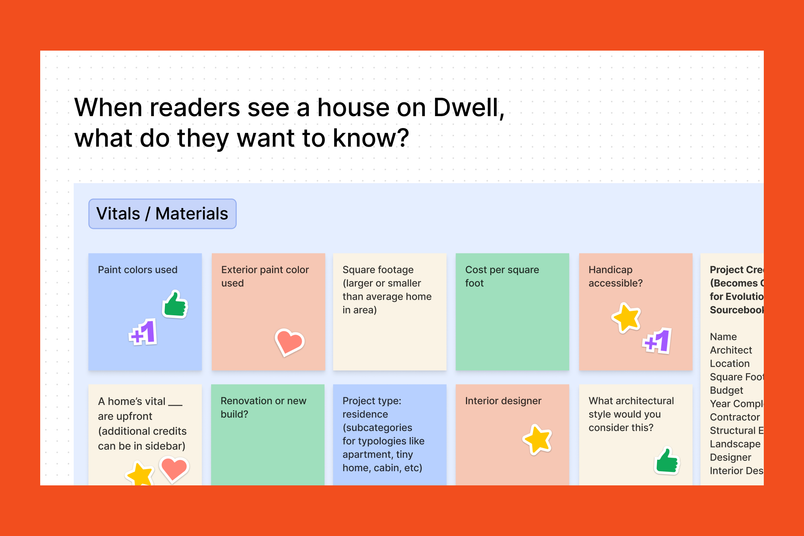
In a similar vein, anyone at Dwell Magazine can call a 10-to-15-minute “swarm,” or company-wide brainstorm, by posing a question and tossing a FigJam file into Slack. After the timer starts, it’s off to the races with collaborators across departments sharing ideas, riffing off each other, and giving each other feedback. Because the sessions are short, they reward bursts of creativity without burning anyone out.

After the meeting: Keep the momentum going
Congratulations, you just ran an exemplary meeting—discussion was flowing, ideas were flying, and you even ended on time. But the fun doesn’t just stop there. “Too often, we leave a meeting and everyone assumes the job is done,” says Kaitie. “But the best facilitators follow up to ensure the conversation carries forward to results.”
The best facilitators follow up to ensure the conversation carries forward to results.
Share key takeaways and action items
Stickies that make sense in the moment can sound cryptic just hours later, so it’s best to tidy up your notes while the ideas are still fresh. Instead of spending time manually clustering ideas, FigJam’s AI-powered features can sort stickies and summarize content for you, freeing you up to focus on the big ideas and crucial next steps.
Send around a summary of the meeting, along with any documentation or recordings for people who couldn’t make it. Be sure to delegate the action items that were discussed to keep the momentum going.
Ask for follow-ups
Meetings are meant to spark collaboration, but some sparks need fanning to turn into flames. Work to create a culture of continuing the conversation whether it’s on Slack, via email, or in the FigJam file. As a participant, feel free to hop back into the file and use the stamp tool to underscore major points, or at-mention someone in a comment to start a new thread.
“Communal brainstorms and feedback sessions can be great, but not everyone is built for them,” says Kaitie. “Some people might prefer to come up with ideas on their own, or reflect for longer than the 45 minutes of in-person meeting time. Or, maybe the lightning bolt idea hits them after the fact.”
Meetings have gotten a bad rap, but maybe they’ve just been misunderstood. Now that you’re equipped with everything you need to create meetings that matter, you might view those blocks on your calendar a little differently. Who knows? You might even look forward to the next meeting of the minds.


Explore Figma’s 2023 Handoff
Aaron Britt is a journalist and radio host living in midcoast Maine. His work on art, architecture, fashion, and design has appeared in The New York Times, The New York Times Magazine, National Geographic, Dwell, Afar, Newsweek, and elsewhere. He edited Dwell Magazine and was a columnist for the San Francisco Chronicle. His radio show, Ask the Ages, airs on WRFR and is Maine’s home for far-out music.