What’s new in Figma: April 2022



A monthly round-up of the latest features, fixes, and finesse we’ve added to Figma and FigJam.
Share What’s new in Figma: April 2022
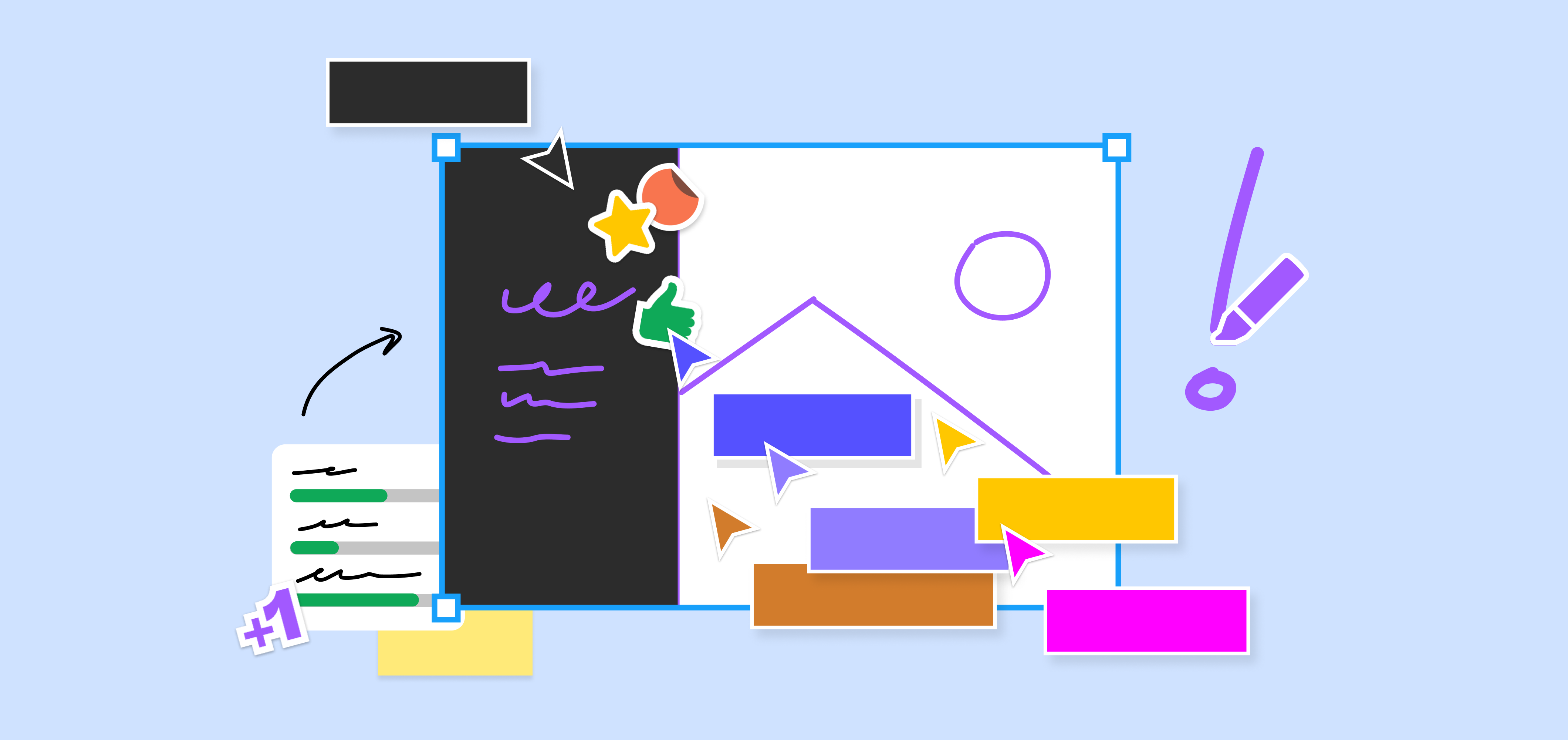
This month, we’re focused on empowering teams to jam better together. Whether it’s a productive brainstorm or a well-run retro, these new features will help add more structure and personalization to your FigJam files, and bring your brightest ideas to life.
Structure and customize your jams
From workshops to weekly team get-togethers, we want teams to be able to make FigJam their own. Now, you have even more flexibility, building on top of the updated stamps, stickies, and font sizes A monthly round-up of the latest features, fixes, and finesse we’ve added to Figma and FigJam.
What’s new in Figma: February 2022

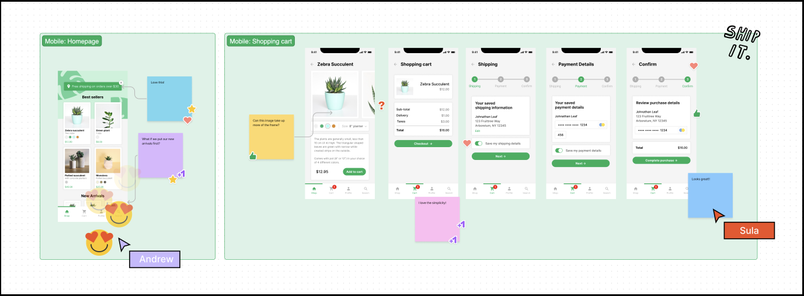
Now, you can:
- Organize your files with the ability to create sections
- Pick and choose between more colors or add your own custom colors to stickies and shapes
- Make stickies proportional and consistent with the rest of the content in your file
- Customize and adjust font sizes—ideal for adding hierarchy and scale to titles and labels
- Arrange objects and align things perfectly with snapping improvements
- Lock or unlock multiple objects at once, with a single click
Bring more joy to your jams
We’re making cursor chat more expressive, adding new sticker packs from popular artists, and bringing back one of your favorite April Fun Day features.
Washi tape, now a permanent FigJam feature
Washi tape A brief history of washi tape, and why we think it’s the perfect experience to digitize.
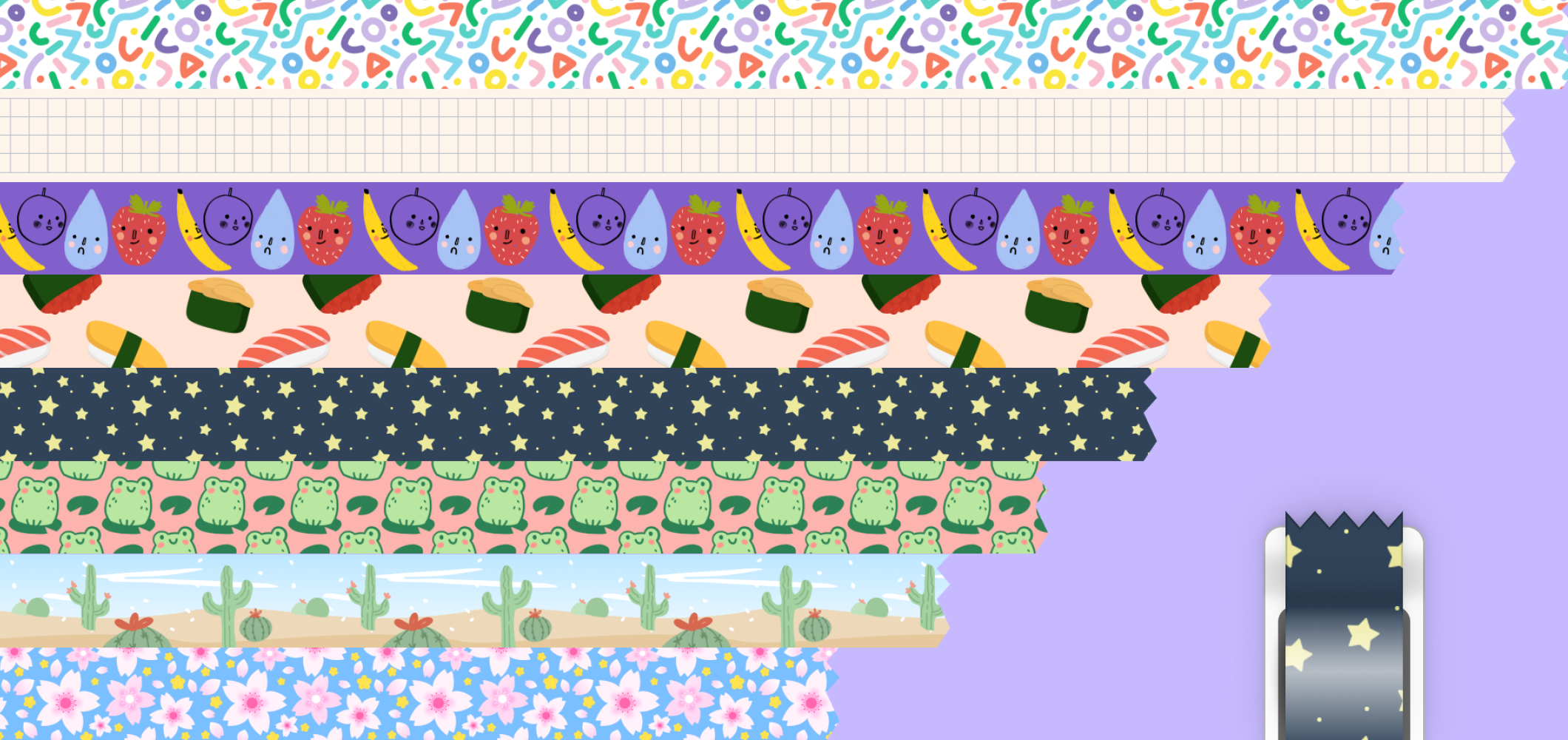
Good ideas stick
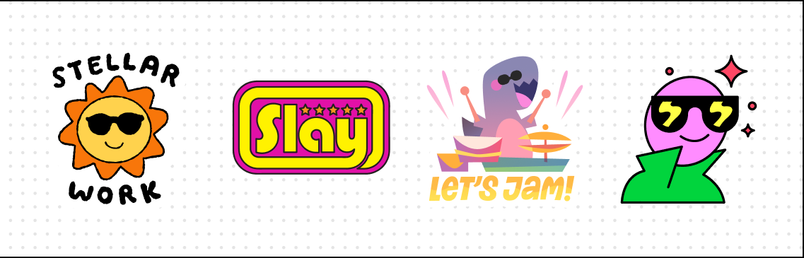
Sticker packs from popular artists
We're excited to bring four new sticker packs to FigJam, designed by members of the Figma Community. Shout out to Jiro Bevis, Diana Marmol, Rooney, and Fanny Luor for the incredible work!

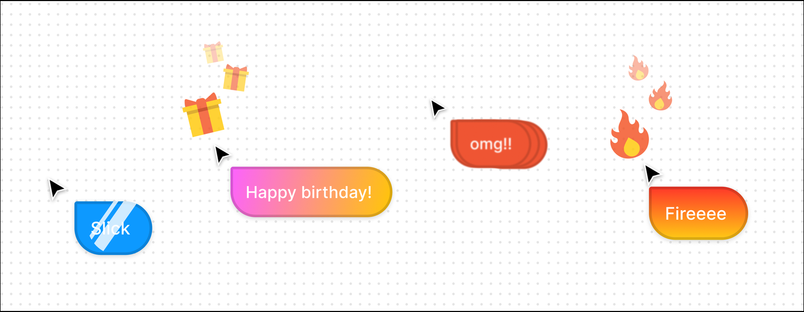
More ways to express yourself with cursor chat
Cursor chat is getting more emotive. Now, when you type certain words, expressions, or use a bunch of exclamation points, your cursor will come alive for a few moments.

Stay in the flow with new Figma integrations
Access Figma files directly in Notion
With Notion’s new link previews, you can now more easily share Figma and FigJam files within Notion pages—no additional authentication required.


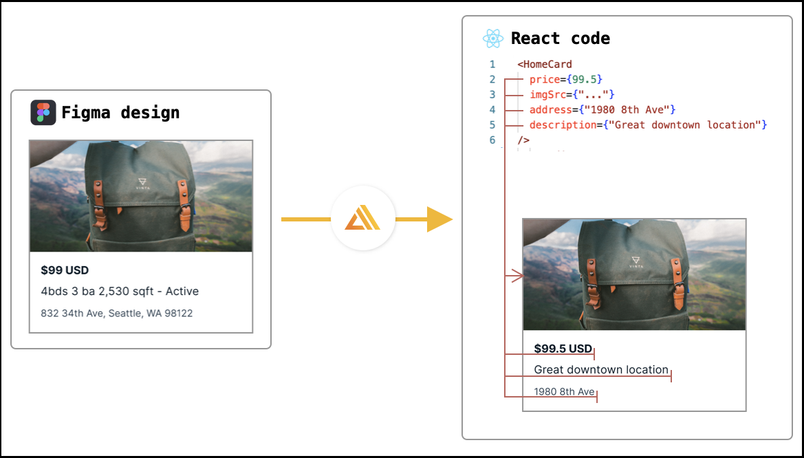
Go from design to app with AWS Amplify Studio
AWS Amplify Studio is a visual interface that developers can use to turn Figma design components into feature-rich, full-stack React apps faster–with no cloud or AWS expertise required.

Check out our API documentation to get started with your own integrations.
For even more detailed improvements, make sure to check out the release notes. Plus, we’ll be sharing many more new features at Config, our annual conference. Learn more and register here.