What’s new in Figma: February 2022



A monthly round-up of the latest features, fixes, and finesse we’ve added to Figma and FigJam.
Share What’s new in Figma: February 2022
Bringing more people into the design process while keeping everyone in sync—from brainstorm to build—is no small feat. We released Figma Enterprise and new FigJam plans Today, we’re launching new FigJam plans, along with a new Figma Enterprise plan, to welcome more people into the design process.
Design needs everyone: new plans for companies that design together
Stay in the flow with updated search
Searching for the most up-to-date designs can take away from precious focus time. That’s why we’re excited to roll out two updates that’ll make it even easier for you to find the files you’re looking for:
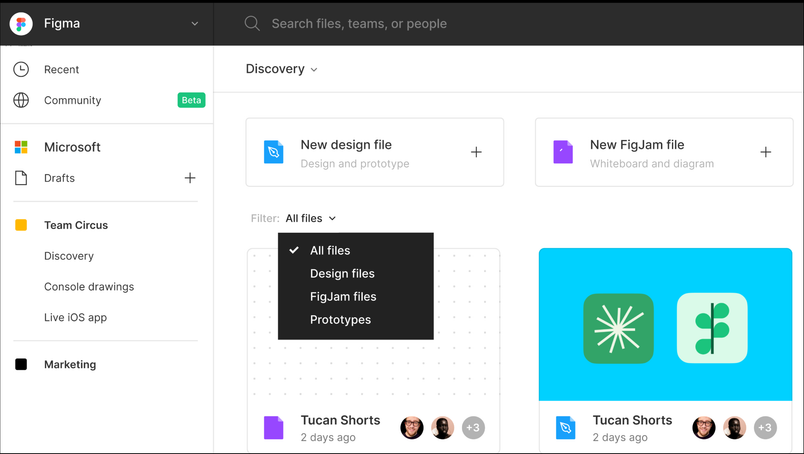
- File previews: When you search in Figma, we show a preview of the matching search results so you can more readily identify the correct file
- File type filters: Now, you can filter your recents, team pages, and search results by Figma or FigJam files

Connect and collaborate in FigJam, now out of beta
With FigJam out of beta and available to all teams, we want to make sure that even the simplest interactions are intuitive and delightful. We heard from users that they wanted more text size options and “stickier” stamps, so we rolled out these updates, along with other improvements for brainstorming and diagramming.
A single place for all your resources
Whether you’re setting up a file for an upcoming meeting or brainstorming with a small group, you can quickly find resources in FigJam or add something to the canvas. We have simplified the toolbar so you have one home where you can browse through components, templates, widgets, and more.
More control over font sizes
Varied font sizes allow you to more easily group ideas and create a content hierarchy. This helps meeting facilitators emphasize specific sections of the file so that participants understand which content is most important. Now, you can adjust text to any size by clicking and dragging text box corners.
Stamps and highlights that stick around
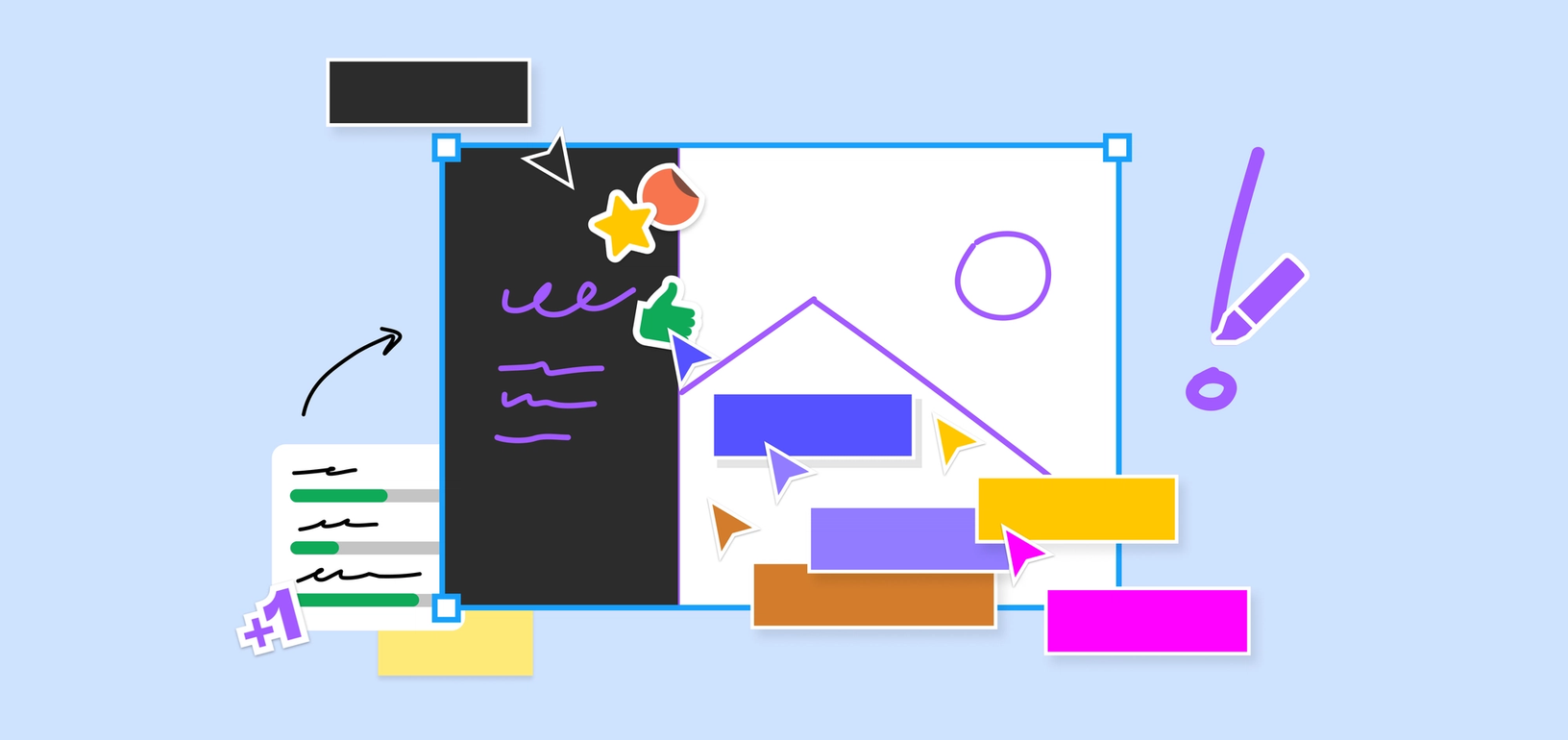
When a brainstorm facilitator starts grouping ideas together, it’s important to capture the +1s and heart reactions tied to each idea. Stamps and highlights will stick to whatever object they’re attached to, no matter where they go on the canvas.
Color and shape swaps
As you map out flows in FigJam, shapes and colors offer helpful visual cues for more complex diagrams. We have switched the color picker and shape swapper icons in the toolbar so you can quickly iterate.
Images that stand out
As you add images to your brainstorm, you may want to draw focus to one or two. Now, you can add a border on any image to make it pop on the canvas.
Simpler selection borders
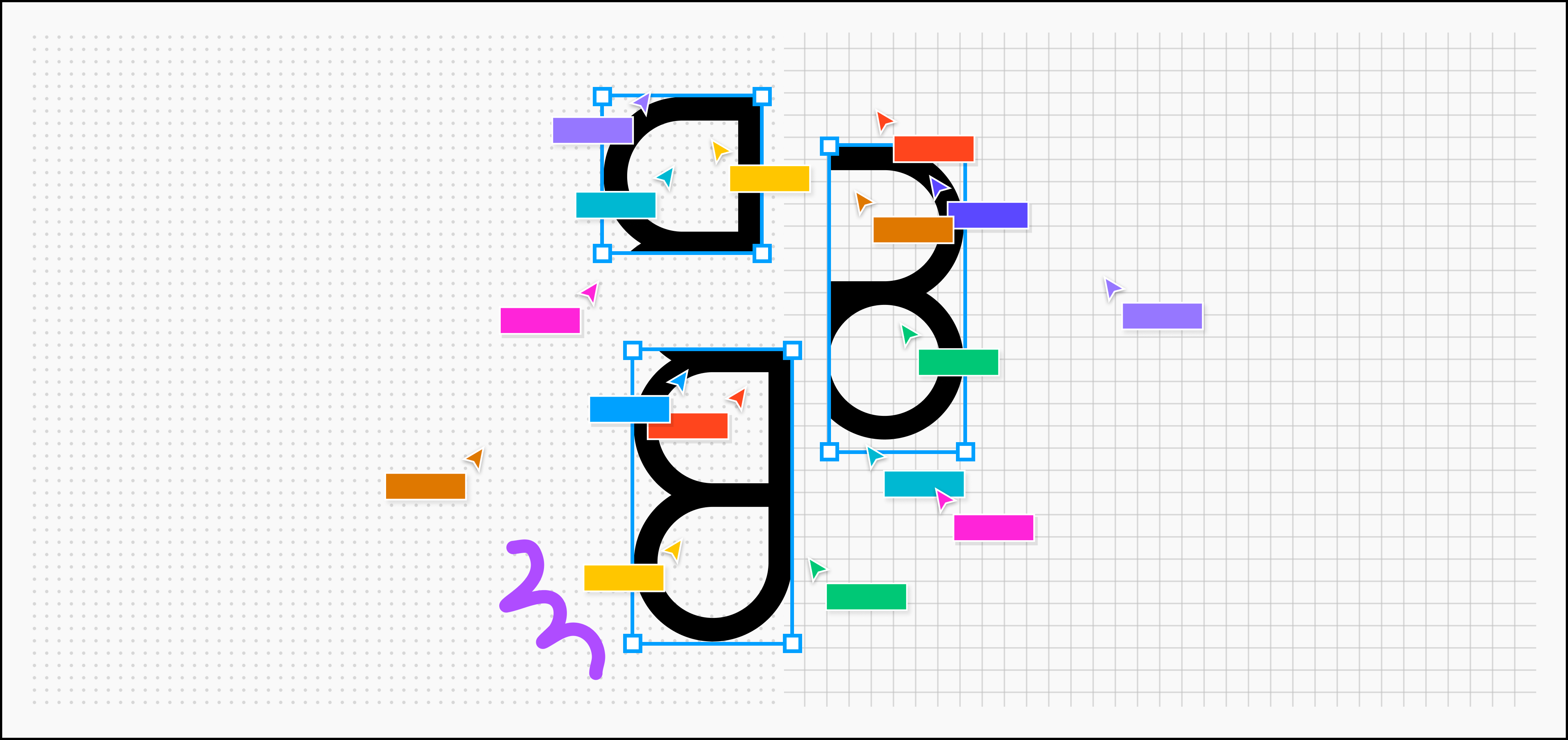
Speaking of borders, we’ve made selection borders thinner so they don’t collide with fills as much. Plus, larger selection corners allow you to more easily grab onto and resize different objects.
Scale with Figma Enterprise
When you’re collaborating across teams and time zones, it’s hard to keep track of what’s happening, and where. Figma Enterprise Today, we’re launching new FigJam plans, along with a new Figma Enterprise plan, to welcome more people into the design process.Design needs everyone: new plans for companies that design together

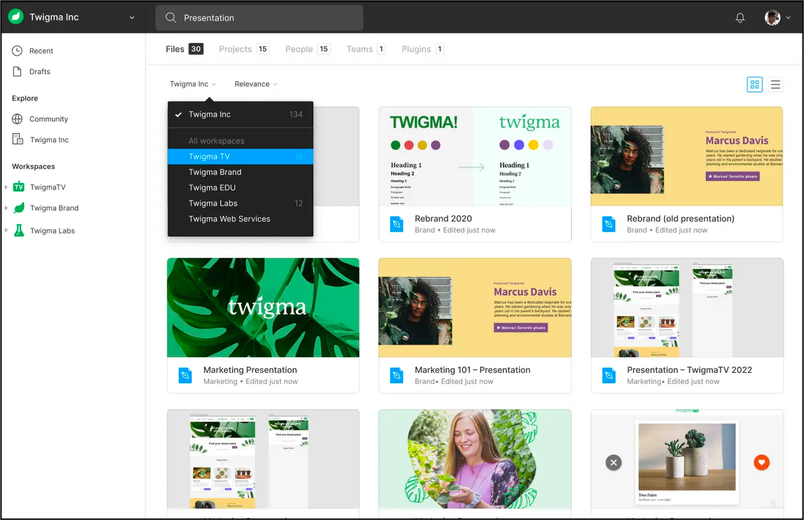
With Figma Enterprise, each department in your company has its own workspace to call home. Here they can find the files, teams, and libraries they work with most, while maintaining the ability to discover and share resources with the entire company.
For even more detailed improvements, make sure to check out the release notes. And if you have any other feature requests, we’d love to hear them! Feel free to share with us on Twitter or in the Figma Support Forum.