What’s new in Figma: March 2022




A monthly round-up of the latest features, fixes, and finesse we’ve added to Figma and FigJam.
Share What’s new in Figma: March 2022
Offering more access, flexibility, and freedom is the theme for this month’s round-up. With FigJam for iPad and key localization updates to unlock workflows for our customers around the world, we’re extending Figma’s capability to meet people where they are. Let’s check out what’s new.
FigJam for iPad: your space to explore and sketch out ideas
When you’re starting to work on a new idea, it’s easy to get distracted—especially when you get pings and notifications, or have another tab (or two, or four) open on your browser. Now, FigJam is available for iPad Today, we’re launching FigJam for iPad to allow users to design more fluidly across form factors.
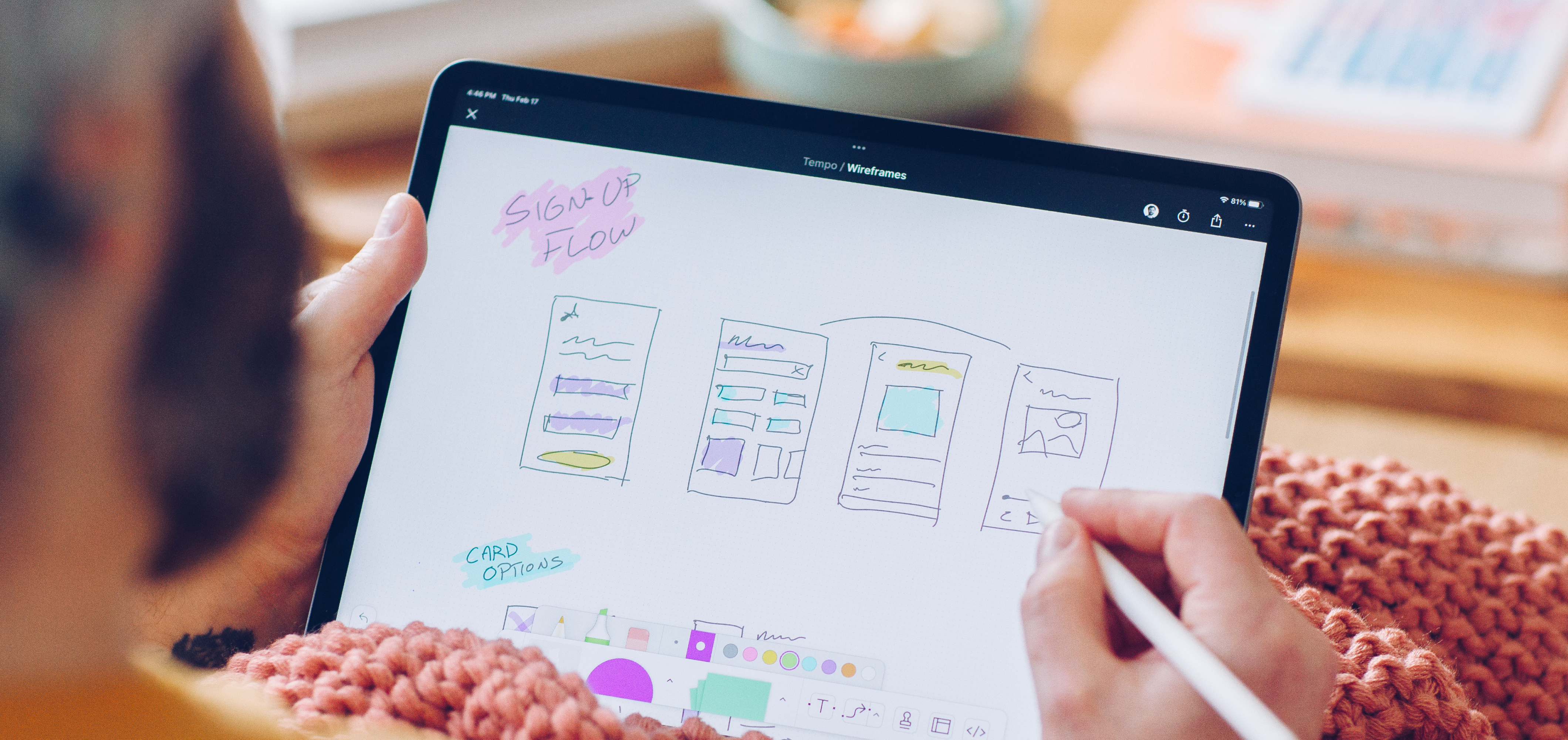
FigJam for iPad: Space to explore and ideate
You don’t need to feel hemmed in when inspiration strikes—you can sketch, ideate, or annotate from anywhere, and pick up where you left off at your desktop.
FigJam for iPad is now available in Figma on the App Store. Learn more in the Help Center.
Don’t let anyone feel right-to-left…out
Designing for a global audience How we're expanding our international presence and bringing Figma to more users around the world.
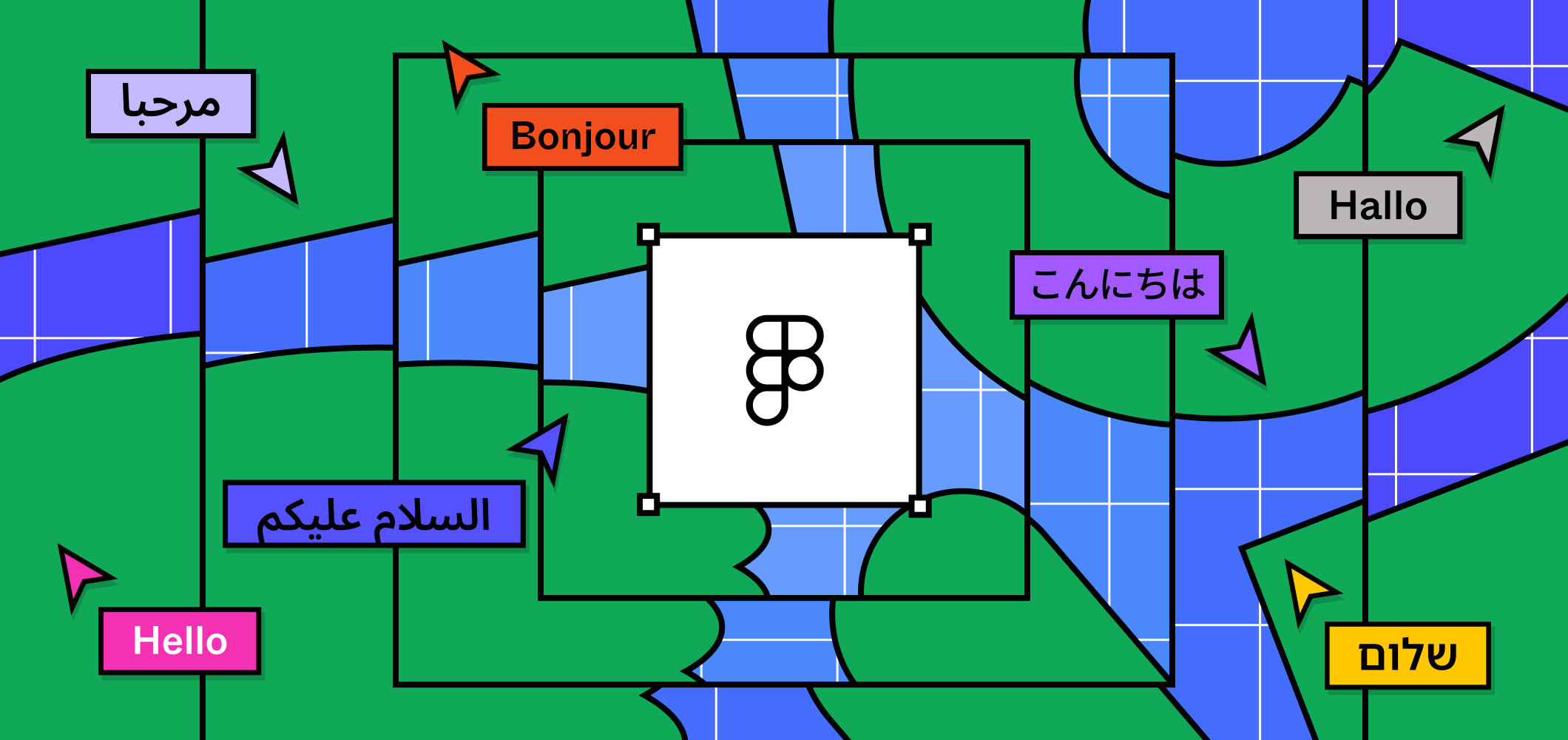
Localization, languages, and listening
Use superscript and subscript characters, no matter the font
We know that designers need to use superscript and subscript characters but can’t when they’re not supported by the font. Now, Figma swaps in a synthetic or “faux” glyph that’s automatically repositioned and resized to match your font style.
Keep your team up to date in Slack
In a hybrid working world, it can be hard to keep teammates in the loop. With the latest Slack app, you can make sure your team know what’s happening in your shared Figma files, teams, and projects.

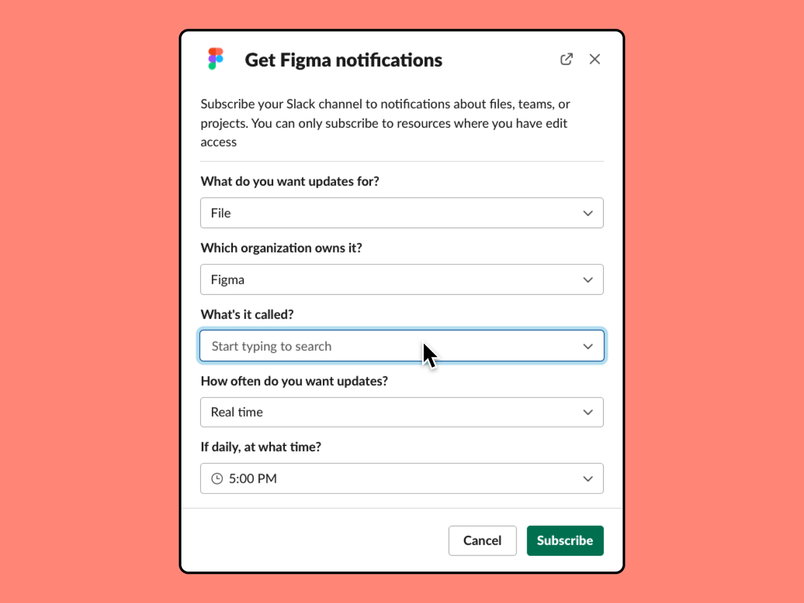
Here’s how we’ve seen teams use our Slack integration.
- Project channels: If you have multiple Figma files for a given project, you can subscribe the files to your project Slack channel so that everyone gets notified when someone leaves a comment
- Dedicated notification channels: If you’re working on a file with many collaborators, you can send all notifications to a dedicated Slack channel so your other channels don’t get too noisy
- Team awareness: You can subscribe a team or project to a Slack channel so your collaborators get notifications when someone adds a new file
Learn more about our Slack integration.
Explore plugins and widgets
Here are some of our favorites this month to help you extend your Figma workflows:
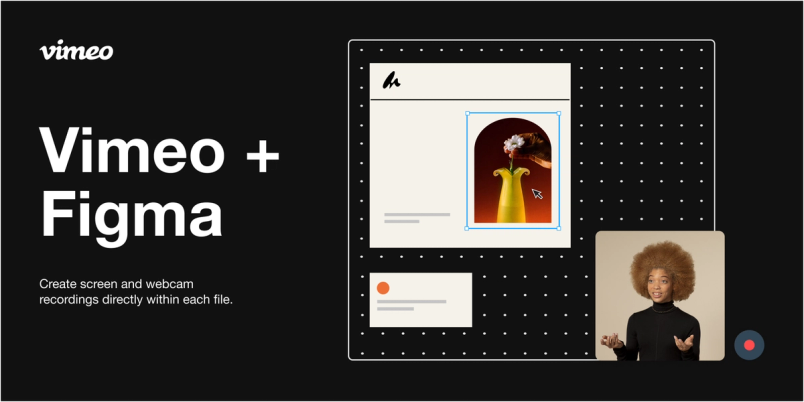
Vimeo Record allows you to record your screen, webcam, or both directly from the files you’re collaborating on in Figma and FigJam.

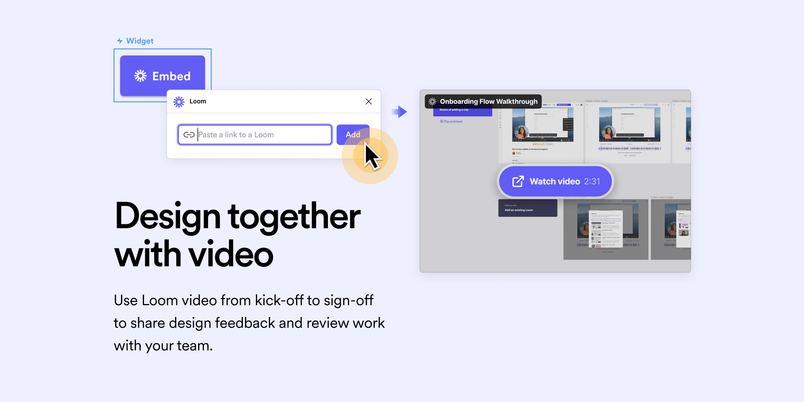
Loom Embed lets you embed public Loom videos in your Figma files, adding rich video context to your designs.

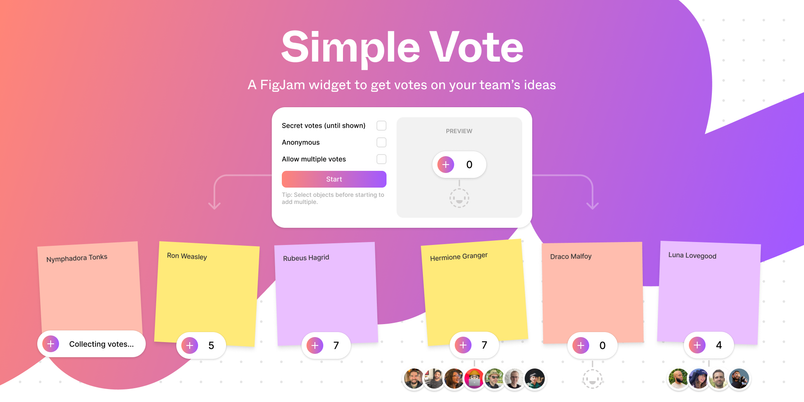
Simple Vote enables anonymous voting, shows who voted, collects votes, and reveals the results when you're ready.

Explore more plugins in the Figma Community.
Check out the latest performance improvements
We’re rounding out this month with a bunch of general performance improvements to Figma and FigJam. Our goal with each of these updates is to make our product smoother and more usable.
- More reliable image loading: We’ve made changes to the way that we load images in Figma files, leading to a 25% reduction in browser crashes
- Optimized prototyping on mobile devices: We’ve reduced the chances of Figma crashing by 83%
- Faster loading FigJam widgets: Large, complex widgets now update more quickly, with performance increasing 10-20x in some cases
For even more detailed improvements, make sure to check out the release notes. And if you have any other feature requests, we’d love to hear them! Feel free to share with us on Twitter or in the Figma Support Forum.