Issue no.8: What we shipped



Every update in Figma is created in dialogue with our community—how you work and what you create pushes us to make Figma better for you.
Share Issue no.8: What we shipped
The numbers tell part of the story: 180 new releases From flagship features to little big updates, we take a look at how you shaped what we shipped in 2024.Figma 2024: We shipped it, you shaped it

Want the next issue delivered straight to your inbox? Sign up here.
Pushing our products further
From major launches to much-anticipated updates, the real design process starts when you get your hands on new features. We refined UI3 to give you more control, reworked AI tools with intention, enhanced Dev Mode for smoother code-to-design connections, and launched Figma Slides to give your work the stage it deserves.

Going big for Config
This year’s Config was our biggest yet, bringing together over 10,000 attendees in San Francisco to explore the future of building products. With early bird tickets on sale for Config 2025, we’re sharing the talks that rocked the house.

New tools, new look
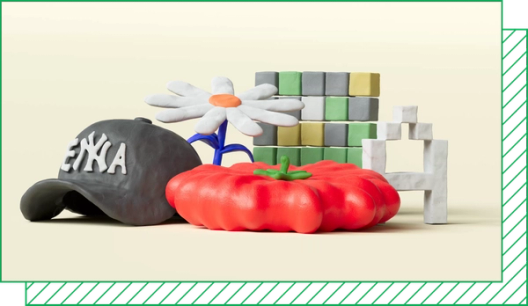
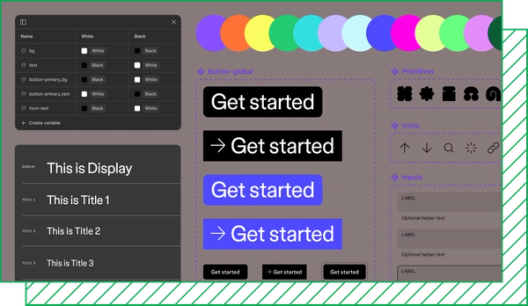
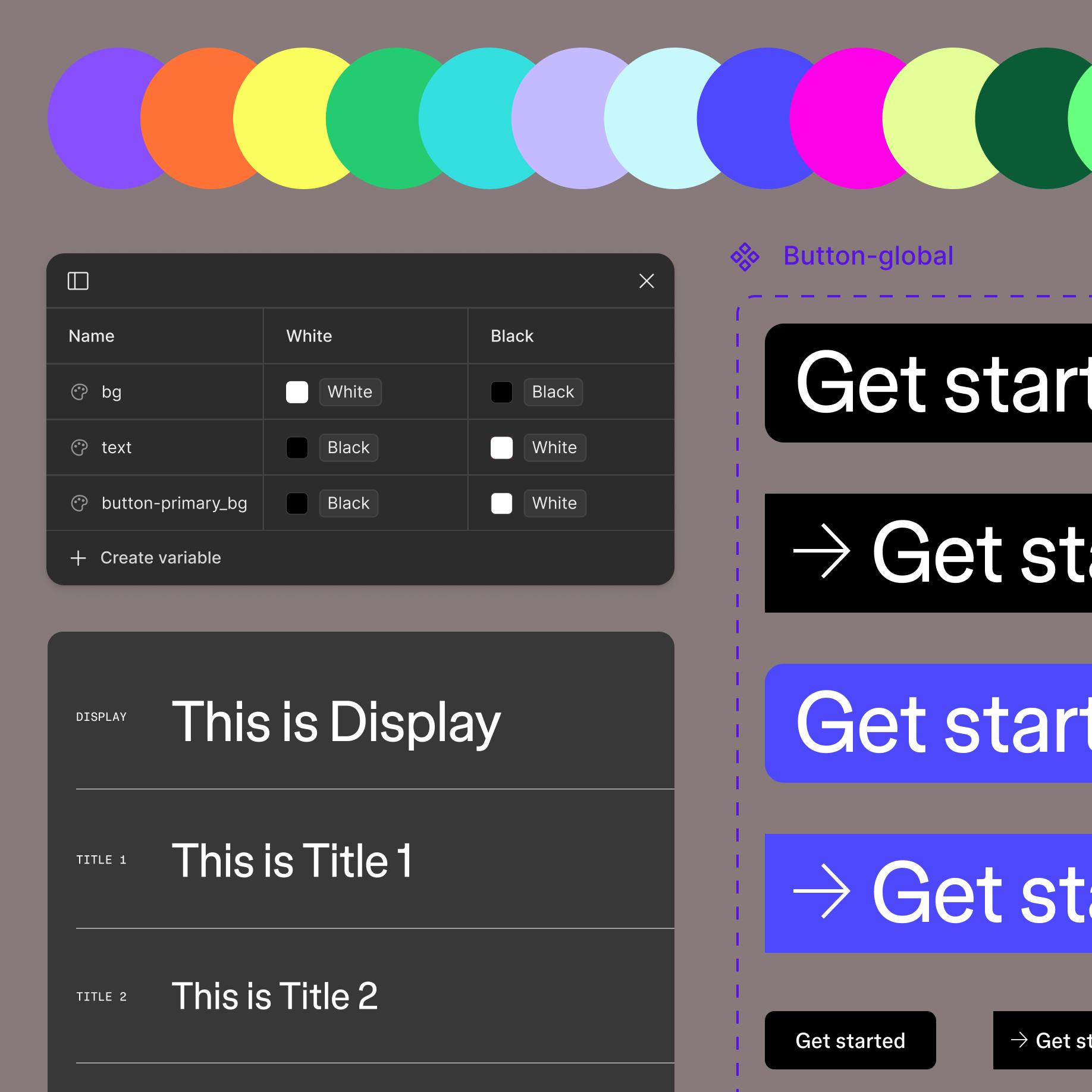
As we expanded our toolkit for developers, marketers, and entire product teams, we knew that our brand needed to change, too. This year, we revamped our visual identity, introduced a new typeface, and—as Brand Designer Becca Ramos dives into here—used our own tools to overhaul our web system.


Rabbit hole

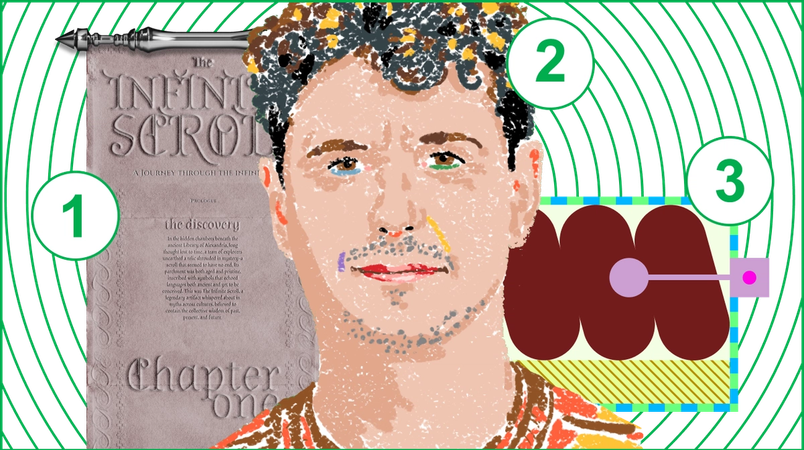
1. For presentations that pack a punch, we’re turning to these community templates for Figma Slides.
2. Delighting your users starts with delighting yourself, says Pablo Sánchez. The designer of Ableton’s Note app shares 7 rules for designing the unexpected The designer of Ableton’s Note app shares unconventional principles for creating unforgettable digital experiences.
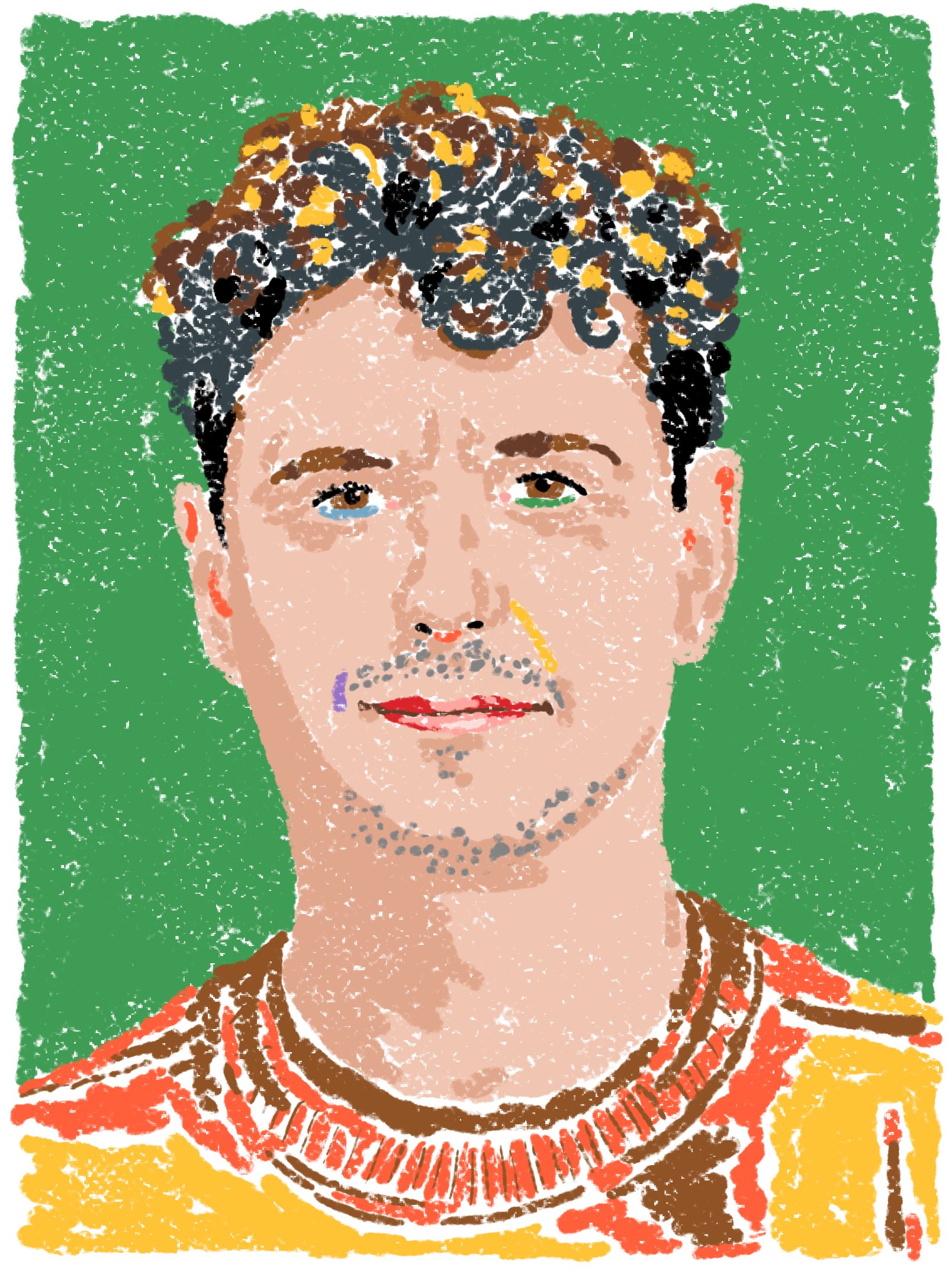
Pablo Sánchez’s 7 rules for designing the unexpected
3. Developers are designers, too. One North’s Nick Villapiano explains why devs should play an active role in the design process Advocating for Dev Mode changed my team’s workflow. Here’s how you can do the same.
Why devs should play an active role in design
The last word