The TL;DR on MCP: Why context matters and how to put it to work



Figma’s MCP server brings your design decisions into the tools where code gets written—so what gets built actually matches what was designed. Here’s what that unlocks for everyone who builds products.
Share The TL;DR on MCP: Why context matters and how to put it to work
Hero illustration by Cynthia Alfonso
MCP—short for Model Context Protocol—has had no shortage of buzz The sudden boom in MCP has kicked excitement about the agentic web into high gear. Is this the missing link we’ve needed between AI and all our other tools? Today we’re announcing the beta release of the Figma MCP server, which brings Figma directly into the developer workflow to help LLMs achieve design-informed code generation.Double click: What does MCP mean for agentic AI?
Introducing our MCP server: Bringing Figma into your workflow
Why MCP matters across the product team
Product development is no longer linear. The old sequence has given way to something more fluid—teams jump between stages, start wherever makes sense, and loop back as the work evolves. MCP supports that way of working. It moves design context into code, and code-to-canvas tools With Codex to Figma, teams can bring real, running interfaces into Figma to explore, refine, and make decisions together, then bring it back to Codex with design context intact.

Building frontend UIs with Codex and Figma
When an AI coding tool looks at a Figma design without context, it's working from a screenshot—it sees the end result, not the decisions that went into it. It picks a shade of blue that's close to your brand color but doesn't know it's mapped to a specific token. It sees a card and builds one from scratch instead of pulling the one your team has used across dozens of surfaces. A form built from multiple nested components gets flattened into a single element. The output might look right at a glance, but it drifts from your system in ways that compound across every screen and component it touches.
The Figma MCP server closes that gap Paired with MCP servers, design systems become a productivity coefficient for AI-powered workflows, ensuring that AI agents produce output that’s relevant and on brand. Paired with MCP servers, design systems become a productivity coefficient for AI-powered workflows, ensuring that AI agents produce output that’s relevant and on brand.
Design systems and AI: Why MCP servers are the unlock
Design systems and AI: Why MCP servers are the unlock
For designers: Your files carry more weight
Your design system has always kept your product consistent. Now it’s also shaping the code AI writes, from early prototypes all the way to production. How you build your files directly influences what gets built, and because AI generates at scale, that influence compounds across every surface it touches.
That influence also means mistakes travel further. Before AI, a messy file was a localized problem—a developer would clean it up during implementation and move on. But now, AI coding tools are generating code at scale from those files, so a small inconsistency doesn't stay small. It gets picked up and reproduced everywhere the AI builds from that file. What used to be a one-time fix becomes a systemic issue.
MCP keeps code and canvas connected through the whole process—so when developers build in code, designers can bring that work back to the canvas to fill in missing states, refine the details, and get it production-ready without having to rebuild what already exists.
For developers: Less translation, more building
AI coding tools sped things up for developers, but without design context As developers increasingly use agentic coding tools, the structure and clarity of design files matters more than ever. By thoughtfully organizing your work, you can help your developer counterparts build more efficiently and accurately.

Why you should care about design context
But translation doesn’t go in just one direction anymore. More developers today are starting in code to spin up a working prototype, then bringing that work back to the canvas using tools like With Codex to Figma, teams can bring real, running interfaces into Figma to explore, refine, and make decisions together, then bring it back to Codex with design context intact.generate_figma_designBuilding frontend UIs with Codex and Figma
For the whole team: Roundtrip design
Say a developer is building out a checkout flow and hits an edge case. Instead of guessing at a solution or waiting for a new mockup, the developer pushes the current UI back to the Figma canvas using our code-to-canvas capability With Codex to Figma, teams can bring real, running interfaces into Figma to explore, refine, and make decisions together, then bring it back to Codex with design context intact.Building frontend UIs with Codex and Figma
The Figma MCP server includes two tools that power the roundtrip.
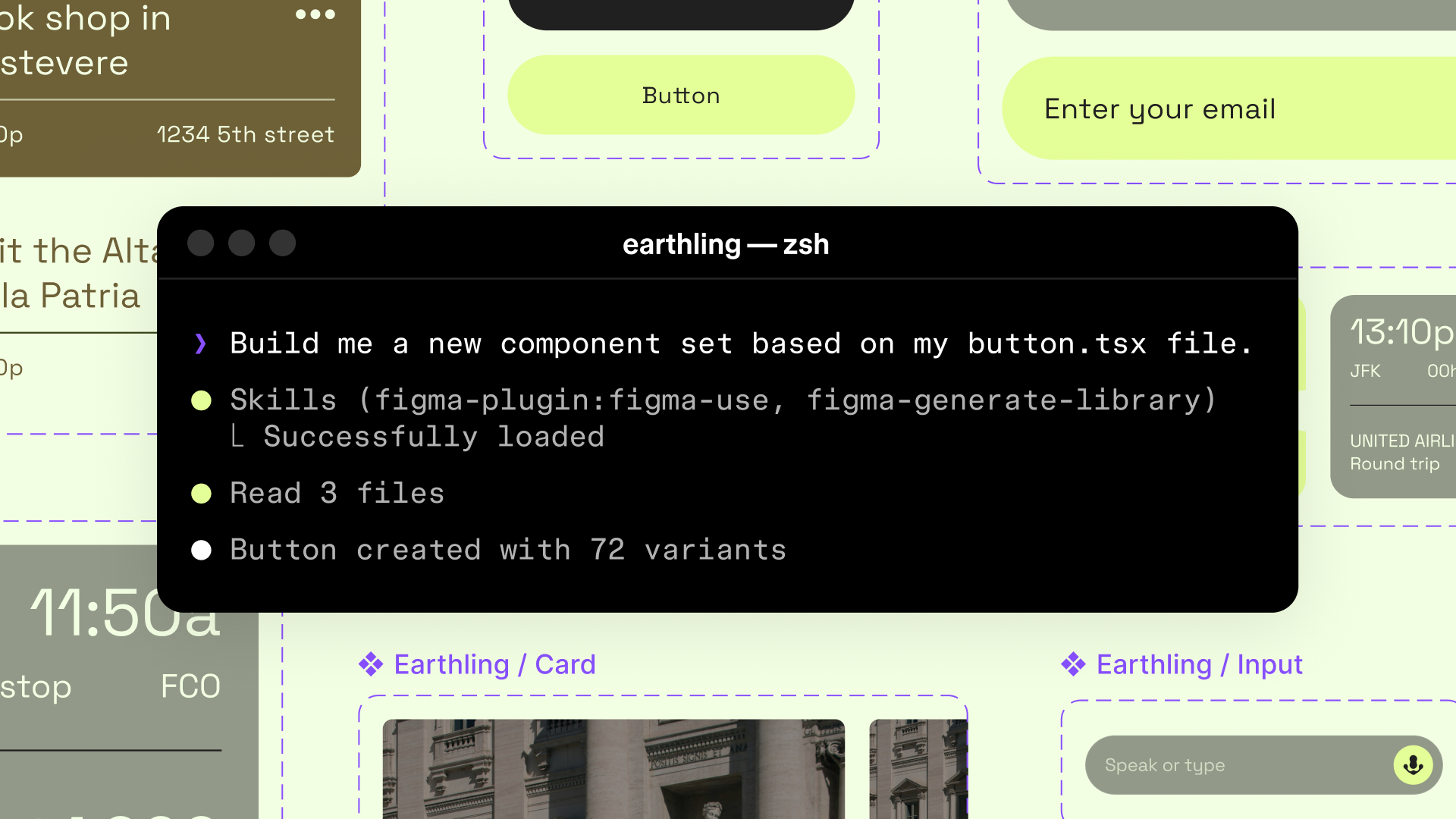
generate_figma_design translates HTML from live apps and websites into editable Figma layers—useful when designs fall out of sync with code and you need to bring the latest UI onto the canvas. use_figma lets AI agents create or edit designs directly on the canvas using your actual components and variables. These tools are complementary: one brings code to the canvas, the other lets agents build on the canvas with your design system.
For everyone who builds products, this loop is only getting tighter. MCP recently expanded Starting today, you can use AI agents to design directly on the Figma canvas. And with skills, you can guide agents with context about your team’s decisions and intent.
Agents, meet the Figma canvas
Getting the most out of MCP
MCP can only work with the context it's given. The more intentional your setup, the better the output. Here's where to start.
Guide agents with skills
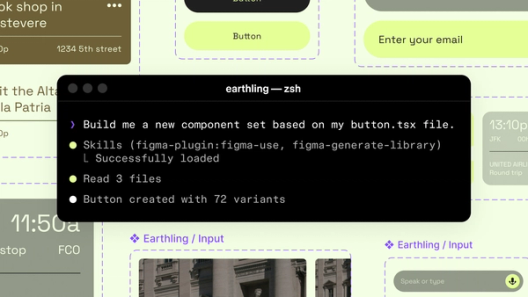
Skills are one of the most important factors in improving MCP output. Skills are markdown files, written in plain language, that specify which components to reach for, what conventions to follow, and what steps to take when building a new screen. Without skills, especially figma_use—a foundational Figma skill—an agent might use the right components in the wrong way. With them, the output stays aligned with how your team actually designs.
Invest in your design system
Everything you've codified in your system is context MCP can surface. AI can't infer things that your team might take for granted, like when to use one component over a similar one, or what your brand's spacing conventions are. The more of that knowledge you make explicit in your system, the less guesswork AI has to do, and that extends to how your files are built. Here’s where to focus:
- Name your layers clearly—”card" or “nav-bar” give the AI something meaningful to work with. “Frame 1337” doesn’t.
- Use auto layout to define spatial relationships the AI can read as responsive behavior.
- Use real components and tokens from your libraries instead of detached instances or hard-coded values.
- Add annotations for interaction intent—states, transitions, dynamic content. The AI can't infer behavior from static frames alone.
Add code syntax to your variables for better accuracy
Code syntax tells MCP how each variable is actually written in your codebase—so instead of just passing along "brand-blue," it passes along the exact code your developers use, like color-brand-blue in CSS. It's a small step that makes a big difference in output accuracy.
Connect your code to Figma
If your design system is already in good shape, the next step is connecting it to your codebase.
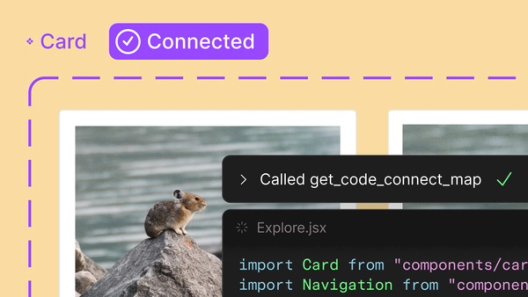
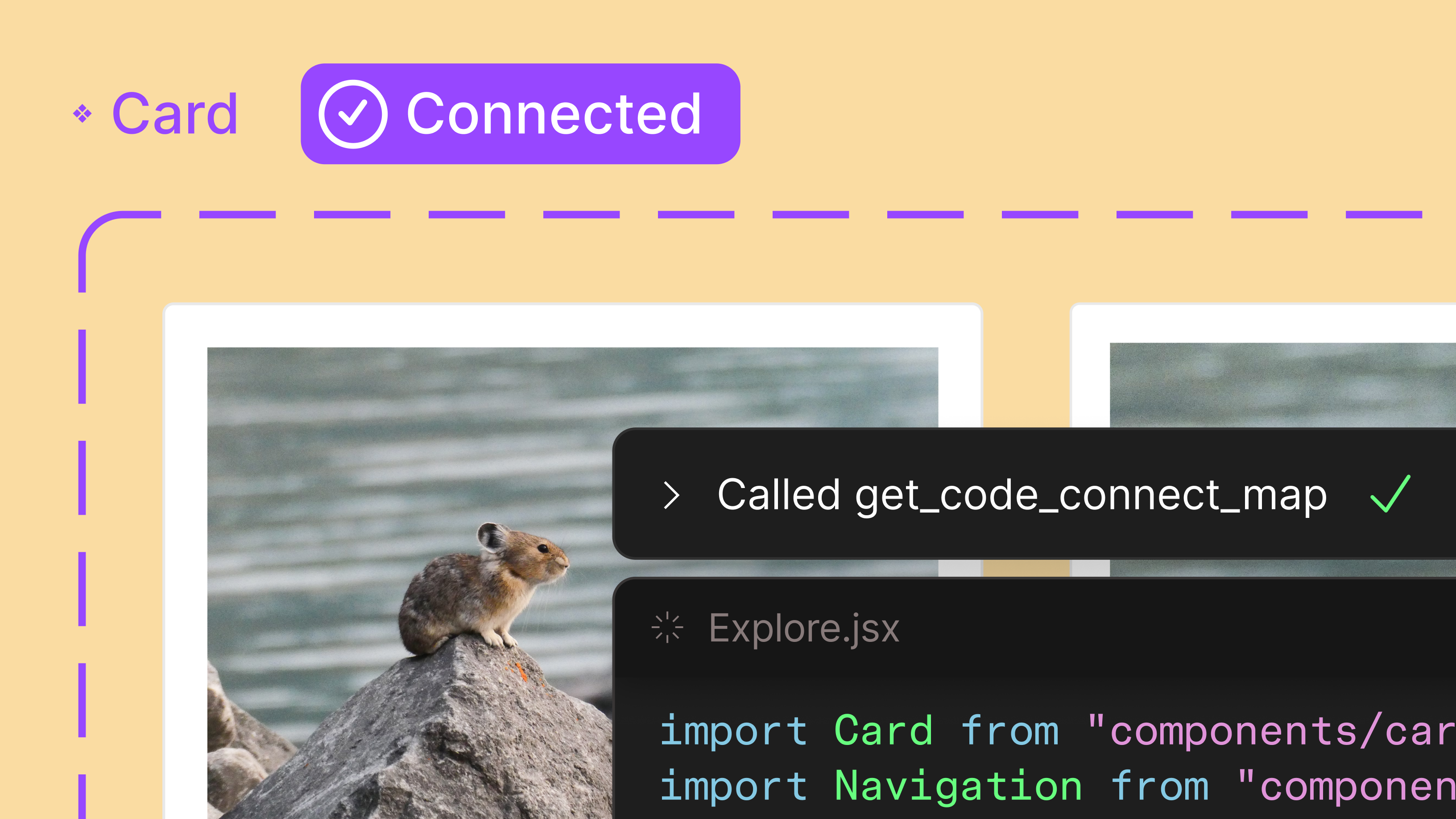
Code Connect Our latest updates to the Figma MCP server and Code Connect bring Figma design context anywhere you work.
Design context, everywhere you build

For a deeper look at how to build and maintain a design system that's ready for AI, read our guide.
MCP changes what's possible when design and code are connected. Designers' decisions carry further, and developers spend less time translating and more time on the work that actually needs them. The whole team stays closer to what was intended, because the context that matters most travels with the work.
The initial investment will pay off across every project and every surface AI touches. The teams that invest now won't just move faster. They'll build better.
Emma Webster is a writer and editor on Figma’s Story Studio team. Previously, she’s worked as a writer at Faire and Audley Travel.