How Figma AI tools helped us bring extra delight to the canvas


For our annual April Fun Day, we used Figma Make, Weave, and MCP to build six mini games that captured the spirit of play. Here’s what we learned.
Share How Figma AI tools helped us bring extra delight to the canvas
At Figma, April 1 isn’t for fools, it’s for fun. Every year, we surprise our community with Easter eggs—like a little nostalgia 404 isn’t just an error code—this year it’s our annual April Fun Day. We’re throwing it back to our favorite digital design eras, from the days of DOS to Y2K, and from skeuomorphism to Windows Vista. A tribute to our beloved FigPals—and a surprise way to keep them close forever. Today we’re introducing Figma Make, a new prompt-to-app capability to help you quickly explore, iterate, and refine—whether it's generating high-fidelity prototypes or getting into the details in design and code. Today we’re announcing the beta release of the Figma MCP server, which brings Figma directly into the developer workflow to help LLMs achieve design-informed code generation. Figma has acquired Weavy, a platform that brings generative AI and professional editing tools into the open canvas. As Figma Weave, the company will help build out image, video, animation, motion design, and VFX media generation and editing capability on the Figma platform.Surf the web like it’s 1999 with these old-school cursors

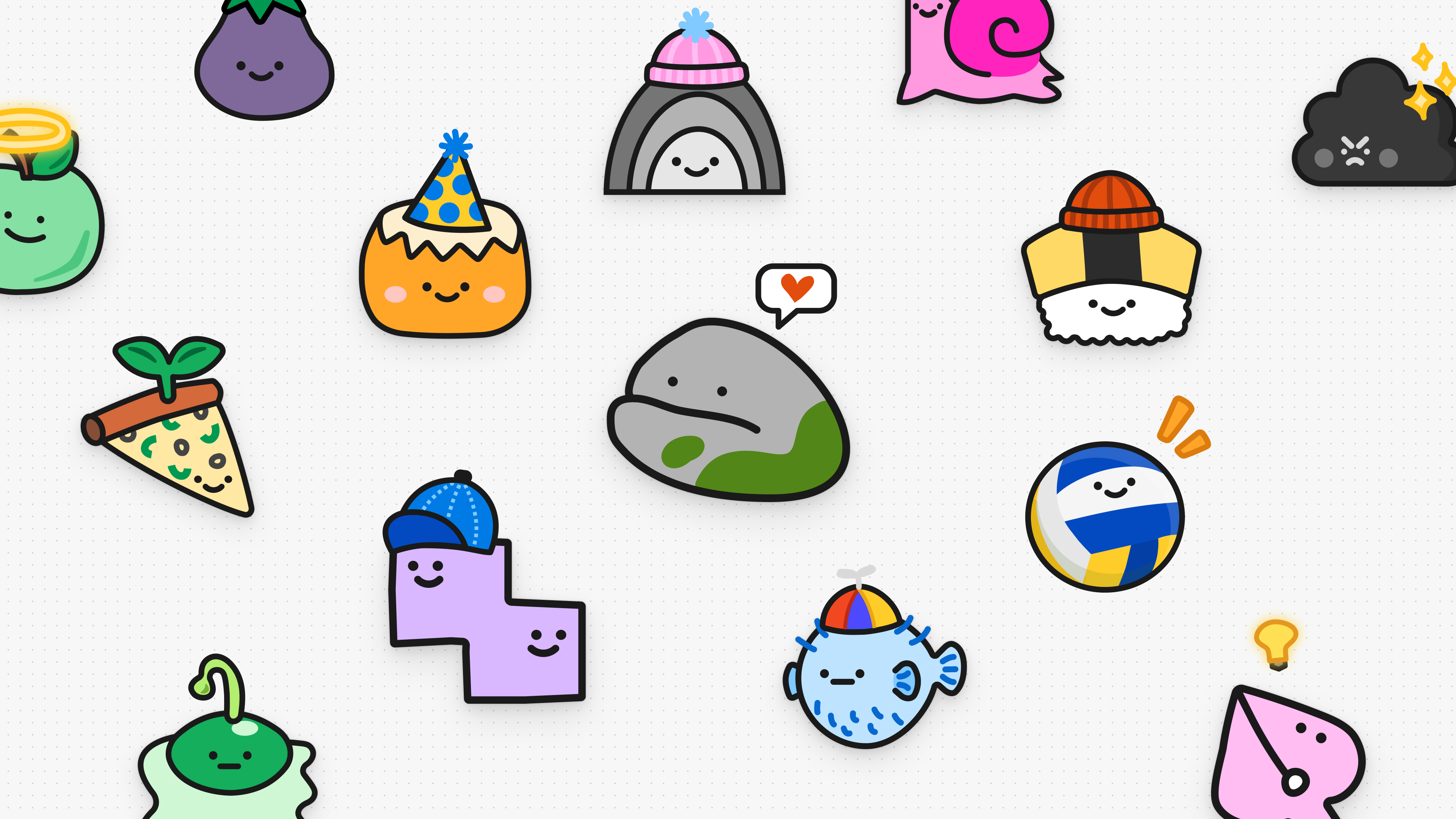
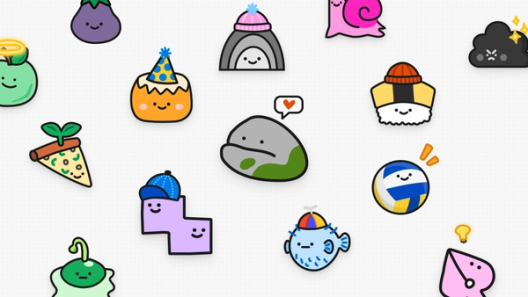
Finding a forever home for FigPals

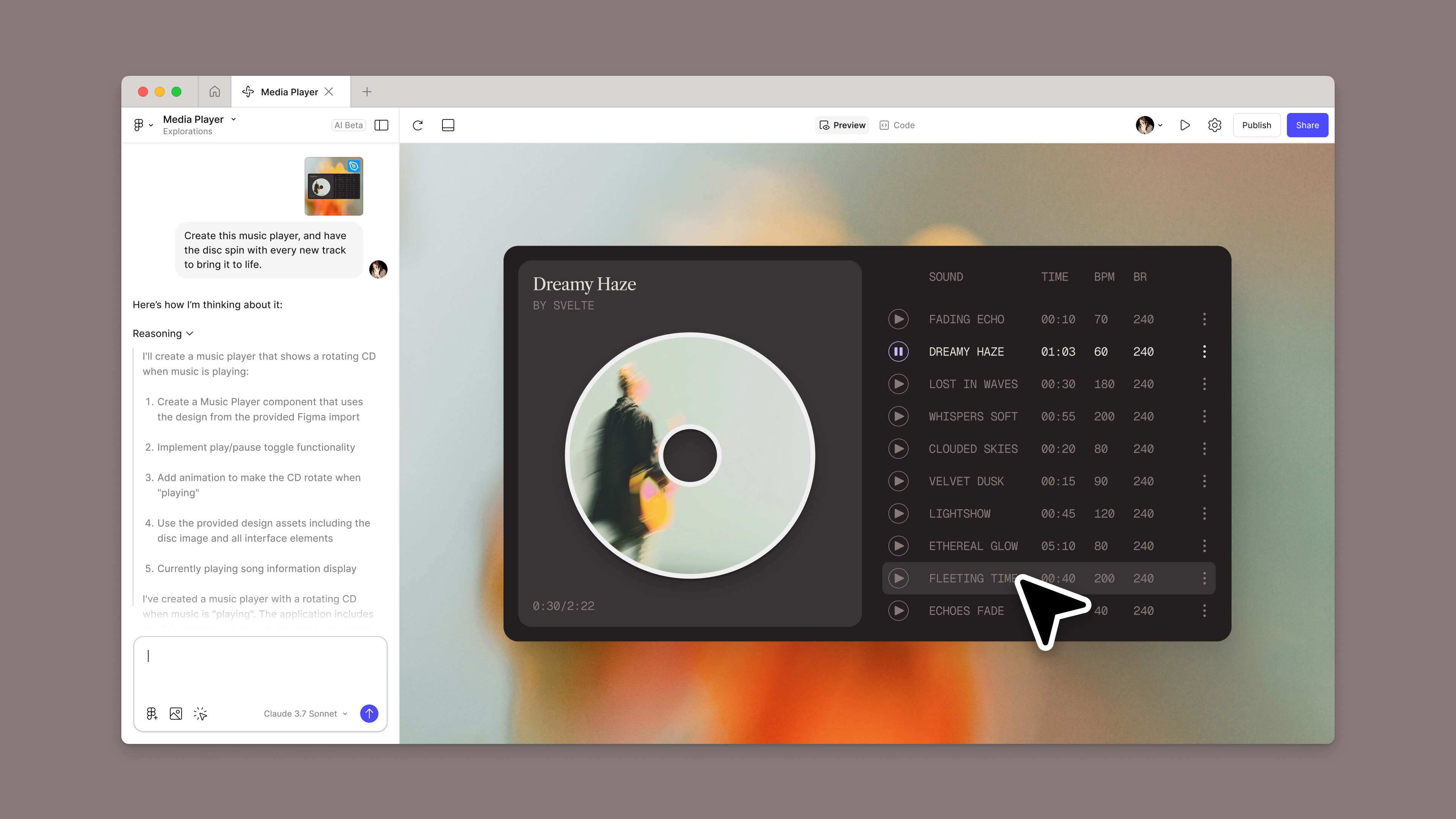
Introducing Figma Make: A new way to test, edit, and prompt designs
Introducing our MCP server: Bringing Figma into your workflow
Introducing Figma Weave: The next generation of AI-native creation at Figma

Move fast—but make it multiplayer
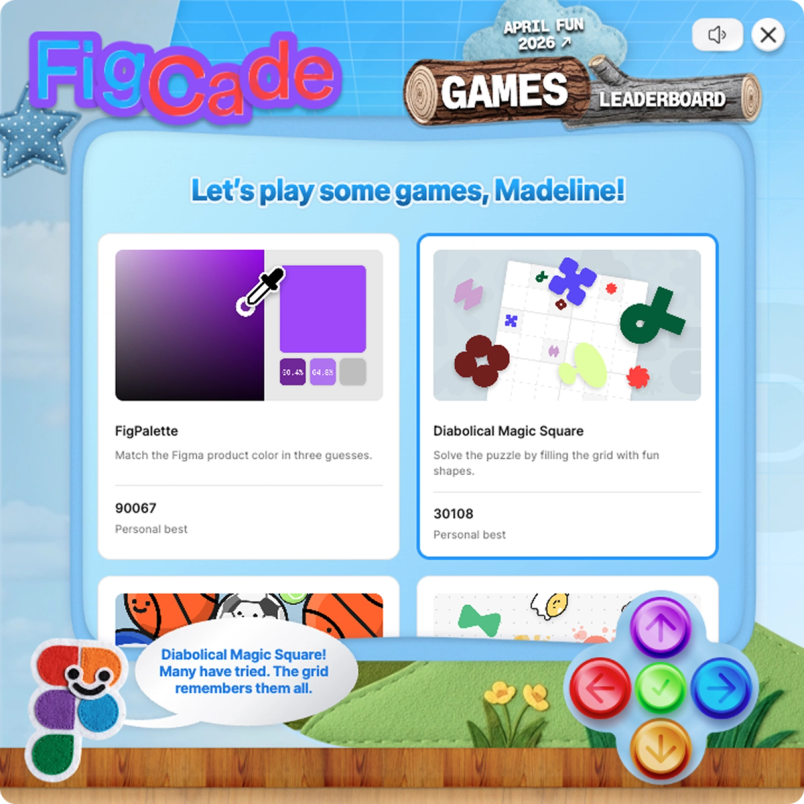
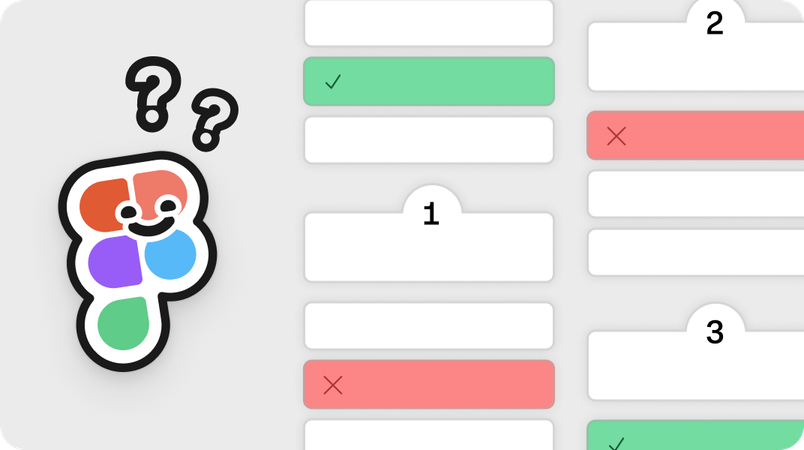
The team leaned on Figma AI tools to bring the FigCade to life. Early on, Figma Make helped members of the team test ideas quickly. For example, one of the first concepts for the 2Fast2Figma quiz was spun up on a Sunday morning and became a working prototype the same afternoon. Soon, the group had as many prototypes as they had ideas. That speed set the tone: Get something in front of people fast, react and align, then iterate.

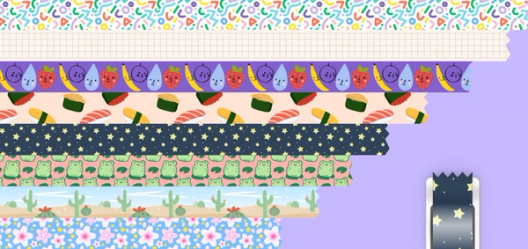
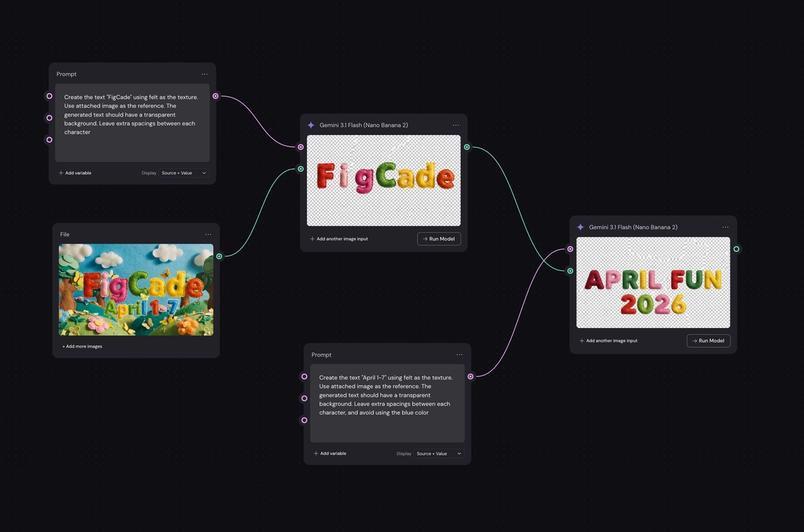
It wasn’t just about prototyping—the team used AI to explore visual directions. Product Designer Lesley Moon was able to create the FigCade’s textured details, like its felted cursor, in a couple hours. "I used Figma Weave to generate many of the felt assets quickly, which not only sped up my workflow but also expanded the range of visual themes and textures I could explore," she says. "Then I kept building on it from there."
The team also used Figma Weave to make the April Fun Day trailer video. Figma Product Manager Tara Nadella first riffed in Weave to develop a concept for the video, which Motion Designer Fifi Law used along with Lesley’s visuals to create the final product. “I was able to generate a lot of the elements I needed for the storyboard—we created and produced the trailer in one day!” says Fifi.

Meanwhile, the team used the Figma MCP server to make those explorations real. “I was working on a few tasks with UI-heavy changes that Lesley designed,” says Figma Software Engineer Steven Noto. “To assist my coding process, I used Claude and GitHub Copilot, authenticated with the Figma MCP, which allowed me to paste in links to specific design components. The agent could then generate the exact code I needed, matching the design spec.”
The team moved between code and design throughout the project. Developers used the Figma MCP server to pull design context into their coding tools. When the team needed to iterate, they brought the work back onto the canvas so PMs and designers could riff on the designs. This flow wasn’t only about speed, it was about unlocking more collaborative ways of working. “The feedback loops were also incredibly tight,” says Figma Software Engineer Myrah Shah, who was the developer lead on the project. “At one point, Lesley and I even did a live coding session, where we designed and coded at the same time, just to work as quickly as possible. When we shipped changes, both designers and engineers shared feedback.”
Play to learn
Play is woven into the cultural fabric at Figma; it’s how we explore, experiment, and discover new ideas. And that spirit is what carried this project forward. “It was a great opportunity to learn by doing something fun,” says Myrah. “A lot of people were working outside of their expertise.”
AI workflows played a big part in the learning process. Tara found that the biggest advantage of working simultaneously wasn’t just about getting to production sooner—it was working outside of typical swimlanes. “It pulled more of us into the design process,” she says. “One of the challenges with a linear handoff process is that you rarely build an intuition for another medium—in a traditional flow, some of that nuance can get flattened or lost in translation.” But when teams use AI to move back and forth quickly, that gap begins to close so teams can collaborate more seamlessly and build off one another.
And that collaboration got the FigCade over the line, helping the team fulfill their goal: to celebrate play. “Everyone has so much going on in their day to day,” says Myrah. “My real hope and dream was that for a few moments in the day, people across our community—and even our own org—would have a chance to focus on something for the sake of joy and delight.”
Madeline Stafford is a writer and editor at Figma. She was previously a content marketer at Faire, where she told stories about makers and culture. Before that, she worked in the art world.