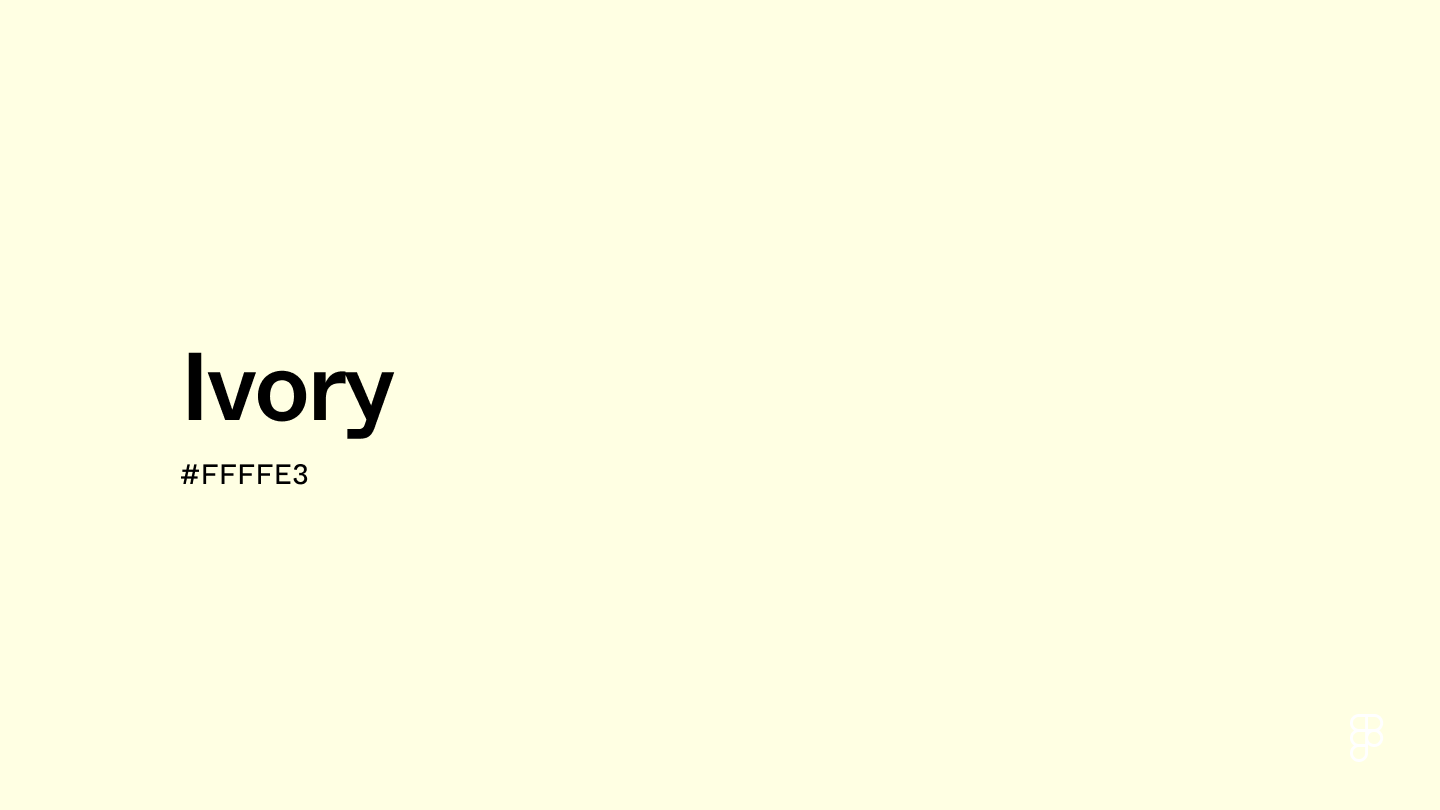
Ivory is a shade of white with a hint of yellow, embodying warm and tranquil qualities. This creamy hue is reminiscent of its namesake, elephant ivory, evoking a soothing and gentle charm.

Color variations
Shades
Tints
Tones
Hues
Color harmonies
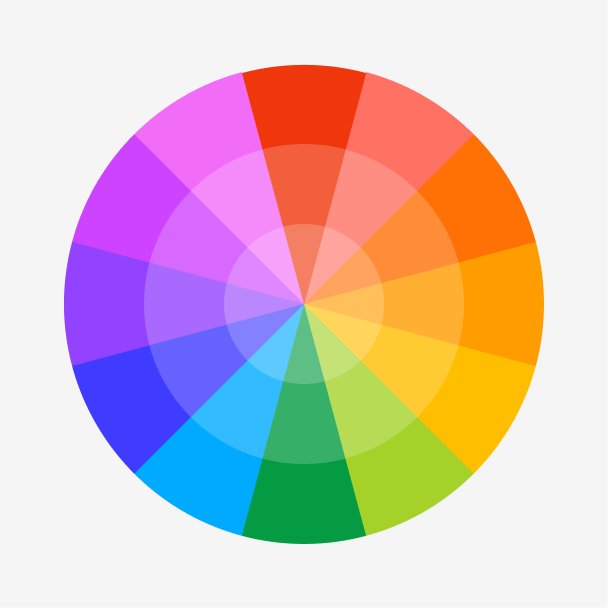
Complementary
Split
Monochromatic
Analogous
Triadic
Square
Custom palettes
Skeleton Key
Country Garden
Platinum Blonde
Ivory is defined by the following color codes and values to ensure consistency across various digital platforms and devices.
- HEX code: #FFFFE3
- RGB value: 100% red, 100% green, and 89% blue
Accessibility considerations play a crucial role in UX and UI design color choices. Figma offers plugins in the Community to make sure your designs meet Web Content Accessibility Guidelines.
Here are some ways to use ivory in your designs:
- Create subtle depth. Ivory can appear more visually appealing than stark white, adding dimension and a sense of separation to UI elements.
- Add warmth. Ivory’s hint of yellow undertones creates a slightly softer look than pure white, making it easier on the eyes.
- Convey elegance. White can often feel cold and sterile, but ivory’s subtle yellow undertones create a warm and classy interface. This makes it a great color choice for a sophisticated, high-end aesthetic.
Keep in mind that color and its meaning can change from culture to culture—and at any given time. If you are designing for a global audience, research color considerations for your specific regions.
For variations within the same delicate spectrum as ivory, consider:
To complement ivory, consider pairing it with:
- Navy blue (#000080) creates a sophisticated and classic color combination when paired with ivory.
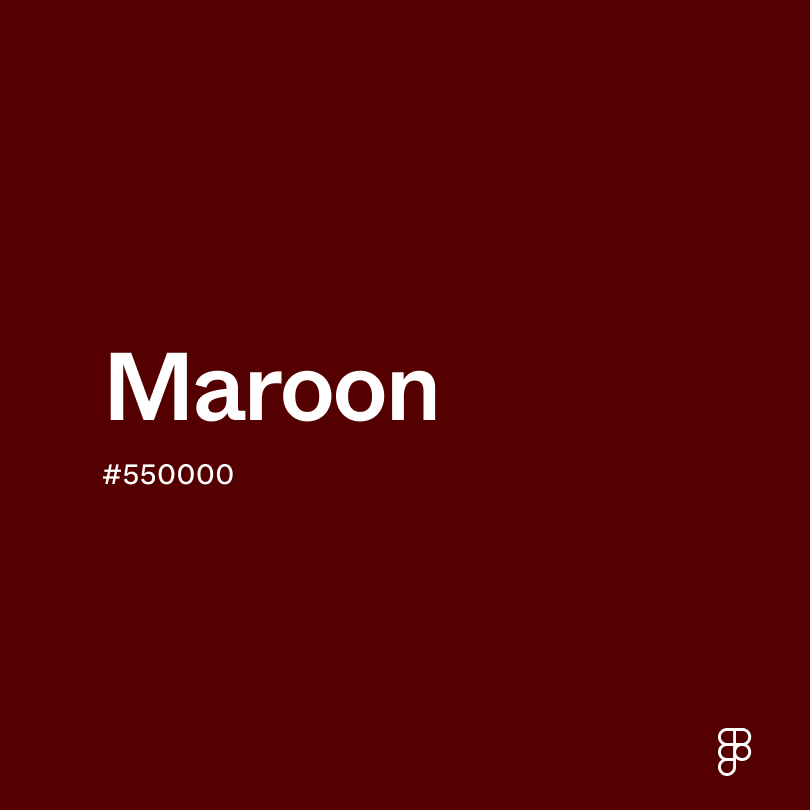
- Maroon (#550000) offers a richness that pairs well with the warmth of ivory.
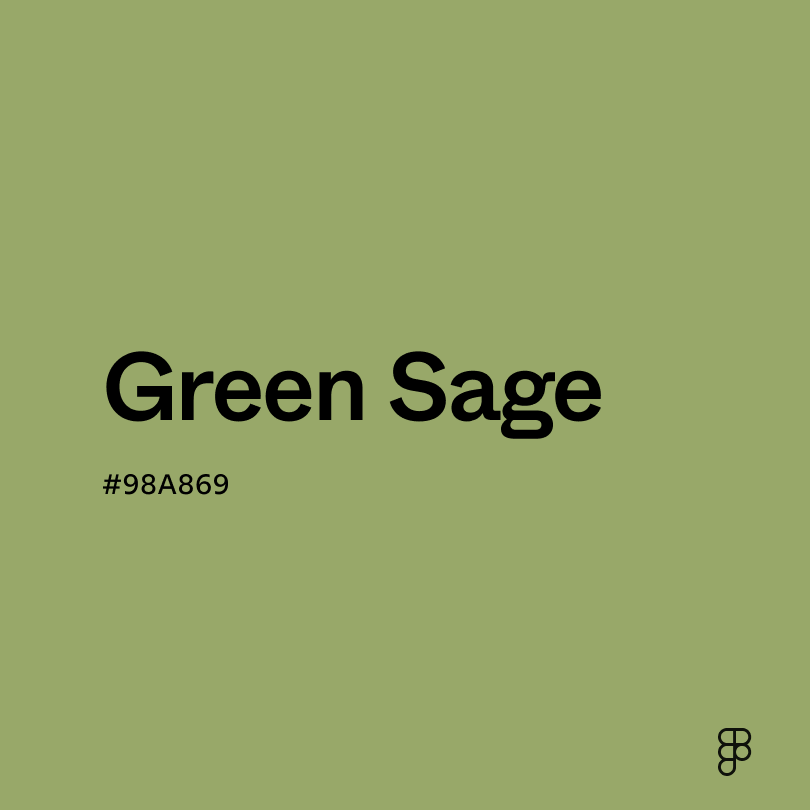
- Sage (#BBB791) has a soft green hue, creating a serene and earthy palette.
- Lavender (#D3D3FF) adds to the tranquility of ivory, creating a serene and calming atmosphere.
- Scarlet (#ED2100) adds a bold and vibrant pop against an ivory background.
- Coral (#FF8559) creates a cheerful color combination, evoking a vibe similar to spring or summer.
Other colors worth considering include black for a classic combination, gold for a luxurious vibe, and charcoal to add depth and contrast.
Ivory is a classic and versatile color that pairs well with many shades. Still, it may clash with:
- White (#FFFFFF) has little visual contrast when paired with ivory.
- Seashell (#FFF1E7) can create a washed-out appearance next to ivory.
- Yellow (#FFFF00) creates a visually busy or jarring effect due to its saturation.
- Cool gray (#CBCBCB) may clash with ivory’s warmth, creating a discordant color scheme.
Ivory symbolizes elegance and sophistication. Its warm and inviting nature also represents tranquility, while its connection to the precious material ivory symbolizes wealth and luxury. Similar to white, ivory also carries connotations of purity and innocence.
In color psychology, ivory carries calming qualities, evoking feelings of peace and serenity. It also stimulates cleanliness and simplicity, creating a comforting atmosphere.
Ivory’s versatility makes it an excellent choice for UI design. Its warm and neutral essence adds a touch of sophistication, creating an inviting atmosphere that’s easy on the eyes. When paired with other shades, ivory creates a calming backdrop that allows other UI elements to stand out.
Ivory, predominantly sourced from the tusks of elephants, has been highly sought after throughout history for its use in carvings, sculptures, and even piano keys. Its organic origin adds to its allure and value. Because of its cost and rarity, owning ivory became a status symbol, signifying wealth and power.
Around the 14th century, the term “ivory” emerged, reflecting the creamy white shade of the material. As concerns for the environmental impact of the ivory trade grew, the use of the material declined. Nevertheless, the color continues to exude luxury and sophistication, remaining a coveted choice in fashion and design.
Contrast checker
Contrast 1.02
- Large Text
#FFFFE3
- Normal Text
How you design, align, and build matters. Do it together with Figma.
| Category | ||
|---|---|---|
Fail | Fail | |
Fail | Fail | |
Fail | Fail |
Contrast 20.67
- Large Text
#FFFFE3
- Normal Text
How you design, align, and build matters. Do it together with Figma.
| Category | ||
|---|---|---|
Pass | Pass | |
Pass | Pass | |
Pass | Pass |
Color simulations
Protanopia
Deuteranopia
Tritanopia
Achromatopsia
The hexadecimal color #FFFFE3, known as ivory, has RGB values of R:255 G:255, B:227 and CMYK values of C:0, M:0, Y:0.11, K:0.
| VALUE | CSS | |
|---|---|---|
| HEX | FFFFE3 | #FFFFE3 |
| RGB DECIMAL | 255, 255, 227 | RGB(255, 255, 227) |
| RGB PERCENTAGE | 100, 100, 89 | RGB(100%, 100%, 89%) |
| CMYK | 0, 0, 11, 0 | |
| HSL | 60°, 100, 94.5 | HSL(60°, 100%, 94.5%) |
| HSV (OR HSB) | 60°, 11, 100 | |
| WEB SAFE | FFFFCC | #FFFFCC |
| CIE-LAB | 99.349, -4.643, 13.389 | |
| XYZ | 90.863, 98.326, 86.861 | |
| xyY | 0.329, 0.356, 98.326 | |
| CIE-LCH | 99.349, 14.171, 109.124 | |
| CIE-LUV | 99.349, 1.505, 20.929 | |
| HUNTER-LAB | 99.16, -9.965, 17.475 | |
| BINARY | 11111111, 11111111, 11100011 | |
| iOS - SwiftUI | Color(red: 1, green: 1, blue: 0.89) | |
| iOS - UIKit | UIColor(red: 1, green: 1, blue: 0.89, alpha: 1) | |
| Android - Compose | Color(0xFFFFFFE3) |