Figma Buzz is where design and marketing teams co-create







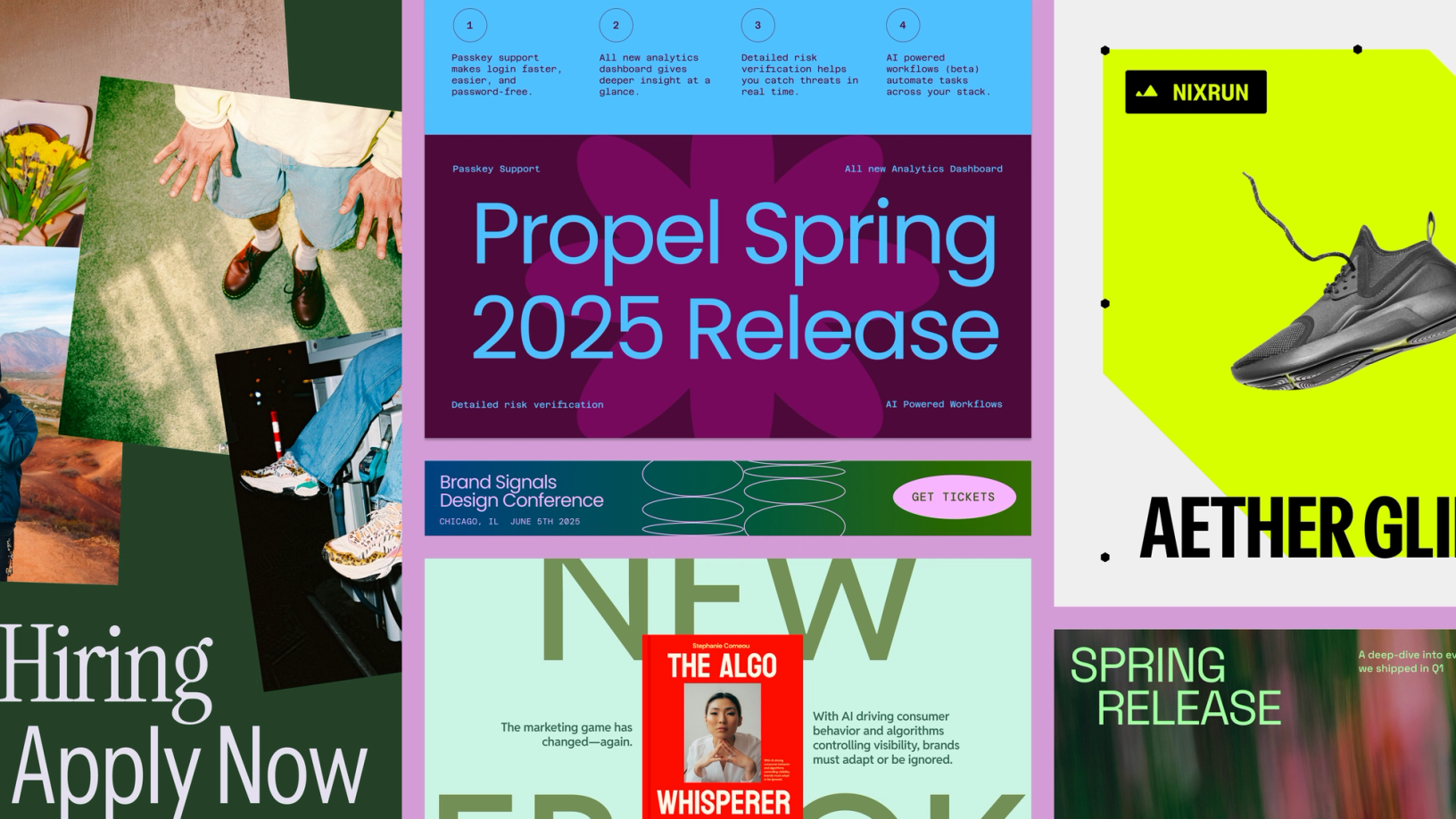
With Figma Buzz, brand designers and marketers have a shared space to build beautiful, on-brand assets at scale.
Share Figma Buzz is where design and marketing teams co-create
The product development process doesn’t just end at production. As any marketer will tell you, shipping is often just the beginning of an orchestrated set of tactics and campaigns aimed at getting the product into users’ hands. Design and marketing teams need to collaborate on a lot of branded assets to reach their audience, but fragmented tools and siloed workflows often get in the way. On one hand, brand designers want the power and precision of Figma; on the other, marketers want ease-of-use and the ability to riff without worrying about going outside brand guidelines. We wanted to build a space to bring everyone together to create high-quality assets—fast. That’s why we’re launching Figma Buzz in open beta.
With the ability to copy and paste designs into Figma Buzz, designers can create templates that unblock the whole team, or make new assets directly using all the functionality of Figma Design. Marketers can get creative in an environment that feels intuitive and approachable, while having confidence that assets are on brand. “Figma Buzz takes a lot of the executional work off our plate, so the team can focus on what they do best—thinking big and pushing the brand forward,” says Bethany Valoe, Associate Creative Director at Affirm.
Here’s a taste of what you can make in Figma Buzz:
- Social media posts: Build buzz-worthy assets for multiple social platforms in a variety of sizes.
- Digital ads: Get the word out with pre-made templates and blank frames that suit display and social ads across a wide range of platforms.
- Promotions: Whip up digital fliers, email header images, and other announcement materials.
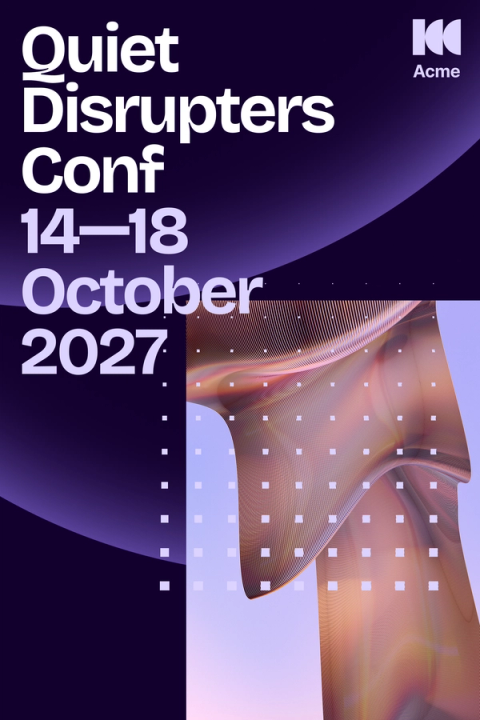
- Event materials: Create everything from invitations, to schedules, to badges for the experience.
- Team communications: Amp up your internal communications with office signage, infographics, or one-pagers.
- Celebrations: Create something bespoke for those special occasions, whether it’s a birthday card, thank you note, or wedding invite.
Figma Buzz takes a lot of the executional work off our plate, so the team can focus on what they do best—thinking big and pushing the brand forward.
Start from anywhere
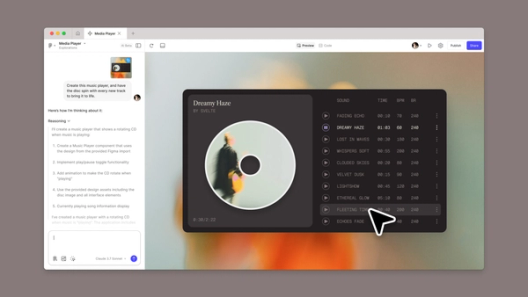
There’s more than one way to make assets in Figma Buzz. Choose a template, start from scratch, or create an image with OpenAI’s gpt-image-1 and Gemini. Whichever way you pick, Figma Buzz offers an approachable editing experience with an inline toolbar that’s easy to navigate.





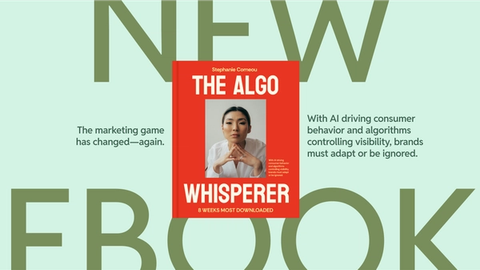



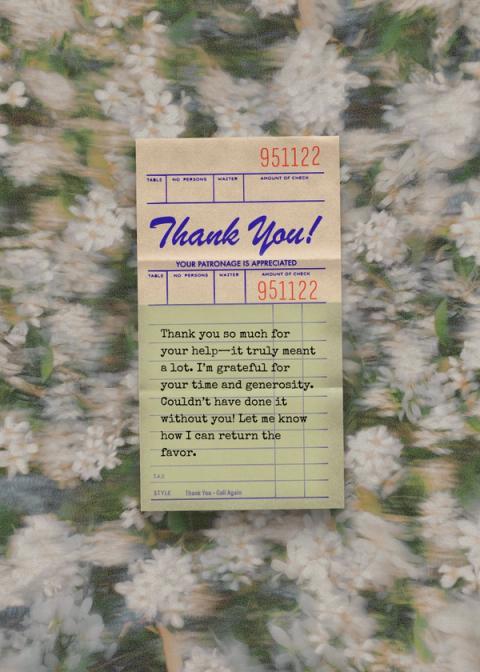

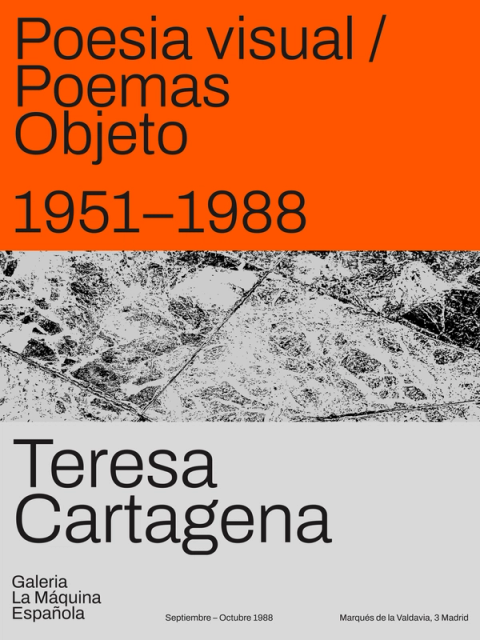


Ready-to-use templates
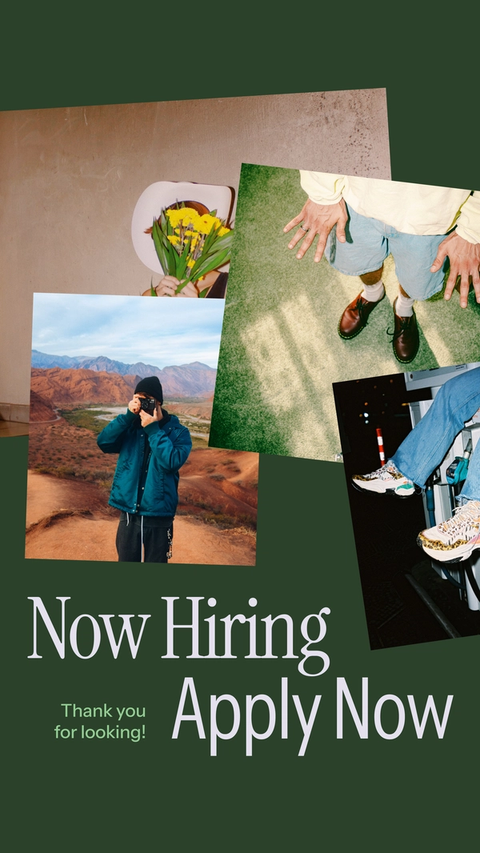
You can start with one of the many default Figma templates in Figma Buzz, or use custom templates created by your team that take the guesswork out of staying on brand.
Blank preset assets
If you prefer the freedom of a blank space, select from a list of preset formats that span sizes tailored to Instagram, Facebook, Pinterest, X, LinkedIn, YouTube, and Google. There are also options for common print sizes, including birthday and thank you cards, wedding invites, and save-the-dates.
Premade design elements
Aside from templates, you can insert preset designs curated by Figma, from font combinations, to icons and illustrations, to backgrounds and frames. You can also save and insert components from your brand’s library, allowing you to leverage your team’s logos, styles, illustrations, icons, and more with no additional setup.
AI-powered image creation
Harness the power of OpenAI’s gpt-image-1 to create and edit any image you’d like through a series of prompts, so you’re never stuck with subpar visuals.
Build within brand guidelines
Because Figma Buzz is part of the Figma platform, designers can copy and paste their designs into Figma Buzz to publish as team templates. And while in Figma Buzz, they can still reach the advanced tools they need from Figma Design, so they can continue editing templates, or spin up new ones. “Figma Buzz has already proven to be a game-changer for asset generation,” says Simone Dehel, Senior UX Designer at O3, who recently created templates for a company conference. “Using Figma Buzz has improved collaboration with our marketing team, reduced unnecessary stress, and overall streamlined our process. I’m excited to grow our library of templates.”

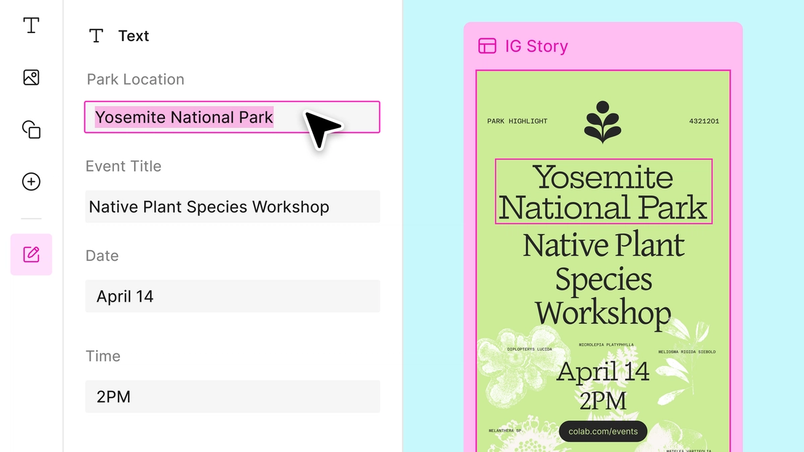
By locking parts of any given template, designers are able to give marketers a focused editing experience that allows the team to riff while protecting design integrity. If a marketer wants more control, they can remove brand guidelines from the asset and edit more freely (at their own risk, a brand designer might add).
Whether you’re in focused or freeform editing, you’ll have access to swap out instances for brand components—select different images for a background, for example, or choose from several versions of a logo.
Figma Buzz has already proven to be a game-changer for asset generation.
Scale up your creations
When you’re faced with a tight timeline and a high volume of content, speed and scalability are key. Figma Buzz helps you get what you need to keep the project moving.



Bulk create and export
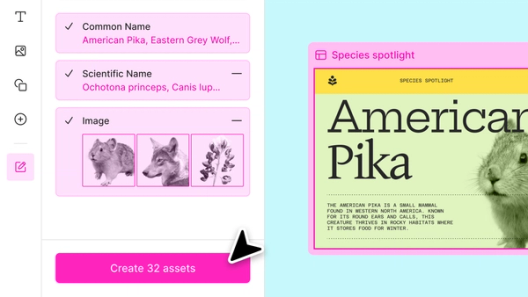
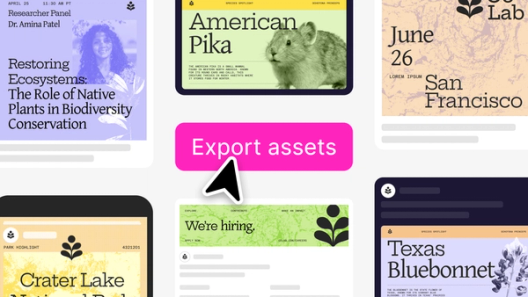
Don’t go through the tedium of manually creating each asset. Instead, upload a spreadsheet file to connect the text and image fields in one design to the corresponding columns, and watch as Figma Buzz magically populates the rest of the assets you need. Then, export your assets as PNGs, JPEGs, or PDFs.
AI tools
Use Figma’s AI tools to speed up your workflow. In addition to creating and editing images with OpenAI’s gpt-image-1, you can also boost the resolution or remove the background of an image, adjust the tone of your copy, or translate or shorten text.
Grid view
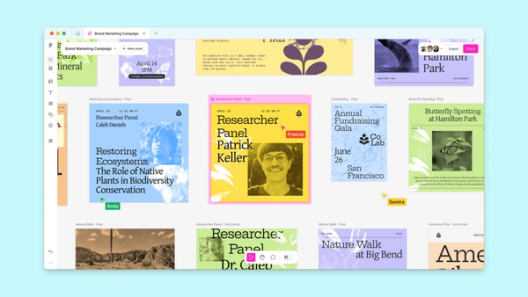
Use Asset View to fine-tune an individual design, or zoom out to Grid View to see the assets side by side on the canvas, even if they’re in varying sizes. Organize them by rows, or multi-edit at scale. Having a bird’s eye view of your entire campaign—from an Instagram Story to a Google display ad—gives you the context you need to make higher-level decisions.
What’s Next
We built Figma Buzz to streamline workflows between designers, marketers, and other creative partners as they build buzz about what they’ve built in product. We’re excited for what’s to come and always working on improvements, so try Figma Buzz, which is currently in beta and rolling out to users today.