How teams tap into the power of design with Figma Slides




Today, we’re announcing new features in Figma Slides that unlock high-fidelity design and cross-functional collaboration.
Share How teams tap into the power of design with Figma Slides
Since we first launched Figma Slides Say goodbye to lackluster presentations. Today, we’re announcing the open beta of Figma Slides, here to set a new standard for telling visual stories. From extensive image libraries to design cleanup, plugins for Slides are here to help you prepare and polish your presentation.

Stack the deck with Figma Slides
Save time on building decks—without sacrificing design
- Video improvements: View and control videos right in the editor with more advanced capabilities like blur effects, scrubbing, and playback speed.
- Components: Create and use components to keep designs consistent, from brand assets to customer logos.
- Object-level animations: Bring individual layers to life with slide and fade animations.
- Import and export .PPTX: Work on .PPTX files in Figma Slides, or export your designs for external collaborators and clients.
Along with everything we’ve shipped so far, these updates bring design precision into a familiar slides interface, so designers and their collaborators can create impactful presentations in a shared space. With Figma Slides, features designers know and love like auto layout, custom fonts, connected brand libraries, and embeddable prototypes are at the fingertips of the whole team. The difference is in the details, and no one knows this better than our community. “They’re more than just slides,” says Jessica Rosenberg, Creative Director at AI platform Jasper. “They’re storytelling tools crafted to inspire, communicate effectively, and foster alignment.”
From internal reviews, to sales decks, to client presentations, here are just a few of the ways designers, developers, and cross-functional teams are bringing their ideas to life in Figma Slides.
Fine-tune your design
Whether you’re tapping into a design system or using branded assets, Figma Slides lets you easily remix and reimagine with templates while staying on brand.
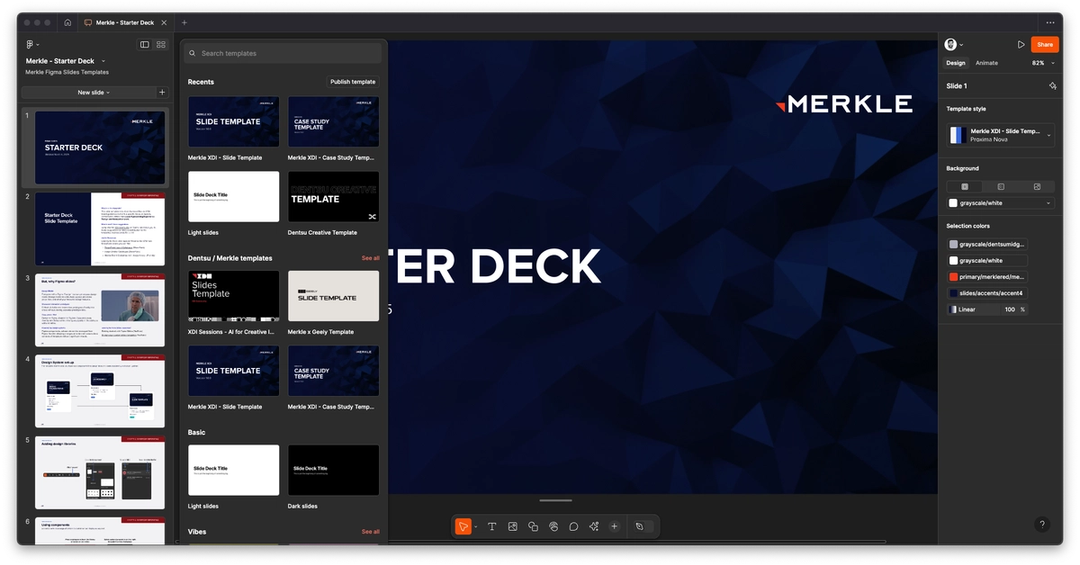
Making a deck that accurately reflects your work is much easier when you can pull assets and components directly from what you’ve already built in Figma. Dave Calleja, Head of Design at Merkle, describes how the team uses core templates with components inherited from their global design system, but curated specifically for slides.
They’ve also tailored templates for presenting UI/UX design, research, or data visualization—or client-specific styles and components. This system helps the whole team create visually compelling presentations without having to make so many design decisions, he says: “They’re empowered from the start, so the [quality] bar is much higher.”

Raising the bar was what AI platform Decagon had in mind when they reimagined the company sales deck. “We wanted to make slides that were customized to our brand, with our designs and assets, and keep finer-grain control over how things look,” says Jesse Zhang, Decagon’s Chief Executive Officer. Product and brand designer James Wu created a template that drew color inspiration from one of Decagon’s 3D shape renders representing their brand, and included an appendix of layouts that can be remixed based on the customer’s specific priorities. “There’s ROI in the impression we leave,” says Jesse. “We can get specific about a customer’s criteria for success.”
There’s ROI in the impression we leave.
Control the narrative
Different audiences respond to different cues—zoom out to grid view to find the right hook and easily resequence your talking points.
Part of telling a good story is knowing your audience—your slides need to flex to meet those narrative needs. Creative director and designer Jamey Gannon kept this in mind when she designed Raise, a Figma Slides template for early-stage founders raising venture capital. As a co-founder in a past life, she’s learned a lot about striking a chord with investors. First, she says, it’s important not to fall prey to “shiny object syndrome” and distill the business down to a clear, compelling idea.
“But every deck is different depending on the round of fundraising you’re in, who the founders are, and the type of product you’re building,” says Jamey. “I’ve created decks for clients that are more insight-driven, and the team is the very last slide. In others, the team slide comes first because it speaks to their experience or how they arrived at a problem or solution.”

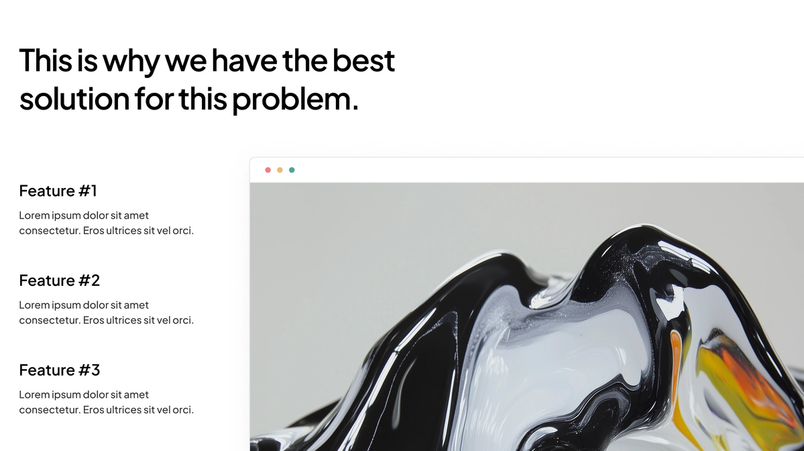

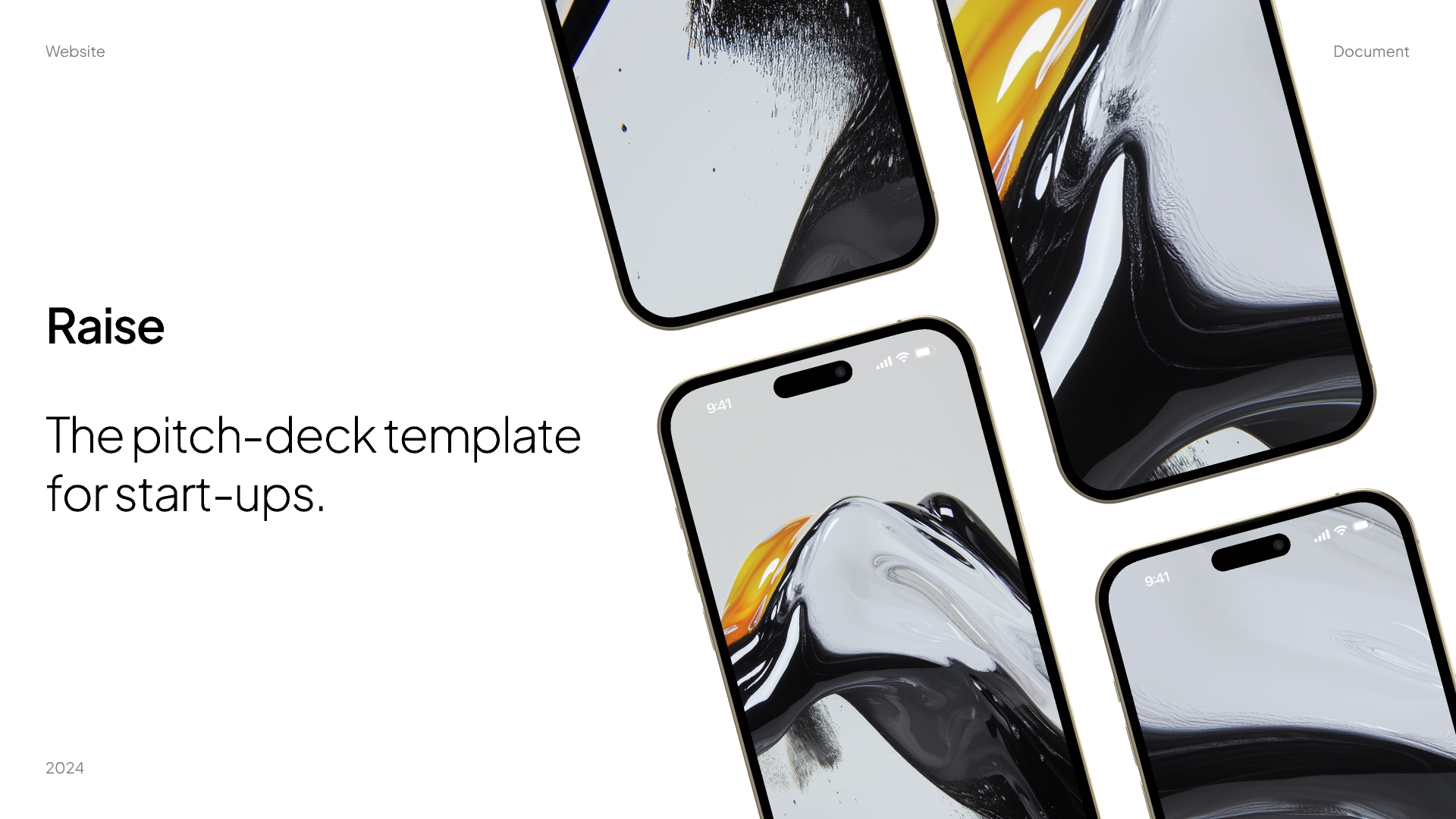
Try Raise, a pitch deck template for seed and pre-seed fundraising.
Break down collaborative barriers
Take the friction out of shared work with collaborative features aimed at keeping teams aligned.
For Jamey, Figma Slides was also a “huge unlock” when it came to working with clients—offering the best of both worlds. “It has all the best parts of Figma, which are the powerful design tools, whether it’s animation, color libraries, or auto layout,” she says. “But it’s also extremely user-friendly. It’s a familiar layout for non-designers, so it feels less overwhelming to use.”
The friendly interface has also streamlined workflows at Jasper, where “the ability to seamlessly transfer styles into a slide deck without the hassle of exporting PNGs has been a true game-changer,” says Jessica, Creative Director at Jasper, where her team uses Figma Slides for everything from design presentations to roadmapping to internal communications. “We’re able to stay in flow state, work fast, and not get bottlenecked.” As a proof point, since the Jasper executive team tried Figma Slides, it’s now Chief Financial Officer Amy Sunderman’s exclusive presentation tool.
The ability to seamlessly transfer styles into a slide deck without the hassle of exporting PNGs has been a true game-changer.
At the digital studio Human, Figma Slides has made it possible for the whole team to collaborate on web design and brand identity work. Explains creative strategist Zachary Sniderman, “It’s incredibly helpful for developers because there’s a sense of immediacy as well as a 360-degree view of the architecture of the project.”
For a dispersed team, the simple act of following someone’s cursor when they’re fine-tuning a slide—a familiar aspect of creating in Figma—helps bring everyone together and focus attention. Because it’s so easy to use, copywriters are working directly in Figma Slides as well, treating the messaging more like visual art. “It’s helped them think more visually because it’s a lot easier to manipulate and align elements,” says Zachary.
Get audience feedback
Make presentations a two-way street with clickable prototypes, polls, alignment scales, and stamps.
Building a deck is one thing—capturing your audience’s attention is another. Just ask Elissa Martial, who’s a Figma Campus Leader at the University of Southern California. As a design mentor for a startup club, Elissa knew her workshop on dev-designer workflows would need to be engaging and easily digestible. “I was going to be leading this workshop at 9 pm for a bunch of exhausted college students, so I knew it would have to be concise, visually striking, funny, and hands on,” she says.

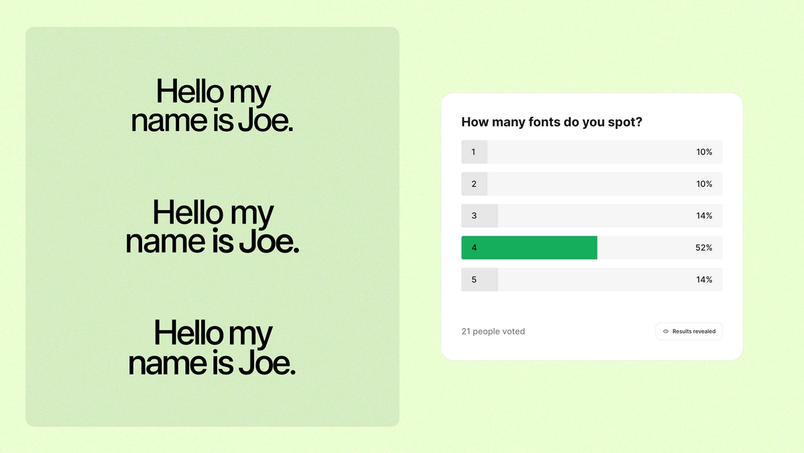


Try this Dev-Designer Workflow template to structure an interactive workshop.
To make the presentation interactive, she polled participants about how many fonts they could see on screen. “Without fail, every designer identified four or more, and developers failed to spot more than two,” says Elissa. “It proved a point, garnered a few chuckles, and was ridiculously easy for me to set up.” Later, she embedded a working prototype demonstrating variables: “Being able to see variables at work made it much easier for everyone to understand the capabilities of Figma.”
With Figma Slides now available for anyone on a Full, Dev, or Collab seat, we can’t wait to see where you take the tool next. To learn more about recent updates or to get even more out of Figma Slides, check out our Release Notes or sign up for our upcoming livestream.