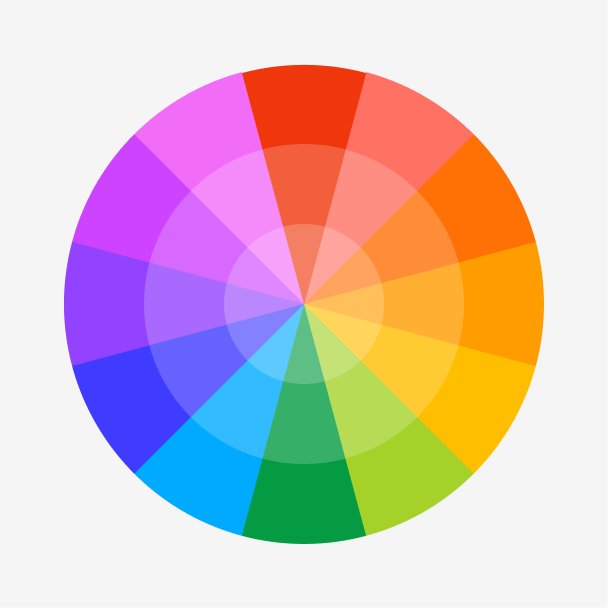
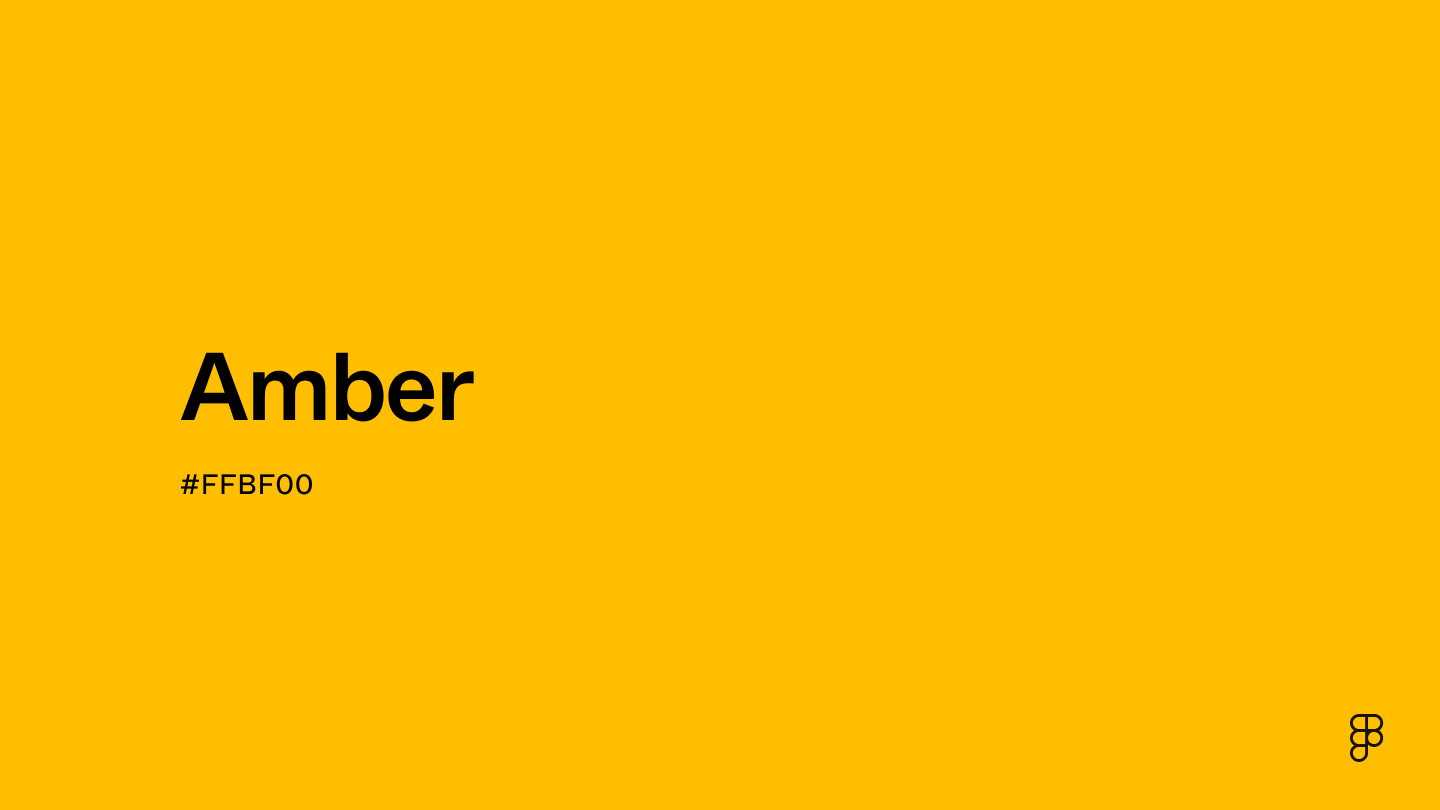
Amber is a warm and inviting color that combines the golden glow of yellow with the richness of orange. It exudes a sunny, cheerful vibe that captures the essence of its namesake, the fossilized tree resin. It sits between yellow and orange on the color wheel, making it perfect for adding a touch of warmth and luminosity to designs and enhancing visuals with its radiant and cozy appeal.

Color variations
Shades
Tints
Tones
Hues
Color harmonies
Complementary
Split
Monochromatic
Analogous
Triadic
Square
Custom palettes
Honeycomb
Sunny Day
Freshly Squeezed
Amber is defined by the following color codes and values to ensure consistency across various digital platforms and devices.
- HEX code: #FFBF00
- RGB value: 100% red, 74.9% green and 0% blue
Accessibility considerations play a crucial role in UX and UI design color choices. Figma offers plugins in the Community to make sure your designs meet Web Content Accessibility Guidelines.
Amber's rich, golden tones bring warmth and vibrancy to UI design. Here's how to leverage its potential effectively:
- Create contrast and hierarchy. Amber excels at establishing a clear visual hierarchy, popping against light and dark backgrounds. Use it for titles, buttons, or other key elements to improve readability and guide the user's eye through your content.
- Evoke positive emotion. The warm glow of amber creates a cozy and inviting atmosphere within web and app interfaces. Imagine a travel booking platform using amber accents to evoke the warmth and excitement of a dream vacation.
- Guide user interaction. As an accent color, amber is a great choice for highlighting interactive elements. Use it to draw user attention and encourage interaction, like a Book Now button.
Keep in mind that color and its meaning can change from culture to culture—and at any given time. If you are designing for a global audience, research color considerations for your specific regions.
For variations within the same radiant and warm spectrum as amber, consider:
- Goldenrod (#DAA520) captures the essence of amber with a slightly more subdued luminosity, evoking the warm, natural feel of late summer fields.
- Marigold (#FBE870) is lighter and brighter, offering a sunny, cheerful hue that shares amber's inviting warmth and vibrant energy.
- Saffron (#F4C430) introduces a hint of orange, mirroring amber's golden glow with a slightly more exotic and spicy undertone.
- Mustard (#FFDB58) is a more muted version, retaining the warmth of amber while adding a touch of earthiness for a more understated appeal.
To complement amber's glowing tones, consider pairing it with:
- Deep teal (#00585E) provides a rich, contrasting backdrop that makes amber's brightness pop, evoking the depth of ocean waters against a sunset.
- Charcoal gray (#4A4A4A) offers a neutral, sophisticated balance to amber's vibrancy, grounding the palette with modern elegance.
- Ivory (#FFFFE3) is soft and light, creating a gentle contrast that enhances amber's warmth for a cozy, inviting atmosphere.
- Plum (#8E4585) adds a deep, luxurious complement, pairing beautifully with amber for a rich, autumnal vibe.
- Forest green (#2E6F40) grounds the palette with its deep, natural hue, echoing the colors of a sunlit forest and highlighting amber's earthy qualities.
Other colors worth considering include navy blue for a classic, dignified look, cream for a soft, harmonious blend, and burgundy for a bold, dramatic contrast.
While amber is versatile, it may clash with:
- Bright pink (#FF69B4) can be too stark and vibrant, overshadowing amber's natural glow with a contrast that may feel jarring.
- Lime green (#89F336), with its high intensity, might detract from amber's warmth, creating a visually unsettling combination.
- Electric blue (#00F0FF) offers a cool, vivid contrast that can overshadow the subtlety and warmth of amber, leading to a clash of energies.
- Neon orange (#FFA500), while close in the spectrum, can compete too directly with amber, resulting in a palette that lacks distinction and balance.
- Bright purple (#800080), though regal, can overpower amber's golden glow with its dominance, potentially creating a discordant visual effect.
With its natural beauty and sun-like glow, amber represents warmth, comfort, and nostalgia. Its yellow aspects bring brightness and optimism, and its orange hues inspire creativity. Across cultures, amber's value varies: in ancient Greece, it was seen as Apollo's divine gift, symbolizing eternal life; in Chinese culture, it stands for courage and strength. In Native American tradition, it is a protective talisman.
In color psychology, amber's joyful hue promotes energy, stimulating the senses and sparking enthusiasm and excitement.
In UI/UX design, amber makes user interfaces more appealing. It highlights important features like CTAs and notifications, improving user engagement. Amber can create a warm, welcoming atmosphere, using its psychological effects to enhance the user experience. This can make the brand seem friendly and lively.
The name amber originates from the material known as amber—a fossilized tree resin admired for centuries for its natural beauty and warm glow. English first documented the use of "amber" as a color name in 1500.
Historically, amber was associated with magic, spirituality, and even healing. Ancient civilizations crafted amber into jewelry, amulets, and decorative objects, which were often symbols of wealth and status.
Contrast checker
Contrast 1.65
- Large Text
#FFBF00
- Normal Text
How you design, align, and build matters. Do it together with Figma.
| Category | ||
|---|---|---|
Fail | Fail | |
Fail | Fail | |
Fail | Fail |
Contrast 12.7
- Large Text
#FFBF00
- Normal Text
How you design, align, and build matters. Do it together with Figma.
| Category | ||
|---|---|---|
Pass | Pass | |
Pass | Pass | |
Pass | Pass |
Color simulations
Protanopia
Deuteranopia
Tritanopia
Achromatopsia
The hexadecimal color #FFBF00, known as amber, has RGB values of R:255, G:191, B:0 and CMYK values of C:0, M:0.25, Y:1, K:0.
| VALUE | CSS | |
|---|---|---|
| HEX | FFBF00 | #FFBF00 |
| RGB DECIMAL | 255, 191, 0 | rgb(255,191,0) |
| RGB PERCENTAGE | 100, 74.9, 0 | rgb(100%,74.9%,0%) |
| CMYK | 0, 25, 100, 0 | |
| HSL | 44.9°, 100, 50 | hsl(44.9,100%,50%) |
| HSV (OR HSB) | 44.9°, 100, 100 | |
| WEB SAFE | FFCC00 | #FFCC00 |
| CIE-LAB | 81.03, 10.381, 83.029 | |
| XYZ | 59.872, 58.525, 8.143 | |
| xyY | 0.473, 0.463, 58.525 | |
| CIE-LCH | 81.03, 83.676, 82.873 | |
| CIE-LUV | 81.03, 53.789, 83.317 | |
| HUNTER-LAB | 76.502, 5.821, 47.24 | |
| BINARY | 11111111, 10111111, 00000000 | |
| iOS - SwiftUI | Color(red: 255/255, green: 191/255, blue: 0/255) | |
| iOS - UIKit | UIColor(red: 255/255.0, green: 191/255.0, blue: 0/255.0, alpha: 1.0) | |
| Android - Compose | Color(0xFFFFBF00) |