
MCP client tools

Connect Figma to top MCP clients

However you like to code, the Figma MCP server adds Figma context to your favorite agentic tools.


MCP clients

  • claude code logo

    Claude Code

    • Supports Figma Design, Figma Make, and FigJam
    • Remote and local servers
    • Read and write access
  • claude logo

    Claude

    • Supports Figma Design, Figma Make, and FigJam
    • Remote and local servers
    • Read and write access
  • cursor logo

    Cursor

    • Supports Figma Design, Figma Make, and FigJam
    • Remote and local servers
    • Read and write access
  • vs code logo

    VS Code

    • Supports Figma Design, and FigJam
    • Remote and local servers
    • Read and write access
  • open ai codex

    Codex by OpenAI

    • Supports Figma Design and FigJam
    • Remote and local servers
    • Read and write access
  • windsurf logo

    Windsurf

    • Supports Figma Design, Figma Make, and FigJam
    • Remote and local servers
    • Read and write access
  • amazon kiro logo

    Kiro

    • Supports Figma Design and FigJam
    • Remote and local servers
    • Read only access
  • Replit logo

    Replit

    • Supports Figma Design and FigJam
    • Remote server only
    • Read only access
  • Warp logo

    Warp

    • Supports Figma Design, Figma Make, and FigJam
    • Remote and local servers
    • Read and write access
  • firebender logo

    Firebender

    • Supports Figma Design, Figma Make, and FigJam
    • Remote and local servers
    • Read and write access
  • factory logo

    Factory

    • Supports Figma Design and FigJam
    • Remote and local servers
    • Read and write access
  • augment logo

    Augment

    • Supports Figma Design and FigJam
    • Remote and local servers
    • Read and write access
  • google gemini

    Google Gemini CLI

    • Supports Figma Design and FigJam
    • Remote and local servers
    • Read only access
  • atlassian studio logo

    Atlassian Studio

    • Supports Figma Design and FigJam
    • Remote and local servers coming soon
    • Read only access
  • android studio logo

    Android Studio

    • Supports Figma Design and FigJam
    • Remote and local servers
    • Read only access
  • amazon q logo

    Amazon Q

    • Supports Figma Design and FigJam
    • Local server only
    • Read only access
  • OpenHands logo

    OpenHands

    • Supports Figma Design and FigJam
    • Local server only
    • Read only access
  • servicenow logo

    ServiceNow Build Agent

    • Supports Figma Design
    • Remote server only
    • Read only access

Submit your app for review

If you’re looking to connect the Figma remote MCP server to your MCP client, you can apply to register your client for remote access.

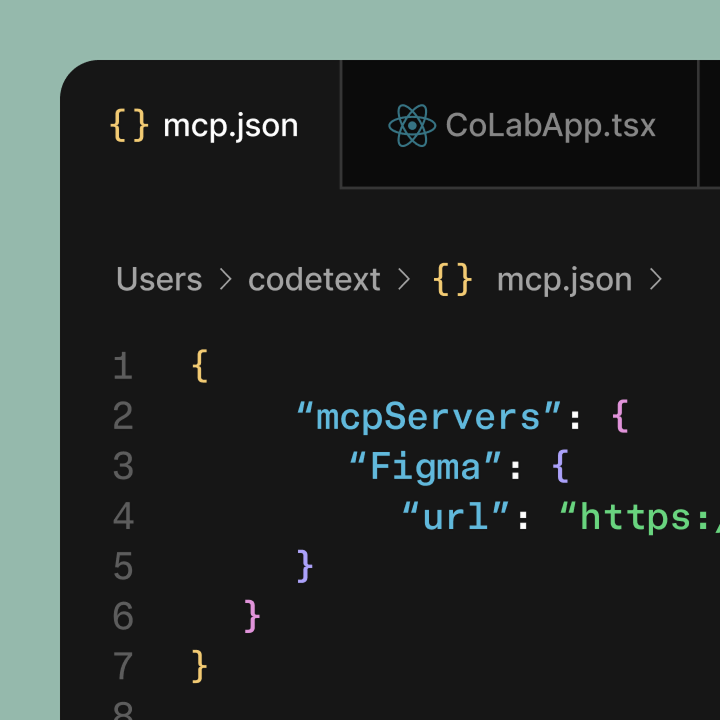
Dig into Figma MCP

Get started with the Figma MCP server

Learn how to set up the Figma MCP server, connect clients, and guide agents with prompts and skills.

View setup guide

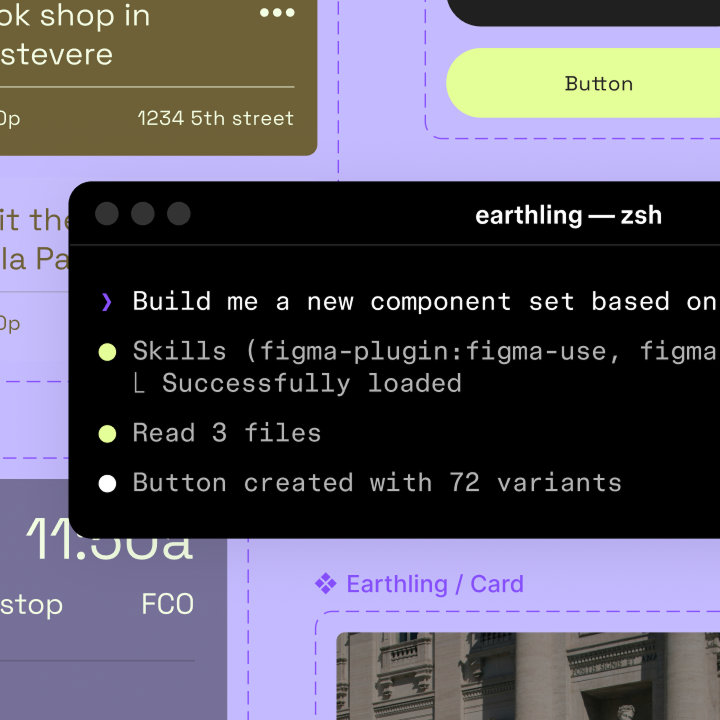
Design with agents on the Figma canvas

Bring AI agents into your workflow to design directly with your components, tokens, and systems.

Read the article

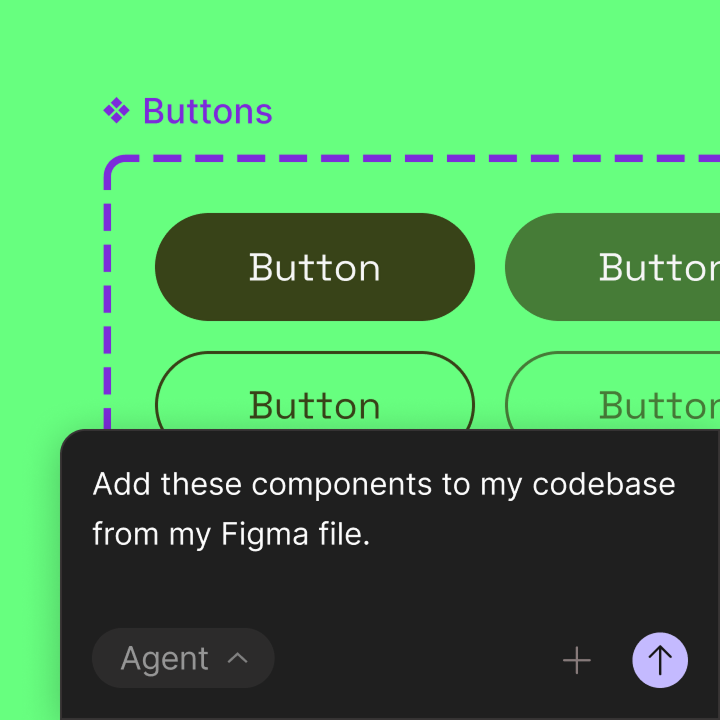
Introducing the Figma MCP server

Bring Figma context directly into the developer workflow to help LLMs achieve design-informed code generation.

Read the article