FigJam
Share key status updates with our project status report template
With project management templates from FigJam, monitor the progress of multiple projects, inspire initiative, and keep everyone on the same page. A successful project? You’ve got it on lock.

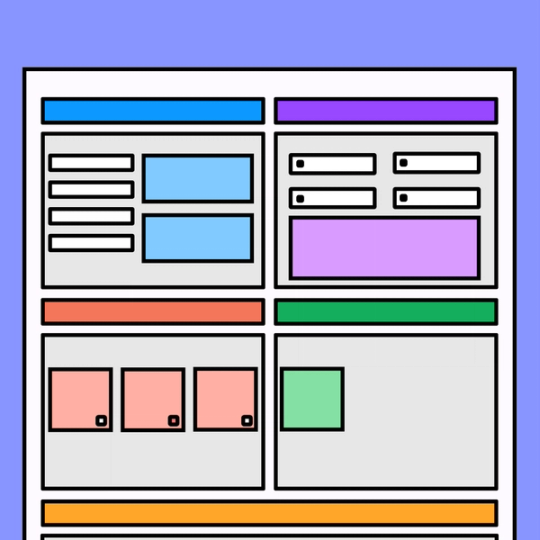
Project status report template
Open the door to seamless collaboration with an example of project status report in your back pocket.
Fire up the collaboration engine
Go full steam ahead on your project components and hit your milestones by evaluating, discussing, and planning project details together as a team.
Motivate your team: Keep progress from lagging when you map out what’s done—and what’s next on the to do.
Keep stakeholders in the know: Help project stakeholders understand the situation at a glance with a clear snapshot of the project’s progress, scope, risks, timeline, and more.
Make it visual: Highlight wins along the way with easy-to-read charts, graphs, and data visualizations.


FigJam
Unite your crew
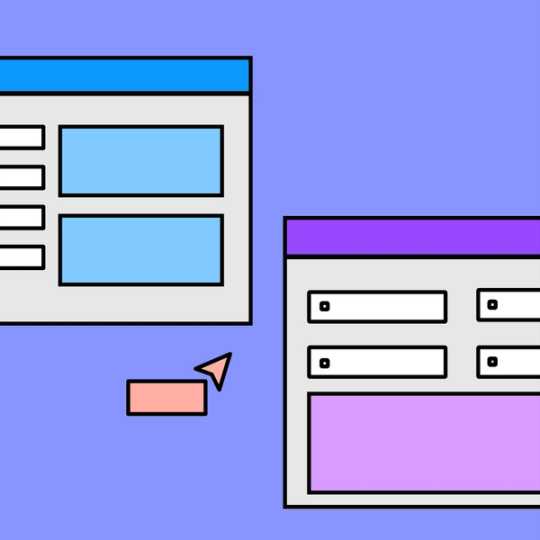
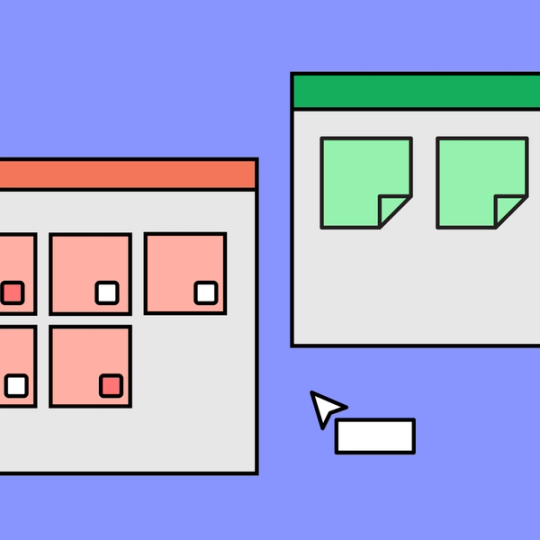
Bring your project team together with our sample project status report. No matter the scope of your project, FigJam templates and Community-built widgets help you keep all the facts straight and your team informed. With Markdown, Lil notes, and Badge, it’s smooth sailing—and faster shipping.
Plan one project, then another, and another
Map out the success of your current project with our project status report sample. Then, see what else you can manage with more templates from our Community.





FAQs
A project management status report template helps to summarize and track the progress of your project. While typically used by project managers, project status report templates can be incredibly helpful for any individual or team that’s trying to meet a goal or share their status on any given endeavor.
If you’re managing a venture and want to easily share updates with stakeholders or team members, look no further than our project status update template. Simply open up our free template for project status report to start breaking down your progress on an actionable, living document. Click here to learn more about how to create a project status report.
Writing a project status report can be a valuable opportunity to reflect on the past and in turn help with project planning for the future with your team. To begin, you’ll want to organize your report into the following 5 sections:
- Project scope
- To do list
- Items in progress
- Items completed
- Analysis
Gather intel from your team to flesh out these segments, documenting key details about the original project and recording relevant changes to the project and project schedule. Then, discuss priorities moving forward—turning every vague to-do’s into a detailed task.
As you’re considering what elements comprise these documents and what should be included in a project status report, remember that you can—and should—customize your report based on the spirit of your team.
While you should definitely include completed work, next steps, and a project overview that outlines scope, budget, and potential challenges, remember that your document doesn’t have to follow any sample project status report to the tee. Shoutouts for vocal team cheerleaders and superstar collaborators? Yes, please.
Other templates you might like








Explore 1,000+ templates on the Figma community
Explore even more templates, widgets, and plugins—all built by the Figma community.