
Make a LinkedIn banner
Create a LinkedIn banner for your profile
Start fast, customize quickly, and export a polished LinkedIn banner.

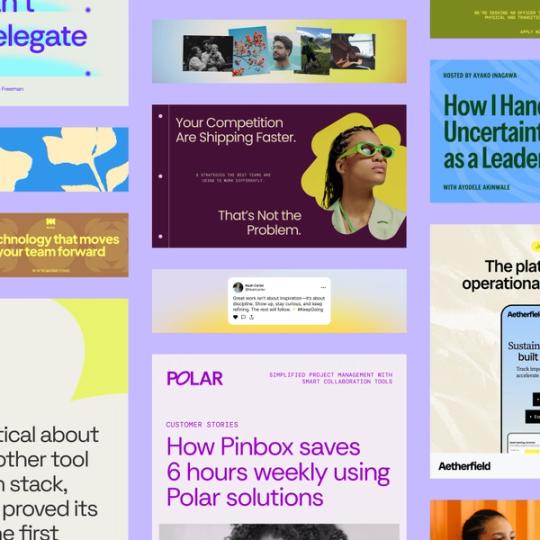
Make your profile stand out with a custom LinkedIn banner
Your LinkedIn banner is one of the first things people see on your profile. Start with a design that looks professional, update it with your own colors, visuals and text, and export a banner you can upload in minutes. Buzz makes the process simple so you can focus on telling your story.

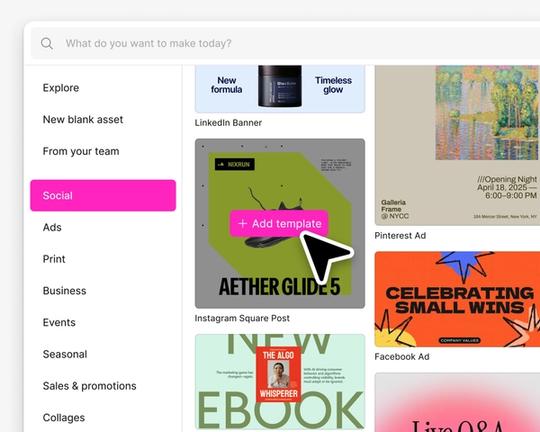
Select a LinkedIn banner template
Browse LinkedIn-ready banner designs organized by style and purpose. Start with a polished layout and make it your own.

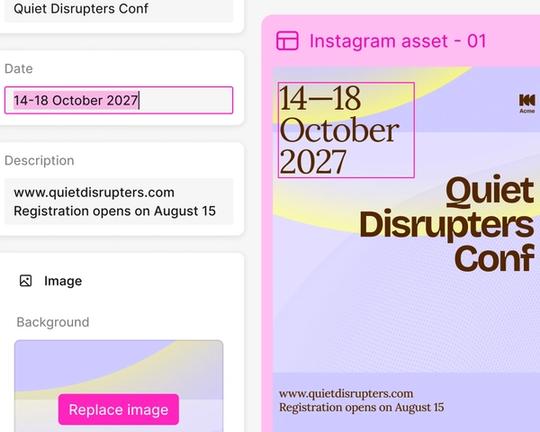
Customize every detail fast
Swap images, adjust fonts and colors, and edit text with simple controls. Keep your layout clean while shaping the design to fit your personality or brand.

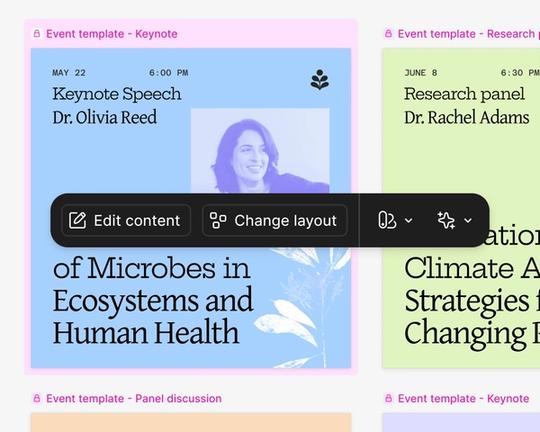
Make different versions
Duplicate your banner to try alternate images or layouts. Keep your message consistent while experimenting with different visuals.

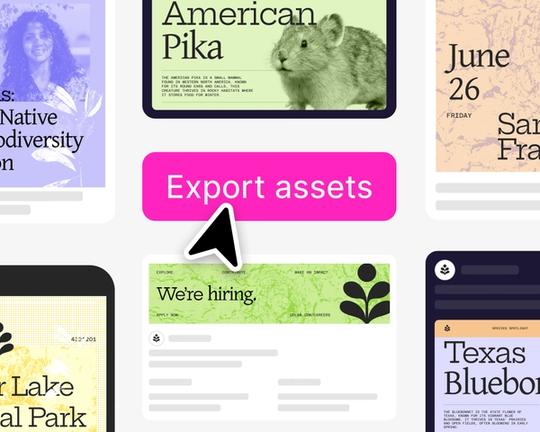
Export and upload easily
Export your banner as PNG, JPG, or PDF in the right size for LinkedIn. Upload it directly to your profile and update anytime.
How to make a LinkedIn banner
Start with a high quality template
See what linkedIn banners designers are creating in Figma Buzz!