Letter spacing
What is letter spacing?
Letter-spacing, also known as character spacing or tracking, refers to the adjustment of space between characters in a line or block of text. This typographical technique can significantly impact the visual density of text, thereby influencing its legibility and readability.

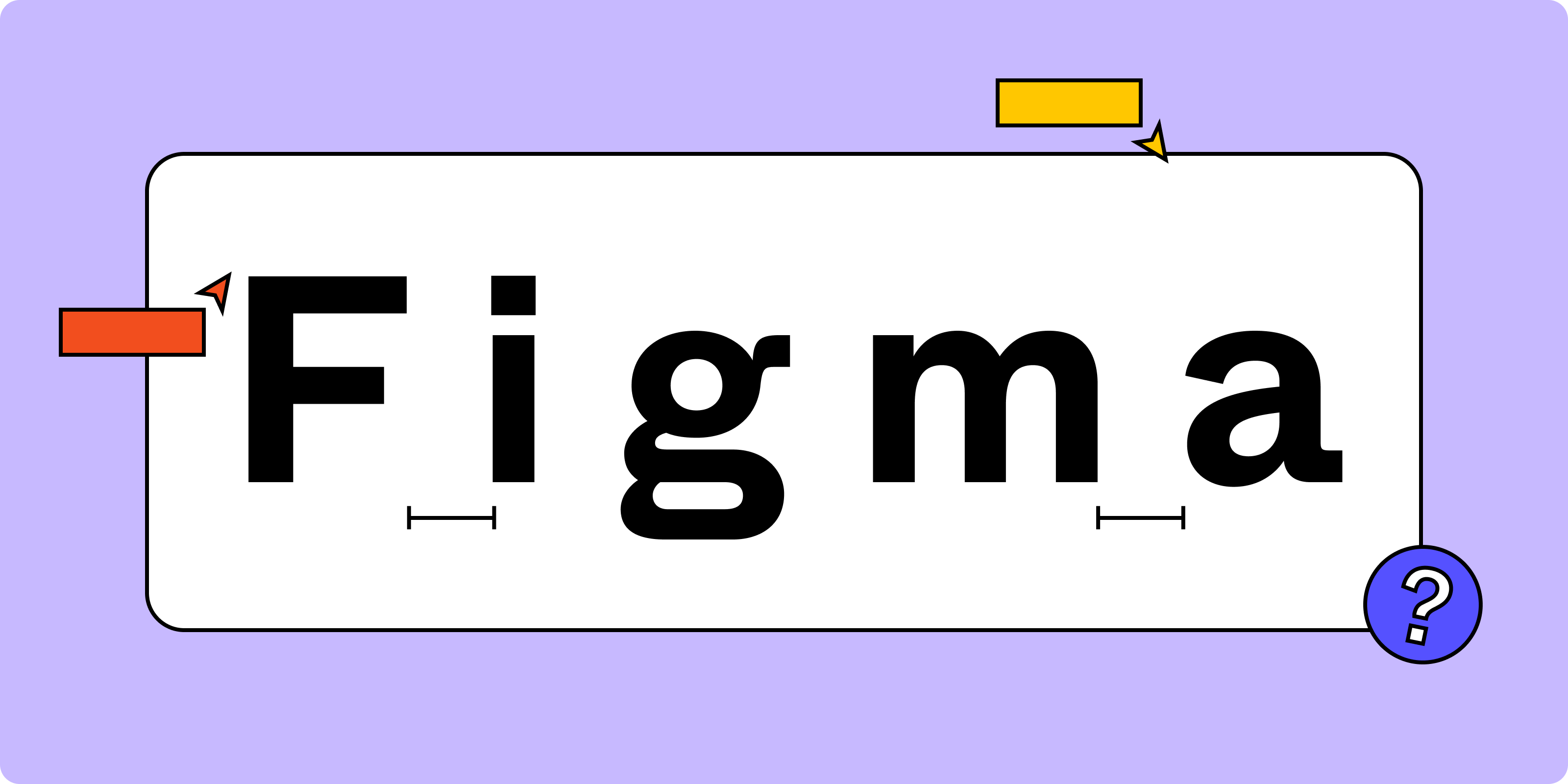
Understanding and appropriately adjusting letter-spacing can significantly enhance the overall user experience of written text. Whether it's readability, legibility, or accessibility, letter-spacing plays a pivotal role in making content more user-friendly.
How letter spacing affects typography
Letter-spacing impacts how comfortably a user can read the content. If the white space is too small, the lines of text might appear cramped, making it challenging for the readers to distinguish between individual characters. Conversely, if the amount of space is too large, the text may seem disjointed, disrupting the reading flow.
1. Letter spacing vs kerning
Letter spacing uniformly adjusts spaces between characters, while kerning selectively alters the space between specific character pairs. For example, consider the letter pair 'AV.' Without kerning, the top of the 'A' and 'V' might have too much space between them, looking disjointed. Kerning adjusts this by bringing them closer, creating a more visually pleasing and cohesive look.
2. Adjusting for font size
Finding the right letter spacing is a balancing act that varies with font size. For smaller text, typically under 16px, a slight increase in letter spacing can significantly improve legibility. Conversely, larger text, such as headings, often requires less spacing to maintain visual coherence and impact.
3. Capital letters and readability
Text composed of capital letters presents a unique challenge in readability. Increasing letter spacing for such text is a good practice, as it aids in distinguishing individual letters, enhancing overall readability, especially in headings and emphasized text.
Using letter spacing in web design
Advanced web design practices utilize letter spacing as a pivotal element in improving user experience, readability, and accessibility, making it an indispensable skill for web designers.
1. Implementing letter spacing in web design
In web design, HTML and CSS (Cascading Style Sheets) provide the means to manipulate letter spacing, offering designers a potent tool to enhance both the readability and the visual appeal of their web pages. This adaptability is crucial in creating designs that are both engaging and easy to navigate.
2. CSS and letter spacing
The CSS letter-spacing property is a key tool for designers, allowing precise control over the space between characters. The value can be positive (to increase spacing), negative (to decrease spacing), or zero (for default spacing).


In the above CSS code snippet, the letter-spacing value for the paragraph text is set to 2 pixels, implying an increase in the default space between the characters.
3. Accessibility considerations
Letter spacing also plays a crucial role in accessibility. Research suggests that wider spacing can improve reading comprehension and speed, particularly for individuals with dyslexia. Adhering to guidelines set by organizations like the World Wide Web Consortium (W3C), which recommend letter spacing of at least 0.12 times the font size, helps ensure that digital content is accessible to a broader range of users.
Remember, while there are general guidelines for letter-spacing, it ultimately depends on the specific typeface, audience, and context. So, don't hesitate to experiment, test, and iterate to find the optimal letter-spacing for your design projects.
Sign up for Figma today
Ready to improve readability and style? Optimize your letter spacing with Figma today!
Related Terms
A. Kerning:
Kerning is the adjustment of space between individual letter pairs in typography. It's essential for achieving balanced and visually pleasing … Read the full definition »
B. Typography:
Typography is the art and technique of arranging type to make written language readable and visually appealing. It encompasses letter spacing and … Read the full definition »
C. Usability:
Usability refers to the ease with which a product or design can be used effectively and efficiently. Letter spacing can impact the usability of text in … Read the full definition »