How Figma Make empowers product managers at Civica
How Figma Make empowers product managers at Civica
Civica makes software that helps over 6,000 public bodies provide critical services to over 100 million citizens. Working in sensitive sectors such as government and healthcare, product development requires caution, careful compliance, and input from busy industry professionals.
But even in a trusted, tightly regulated industry, speed is still possible. Sarah Hibbert, who leads product management for health applications at Civica, is now using Figma Make to help her team drive more impact in the design process and boost development velocity.
Empowering everyone with enterprise-wide Figma licenses
Designers at Civica had been using Figma Design for a number of years, but Sarah and other PMs had been viewers only. Now, with the introduction of an enterprise‑wide license, the entire product team can participate more directly in shaping early concepts and contributing to the design process, which means “we can get in and do what we want to do, too.”
This broader access builds on the strong collaboration already in place across Civica’s product organization. “Now that everyone can work in the same Figma document in real time,” said Sarah, “our engineers, product people, and designers can align even more quickly and work together more effectively in squads whenever we need to.”
For product managers like Sarah, it means discussions move faster, decisions are more informed, and teams can progress toward the right solution with even greater efficiency. “And that’s advanced even more now we’re using Figma Make.”
Giving product managers autonomy to create
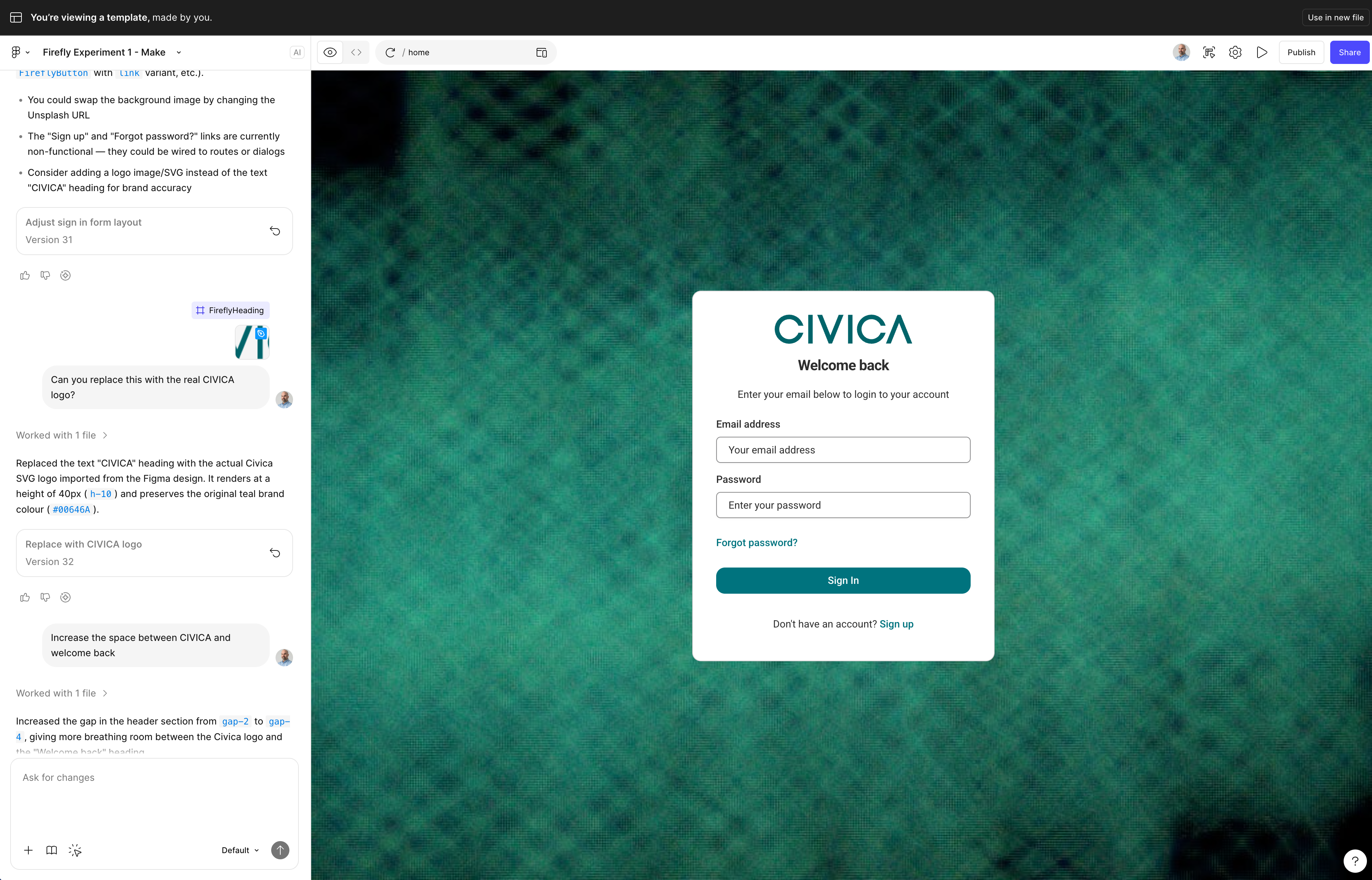
“In the past, I would talk to the design team, they’d work on the designs, and we'd use one,” says Sarah. Now, Figma Make adds an extra layer of creative flexibility, empowering Sarah to explore initial ideas herself. “I just ask Figma Make to come up with something, and that provides the platform for the design team to focus on the craft.”
The result is an even richer stream of ideas entering the design process. “I'm constantly using Figma Make. By the time I get home, I’ve shared the prototype and asked the designer, ‘what do you think of this?’”

Evolving workflows with Figma Make
As well as giving product managers new powers, Figma Make has inspired a fresh, design‑led evolution of Civica’s already well‑structured project workflows. Before, Sarah would take user stories to the engineering team to discuss product updates, with design incorporated at the appropriate stage of the process. “Now, with Figma Make, we can begin earlier with visual concepts, which naturally shifts the sequence of conversations.”
Using Figma Make, Sarah starts with designs based on her customers’ problems. “Then we go through to engineering to check feasibility and shape the user stories that follow, which can then get developed.”

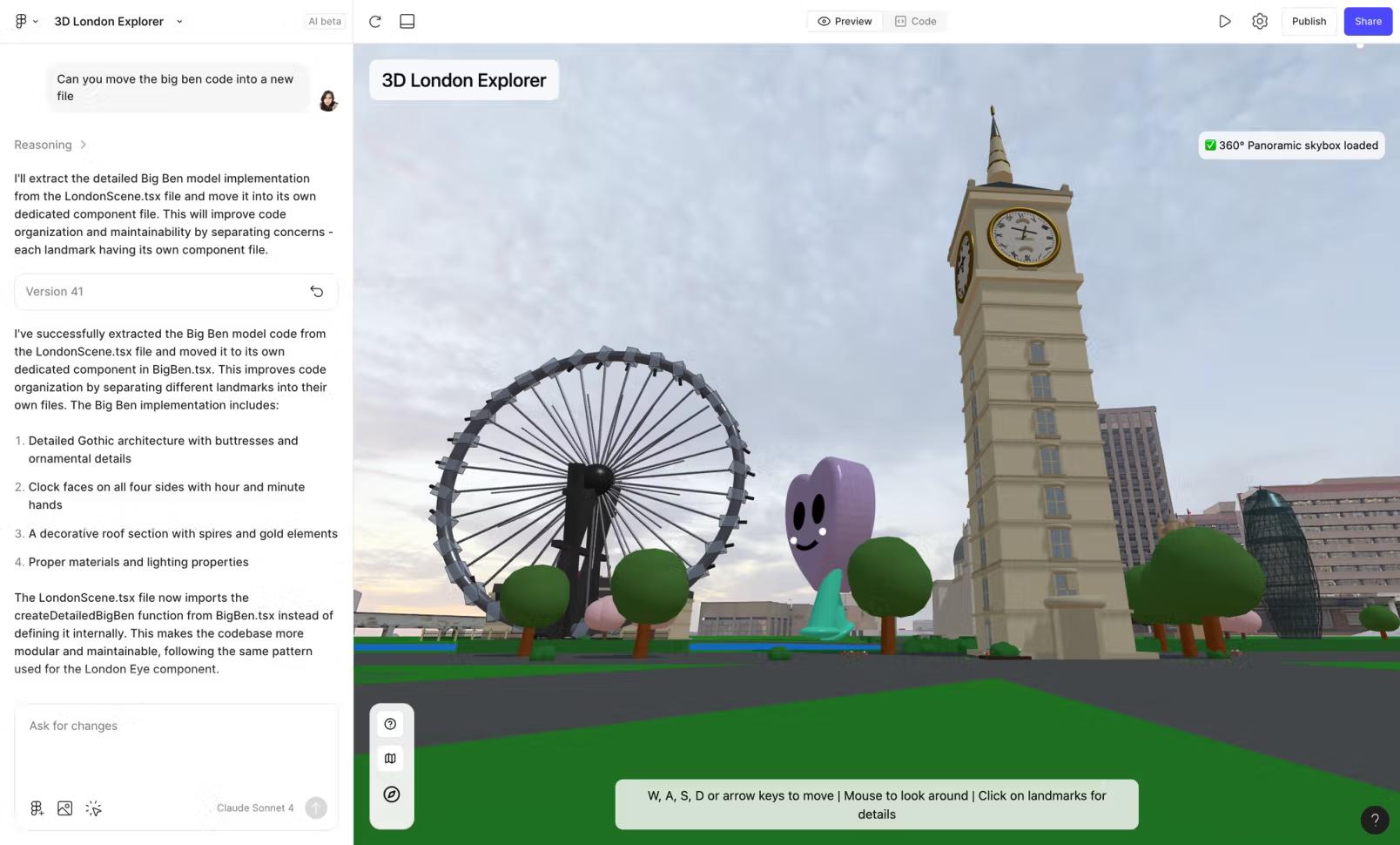
Read: 8 essential tips for using Figma Make, including best practices from the Figma team.
Instant iterations, convenient reviews, and fast feedback
The process of refinement and collaboration with Civica engineers has become much easier now that Sarah can share a working model. “I give them a link to something and say ‘go and play with this’ and see where the idea gets to.”
Figma Make offers Civica better agility in this exploration stage. While Civica’s approach has always ensured quality and rigour, Figma Make now enables early visual experimentation without placing additional demands on development time. Sarah told us, “I asked Figma Make to give me a Welsh version of my product and I was able to see that instantly.”
Perhaps the biggest advantage of being able to share prototypes and iterate at pace is how it fosters closer collaboration with clients, who in Sarah’s case are busy clinicians. "Doctors have to prioritise their time with patients, which makes it hard for me to get long one‑to‑one sessions for product feedback.”
Previously, the team would create working versions for review to ensure accuracy and reliability, which naturally took time to build. “Now I can give someone something I’ve created in Figma Make and say, ‘can you give me some feedback in real time over a call?’ That’s insanely useful.”
Better tools for better work
With Figma Make, Sarah’s feeling the benefits beyond work. “My other half said to me, ‘I can't understand why you're so energetic all the time.’ It's because I'm getting to use good tools.”
See how Figma can help you scale design
Great design has the potential to differentiate your product and brand. But nothing great is made alone. Figma brings product teams together in a fast and more inclusive design workflow.
Get in touch to learn more about how Figma can help companies scale design.
We’ll cover how Figma can help:
- Bring every step of the design process—from ideation, to creation, to building designs—into one place
- Accelerate design workflows with shared company-wide design systems
- Foster inclusivity in the product team process with products that are web-based, accessible, and easy to use